

Twitter Video Download: What Actually Works in 2026
I found the clip at 11:52pm. Product demo from a brand I'd been reverse-engineering for a week — tight hook, clean cuts, exactly the structure I'd been trying to crack. I tapped Share. Nothing. I screenshotted the profile. Opened three tabs. Fifteen minutes later, the account went private.
That was the moment I got serious about Twitter video download.
Dora here. I've been building short-form content workflows for long enough to know that great reference clips don't wait for you. They show up once, get deleted, or disappear behind a paywall. Having a reliable download system isn't optional — it's infrastructure.
Here's what actually works in 2026, plus the stuff that'll waste your time.
Why Creators Need to Download Twitter Videos
Research, Reference, and Archiving
The core use case isn't copyright evasion — it's workflow. I track 15–20 reference accounts. When one posts something structurally smart, I want it stored locally, not buried in my bookmarks behind an algorithm.
Viral clips disappear faster than you'd think. Accounts get suspended, tweets get deleted, threads get hidden. Downloading is the difference between a reference library and a bunch of dead links.
Here's where most people screw up: they save the tweet URL and call it research. Three weeks later, the account is gone and so is the clip.
What's Legal vs What's Not
Okay, this part actually matters. Downloading a Twitter video for personal viewing is generally considered acceptable. Reposting it without permission is where the legal line sits.
When someone creates a video and posts it on Twitter, they own the copyright — Twitter's terms give the platform a license to display it, but the original creator still owns it. Downloading doesn't transfer ownership; you're making a copy for personal viewing.
X's own fair use policy outlines four factors courts weigh: the purpose and character of the use, the nature of the copied work, the amount used, and the market impact. Transformative, non-commercial uses are more likely to be considered fair use.
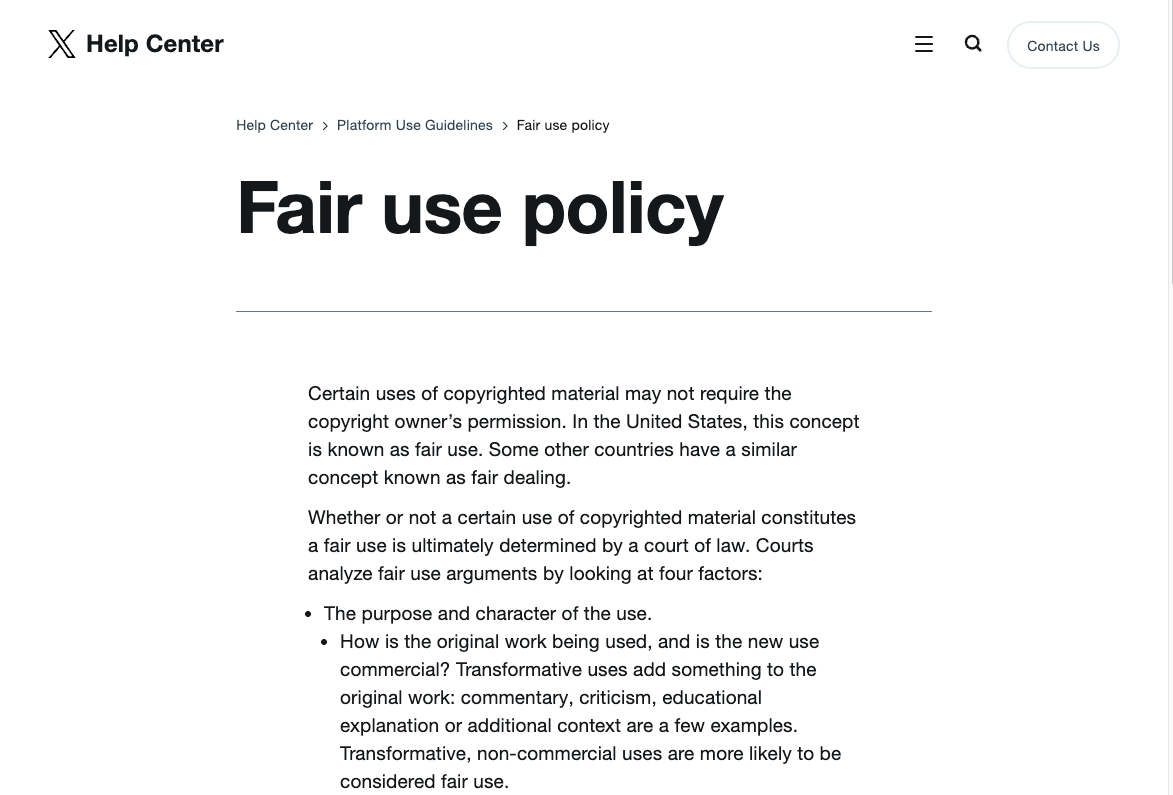
The short version: save clips for reference, structural analysis, and inspiration. Don't repost unedited. Don't monetize someone else's content. If you're unsure, X's copyright policy is worth reading before you do anything commercially adjacent.
Methods That Work in 2026
Browser-Based Tools (No Install)
This is what I use 90% of the time. No extensions, no accounts, no drama.
The workflow is the same across all browser tools:
Find the tweet → tap Share → Copy Link
Paste into the downloader
Choose quality (always go HD if available) → Download
Tools I've actually tested:
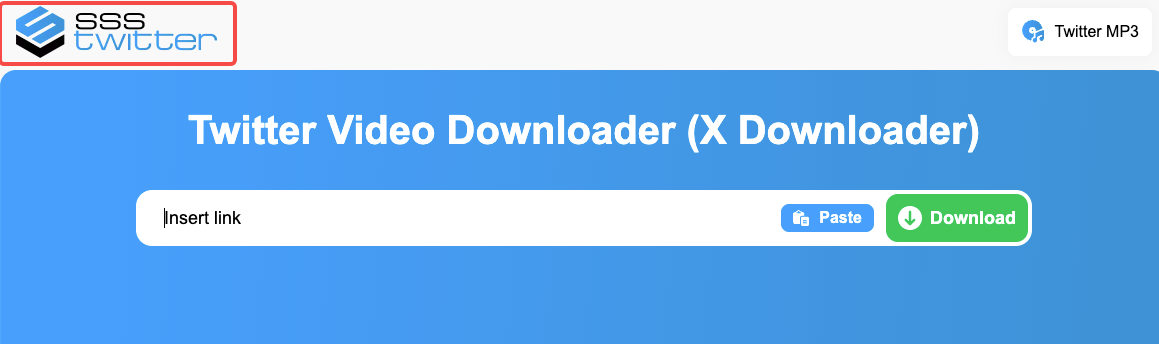
sssTwitter handles most standard clips reliably. Interface is functional, not pretty, but it processes fast and gives you SD/HD options. Works in Safari on iOS 13+, which matters.
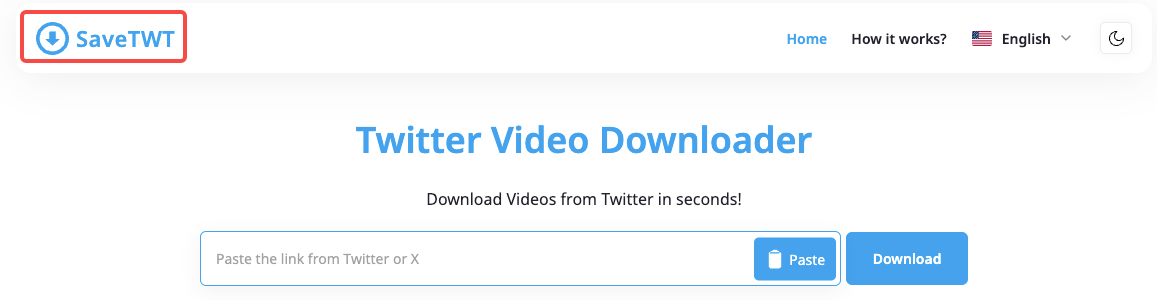
SaveTWT goes up to 4K on supported videos and strips no watermarks. Fetches directly from Twitter's CDN via encrypted link, which is cleaner than tools that reroute through sketchy redirects. I ran it 15 times across different clip types. Consistent results.
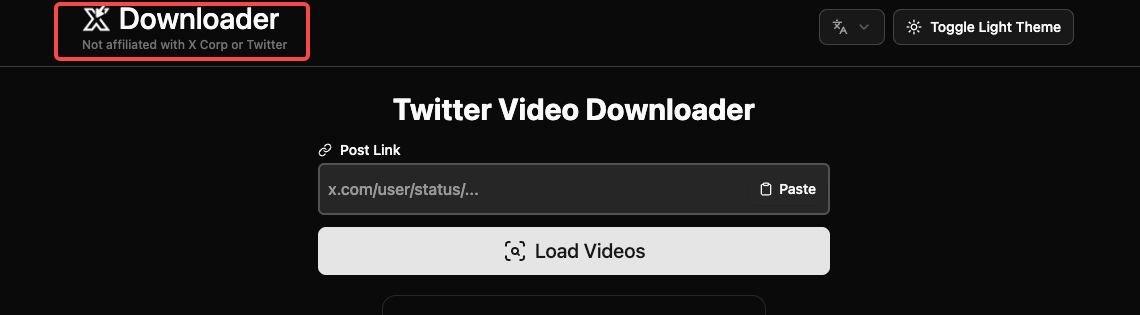
XDownloader handles mixed-media tweets — posts with multiple videos in a single thread. Most tools fail here. This one lists all available clips from a single tweet, which saves time when pulling reference batches.
I tested these side-by-side on the same 20 clips. Re-download rate (clips that needed a second attempt): sssTwitter — 3, SaveTWT — 1, XDownloader — 2. Not broken, just worth knowing where the edge cases show up.
Mobile Shortcuts
iPhone is more complicated. Android is not.
On Android: paste the tweet link into any browser-based tool from above. Done. No workaround needed.
On iPhone, the cleanest method I've found is the TVDL shortcut — a free iOS Shortcut that's been running since 2019 with 80K+ daily downloads. Install the shortcut via tvdl.app, open the X app, find the tweet, tap Share → Share via → select TVDL from the share sheet, choose your video quality, and it saves directly to your Photos app.
The catch: you have to enable "Allow Untrusted Shortcuts" in iOS Settings → Shortcuts. Apple gates third-party shortcuts by default. One setting change, then it works cleanly every time.
If you're already on iOS 13+ and prefer zero setup, Safari-based downloading through sssTwitter also works — hold the download button and select "Download Linked File" to save directly to Files.
Desktop Methods
Nothing exotic here. Browser-based tools work on desktop exactly as described above — paste, choose quality, download. Chrome, Firefox, Safari all handle it.
If you're doing bulk pulls — pulling 20+ clips from a research session — XDownloader's batch functionality is worth the setup. Most browser tools process one clip at a time.
Common Issues and Fixes
Private Video / Protected Accounts
This one has no fix. Full stop.
Private videos from protected accounts aren't accessible for download, even if you can see the tweet. Downloader tools won't work unless the account is public — this restriction is in place to protect user privacy.
If the account went private after you saw the clip, it's gone. This is exactly why I download reference material the moment I find it — not later, not after I finish the thread.
Video Quality Loss
This trips people up constantly. The issue usually isn't the tool — it's the quality selection.
Most tools default to the lowest resolution option to speed up processing. Always manually select HD or the highest available resolution before hitting download. A 720p clip saved at 360p isn't the tool failing; it's a UI trap.
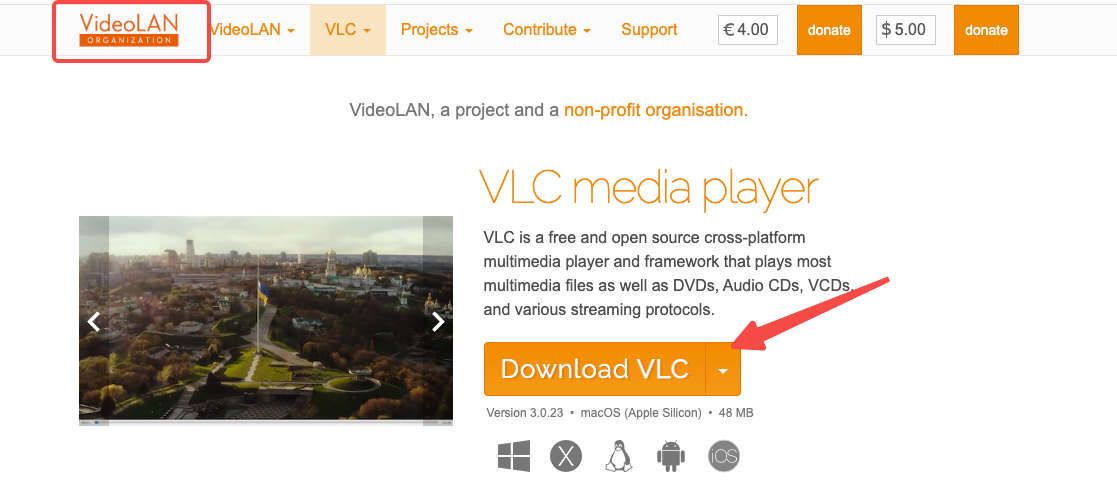
If the video still looks degraded after selecting HD: some older tweets were originally uploaded at low resolution. You can't recover quality that wasn't there. VLC Media Player is worth having for playback — it handles codec variations better than most default players and will tell you the actual resolution of what you downloaded.
After Downloading: What Creators Do Next
Format Conversion for Editing
MP4 is the standard output from every browser tool. It imports cleanly into CapCut, DaVinci Resolve, Premiere Pro, and Final Cut without conversion.
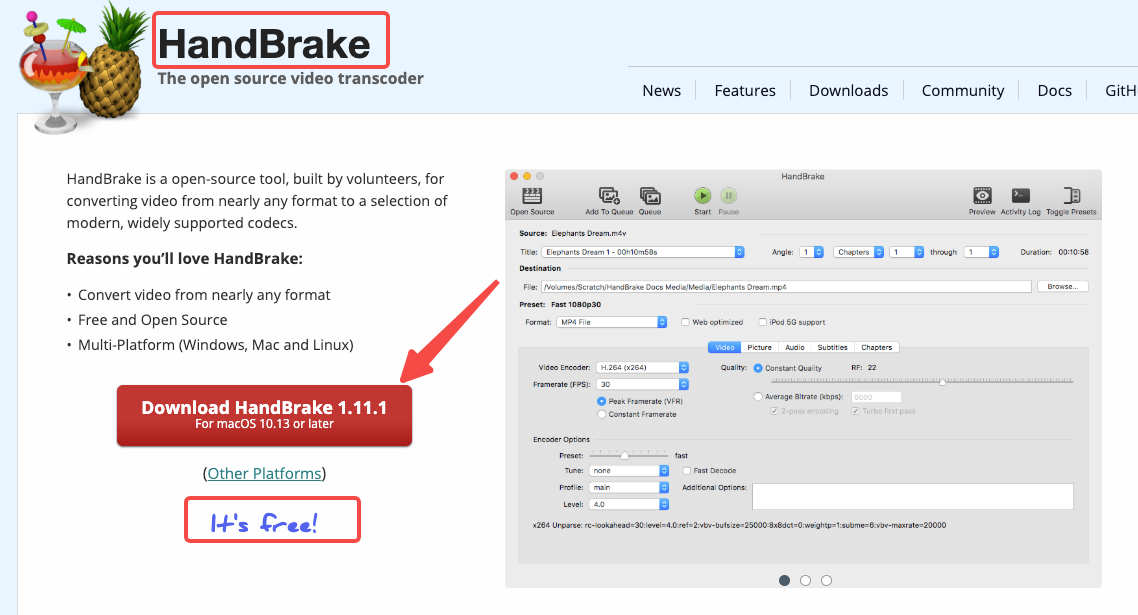
The one exception: GIFs downloaded as MP4 sometimes need re-encoding if you're dropping them into a presentation tool. HandBrake is free, handles format conversion without quality loss, and has been around long enough that its output is trusted across every major editing platform.
Using Downloaded Clips as Inspiration (Not Reposting)
I want to be clear about how I actually use these clips. I'm not reposting them. I'm studying structure.
What I look for: hook timing (how many seconds before the subject appears), cut rhythm, text placement, audio layering. I screenshot frames, write notes in a doc, sometimes slow the clip to 0.5x to catch edit decisions.
Repurposing clips for personal projects, educational presentations, or commentary falls under fair use — but redistributing full videos risks copyright infringement. Creators who repurpose Twitter clips into vertical formats for Instagram Reels see higher engagement, but the transformation has to be real.
The rule I use: if someone could watch your finished video and identify the source clip without transformation, you've crossed the line. Commentary, reaction, structural breakdown — those are defensible. Repost with a logo slapped on it — that's not.
FAQ
Q1: Is it legal to download Twitter/X videos?
Downloading for personal use is generally treated as acceptable; redistribution is where liability begins. The creator retains copyright regardless of whether the tweet is public. Some regions have "fair use" or "fair dealing" provisions allowing limited use for commentary, news reporting, or education — but these are complex legal areas, and it's best to seek legal advice if you're unsure. When in doubt, keep downloads local and non-commercial.
Q2: Why do some Twitter videos fail to download?
Three common reasons: the account is protected, the video was deleted before you attempted the download, or the tool's server hit a rate limit. Copyrighted videos available exclusively to certain regions also can't be downloaded — clips from sports events where the source only has broadcasting rights for one country are the most common cases. If a clip fails on one tool, try a second before assuming it's gone.
Q3: Can I download Twitter videos on iPhone?
Yes, with a workaround. The TVDL shortcut (available at tvdl.app) is the most reliable method — it saves directly to your Photos app via the iOS share sheet. Alternatively, open Safari and use any browser-based tool; on iOS 13+ you can save the file directly to your Files app by long-pressing the download link. Native X Premium download exists but is limited to newer videos where the uploader has enabled it.
Q4: What's the best quality format to download?
MP4 at the highest available resolution. Most clips top out at 1080p on X — some go to 4K if the original upload was high resolution. Always manually select the highest quality option in the downloader interface. Don't rely on the default, which is usually 360p or 480p. For editing, MP4 imports without conversion into every major tool.
Q5: Can I re-edit and repost downloaded Twitter content?
Only if the transformation is real. Commentary, critique, structural breakdown, and educational use have fair use arguments behind them. Reposting unedited — even with credit — still exposes you to DMCA claims. If you're building reaction content or analysis videos, the transformation needs to be substantial enough that your version is clearly a new work, not just a copy with your handle over it. Always credit the original creator in the caption.
I haven't found a single tool that handles every edge case perfectly. My current stack: SaveTWT for standard clips, XDownloader for multi-video threads, TVDL shortcut on iPhone. That covers maybe 95% of what I pull in a week.
The other 5%? Protected accounts, region-locked sports clips, deleted tweets I waited too long on. That last one's on me every time.
Previous posts: