

Twitter Video Tools Compared: Which to Use in 2026
Whether you're a content creator, social media manager, or brand marketer, choosing the right Twitter (X) video tool in 2026 can feel overwhelming. With dozens of options out there, it's hard to know which one actually fits your needs.
In practice, success on X rarely comes from a single tool. It comes from a stack — a workflow where each tool plays to its strengths. Tools like NemoVideo often sit at the production core, handling hooks, pacing, captions, and X-native exports, while downloaders and converters support sourcing, formatting, and file-size limits.
This guide breaks down the top tools across three key categories: editing, downloading, and converting. We'll compare features, highlight what each tool does best, and help you pick the right one for your specific needs.
👉 Learn Viral Specs + Best Practices
How to Choose the Right Twitter Video Tool
Before choosing the right tool, you need to understand your Twitter account type. Different Twitter (X) account tiers come with hard upload limits. These limits directly determine what kind of videos you can publish — regardless of which tool you use.
Account Tier | Max Duration | Max File Size | Recommended Resolution |
Non-Premium | 140 Seconds | 512 MB | 720p (1280x720) |
Premium | 4 Hours (Web/iOS) | 8 GB | 1080p |
Premium Plus | 4 Hours (Web/iOS) | 16 GB | 1080p (720p for 2h+) |
💡 Pro Tip: If you don’t want to think about codecs, bitrates, or file limits, NemoVideo removes those decisions entirely.
Define Your Goal: Edit, Download, or Convert?
Once you know your account limits, the next step is matching the right tool to what you're trying to accomplish. Your tool choice starts with a simple question: what do you actually need to do?
1️⃣ What to look for in editing tools:
Automation level – Does it handle repetitive tasks (captions, cuts, silence removal) automatically?
Learning curve – Can you start creating immediately or spend hours watching tutorials?
Twitter optimization – Does it export in Twitter's preferred specs (H.264, 8-10 Mbps, correct aspect ratios) by default?
Speed – How long from raw footage to finished video?
2️⃣ What to look for in downloading tools:
Quality options – Can you download in HD/4K or only compressed versions?
Safety – Is it a clean tool or riddled with pop-up ads and suspicious downloads?
Speed – Instant results or forced waiting periods?
3️⃣ What to look for in converting tools:
Quality preservation – Does the video maintain clarity after conversion?
Batch capability – Can you process multiple files at once?
Format support – Handles your actual file types (MP4, MOV, AVI, etc.)?
Which Twitter Video Editor Should You Choose in 2026?
Comparison Table: NemoVideo vs CapCut vs Canva
Feature | NemoVideo | ||
Platform Type | Web-based. No download required, works in any browser. | Native mobile (iOS/Android) + desktop app. Requires installation. | Hybrid: web app + native mobile/desktop clients. |
Primary Focus | Viral social media content with marketing performance focus. | Mobile-first short-form editing optimized for TikTok/Reels. | Design-first platform with video as secondary feature. |
Editing Interface | Conversational AI. Type or speak commands, AI executes them. | Traditional timeline with layers, keyframes, manual controls. | Drag-and-drop design canvas adapted for video. |
Learning Curve | No prior editing knowledge required. Talk to AI in plain language, it handles technical work. | Requires learning timeline editing, layers, keyframes, and effects management. | Easier for designers than video editors, but still requires familiarization. |
Input Flexibility | Drop Anything: URLs, documents, scripts, footage, competitor videos. | Standard video files only (MP4, MOV, AVI, MKV, WebM). | Video files + stock library. Text-to-video generation available. |
Viral Content Analysis | Inspiration Center suggests proven hooks from millions of viral videos. | No analysis. Relies on trending template library. | No viral analysis. Design templates only. |
Twitter Export Optimization | Automatic: H.264 codec, 8-10 Mbps, CFR frame rate. | Manual configuration. Easy to miss optimal settings. | No platform-specific optimization. Generic settings only. |
Multi-Format Export | One click generates 9:16, 1:1, 16:9 versions simultaneously | Manual export per format. Must reconfigure each time | Manual export per aspect ratio |
Max Export Resolution | 1080p (prioritizes Twitter/social specs over 4K) | Up to 4K on free and Pro versions | Up to 4K. Good for YouTube or premium content |
AI Assistance Type | Structural AI: hooks, pacing, visual detection, viral pattern replication. | Post-production AI: subtitles, filler removal, audio cleanup. | Design AI: background removal, text-to-image/video generation. |
Pricing (Individual) | Free tier + paid plans. Contact for details | $15/month or $120/year (Pro) |
NemoVideo: The AI Production Core
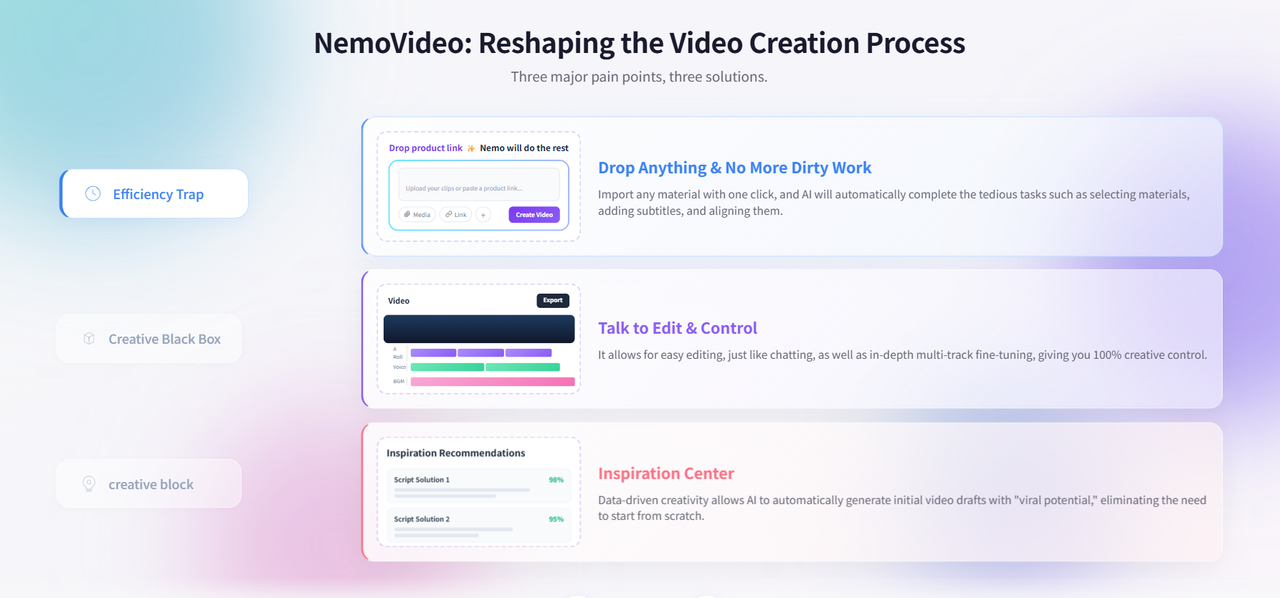
Overview: NemoVideo is an AI-powered video editor built specifically for viral social media content. Unlike traditional editors, it operates entirely through conversational commands—no timeline navigation required. The platform runs in your web browser with no software installation.
Strengths:
Talk-to-Edit conversational interface – Execute complex edits like "remove all pauses, add captions, and export for Twitter" with a single command. Eliminates the need to learn timeline editing.
Drop Anything – Paste product URLs, upload scripts, or reference competitor videos. NemoVideo extracts relevant content automatically and builds your project.
Inspiration Center – Analyzes millions of viral Twitter videos to suggest hooks and script structures that capture attention in the critical first 2 seconds.
SmartPick auto-selection – Automatically identifies the strongest moments from raw footage, eliminating manual scrubbing. Official agency tests show 60-70% reduction in technical execution time.
Platform Intelligence – Generates 10+ format variations (9:16, 1:1, 16:9) in one click, each optimized for Twitter's H.264 codec and 8-10 Mbps bitrate requirements.
3x faster workflow – Early agency partners verify standard 3-hour editing projects complete in ~15 minutes using automated features.
🚀 Best for Twitter Optimization? — Try NemoVideo
Constraints:
Advanced manual controls are limited compared to professional editors
Max export resolution capped at 1080p (prioritizes Twitter/social specs over 4K)
Web-based only (no native mobile app, though it works on mobile browsers)
CapCut: The Trend Chaser
Overview: CapCut is ByteDance's (TikTok parent company) mobile-first video editor with desktop support. It's template-driven and built for creators who prioritize TikTok with Twitter as a secondary platform.
Strengths:
Massive template library – Updated weekly with trending effects. If a style goes viral on TikTok, it appears in CapCut within days.
Native mobile apps – Smooth iOS/Android editing experience for creators working primarily on phones.
Flexible export options – Supports 4K resolution, frame rates up to 120fps, and multiple codecs (H.264, HEVC, AV1).
Wide format compatibility – Accepts MP4, MOV, M4V, AVI, MKV, WebM input files.
AI captions and effects – Auto-caption generation (though less accurate with accents), background removal, motion tracking.
Strong TikTok integration – Templates and effects optimized for TikTok often cross-post well to Twitter.
Constraints:
Free tier adds branding – All exported videos include CapCut watermark unless you upgrade to Pro.
Manual Twitter optimization – You configure H.264 codec, bitrate (8-12 Mbps recommended), and aspect ratios yourself. Easy to miss Twitter's preferred specs.
Timeline learning curve – Require understanding layers, keyframes, and traditional editing concepts. Not beginner-friendly.
Pro features are paywalled – Key features like watermark removal, 100GB cloud storage require $9.99/month subscription.
Canva: The Design Specialist
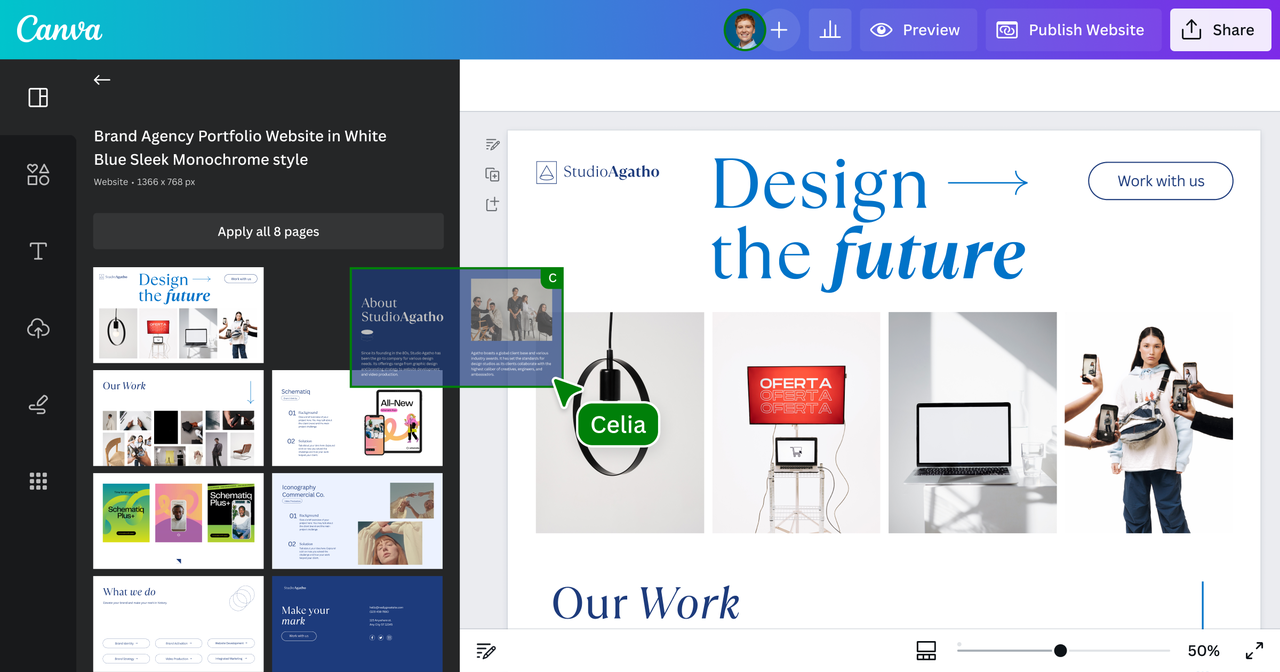
Overview: Canva is a design-first platform that recently added AI video generation. Best suited for teams already using Canva for graphics who need occasional video clips embedded in broader campaigns.
Strengths:
100M+ stock assets (Pro plan) – Photos, videos, audio clips included. Saves money if you'd otherwise purchase stock footage separately.
Magic Video feature – Upload 3-10 clips, describe what you want, Canva auto-generates a 60-second video. Fast for simple compilations.
AI text-to-video – Type a description, receive a concept clip. Useful for quick mockups before shooting.
All-in-one design workspace – Create Twitter headers, graphics, and video thumbnails in the same tool.
Real-time collaboration (Teams plan) – Multiple team members edit simultaneously with commenting and approval workflows.
1TB cloud storage (Pro) – Stores all design and video projects with version history.
Constraints:
Video editing is secondary – Lacks features critical for Twitter success: no silence removal, no viral hook analysis, no smart clip detection.
No conversational editing – Still requires dragging clips on timelines and manually adjusting durations.
Export quality concerns – Some users report noticeable compression compared to dedicated video editors.
No Twitter-specific optimization – You manually select codecs, bitrates, and formats. No automatic adaptation to Twitter specs.
Higher pricing – $15/month for Pro (vs. CapCut's $9.99) or $10/user/month for Teams (minimum 3 seats).
If you want to remove technical friction from your X workflow, NemoVideo is worth exploring.
Quick Verdict: Choosing Your Editor Tool
Choose NemoVideo if:
You post Twitter videos 3+ times weekly and need maximum speed without quality compromise
You're running A/B tests or managing multiple brand accounts requiring bulk format variations
You have zero editing experience and want to publish professional videos in under 10 minutes
You need automatic Twitter optimization (correct codec, bitrate, aspect ratios) without technical knowledge
Your workflow prioritizes "how many variants can we ship this week?" over manual creative control
🎬 Start with NemoVideo's free tier – no credit card required.
Choose CapCut if:
You're comfortable with timeline editing and already understand layers, keyframes, effects
You want access to trending TikTok templates and effects updated weekly
You need 4K export capability for YouTube alongside Twitter content
You're willing to manually configure export settings to match Twitter's technical requirements
📲 Learn more about CapCut's features
Choose Canva if:
You're already using Canva for graphic design and want to consolidate tools
You need real-time team collaboration with approval workflows (Teams plan)
You rarely create videos (once or twice monthly) and don't need advanced editing capabilities
Your team includes designers who are more comfortable with design interfaces than video timelines
🎨 Explore Canva's video features
Want a deeper breakdown of every category and use case? Read the complete Twitter Video Tool Guide for 2026 →
Which Twitter Video Downloader Works Best in 2026?
When you need to save Twitter videos, the right downloader makes all the difference. We'll walk you through the top three options in 2026—comparing them on speed, quality, and ease of use—so you can choose the best tool for your needs.
SaveTweetVid vs sssTwitter vs TWDownloader
SaveTweetVid (SaveTWT): SaveTweetVid positions itself as a secure, fast downloader with encrypted connections between your device and Twitter's servers.
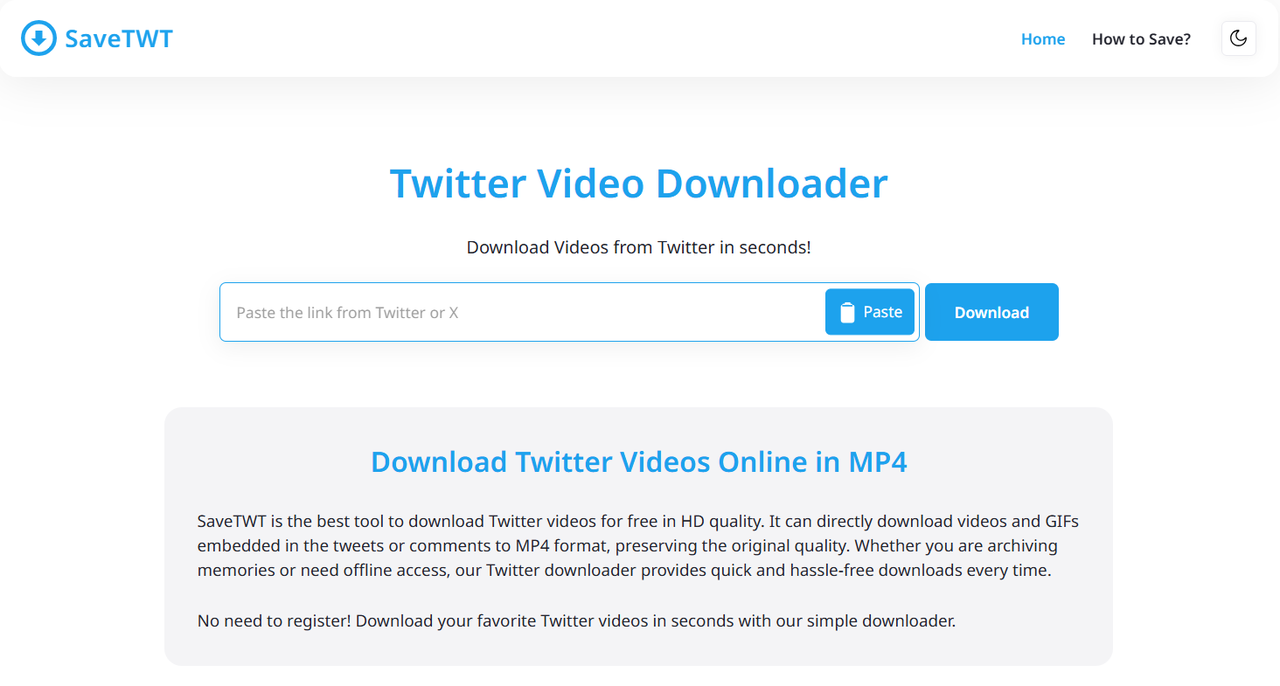
Speed: Dedicated server infrastructure with high bandwidth and CDN support. User reviews report processing times under 5 seconds for most videos. The platform claims to handle millions of active users simultaneously without slowdowns.
Quality:
Preserves original upload quality
Multiple resolution options available (SD, HD, Full HD)
Supports up to 4K when available from source
No re-compression—downloads directly from Twitter CDN
Ease of Use:
Copy tweet link from Twitter's Share button
Paste link into savetwt.com input field
Click Download button
Select preferred quality and download
Device compatibility: Cross-platform compatible (Windows, Mac, iOS, Android). Works in any browser without extensions or app installation.
sssTwitter: sssTwitter is one of the most popular free Twitter downloaders, known for its simplicity but criticized for aggressive advertising.
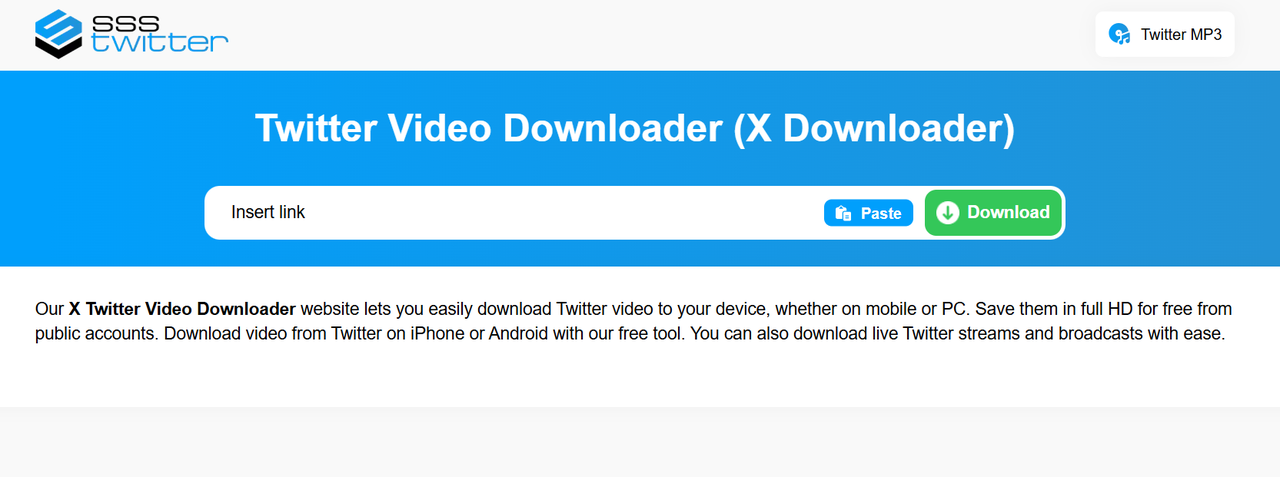
Speed: Processing time typically 2-4 seconds after clicking Download. Results page loads quickly with multiple quality options.
Quality:
HD quality support (720p, 1080p standard)
Full HD available when source supports it
Multiple quality tiers to choose from
Direct downloads from Twitter CDN maintain original quality
Ease of Use:
Copy tweet URL
Paste into ssstwitter.com and click Download
Choose quality and save
Accessibility: No account creation needed. Wor