

What Is Vidu Q3? Native Audio + Video in One Pass (16s, 1080p)
You've got 48 hours to ship a product demo. The footage is raw, the audio is scattered, and your editor is still rendering the last project. Text-to-video tools give you pretty clips with zero control. Traditional timelines give you control but eat your weekend.
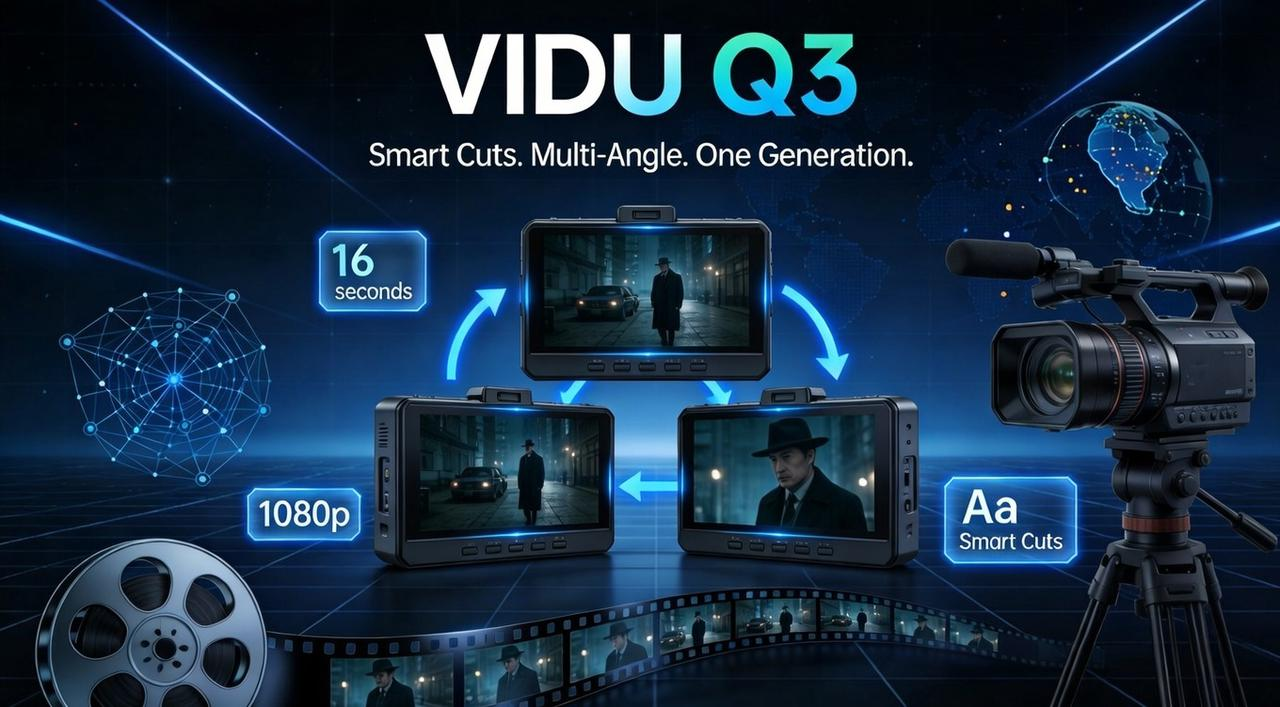
Vidu Q3 claims to solve this: native audio-video generation in one pass, 16 seconds max, 1080p, with directorial prompts. This guide works through the new capabilities, the real limits, and the exact workflow to avoid wasting hours on failed generations, similar to the streamlined approach outlined in how NemoVideo compresses 3 hours of work into 15 minutes.
Vidu Q3 in 60 Seconds
What it is:
Vidu Q3 is the industry's first AI video model to generate native audio and video together, in one pass, up to 16 seconds, at 1080p resolution. Released by Shengshu Technology on January 30, 2026, it marks a shift from silent clip generation to fully synchronized storytelling.
Unlike traditional AI video tools that force you to add sound in post, Vidu Q3 outputs:
Dialogue with lip-sync
Sound effects (SFX) matched to actions
Background music (BGM) synced to pacing
Camera control (push-ins, pans, tracking shots)
Smart Cuts (automatic scene transitions)
All of this happens in a single generation—no timeline editing required.
Who it's for:
Vidu Q3 fits creators who need complete narrative sequences without manual assembly:
Product marketers showing 15-second demos with voiceover
Social media teams producing TikTok/Reels with native sound
Agencies prototyping commercial concepts
Animators building short-form story arcs
Music video creators syncing visuals to beats
For teams that later need to optimize these clips for different platforms, the approach mirrors the multi-channel logic in this 2026 guide to professional video tools.
What's Actually New (audio-video sync, length, camera control)
Most AI video updates just add resolution. Vidu Q3 adds control—over time, sound, and camera movement in ways that actually change your workflow.
16s Storytelling Use-Case (The "Smart Cut" Breakthrough)
Most AI models cap at 4 seconds. To build a story, you generate five clips separately, then manually stitch them—losing character consistency and lighting continuity at every seam.
Vidu Q3 introduces "Smart Cuts" and "Native Camera Control." You can now prompt for multi-angle sequences and camera movements within a single 16-second generation—no stitching, no drift.
The Workflow Shift:
Old Way: Generate Shot A → Export → Generate Shot B → Export → Edit manually (lighting never matches)
Vidu Q3 Way: Prompt for the whole sequence
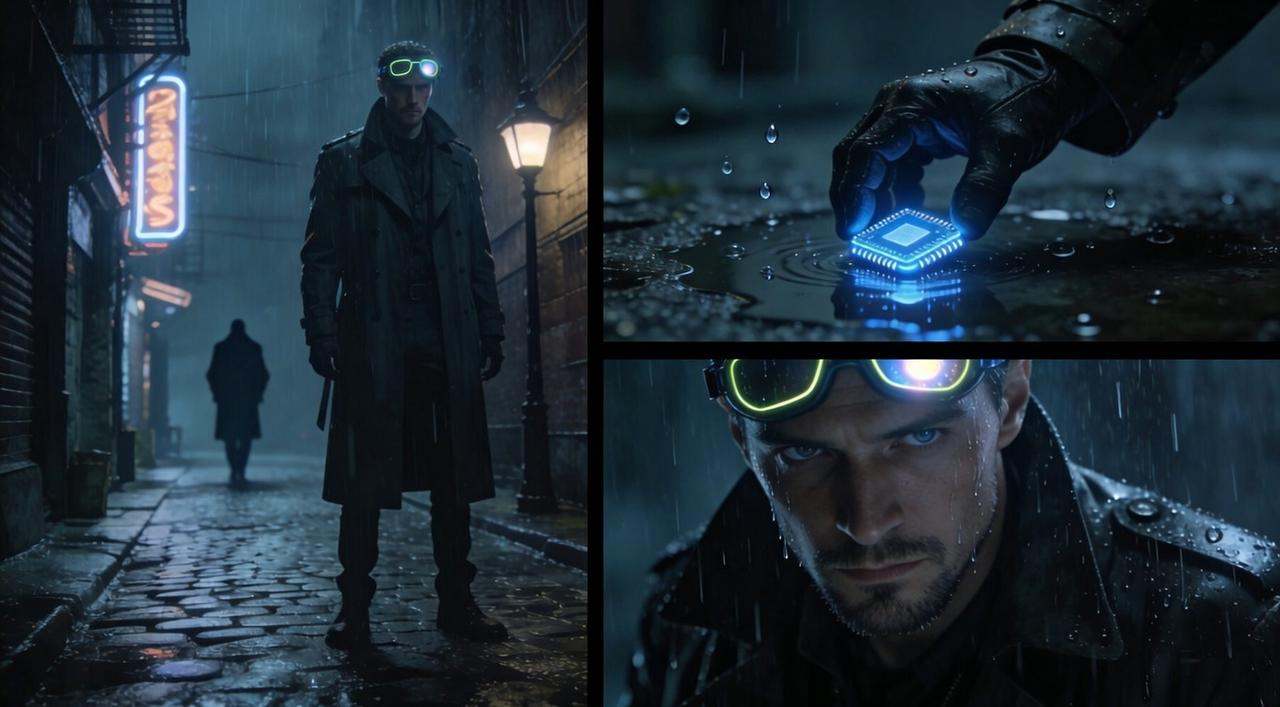
Example Prompt: "A cyber-detective walks down a rainy alley (wide shot), camera tracks forward to follow him, cuts to close-up of his hand picking up a glowing chip, then pans up to his face."
Result: A single 16-second file where lighting, character identity, and camera flow are perfectly consistent. You're editing with words.
If you want to push this further into batch production, a similar philosophy is used in this Wan 2.6 batch repurposing workflow.
Native Audio: Dialogue/SFX/BGM
The core shift: Vidu Q3 generates audio and video simultaneously—not as separate layers. This eliminates timing drift and manual sync work.
Three audio components are integrated:
Dialogue (frame-synced): Include character lines in your prompt. The model generates voice and matches lip movements frame-by-frame. Supports English, Chinese, and Japanese.
Sound effects (physics-matched): Environmental audio adapts to context. Footsteps shift from gravel crunch to pavement tap. Impact sounds hit precisely at visual contact—no delay.
Background music (mood-generated): The model analyzes scene energy and produces contextual scoring. High-tension scenes get percussion. Calm moments get ambient soundscapes. Tracks fit the exact 16-second duration with natural endings.
For workflows that require licensed music, precise audio mixing, or late-stage adjustments, many creators treat Vidu Q3 as the generation layer, then move into a dedicated post-production environment—such as NemoVideo—to refine audio, pacing, and structure without re-generating the entire scene. This mirrors the structured approach described in the OpenClaw + NemoVideo workflow.
Need perfect audio sync for your brand? Try NemoVideo for precise audio control.
Quality & Control Checklist
Vidu Q3 reads prompts like a director reads a shot list. If you give it vague vibes, you get a generic hallucination. If you give it structured instructions, you get a scene.
To ensure consistency across the full 16 seconds, stop writing paragraphs and start building your prompt using this 5-Layer Formula.
"Director Prompt" Template
The basic structure:
A strong Vidu Q3 prompt breaks into five layers—each layer gives the model specific instructions instead of vague descriptions.
🎬 Layer 1: Shot Type & Framing
Start with the camera setup. This tells the model where to position the lens.
Wide shot
Close-up
Medium shot
Over-the-shoulder
Low-angle / High-angle
👤Layer 2: Subject & Action
Define who is in the frame and what they're doing.
Example: "A cyber-detective in a rain-soaked coat" (subject) "crouches to pick up a glowing chip" (action).
🎥 Layer 3: Camera Movement
Specify how the camera should move during the shot.
Tracking shot (follows subject)
Push-in (slow zoom toward subject)
Pan left / Pan right
Orbit around subject
Static (no movement)
🔊 Layer 4: Audio Directives
If you want dialogue, sound effects, or specific music, call them out explicitly.
Dialogue: "He says, 'What is this?'"
SFX: "Rain hitting pavement, distant sirens"
BGM: "Tense electronic score with slow build"
🎨 Layer 5: Visual Style & Mood
Describe the aesthetic and emotional tone.
Cinematic, photorealistic, 8k
Anime-style with vibrant colors
Moody, high-contrast noir lighting
Soft, golden-hour glow
Full example prompt:
"Wide shot: A cyber-detective in a rain-soaked coat crouches in a dark alley. Camera slowly pushes in as he picks up a glowing data chip. Cut to close-up of his eyes widening. He says, 'This changes everything.' Rain SFX, distant sirens. Tense electronic BGM. Cinematic noir lighting, high contrast."
What this gets you:
A 16-second sequence with two camera angles
Automatic Smart Cut between wide shot and close-up
Lip-synced dialogue
Physics-matched rain sounds
Contextual background music
For workflows requiring multiple iterations or brand-specific refinements, generate your base video in Vidu Q3, then move to NemoVideo for precise editing control.
✨ Talk-to-Edit your Vidu clips here
Limits, Failure Modes, and Best Alternatives
While Vidu Q3 is a breakthrough for efficiency, no AI model is perfect. To maintain professional standards in 2026, you must know where the technology hits a wall—and how to navigate around it.
The Limits of "One-Pass" Generation
Lip-Sync Precision: While audio-visual rhythm is strong, precise dialogue lip-sync remains an area for improvement. You may notice "floaty" mouth movements during complex sentences.
Subject Consistency: In scenes with multiple characters or complex backgrounds, the AI can struggle to maintain consistent details over the full 16 seconds.
Camera Drift: The model occasionally exhibits autonomous camera movements that might not align with your specific artistic intent.
Fix AI drift and polish your storytelling in seconds. Try NemoVideo’s surgical editing.
When to Pivot: The Best Alternatives
Sometimes, a specialized "camera" is better for a specific job:
Wan 2.6: A strong competitor that offers explicit script-based multi-shot control, making it ideal for structured narratives. (See Wan 2.6 + Nemo Recut workflow)
Runway Gen-4: The industry leader for granular control, offering advanced brushes to direct motion in specific parts of a frame.
Sora 2: Still the gold standard for cinematic physics and hyper-realistic lighting, though often more expensive and slower to generate.
Claid.ai: The best choice for E-commerce product videos that require commercial-ready, polished visuals for fashion or hardware.
Scaling Vidu Q3 with NemoVideo’s "Reverse Engineering" Edge
NemoVideo acts as your professional post-production suite, moving beyond basic generation to provide a "white-box" environment for strategic content engineering:
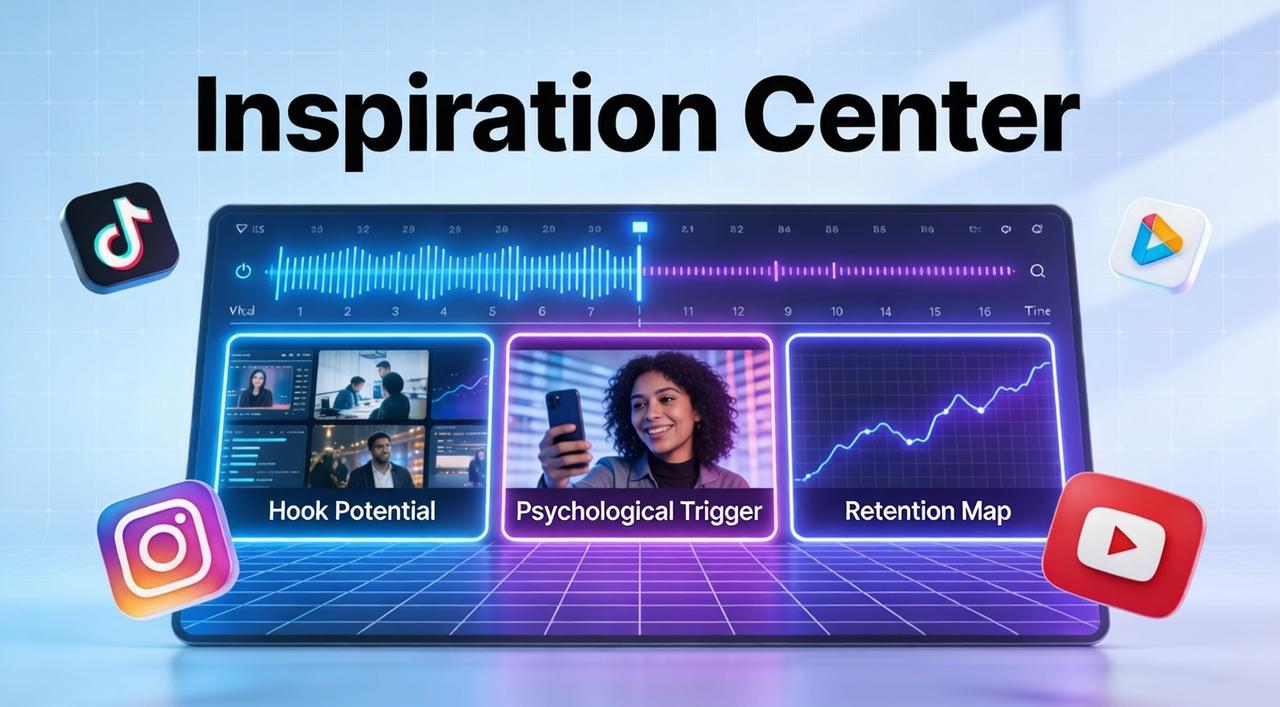
Reverse Engineering Viral Success: The Inspiration Center utilizes AI to reverse engineer million-level viral videos, deconstructing the exact hook structures and psychological triggers that drive audience retention. This allows you to apply proven, data-backed storytelling frameworks to your raw Vidu Q3 footage, similar to principles covered in this viral video framework guide.
Talk-to-Edit for Surgical Precision: Instead of wasting credits re-generating a clip due to late-stage AI drift, use conversational commands like "Cut the last 3 seconds and speed up the intro" to maintain frame-perfect timeline control.
Platform Intelligence for Multi-Channel Scale: NemoVideo eliminates the "one-file" bottleneck by automatically reframing your 1080p master for TikTok (9:16), LinkedIn (1:1), and YouTube (16:9), ensuring all captions and safe zones are optimized in a single pass.
🚀 One Vidu clip, ten platforms. Automate your multi-channel scale with NemoVideo.
FAQ
Where can I access Vidu Q3?
Vidu Q3 is available globally through Vidu.com (web interface) and platform.vidu.com (API access). The platform serves users in 200+ countries and regions. You can start with a free trial—no credit card required for initial testing.
Can I customize the background music?
Not in Vidu Q3—BGM is auto-generated. You can export to NemoVideo to replace with licensed music and adjust audio levels independently.
What are the official pricing plans?
Please check the official pricing page for current rates before subscribing.
Free: 3 videos/month (720p) with watermark.
Creator ($15/mo): 60 render mins, 1080p, watermark-free.
Pro ($49/mo): 300 render mins, AI voice cloning, 4K export.
Team ($99/editor/mo): Shared workspace and advanced analytics.
Enterprise: Custom pricing for dedicated infrastructure.
Can I use Vidu Q3 videos commercially?
Yes, with paid plans only. Free tier is personal use with watermarks. Paid plans grant full commercial license for ads, client work, and broadcast content. Verify terms at vidu.com.
Is there a duration limit for commercial projects?
Yes. Vidu Q3 caps at 16 seconds per generation. For longer commercial videos, use a two-stage workflow:
Stage 1: Generate foundation in Vidu Q3 Create 16-second scenes with Smart Cuts and native audio sync.
Stage 2: Assemble and refine in NemoVideo
Stitch multiple Q3 clips into sequences up to minutes long
Replace auto-generated BGM with licensed brand tracks
Generate platform-specific versions (9:16 TikTok, 16:9 YouTube, 1:1 Instagram) automatically
Add brand elements, CTAs, and compliance text
🎯 Start your NemoVideo free trial today — Experience the most efficient two-stage workflow
To truly dominate the 2026 content game, pair Vidu’s generative speed with NemoVideo’s platform intelligence. Generate your vision, then refine it for your audience.