

Top AI Avatar Tools for Virtual Event Hosting 2026
Hi, I’m Dora!
I used to cap out at 2 virtual events a week. Not because I lacked content — because coordinating a live host across time zones was eating me alive.
Then our keynote speaker cancelled four hours before a 300-person conference. I threw together an AI avatar segment as a backup. It worked. The audience didn't notice. And my watch time actually went up. I've been testing these tools obsessively since. This is what I found.
AI Avatars for Virtual Events: Why Now?
I didn't plan to fall in love with AI avatar hosting. I was running a 300-person virtual conference across three continents — and our keynote speaker cancelled four hours before going live.
That panic forced me to improvise with an AI-generated backup presenter. It worked. Better than I expected. And now I can't imagine running a large virtual event without one.
Here's why 2026 is the year this stops being "experimental" and becomes standard practice:
Global timezones are brutal. When your audience spans Tokyo, Berlin, and São Paulo, scheduling a live human host who performs consistently at 2 AM is a losing battle. An AI avatar hosts your event at 2 PM in every timezone simultaneously — no jet lag, no energy drop, no "sorry, can you repeat that?"
No-show backup is no longer optional. Speaker cancellations, internet failures, last-minute emergencies — they happen at every event. A pre-rendered AI host segment covers gaps without the audience ever noticing.
Consistency matters more than people admit. Human hosts vary — energy levels shift, branding drifts, pronunciation of sponsor names changes. An AI avatar delivers the exact same performance for session one and session forty-seven.
According to data shared in virtual event AI hosting research, one webinar that deployed an AI co-host for moderation saw Q&A participation increase by 21.4% and average watch time improve by 18%. That's not a gimmick result. That's a workflow result.
Top 5 Tools for Event AI Hosts
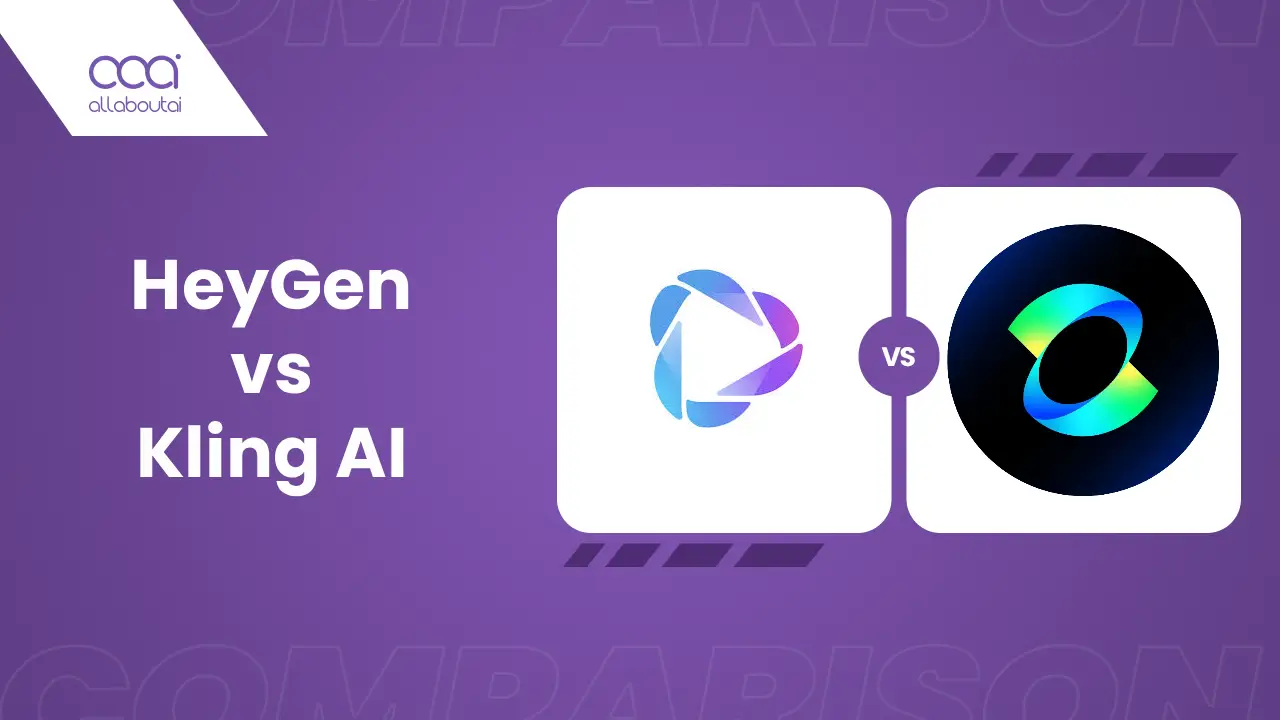
HeyGen
Best for: Marketing-focused events, product launches, social-first conferences
HeyGen has become the go-to for creators who need quality fast. Its Avatar IV technology delivers micro-expressions and natural head movements that pass the "wait, is that real?" test at normal viewing speed. 175+ language support with native-quality lip-sync makes it the strongest pick for global events.
What I love: unlimited video generation on all paid plans. No credit anxiety mid-event. Paid plans start at $29/month.
Synthesia
Best for: Enterprise conferences, regulated industries, training-heavy sessions
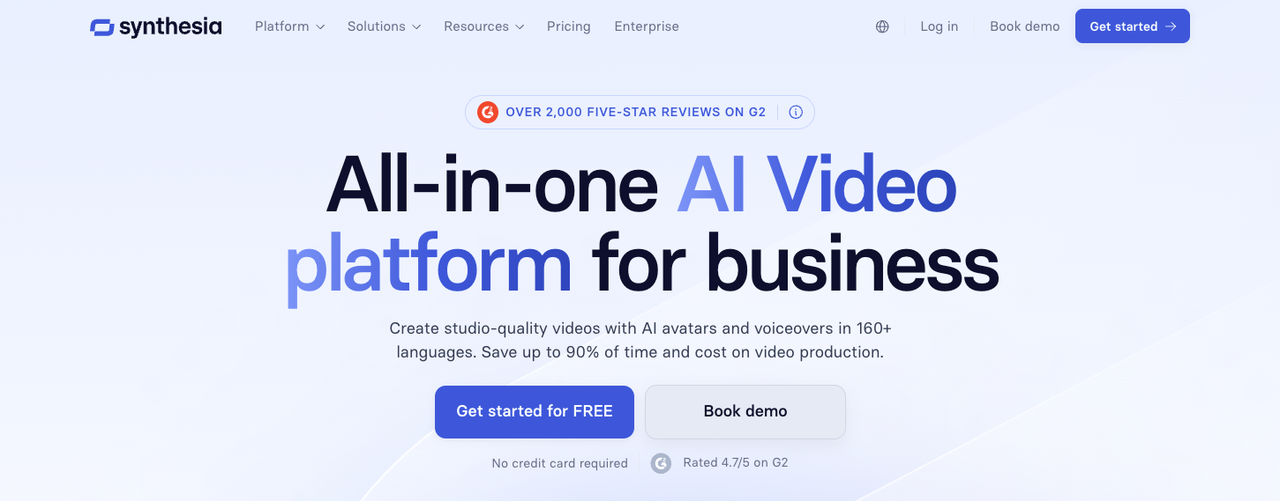
Synthesia is the safe enterprise bet. SOC 2 Type II compliant, 230+ avatars, and a timeline-based editor that gives professional producers pixel-level control. 140+ language support and strong template libraries make it ideal for structured, repeatable event formats like onboarding sessions and town halls.
The avatars are polished rather than hyper-realistic — which is actually fine for corporate settings where "trustworthy" matters more than "stunning."
D-ID
Best for: Interactive Q&A, virtual trade show booths, conversational event experiences
D-ID's strength is real-time interaction. Most tools require fully pre-rendered video — D-ID's avatars can respond to audience inputs dynamically. That makes it genuinely useful for virtual booth representatives, interactive information desks, or AI moderators handling live questions. Its photo-to-avatar feature also lets you animate any headshot into a talking presenter in minutes.
DeepBrain AI
Best for: Hyper-realistic presentations, enterprise-scale deployment, multi-language events
DeepBrain's AI Studios platform is built for organizations running serious event infrastructure. 150 languages, gesture control, and real-time generation mean you can spin up a professional presenter segment without waiting hours for rendering. Their B2B AI Video Agents, launched in March 2026, add conversational capability — make them viable for interactive event lobbies and live breakout sessions.
Colossyan
Best for: Multi-speaker event scripts, training-heavy conferences, L&D teams
Colossyan sits in a gap between HeyGen and Synthesia. 200+ avatars, 600+ multilingual voices, and interactive features like branching scenarios and multiple-choice quizzes make it genuinely useful for events that blend presentation with audience participation. The custom instant avatar feature takes under five minutes — which is absurdly fast for what it produces.
Use Cases
Conference opening and closing. An AI avatar host delivers a polished welcome and sign-off that maintains brand tone perfectly — no nervousness, no stumbling on the schedule details.
Session intros. Rather than awkward "and now please welcome..." transitions, a consistent AI host bridges sessions with branded context: who's speaking next, what the session covers, how long it runs.
Q&A moderation. Tools like D-ID and DeepBrain handle real-time audience questions at the surface level — routing, summarizing, and prompting live speakers with the most common themes emerging from the chat.
Sponsor messages. Sponsor segments notoriously get rushed or skipped by live hosts. A pre-produced AI avatar segment for each sponsor guarantees full delivery, consistent tone, and proper branding every single time.
How to Create an AI Event Host Video
Step 1: Write your script in segments. Don't write one long monologue. Break it into modular chunks — opening, each session intro, Q&A bridge, closing. This lets you re-render individual segments without redoing everything when the agenda changes.
Step 2: Choose your avatar and voice. Match to your audience. A corporate finance conference reads differently than a creator economy summit. Most platforms offer diverse avatar libraries — spend time here.
Step 3: Configure language and pacing. If your event spans multiple languages, generate localized versions now. HeyGen and Synthesia both produce lip-synced multilingual variants from one master script.
Step 4: Add brand assets. Upload your logo, set background colors, apply lower thirds with event name and date. Consistency here prevents the "AI video" look that undermines trust.
Step 5: Preview and test on actual event hardware. Don't just watch in your browser. Test on the actual display, stream platform, or Zoom setup you'll use live. Resolution requirements differ.
Step 6: Render final versions and create backup files. Always have offline MP4 backups. Streaming failures happen. A locally stored file can be screenshared in under 30 seconds.
Post-Production for Engagement
Adding live elements (chat overlays). Even for pre-produced segments, overlaying a real-time chat feed alongside your AI host creates presence. Attendees seeing their own messages on screen become participants, not viewers.
Lower thirds with speaker info. Every session intro should include the speaker's name, title, and company in clean lower thirds. This information gets missed more often than you'd think in live events — the AI host segment is where it gets delivered reliably.
Branding consistency. Your AI avatar host is a brand touchpoint. Consistent fonts, colors, and tone across every segment builds recognition. This sounds obvious and gets ignored constantly.
Platform-specific edits. Zoom, Hopin, and LinkedIn Live have different aspect ratio requirements, latency behaviors, and audience attention patterns. A 16:9 horizontal video that works on Hopin needs reformatting for LinkedIn Live's portrait-heavy mobile viewing. Render platform-specific versions — don't assume one file fits all. For a deeper look at which platforms suit which avatar tools, the AI avatar webinar hosting comparison is worth reading.
FAQ
Can AI avatars interact with live audiences?
Yes — but it depends on the tool. D-ID and DeepBrain AI support real-time conversational interaction, where the avatar responds dynamically to text or voice inputs. HeyGen's LiveAvatar feature enables real-time avatar conversations powered by the host's actual voice. Pre-rendered tools like standard Synthesia do not support live interaction — they deliver scripted content only.
How realistic do they need to be?
More realistic than you might think — but not uncanny. According to platform testing across Synthesia, HeyGen, and DeepBrain, HeyGen's Avatar IV reports 95% lip-sync accuracy and renders 4K video. For most virtual event contexts, "professional and polished" is sufficient. Hyper-realism matters most for customer-facing or broadcast-style events where the avatar stands alone without live hosts to anchor it.
What about cultural sensitivity?
This is genuinely important and underaddressed. AI avatar platforms offer diverse avatar libraries, but the work doesn't end at selecting a skin tone. Review your script for culturally specific idioms, humor, and references that don't translate across regions. Use localized voice talent (not just translated text-to-speech) for high-stakes markets. And test with actual members of your target audience before going live — not just with your internal team.
Can I use the same avatar across multiple events?
Yes — and this is one of the strongest arguments for AI avatar hosting. Building a consistent "event host" persona that appears across your annual conference series, monthly webinars, and product launches creates brand recognition that a rotating roster of human hosts cannot match. Most platforms allow you to save and reuse custom avatars. Just update the script and re-render for each event.
Is it worth it for smaller events under 100 people?
Honestly, the ROI calculus changes at smaller scale — but not necessarily in the direction you'd expect. For recurring small events (weekly team meetings, monthly customer webinars), the time savings from batch-producing four weeks of intros in one session can easily justify the cost. For one-off 50-person internal events, a live host is probably simpler. The sweet spot is any event you run more than four times a year.
Conclusion
AI avatar hosting in 2026 is not a replacement for human connection — it's infrastructure for consistent delivery. The human moments of your event (the live Q&A, the unscripted reaction, the genuine expertise of your speakers) are still yours. The avatar handles the scaffolding: the opens, the transitions, the sponsor reads, the consistent sign-offs.
If you're running any virtual event that crosses timezones, recurs more than quarterly, or has faced no-show chaos before, it's worth testing one of these tools on your next event. Start with a session intro — one short segment. See how your audience responds.
The tools are good enough now. The question is whether your workflow is ready to use them.
Previous posts: