

LTX 2.3 Audio-to-Video: Create Talking Portraits and Voice-Driven Clips
Hey, it’s Dora here!
I used to spend 40 minutes per talking-head clip: record, clean audio, animate, sync. Most tools I tried either charged per minute or faked sync by slapping audio on top of pre-generated video. LTX 2.3 does something structurally different — and once I understood what that difference actually was, I couldn't go back to the old way.
Here's everything I found, tested, and broke in the process.
What LTX 2.3 Audio-to-Video Actually Does
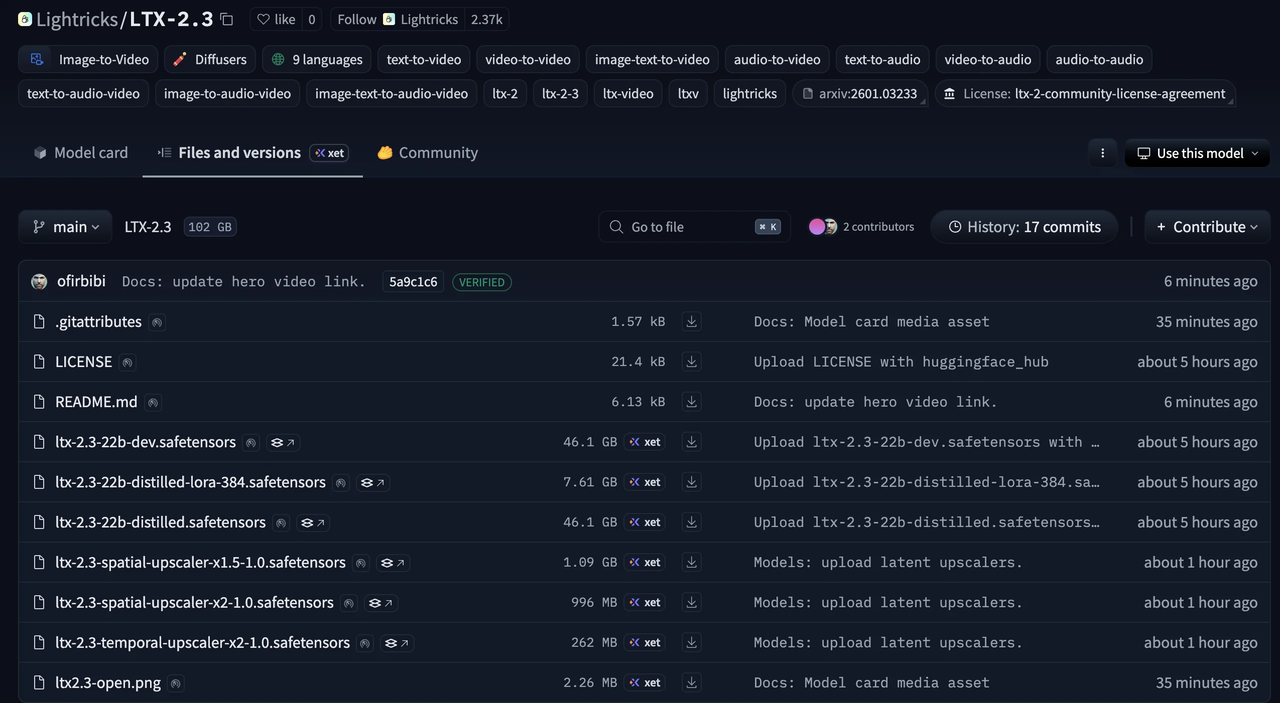
LTX 2.3 is a 22-billion-parameter diffusion transformer model from Lightricks — fully open-source under Apache 2.0, free for commercial use for organizations under $10M annual revenue. The model page on Lightricks' official LTX-2.3 HuggingFace repository lists the full checkpoints, including a quantized fp8 variant for lower VRAM setups.
What makes it different from older tools: it doesn't generate video and then bolt audio on afterward.
Audio as a Generation Input, Not a Post-Process Overlay
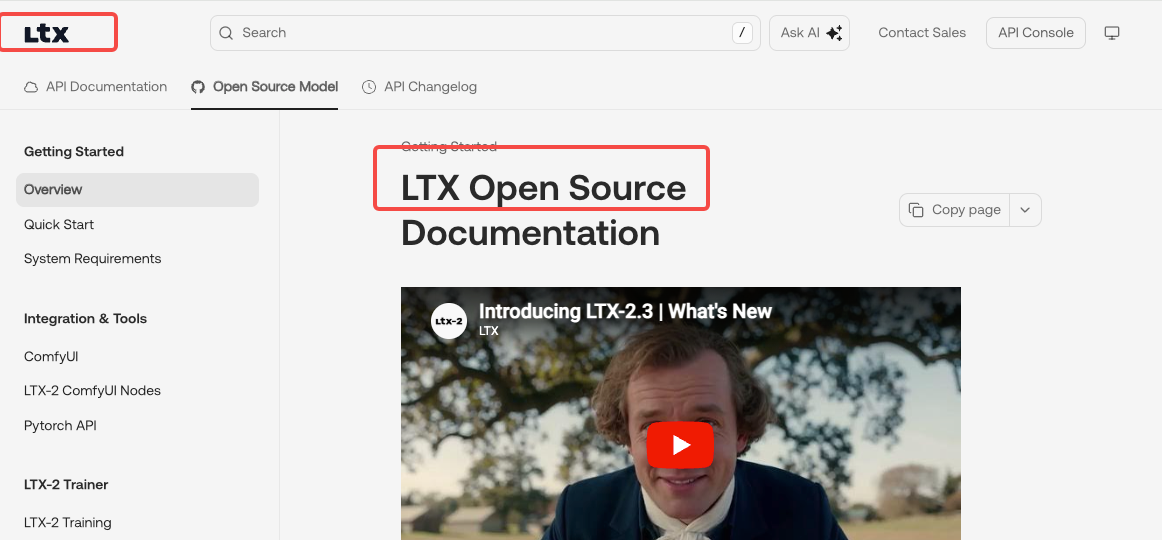
The audio runs through the same diffusion pass as the video. Voice, motion, and visuals are generated together at the model level — not stitched in post. That means a lip movement happens because the audio waveform triggered it, not because a retargeting algorithm estimated where the mouth should go.
According to LTX's official documentation at docs.ltx.video, the model is designed for "production-grade workflows that require precise, harmonious control over audio-led scenes — from podcasts and avatars to voice-driven clips."
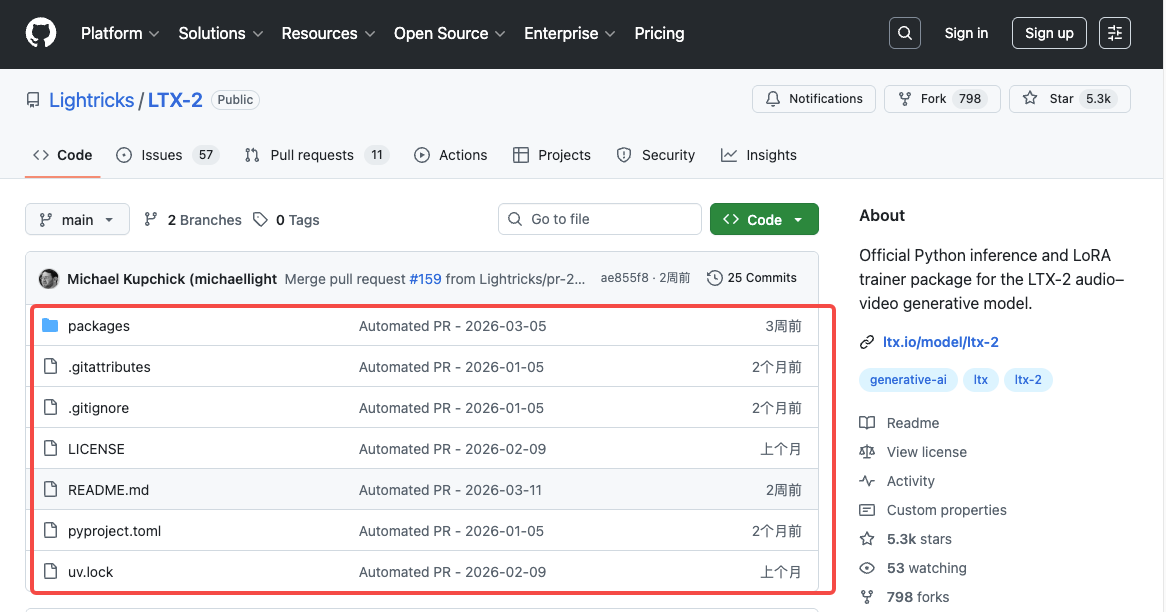
The dedicated audio-to-video pipeline — A2VidPipelineTwoStage in the Lightricks/LTX-2 GitHub repository — accepts an audio file as a conditioning input and generates video around it. You're not animating video to match audio. You're generating video from audio.
What Kind of Audio Works Best
Clear, mono speech at 44.1kHz or 48kHz is the sweet spot. Noisy recordings, heavy reverb, or compressed MP3s under 128kbps will degrade lip sync accuracy noticeably. Music works, but "Person Sings" mode is separate from speech sync mode. Background ambient audio with no speech can be used too — the model will generate motion conditioned on the sonic texture, not mouth movements.
Keep clips under 20 seconds per generation. The model supports up to 20 seconds in a single pass.
Use Cases for Creators and Brand Teams
I'm going to be upfront: this is not HeyGen. It's not trying to be. But for creators who want open-source control and don't need broadcast-level lip sync, there are three use cases where LTX 2.3 audio-to-video actually delivers.
AI Spokesperson for Product Videos
You have a voiceover. You want a human-looking face saying it. With LTX 2.3, you upload a portrait image, drop in the audio, write a prompt describing the scene, and generate. No API key subscription for a dedicated avatar tool. No per-minute pricing model that eats into your margin. Via fal.ai, it runs at roughly $0.29 per 5 seconds of output.
Talking Portrait for Social Content
This is probably the highest-volume use case for the creator audience. Profile image → talking clip → uploaded to TikTok or Reels as a teaser or reply. The native 9:16 portrait support in LTX 2.3 means you're generating vertical video directly, not cropping a landscape output that loses half the face. That alone makes it more practical than earlier versions of the model.
Voice-Driven Clips for Reels and Shorts
Narration-first workflows: record the voiceover, then build video around it. LTX 2.3 generates motion that responds to the audio's pacing — louder or more energetic speech tends to produce more animated facial and upper-body movement. It's not perfectly predictable, but it's directional.
How to Generate a Talking Portrait with LTX 2.3
Option A — Via API or Fal.ai (No Local GPU Needed)
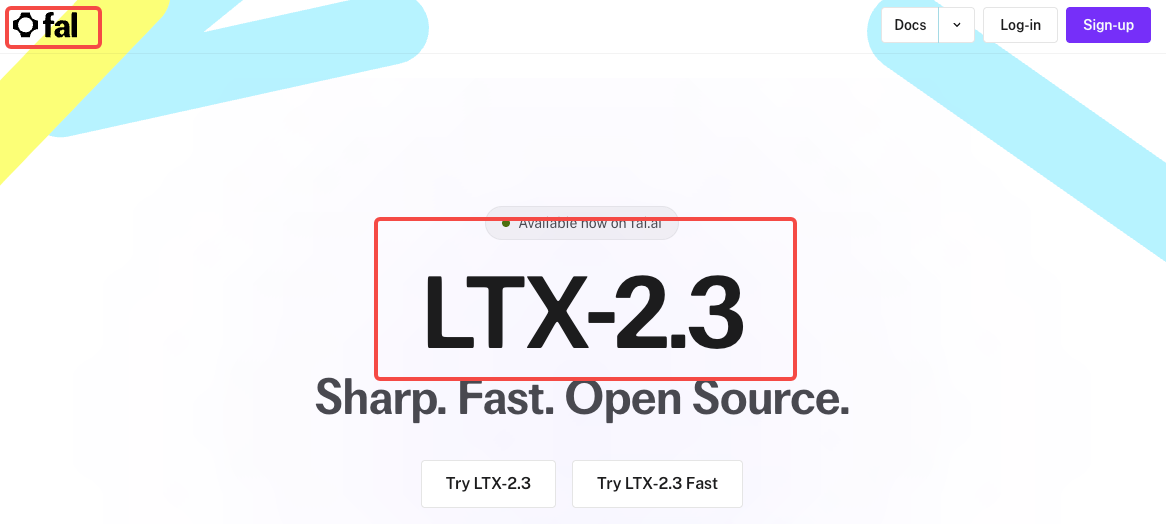
The fastest no-GPU path is fal.ai's LTX-2.3 audio-to-video endpoint. You get a UI where you upload your portrait image and audio file, select a lip sync mode, write your scene prompt, and hit generate. Pricing is pay-per-generation with no subscription. Results come back in roughly 2–4 minutes depending on queue.
This is where I'd start if you're evaluating the model before committing to a local setup.
Option B — Via ComfyUI (Full Local Control)
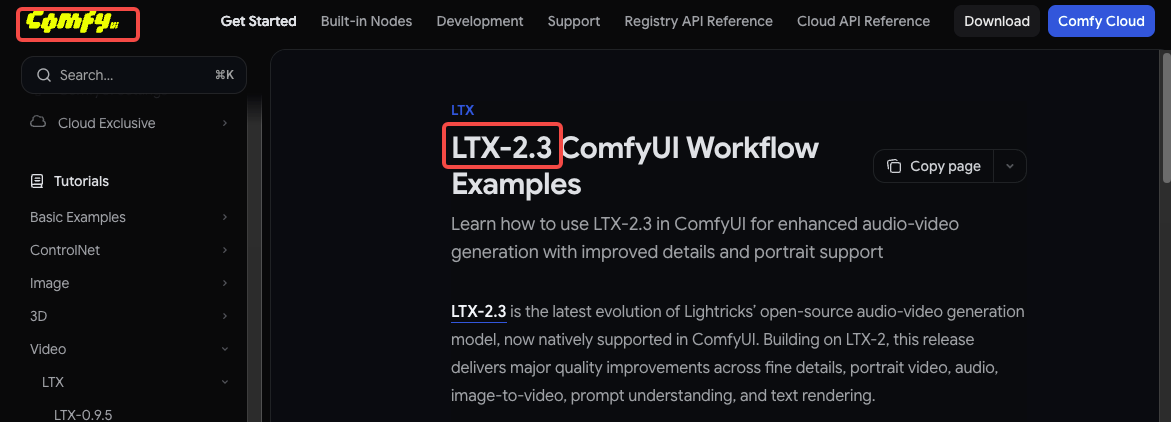
ComfyUI added native LTX-2.3 support on day zero of the model release. The official ComfyUI LTX-2.3 workflow guide covers the full node setup. You'll need the model checkpoints from HuggingFace, the LTXVideo custom nodes, and at minimum 20GB of VRAM for the fp8 quantized variant.
The audio-to-video workflow loads the
A2VidPipelineTwoStageIf you're already running ComfyUI for other image or video work, this is the cleaner long-term path.
Choosing the Right Image for Consistent Results
Front-facing, well-lit, neutral background. Avoid side profiles — the model can generate them but lip sync degrades fast. High resolution helps (at least 512px on the shorter side). JPG compression artifacts around the mouth area cause visible flickering in output.
Preparing Your Audio File
Export as WAV or FLAC. Normalize to -14 LUFS (standard for social platforms). Trim silence at the start — the model will generate mouth movement even during silence, which looks wrong. Under 20 seconds per clip.
After Generation: Editing and Publishing the Output
Adding Subtitles and Captions
LTX 2.3 does not burn in captions. The output is a video file — you add captions in post using CapCut, DaVinci Resolve, or the auto-caption feature in TikTok's native editor. For talking portrait content, captions are essentially required on social. Viewers often watch on mute.
Exporting for TikTok, Reels, and Shorts
Output is MP4 at the resolution you set during generation. For 9:16 portrait, the native resolution is 1080×1920. Re-encoding isn't necessary before upload. Keep the file under 250MB for TikTok, under 100MB for Instagram Reels. If your clip is close to 20 seconds, it's usually fine uncompressed.
Known Limitations and Failure Modes
Lip Sync Accuracy vs. HeyGen and Dedicated Tools
Here's the honest version: LTX 2.3 lip sync is good enough for casual creator content, not good enough for brand-level spokesperson work where the mouth movements need to be phoneme-accurate. HeyGen, D-ID, and Synthesia use dedicated retargeting models trained specifically on lip sync. LTX 2.3 uses a general audio-conditioned generation approach. The gap is real.
What LTX 2.3 does better: it's free (at cost), open-source, and the overall motion naturalness often looks less robotic than dedicated avatar tools at lower price tiers.
When Not to Use LTX 2.3 for Talking Portraits
You need frame-accurate phoneme sync for a branded video
Your source audio has heavy background noise or music bleed
You need clips longer than 20 seconds without stitching
Your portrait image is low resolution or has occlusions (sunglasses, hat brims)
FAQ
How accurate is LTX 2.3 lip sync compared to dedicated tools?
Noticeably less accurate than HeyGen or Synthesia for phoneme-level precision. LTX 2.3 generates motion conditioned on audio energy and timing, not phoneme-to-viseme mapping. For social content where viewers expect natural movement but not broadcast-quality sync, it's fine. For explainer videos where lip accuracy matters, use a dedicated tool.
Can I use my own voice or does it need a specific format?
Yes, your own voice works. Export as WAV or FLAC, mono or stereo, at 44.1kHz or 48kHz. Avoid heavily compressed MP3s. The model doesn't require a specific voice profile or enrollment — it conditions on whatever audio you give it.
Does the talking portrait work in 9:16 vertical format?
Yes. LTX 2.3 added native 9:16 portrait support (1080×1920) in this release — generated directly, not cropped from landscape. This is one of the meaningful improvements to LTX 2. For TikTok and Reels creators, this matters.
Is the output suitable for brand-level production?
Depends on what you mean by "brand-level." For internal comms, social media experimentation, or D2C brands with a scrappy aesthetic — yes. For enterprise spokesperson content or broadcast ads — probably not yet. The model is production-ready in the technical sense; the lip sync accuracy is the limiting factor, not the visual quality.
How long can the audio clip be for a single generation?
LTX 2.3 supports up to 20 seconds per generation pass. For longer content, you chain clips using the extend-video endpoint or stitch in post. The model maintains reasonable consistency across chained segments if you keep the same image and prompt style.
Conclusion
LTX 2.3 audio-to-video is the most capable open-source talking portrait generator available right now. It's not going to replace HeyGen for clients who need polished lip sync — but for creators who want free, local, controllable audio-conditioned video generation, this is the tool the space has been waiting for.
Start with fal.ai to test it fast. Move to ComfyUI when you want full control. And grab the weights directly from the LTX-2.3 HuggingFace repo when you're ready to go local.
Previous posts: