

LTX 2.3 Pricing in 2026: Free Options and API Costs Explained
Hi, I’m Dora!
Okay, I've been getting this question constantly lately — in DMs, in comment sections, from creators I actually respect: "Is LTX 2.3 actually free, or is that just marketing?"
Totally fair. We've all been burned before. Tool launches with "free tier" in the headline, you get excited, and three days later there's a paywall you never saw coming.
Here's the honest answer: it depends on how you run it. There are four separate ways to access LTX 2.3, and each one prices completely differently. Some routes cost nothing per generation. Some bill by the second. And if you're on a Mac? You're probably paying without realizing it.
Here's every path, broken down without the fluff.
Is LTX 2.3 Free? The Short Answer
Yes — with conditions. LTX 2.3 is available both as an open-source model and through the LTX API. The open-source path costs nothing per generation once your hardware is set up. The API path is usage-based. The platform (LTX Studio) has a free tier but with personal-use restrictions.
So there are actually four distinct pricing routes, and mixing them up is where most people get confused.
Route 1 — LTX Desktop (Local, No Cost Per Generation)
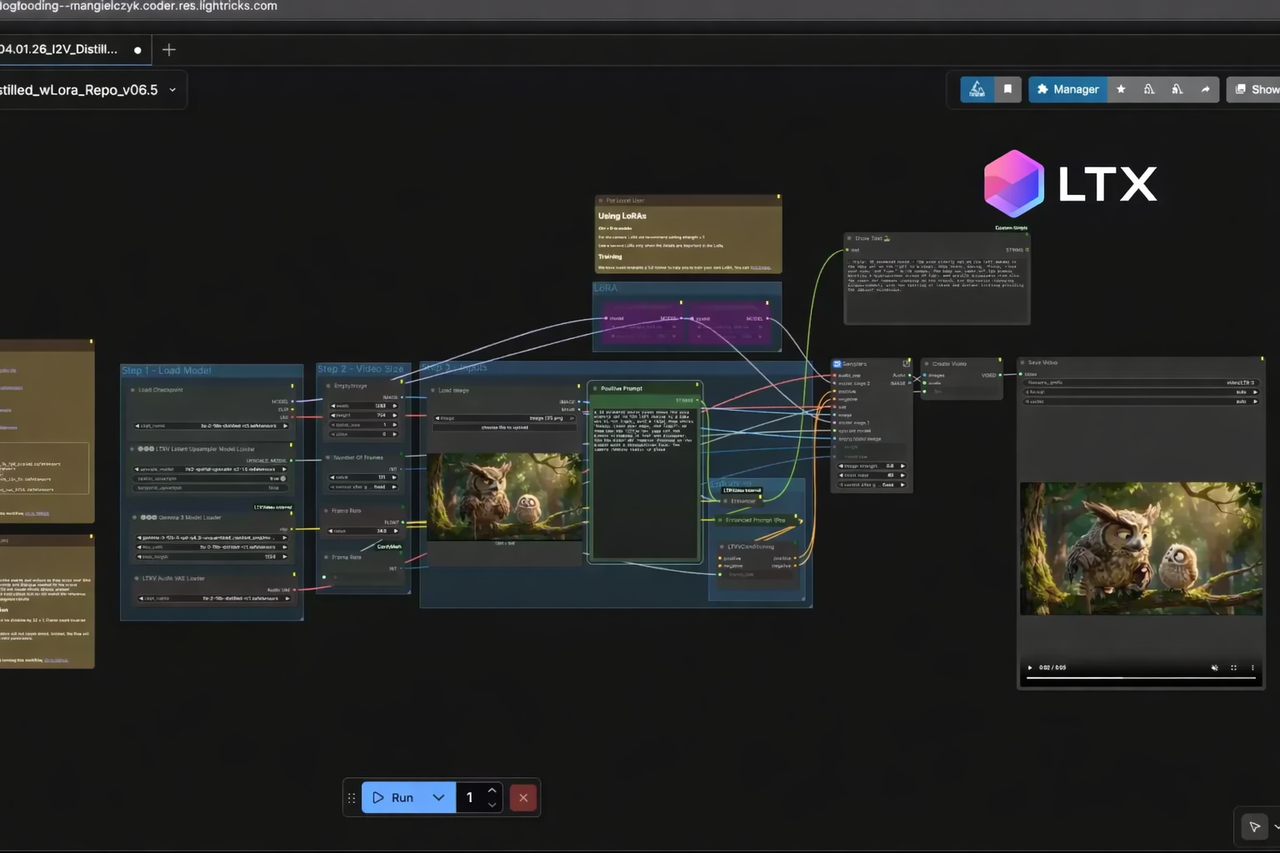
This is the genuinely free route. LTX Desktop runs the full LTX-2.3 model locally on consumer GPUs — no API calls, no cloud fees, no watermarks — at 1/5 to 1/10 the cost of cloud generation once your hardware is paid for.
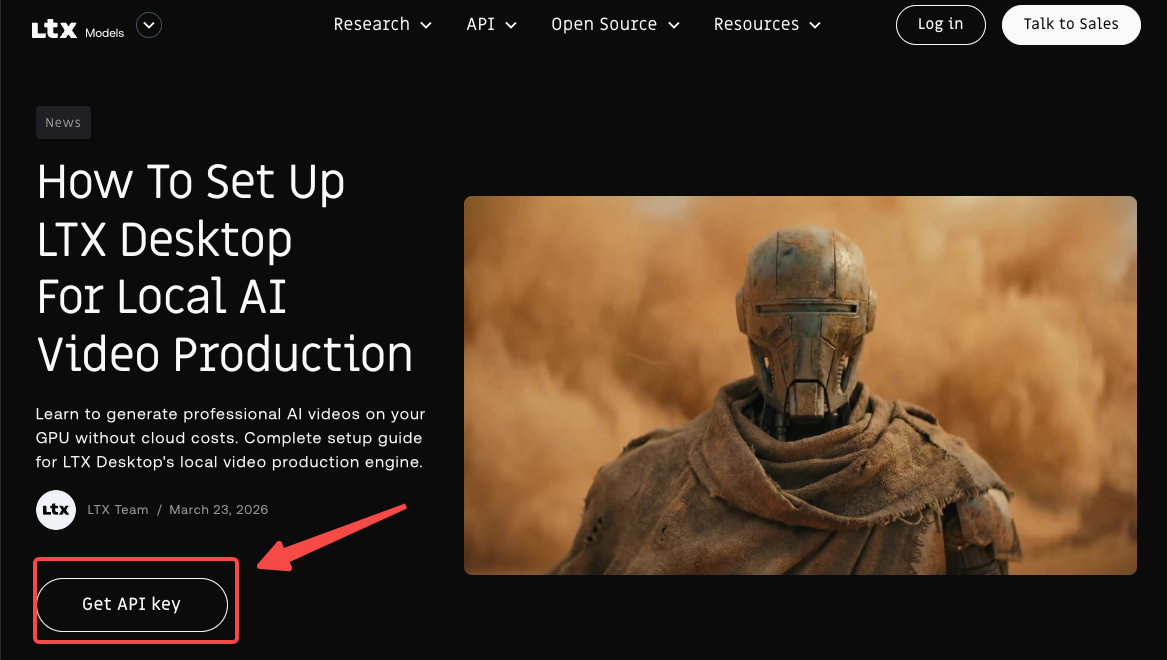
The app itself is free to download, free to run, and open source under Apache 2.0. You pay zero per clip generated.
What Hardware You Actually Need
This is where "free" gets real. For local video generation on Windows, the system requires Windows 10 or 11 (x64) along with an NVIDIA GPU that supports CUDA and has at least 32GB of VRAM, although more VRAM is recommended for better performance.
For the initial setup, budget for storage: Python environment (~10GB) installs required AI inference libraries for local GPU generation, and AI models (~150GB) are downloaded automatically when you first generate a video.
One thing I didn't expect — you don't need a beefy GPU just to get started. Text encoding via the API is completely free, so you can use that to reduce VRAM overhead while still running video generation locally. Check the LTX Desktop system requirements documentation for the full hardware breakdown.
macOS note: On macOS, generation runs via the LTX API LTX, which means it does incur usage costs. Apple Silicon users get the interface but not the free-generation benefit.
Who This Route Makes Sense For
High-volume creators generating 10+ clips per week — the hardware investment pays back fast
Privacy-sensitive workflow — footage never leaves your machine
Developers and researchers who want to tinker with model weights directly via the LTX-Desktop GitHub repository
Route 2 — LTX Official API (Fast vs. Pro)
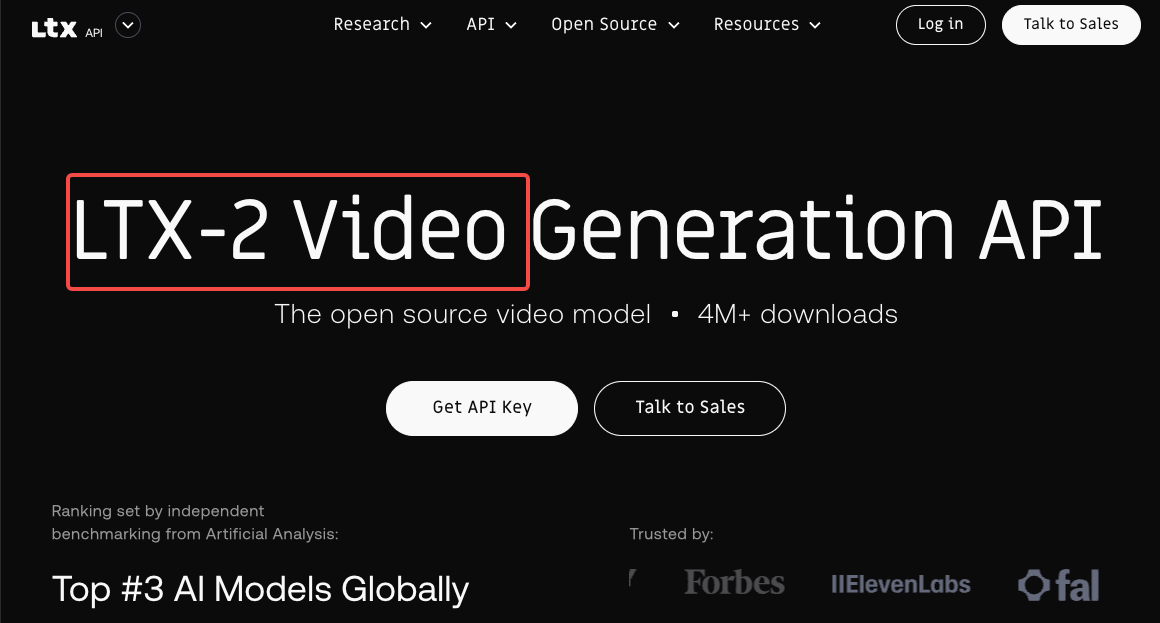
If you don't have the hardware for the local generation, the official API is the cleanest paid option. LTX-2.3 API usage is billed per second of generated video. Two model variants are available — ltx-2-3-fast for rapid iteration and ltx-2-3-pro for production-quality output — at both 720p and 1080p resolutions.
The full rate table lives on the LTX API pricing page, which is where I'd go to confirm current rates before committing to a project budget.
Per-Second Pricing and What a Typical Clip Costs
Video generation is billed per second of output video. Higher resolution and premium models have proportionally higher costs. Starting April 1, 2026, pricing for LTX 2.3 Text-to-Video and Image-to-Video endpoints may be updated.
Quick mental math for a typical workflow: a 10-second clip at 1080p Pro will cost meaningfully more than a Fast-mode draft at 720p. For iteration, use Fast. For deliverables, switch to Pro. That alone cuts your API bill significantly if you're doing multiple rounds of revisions.
Portrait vs. Landscape — Is the Price the Same?
Yes. Portrait and landscape generations are priced identically at the same resolution tier. LTX No upcharge for 9:16 — good news for TikTok and Reels creators.
Route 3 — Fal.ai for LTX 2.3
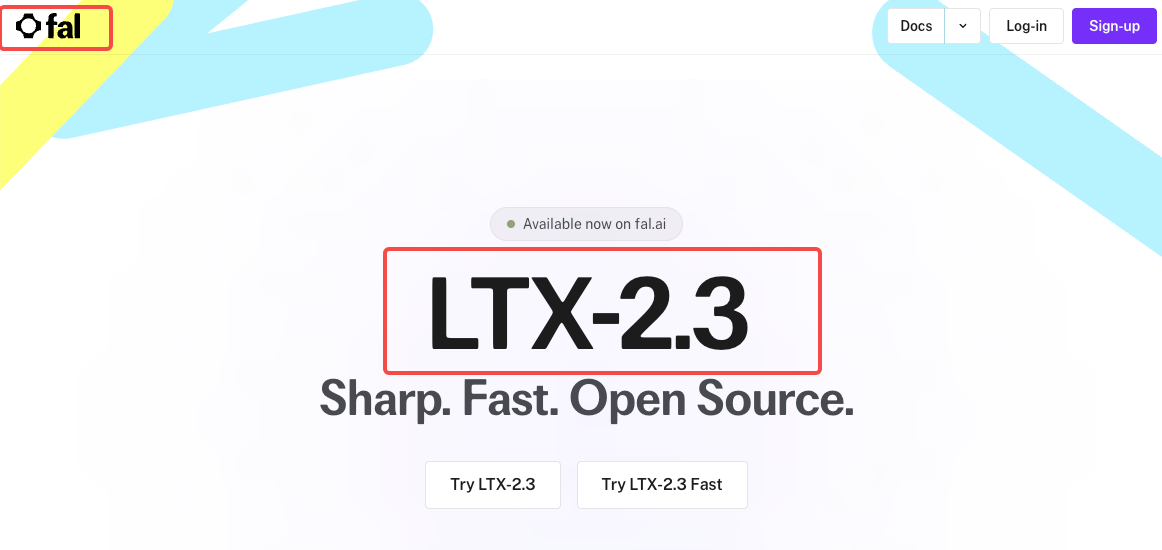
Fal.ai is a popular third-party option, especially if you're already in the fal.ai ecosystem or need serverless infrastructure without managing your own API keys.
Pay-per-second with no minimums. Text-to-video and image-to-video start at $0.06/s (1080p), $0.12/s (1440p), or $0.24/s (2160p). Fast variants start at $0.04/s (1080p), $0.08/s (1440p), or $0.16/s (2160p). Audio-to-video, extend-video, and retake-video are $0.10/s.
Pricing Tiers on Fal.ai
The per-second structure with no minimums is useful for low-volume testing. A 10-second 1080p clip in Fast mode runs you $0.40. In Pro mode at 1080p, that's $0.60. Ramp that to 4K and you're at $2.40 per 10-second clip.
LTX-2.3 is released under the Apache 2.0 license, which permits commercial use. Check fal.ai's terms of service for additional details on usage through the platform.
See the full breakdown at fal.ai's LTX-2.3 page before running large batches.
Route 4 — Commercial License for Studios and Brands
The free and API tiers have limits once you're a mid-to-large operation. For companies with over $10M in annual revenue embedding LTX into commercial products or production environments, commercial terms are tailored to your deployment model.
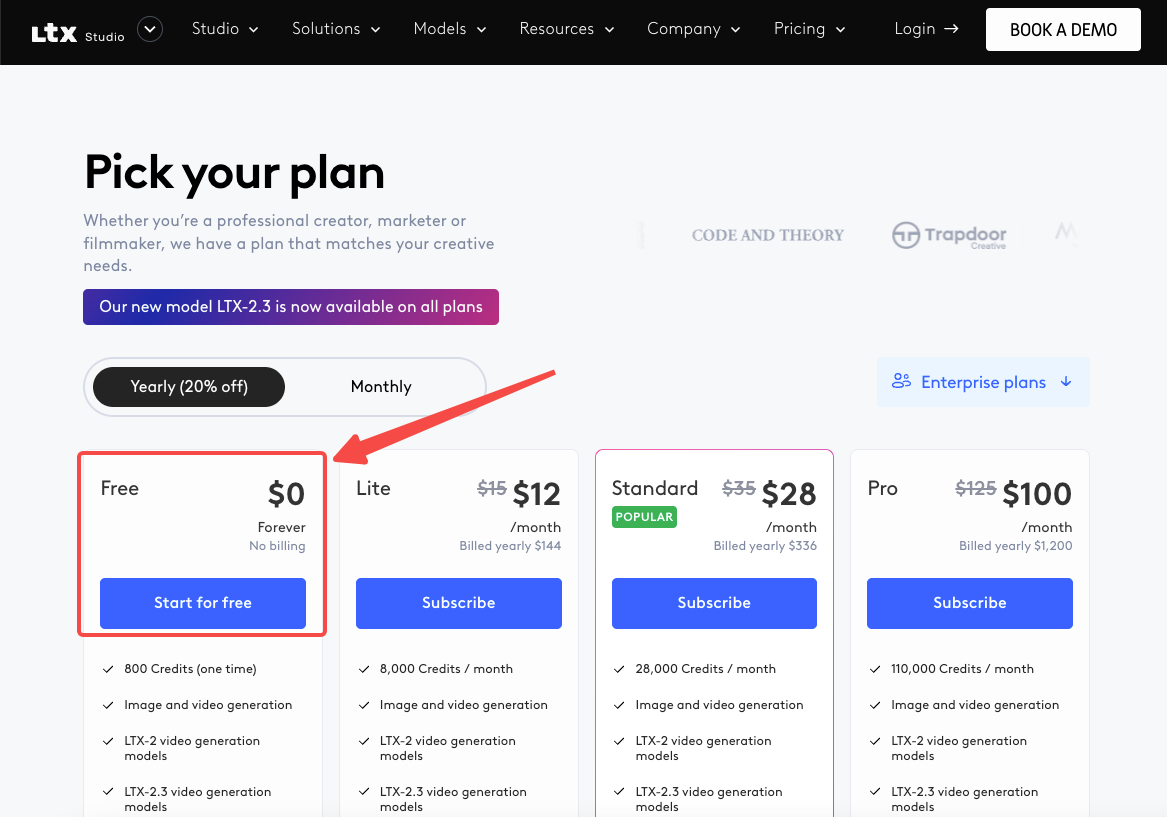
The Standard and Pro tiers on LTX Studio allow any use for direct or indirect commercial or business purposes, or direct or indirect monetary compensation.
For studios, the LTX Studio pricing page outlines the subscription tiers alongside commercial rights at each level.
Hidden Costs Most Creators Miss
Cloud GPU Rental for Local Workflows
Local generation is "free" per clip, but if your GPU isn't fast enough, you'll lose hours. A 10-second 4K@50fps pipeline on a local 24GB box took roughly 14 minutes end-to-end, while the same pipeline on a cloud A100 80GB finished in 6–8 minutes at about $0.25–$0.35 per run.
For high-volume creators, renting cloud GPU time occasionally is often cheaper than upgrading hardware.
Storage and Bandwidth for Bulk Generation
At 1080p, AI-generated video files add up fast. If you're generating 50+ clips per week and storing raw outputs, 1–2TB of NVMe storage is realistic. Factor that into your total cost of operation — it doesn't show up on any pricing page.
Which Route Fits Your Volume and Budget?
Route | Best For | Rough Monthly Cost |
LTX Desktop (local) | High-volume, privacy-first, NVIDIA GPU | $0/generation (hardware cost up front) |
LTX Official API | Occasional use, Mac users, no GPU | Pay-per-second, scales with usage |
Serverless, no infrastructure setup | $0.04–$0.24/s depending on resolution | |
Commercial License | Studios, brands, $10M+ revenue | Custom (contact Lightricks) |
FAQ
Can I use LTX 2.3 for free commercially?
It depends on the route. The open-source weights under Apache 2.0 permit commercial use for companies under $10M annual revenue — no license fee required. Above that threshold, you need a commercial agreement with Lightricks. For LTX Studio's platform, commercial use requires the Standard plan or higher.
Does LTX Desktop cost anything to download?
No. LTX Desktop is an open source under Apache 2.0 — see LICENSE.txt. GitHub The app download is free, the model weights are free, and local video generation on supported NVIDIA hardware incurs no per-generation cost. The only thing that costs money is if you route generation through the API (required on macOS).
How much does a 15-second video cost via the LTX API?
At current rates, a 15-second clip via ltx-2-3-fast at 1080p costs less than $1 on the official API. Pro mode at 1080p will be somewhat higher. For exact current figures, check the official LTX API documentation directly — rates were updated April 1, 2026.
Is there a free trial for the LTX API?
Text encoding via the LTX API is completely free — you only pay for video generation output. This means you can set up your workflow, test prompts, and iterate on text encoding at zero cost before committing to generation budget.
Do I need to pay more for 9:16 portrait video vs. landscape?
No. Portrait and landscape are priced identically at the same resolution tier. Whether you're making landscape content for YouTube or vertical clips for TikTok, the cost per second is the same.
Conclusion
LTX 2.3's pricing is genuinely creator-friendly once you understand which route you're on. If you have an NVIDIA GPU with sufficient VRAM, LTX Desktop is as close to free as AI video gets. If you're on Mac or need cloud reliability, the per-second API model is predictable and scales cleanly. Fal.ai adds a no-minimum serverless option for lower volumes.
The one trap to avoid: assuming "open source" means zero cost on every platform. Check the license threshold, confirm your hardware route, and the math is usually very much in your favor compared to subscription-based competitors.
Previous posts: