

Top AI Platforms for Creating UGC Brand Videos 2026
Hi there, I’m Dora!
Nobody wants to admit this, but most brand video budgets are being wasted on content that audiences skip in under two seconds.
This isn't a creative opinion. It's a platform reality that 2026 has made impossible to ignore.So I went deep on every major AI platform for creating UGC brand videos I could get my hands on — tested them with real briefs, real products, real performance data. What follows is what I actually found: the tools worth your time, the workflow that works, and the mindset shift that makes all of it click.
The UGC Aesthetic for Brand Content
Why Polished Ads Don't Work Anymore
Here's something that confused the hell out of me at first: audiences have become remarkably good at detecting — and instantly dismissing — content that feels "produced." Scroll behavior data consistently shows that overly polished video ads get skipped within the first 1.5 seconds, while raw, creator-style content earns 3–5x longer watch times.
The psychology isn't complicated. When everything looks perfect, our brains flag it as advertising. When something feels imperfect, unscripted, or slightly chaotic — we lean in. We trust it.
Platform algorithms have also caught on. TikTok, Instagram Reels, and YouTube Shorts all now factor in "native content signals" — basically, does this video look like it belongs here, or does it look like an ad that paid to be here? According to TikTok's creative best practices for brands, content that mimics organic creator style consistently outperforms traditional ad formats by 22–35%.
Authentic vs. Amateur: There's a Real Difference
Quick reality check here — authentic doesn't mean sloppy. This is where most brands completely lose the plot.
Authentic means: real environments, natural lighting, conversational pacing, visible imperfections that feel human.
Amateur means: incoherent messaging, off-brand visuals, poor audio that makes your product look cheap.
The goal is to engineer authenticity — and that's exactly where the right AI platforms for creating UGC brand videos become your most valuable creative tool.
Top 5 AI Platforms for Creating UGC Brand Videos
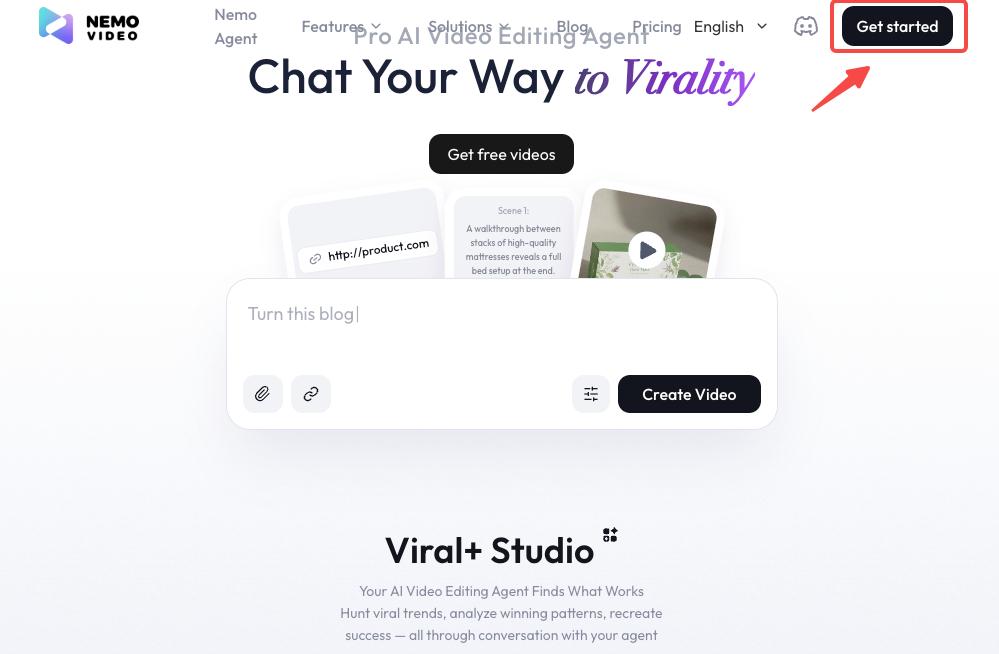
NemoVideo
NemoVideo has quickly become one of the most creator-friendly ai branded video tools on the market — and I say that after genuinely putting it through its paces for six weeks.
What makes it stand out isn't just the output quality. It's workflow logic. NemoVideo is built around the way content creators actually think: start from a hook, build a structure, export for platform. For brands, this means you can brief the tool with your product, your tone, and your target platform — and get back a video that genuinely looks like it came from a real person's account, not a corporate content department.
Key features worth noting:
AI avatar selection with creator-style personas (not stiff corporate presenters)
Automatic caption styling that matches platform-native aesthetics
Brand kit integration — you can lock in colors, fonts, and logo placement without the output looking templated
Hook-first structure generation based on trending content formats
I tested it against three competitor tools using the same product brief. NemoVideo was the only one where I didn't immediately want to tweak the opening five seconds. That matters more than any feature list.
Best for: DTC brands, social-first campaigns, teams producing 10+ videos per week
Runway ML
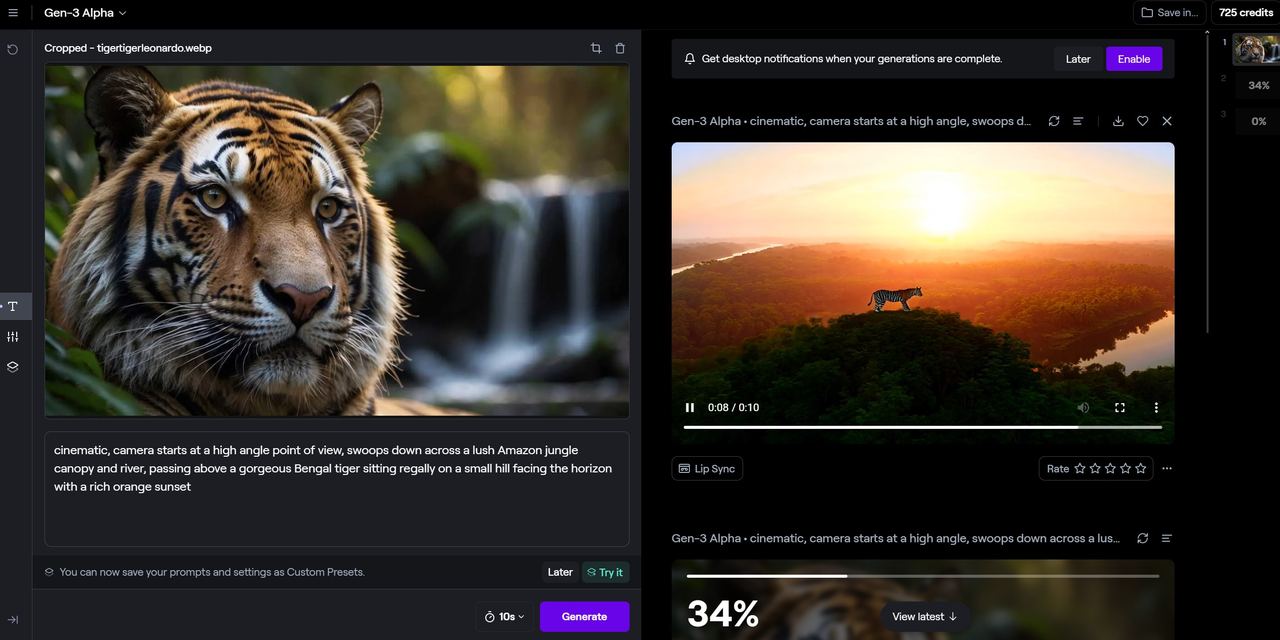
Runway ML's Gen-3 video tools have matured significantly. For brands that need more visual control, — color grading consistency, scene generation, style transfer — Runway sits in a different category. It's less "plug in a brief and go" and more "I know exactly what I want visually and need AI to help me execute it faster."
Best for: Fashion, beauty, and lifestyle brands with strong visual identity requirements
Arcads
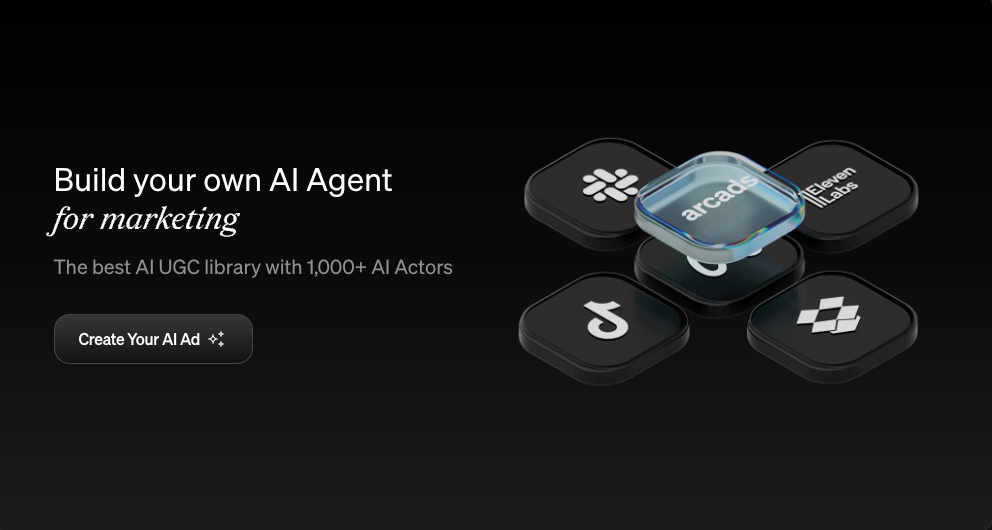
Arcads specializes specifically in UGC-style AI actor videos — the kind where a realistic digital creator speaks directly to camera about your product. The output quality for spokesperson-style content is genuinely impressive, and the library of diverse AI personas is broader than most competitors.
Best for: Performance marketing teams running high-volume ad creative tests
HeyGen
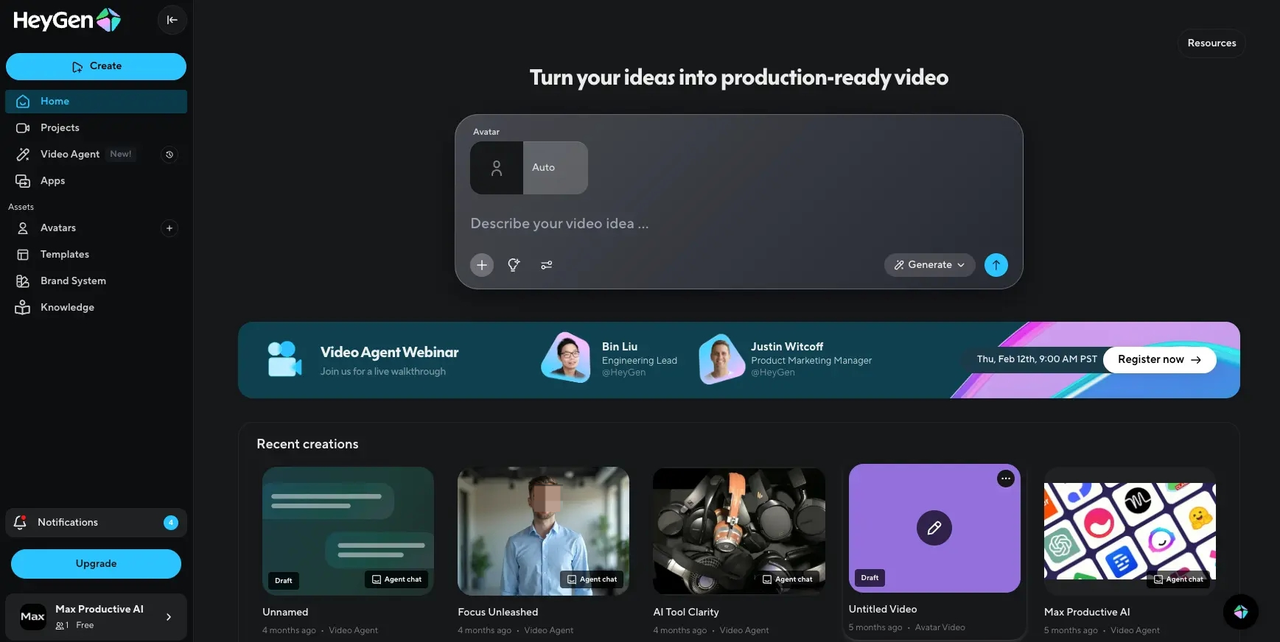
HeyGen's brand video workflows are particularly strong for multilingual content. If you're running campaigns across multiple markets and need brand-consistent UGC-style content in 15+ languages without hiring 15 creators, HeyGen's avatar translation feature is hard to beat.
Best for: Global brands, localized social campaigns
Pika Labs
Pika sits firmly in the experimental-but-useful category. For short-form visual content — product reveals, transitions, stylized clips — Pika's motion generation creates genuinely scroll-stopping moments that feel native to platforms like Reels and TikTok. It doesn't replace a full video workflow, but as a layer inside one, it earns its place.
Best for: Product-focused brands wanting high-impact short clips
How to Maintain Brand Guidelines in UGC-Style Videos
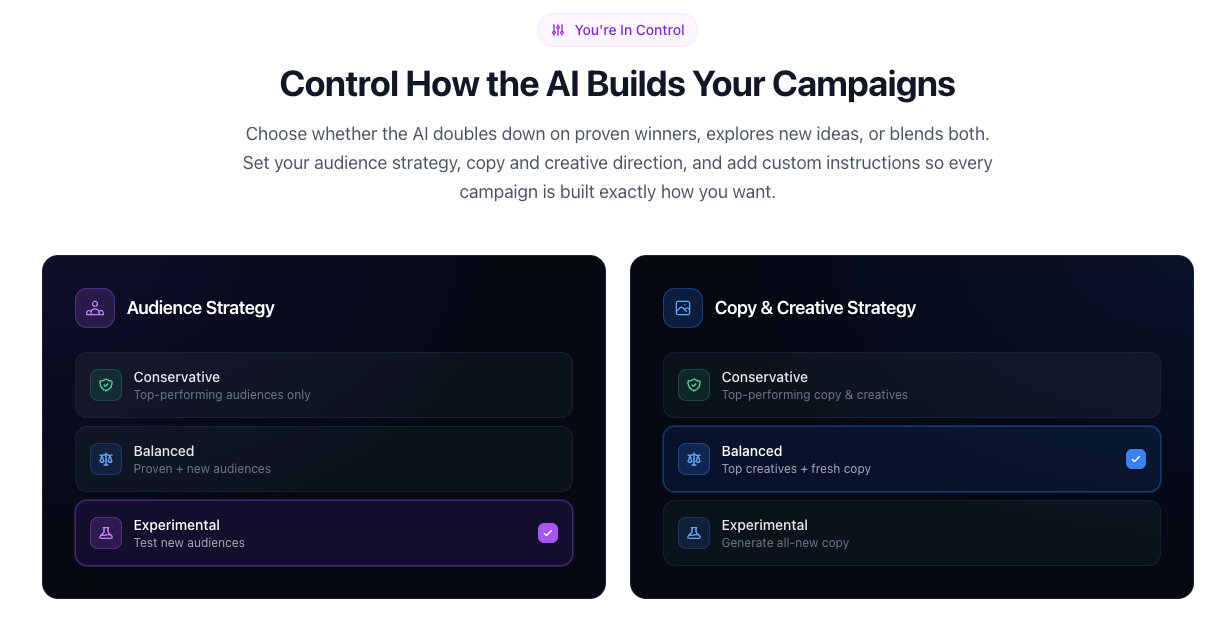
This is where most brands either get it right or completely fall apart. The tension between "looks authentic" and "looks on-brand" is real — but it's solvable.
Color Grading
Forget clinical brand color accuracy. UGC-style grading leans warm, slightly desaturated, and high-contrast — think iPhone footage, not a color-graded commercial. The smart move is to define a "UGC palette" within your brand guidelines: a version of your brand colors that translates naturally to creator-style footage. Most AI video platforms now support custom LUT uploads or preset color profiles.
Font Consistency
Captions are your biggest brand touchpoint in short-form video. Standardize one caption font, one size, and one placement across all UGC-style output. It sounds rigid, but it's actually what creates brand recognizability without the "corporate ad" feel. According to Google's UX research on mobile video, consistent text placement also improves content retention metrics significantly.
Logo Placement
Less is more. A small, semi-transparent logo in the upper corner — present but not dominant — performs better than full-screen brand bumpers in UGC contexts. Save the full brand treatment for the last 2 seconds if you need it at all.
Music and Sound Branding
This one's underrated. Choosing trending audio that's also consistent with your brand's emotional tone creates subconscious brand association over time. Build a playlist of 8–12 pre-approved tracks your team pulls from. It keeps things on-brand while still feeling native to the platform.
Workflow: From Brief to Published
Here's the exact 6-step process I'd recommend for any brand using ai video branding tools at scale:
Step 1 — Define the Hook First. Before anything else, write 3 possible opening lines. The hook determines everything downstream. Ask: would a real creator say this?
Step 2 — Select Your AI Platform by Content Type. Spokesperson content → Arcads or NemoVideo. Visual-first content → Runway or Pika. Multilingual → HeyGen.
Step 3 — Brief with Creator Logic, Not Brand Logic. Instead of "communicate our Q3 value proposition," try "show someone's reaction to discovering this feature for the first time." Outcome-first, emotion-first.
Step 4 — Generate 3–5 Variations. Never ship the first output. Volume creates the option to pick the one that genuinely feels human.
Step 5 — Apply Brand Layer. Captions, logo, approved audio. Keep it light. Refer to your UGC brand guidelines, not your standard brand deck.
Step 6 — Platform-Optimize Before Publishing. Aspect ratio, caption burn-in, thumbnail frame. Each platform has different native specs — Meta's creative specifications guide is the clearest reference for getting this right across Facebook and Instagram.
Balancing Authenticity and Control
I keep asking myself why this is still so hard for big brands to figure out — and I think the honest answer is organizational culture, not creative capability.
The brands nailing ugc brand content platforms in 2026 have done one thing differently: they've loosened creative control at the execution level while tightening it at the strategic level. They define the emotion, the message, the brand moment — and then let AI tools (and real creators) find the authentic expression of that.
Control what matters: messaging accuracy, legal compliance, brand safety. Release control over: production quality signals, scripting rigidity, visual perfection. The moment a video looks like it was approved by six people in a committee meeting, it's already dead on arrival.
The brands I've watched genuinely crack this treat their social brand videos like a living content system — constantly testing, iterating, and updating based on real performance data rather than internal creative opinions.
FAQ
Q1: How do I make branded videos look less "corporate"?
Start with the environment, not the script. Corporate-looking video usually comes from corporate-looking settings: clean white studios, perfect lighting, stiff presenters. Shift to real environments — an actual desk, a real kitchen, an outdoor setting. Let the AI platform generate content with natural lighting simulation and conversational pacing. The script matters less than the visual context.
Q2: Can I use employee-generated content alongside AI video tools?
Absolutely — and honestly, combining real employee footage with AI-assisted editing and structure is one of the most underused strategies in brand UGC right now. Employees bring genuine authenticity; AI tools bring consistency and scale. Have employees record raw clips on their phones, then use tools like NemoVideo or Runway to structure, caption, and brand-layer the content.
Q3: What's the best aspect ratio for brand UGC in 2026?
9:16 is non-negotiable for primary distribution — TikTok, Reels, Shorts. However, they always export a 1:1 version simultaneously for feed posts and a 16:9 cut for YouTube and LinkedIn. Most AI platforms now handle multi-ratio export natively, so there's no excuse for not having all three.
Q4: Do I need influencer releases for AI-generated UGC content?
If you're using AI-generated avatars or personas, releases aren't typically required since no real person is depicted. However, if your AI content uses a real person's likeness, voice, or name — even partially — you need explicit written consent. Always run AI-generated brand content past legal before publishing, particularly for regulated industries. Refer to the FTC's updated guidelines on AI-generated advertising for current disclosure requirements.
Q5: How many video variations should I test before scaling?
Minimum three, ideally five. The first variation is rarely the winner — it's the baseline. Test different hooks, different pacing, different creator personas. Once you have a clear performance leader after 48–72 hours of real data, scale the budget behind it. The biggest mistake brands make is scaling too early on creative intuition rather than actual performance signals.
Conclusion
So where does this leave us?
If I'm being real — the production quality arms race is over, and authenticity won. The brands I've watched genuinely crack social video in 2026 aren't the ones with the biggest teams or the fanciest tools. They're the ones who figured out that feeling real is worth more than looking perfect.
The AI platforms for creating UGC brand videos in this guide — NemoVideo, Runway, Arcads, HeyGen, and Pika — are all capable of getting you there. But the tool is only 30% of the equation. The other 70% is giving yourself permission to release the corporate polish and trust what actually performs.
Pick one platform. Run one real brief through it this week. See what comes back. I'd bet it surprises you.
Previous Posts: