

Best AI Product Video Generators for Ecommerce in 2026 (Tested & Compared)

Hi, I'm Dora. Last month, a friend who runs a mid-size Shopify store selling ceramic kitchenware asked me to help overhaul their product pages. They had beautiful photos — but zero video. We spent one weekend generating AI product videos for their top 30 SKUs. Within three weeks, the product pages with video saw a 22% higher click-through rate from search results and an 18% lift in add-to-cart actions compared to the static-image-only listings.
If you sell physical products online and you're still relying on photos alone, this guide is for you. I've tested nine AI product video generators head-to-head, and I'll walk you through exactly what works, what doesn't, and which tool fits your specific situation.
Why Product Videos Actually Drive Ecommerce Sales
According to Wyzowl's 2026 Video Marketing Report — now in its 12th consecutive year — 91% of businesses use video as a marketing tool, and 87% of consumers say they've been convinced to buy after watching a video. Meanwhile, 63% of video marketers have used AI tools to create or edit videos, up from 51% the year before.
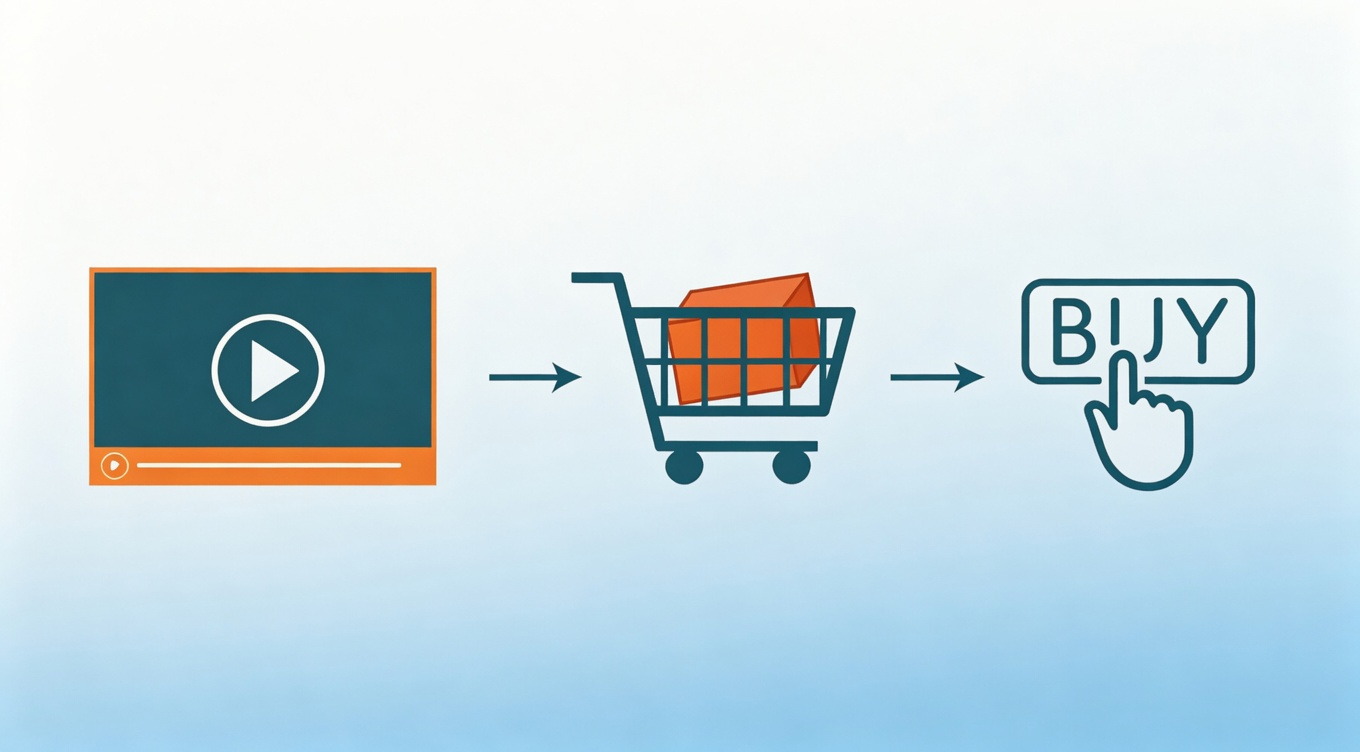
For ecommerce specifically, product video does three things static images can't:
Shows the product in use. A 360° view or quick demo answers sizing and functionality questions instantly.
Builds trust. UGC-style video feels more authentic than polished studio shots.
Feeds the algorithm. Instagram, TikTok, and Amazon's search algorithm all reward video content with better visibility.
What Makes a Good AI Product Video Generator
Before testing nine platforms, I set five evaluation criteria:
URL or image input — Can I paste a product URL or upload a photo and get a video draft without starting from scratch?
Template library — Does it have ecommerce-specific templates (product showcase, promo ad, UGC-style, unboxing)?
Brand consistency — Can I lock in brand colors, fonts, logos, and tone of voice?
Batch capability — Can I generate multiple videos at once?
Output quality — Does the final video look professional enough for a product detail page or a paid ad?
Pick Your Video Tool by Use Case
The biggest mistake people make is looking for one tool to do everything. Different ecommerce goals need different tools. Here's how I'd split them:
For Shopify Sellers Who Need Fast UGC-Style Ads
Best pick: Creatify
Paste a product URL, pick an AI avatar, and get a UGC-style video ad in minutes. Creatify's strength is speed — it pulls your product info automatically, generates a script, and lets you swap avatars until you find one that matches your audience. The Pro plan at $49/month gives you 60 videos per month, which is the sweet spot for most Shopify sellers running paid ads.
Also consider: TopView AI — similarly fast URL-to-video flow, slightly better at TikTok-style hooks.
Creatify | TopView AI | |
Price | From $33/mo | Credit-based |
URL input | ✅ | ✅ |
Batch mode | ✅ | ✅ |
AI avatars | ✅ | ✅ |
Best platform | Facebook, TikTok ads | TikTok, Reels |
For Ecommerce Teams on a Tight Budget
Best pick: Predis.ai
At $19/month, Predis.ai gives you ecommerce-specific templates, URL input, batch generation, and built-in social scheduling — all in one. It's the most complete package under $25/month. The Core plan caps video at 30 seconds, which is plenty for social ads and product highlights.
If you need more than 30 seconds — say, for a Shopify PDP embed or an Amazon listing video — step up to the Growth plan.
For Amazon Sellers

Best pick: Oxolo
Oxolo is built specifically around product page video. Paste your Amazon or Shopify URL and it generates a professional-looking 16:9 video that meets Amazon's listing requirements. The template library is smaller than Creatify's, but the output is cleaner for a product detail page context.
Pricing starts at $29/month. If Amazon is your primary channel, Oxolo's output quality justifies the cost.
For Content Marketers Repurposing Existing Assets
Best pick: Pictory
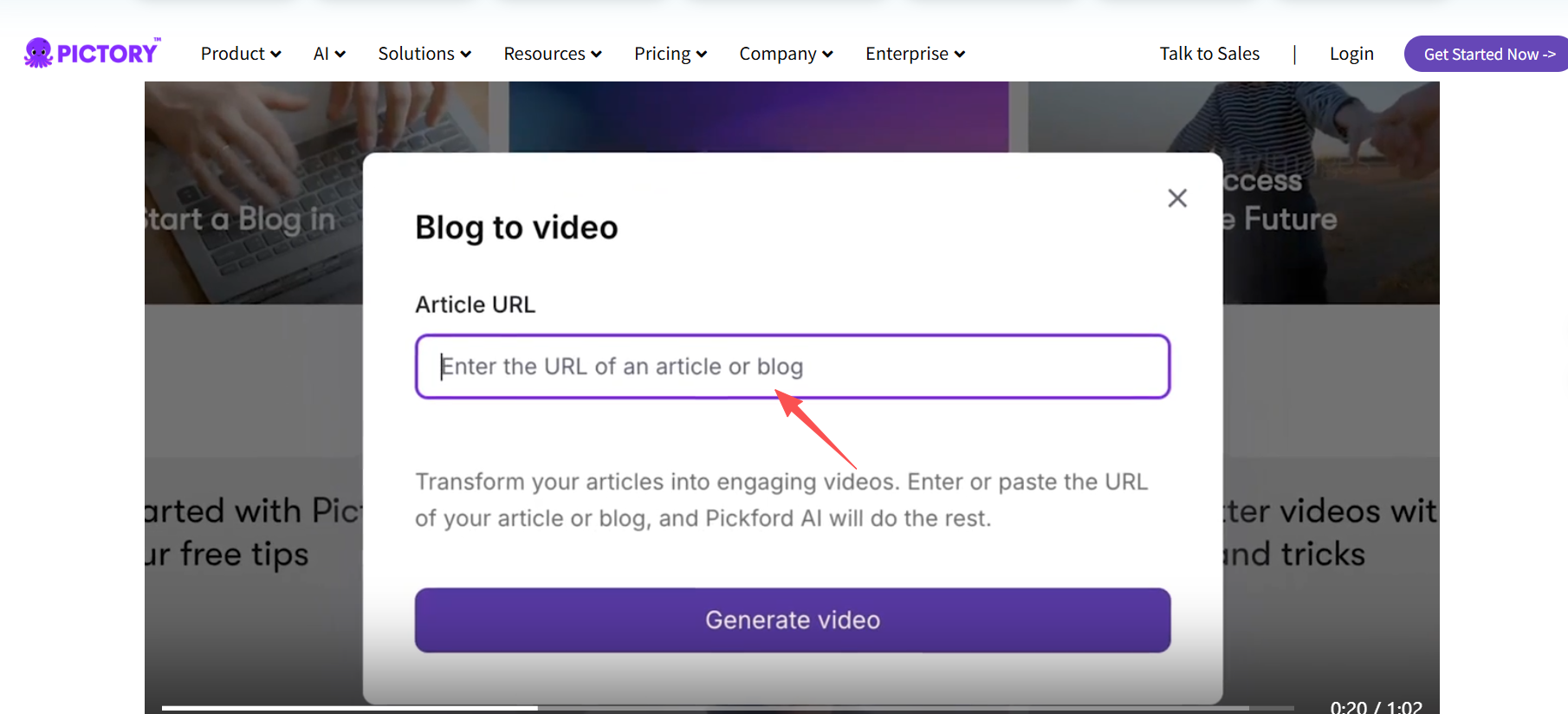
If you already have blog posts, long-form reviews, or YouTube videos, Pictory turns them into short video clips automatically. Paste a URL or script, and it identifies the key moments, adds visuals, and generates captions. It's not built for product ads — it's built for content repurposing.
Also consider: Fliki — strong for script-to-video with natural-sounding voiceover built in.
Pictory | Fliki | |
Price | From $25/mo | From $28/mo |
URL-to-video | ✅ | ❌ |
Script-to-video | ✅ | ✅ |
Voiceover quality | Good | Excellent |
Best for | Blog repurposing | Script-based narration |
For Brands Wanting Full Creative Control
Best pick: InVideo AI
InVideo gives you the most flexibility — you can start from a text prompt, a script, or a template, and adjust every element. It's the best choice if you want to build a consistent brand look across your entire video library. The free tier is functional for testing, and paid plans start at $28/month.
The trade-off: InVideo doesn't have URL import or batch mode, so it's slower for high-volume production.
For Simple Drag-and-Drop Videos Without a Learning Curve
Best pick: Animoto
If your team has zero video experience and you just need something presentable fast, Animoto's drag-and-drop interface gets you there. It's more template-based than AI-driven, but the free tier is genuinely usable and there's no learning curve. Don't expect AI-level customization — but do expect reliability.
Full Comparison Table
Tool | Price | URL Input | Batch | Best For |
From $33/mo | ✅ | ✅ | UGC-style ads, Shopify sellers | |
From $19/mo | ✅ | ✅ | Budget-friendly ecommerce teams | |
Credit-based | ✅ | ✅ | TikTok / Reels-style product ads | |
From $29/mo | ✅ | ✅ | Amazon product listing videos | |
Free / $28/mo | ❌ | ❌ | Full creative control, brand building | |
From $25/mo | ✅ | ❌ | Repurposing blog/long-form content | |
Free / $28/mo | ❌ | ❌ | Script-to-video with voiceover | |
Free tier | ❌ | ❌ | Beginners, simple drag-and-drop | |
Custom pricing | ✅ | ✅ | UGC ads at enterprise scale |
How to Create an AI Product Video (Step-by-Step)
Step 1 — Gather Your Product Assets
Collect your product URLs or high-quality product photos (at least 1000×1000px). If your product page has cluttered lifestyle images, upload the best 2–3 product shots manually. Clean inputs produce clean outputs.
Step 2 — Generate the Initial Video
Paste the product URL into the tool. Select a template — product showcase, promo ad, or UGC-style. The AI generates a script, selects music, and creates a rough cut in 1–3 minutes.
Step 3 — Edit the Script and Visuals
Always review the AI-generated script. In my testing, about 40% of auto-generated scripts pulled awkward phrasing from the product description. Trim it to one clear benefit per scene. Less is more.
Step 4 — Apply Brand Elements
Upload your logo, set your brand colors, choose a consistent font. Save these settings so every future video matches automatically. Most tools have a brand kit feature — use it from day one.
Step 5 — Choose the Right Aspect Ratio
9:16 for TikTok, Instagram Reels, YouTube Shorts
1:1 for Instagram feed, Facebook feed ads
16:9 for YouTube, Amazon product listing videos, Shopify PDP embeds
Step 6 — Export and Deploy
Export in the highest resolution available (1080p minimum). Upload to your Shopify product page, Amazon listing, and repurpose for paid social ads.
Best Practices by Video Type
Product Demo Videos: Keep them under 30 seconds. Show the product from multiple angles, demonstrate one key feature, and end with a clear CTA.
Unboxing-Style Videos: AI tools with avatar capabilities can simulate an unboxing experience with a virtual presenter. Make it feel casual — over-produced unboxing videos perform worse than authentic-looking ones.
UGC-Style Ad Videos: Choose AI avatars that look like real customers, not models. Keep the script conversational. Avoid anything that reads like marketing copy.
Social Proof Compilations: Combine text-based reviews with product imagery into a 15–20 second montage. Pull your best 3–4 star reviews — five-star-only compilations feel fake and viewers know it.
Platform-Specific Video Specs
Amazon Product Listing Videos — Keep it under 60 seconds, use 16:9 aspect ratio, focus on answering top customer questions. Check Amazon's video content guidelines before uploading.
Shopify Product Detail Pages — Embed video directly on your PDP, above the fold if possible. Auto-play on mute with captions. Shopify's native video embed supports MP4 up to 1GB.
Instagram and TikTok Ads — 9:16 vertical format is non-negotiable. Hook viewers in the first 1.5 seconds. UGC-style AI videos consistently outperform studio content on both platforms. See Meta's video best practices for ad specs.
Facebook Dynamic Ads — For catalog-based dynamic ads, you'll need individual videos per product. This is where batch tools like Creatify and Predis.ai earn their cost back fastest.
Mistakes to Avoid
Ignoring brand consistency. Set up a brand kit once and apply it to everything. Inconsistent visuals across your product videos undermine trust faster than bad lighting.
Skipping quality checks on batch output. In my 30-video run, 5 videos had text cut off, 2 had mismatched images. Budget 15 minutes to review every batch — no exceptions.
Only using default templates. Spend 20 minutes customizing a template with your brand elements, then duplicate it. The default look is what every other store using the same tool produces.
Forgetting about audio. Even if most viewers watch on mute, add subtle background music. Research shows that videos with music perform better even when played silently — the waveform in feeds signals "this has audio" and increases play rates.
FAQ
How long should an ecommerce product video be?
For product pages, 15–30 seconds is the sweet spot. For social media ads, aim for 15 seconds or less. For Amazon, under 60 seconds. Longer videos get lower completion rates across every platform.
Can AI-generated product videos really replace professional production?
For most small-to-mid-size ecommerce stores, yes — for the volume play. AI tools produce 80% quality at 10% of the cost. For hero brand campaigns and flagship product launches, traditional production still has the edge.
Do I need to show a real person in product videos?
Not always. Pure product showcase videos work great without people. But for social ads, videos featuring a human face — even an AI avatar — consistently get higher engagement than product-only videos.
What's the best aspect ratio for ecommerce product videos?
Use 9:16 for TikTok, Reels, and Stories. Use 1:1 for Instagram and Facebook feed. Use 16:9 for YouTube, Amazon, and your own website.
How many product videos should I create per SKU?
At minimum, two: one product showcase for your PDP and one ad-style video for paid social. For top sellers, create 3–4 variations to A/B test — the hook and CTA are usually the highest-impact variables.
Are free AI video tools good enough for professional ecommerce use?
Free tiers are fine for testing, but they typically come with watermarks and 720p resolution. For anything customer-facing, you'll want a paid plan — most start at $19–29/month.