

GPT Image 2 for UGC Ad Hook Variations
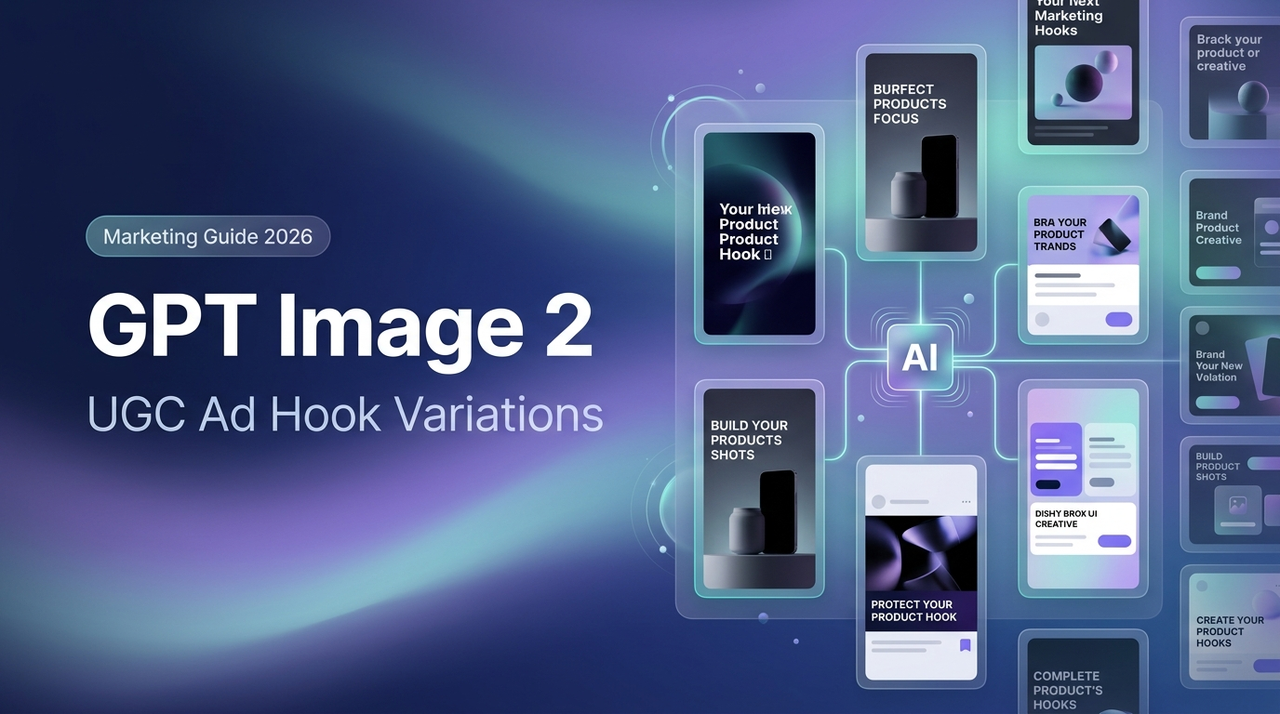
Hey everyone, Dora here. I batch-produce 40–60 short-form videos a week across multiple accounts. Ideation is usually the quiet bottleneck — nobody talks about the 45 minutes spent building opening-frame concepts that may never even get used.
When GPT Image 2 dropped on April 21, 2026, my first reaction was skepticism. I'd watched AI image tools oversell and underperform too many times to get excited without testing. So I ran it across three client accounts before forming an opinion.
Here's what the numbers actually showed: my re-edit rate on AI-assisted hook frames dropped from 68% to 31%, and I got 7–10 testable visual concepts per brief in about 20 minutes instead of the usual 45–60. That shift is what this piece is about — the workflow, the specific hook types that generate well, and where the tool breaks down.
Why Hook Variation Matters More Than One Perfect Ad
Testing Beats Polishing
The ad that took three hours to polish rarely outperforms the one that took 40 minutes to build. I tracked this over eight weeks across my own accounts and found essentially zero correlation between editing time and watch-through rate.
The reason is structural. On TikTok and Reels, what the algorithm measures is early attention — thumb-stop rate, three-second view-through, scroll-past behavior. These signals depend almost entirely on your opening frame, not on color grading or b-roll quality. Analysis of 400+ DTC brands between 2024 and 2025 found that authentic UGC-style ads consistently outperformed polished professional content by 3–5x across conversion rates, CPM, and ROAS. Polish isn't the lever. Volume of variation is.
If you're testing two hooks per week, you'll have a directional answer in six weeks. Testing eight cuts that to two. The competitive advantage is iteration speed, not production quality.
Where GPT Image 2 Fits Before Editing
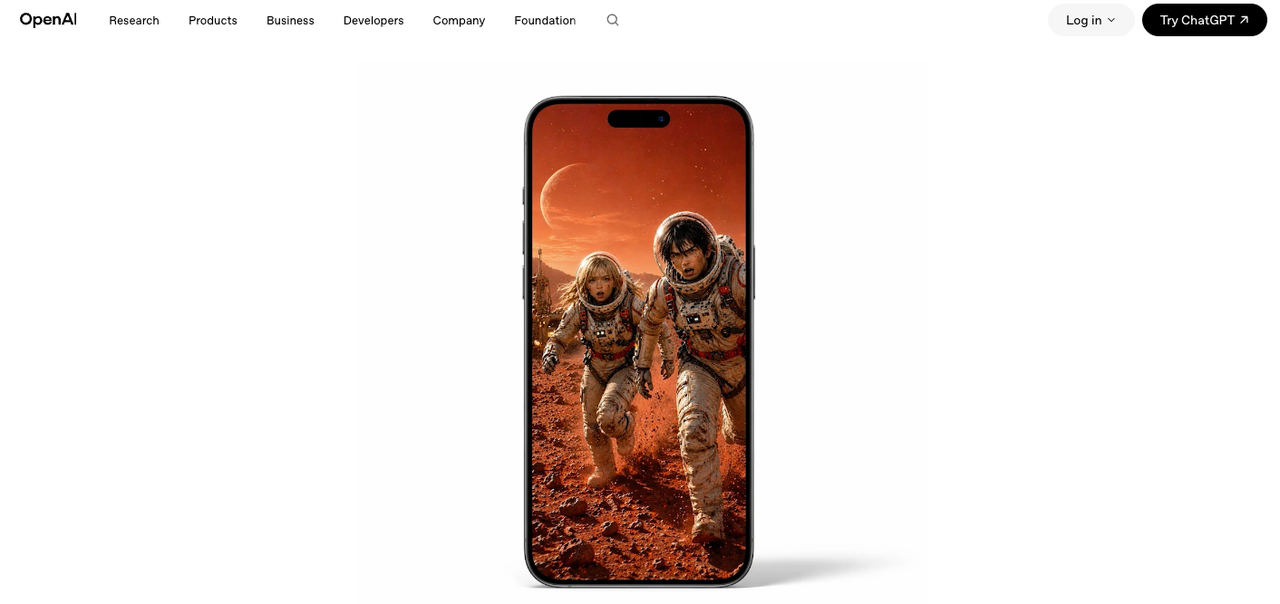
GPT Image 2 — officially released as ChatGPT Images 2.0 on April 21, 2026 — is not a video tool. That's the critical thing to establish before building any workflow around it.
What it generates is opening-frame concepts: still images representing the first visible moment of a video. A problem statement layered over a relatable scene. A product reveal at a specific angle. A curiosity hook with clean, readable copy. The image is the brief for your edit, not the finished deliverable.
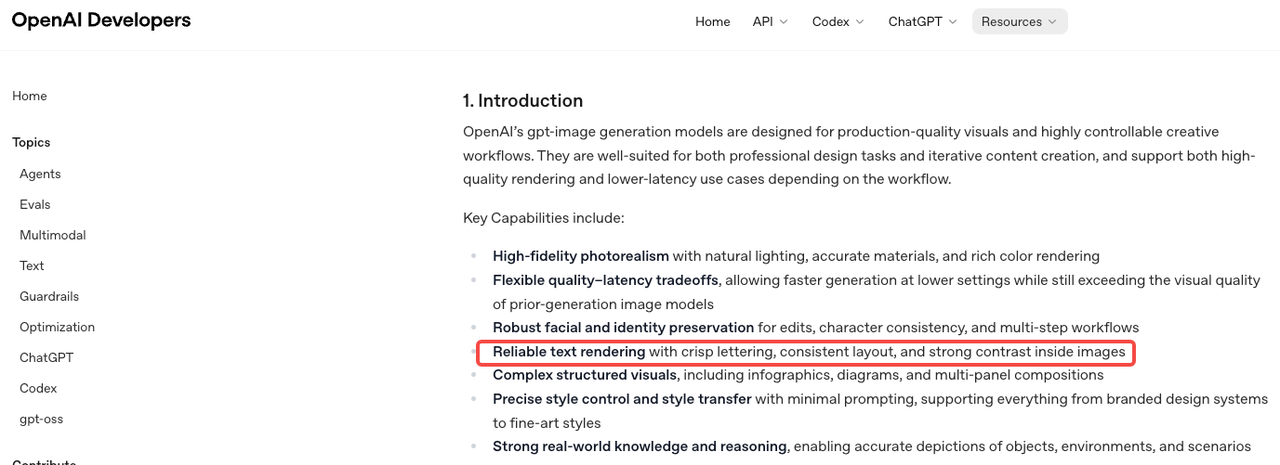
The model's official image generation prompting guide describes it as built for "reliable text rendering with crisp lettering, consistent layout, and strong contrast inside images" — exactly what hook frames require. Previous GPT Image models topped out at 90–95% text accuracy; GPT Image 2 sits above 99% character-level accuracy across Latin, CJK, Hindi, and Bengali scripts. For UGC hook work, where you need readable price callouts, product names, or on-screen copy, that gap is the difference between usable output and a wasted generation.
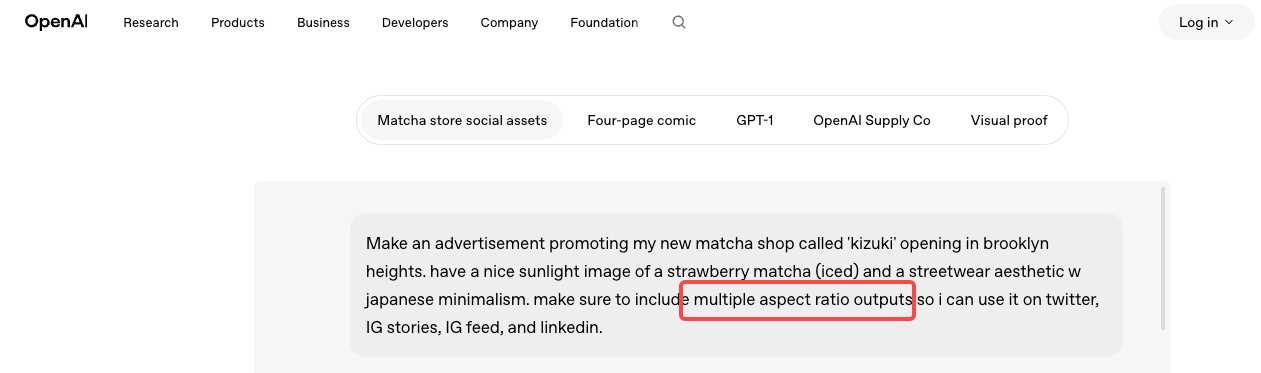
The model's API documentation confirms support for flexible sizing up to 2K resolution with high-fidelity inputs — practical for 9:16 hook frames at the quality level paid social requires.
That said: every image still needs editing energy to become a video. The workflow is generate → filter → edit. Not generate → publish.
The Best Hook Types to Generate First
Problem-Solution Hooks
This is where I start with any product category. Open with a recognizable pain state, imply the resolution. The prompt logic that works here is specific: scene + visible emotional context + text overlay. "A person looking frustrated at their laptop, with the text 'why does this keep happening before a deadline'" generates a fundamentally different frame than "frustrated person." The more precise the emotional beat, the more usable the output.
Problem-solution hooks test well because they match how UGC naturally performs across platforms — content that feels native and immediately relevant outperforms content that feels aspirational. A problem-solution frame looks like something a real person filmed. That's the standard.
Before-After Hooks
Before-after works for anything with a visible physical transformation — products, spaces, interfaces, skin, fitness. The challenge: you're actually generating two concepts, not one. What works is prompting for the "after" state first — the resolved, satisfying version — and using that image as the anchor for your brief. You then direct the b-roll toward the "before" state in edit.
I haven't found a reliable single-prompt approach to split-frame before-after that holds up. Two separate generations plus an edit combine faster and produce cleaner results.
Product Reveal Hooks
Slow-reveal, dramatic product framing, close-crop texture shots — these buy attention by withholding information. The viewer doesn't know what they're looking at, which holds watch time through the first cut.
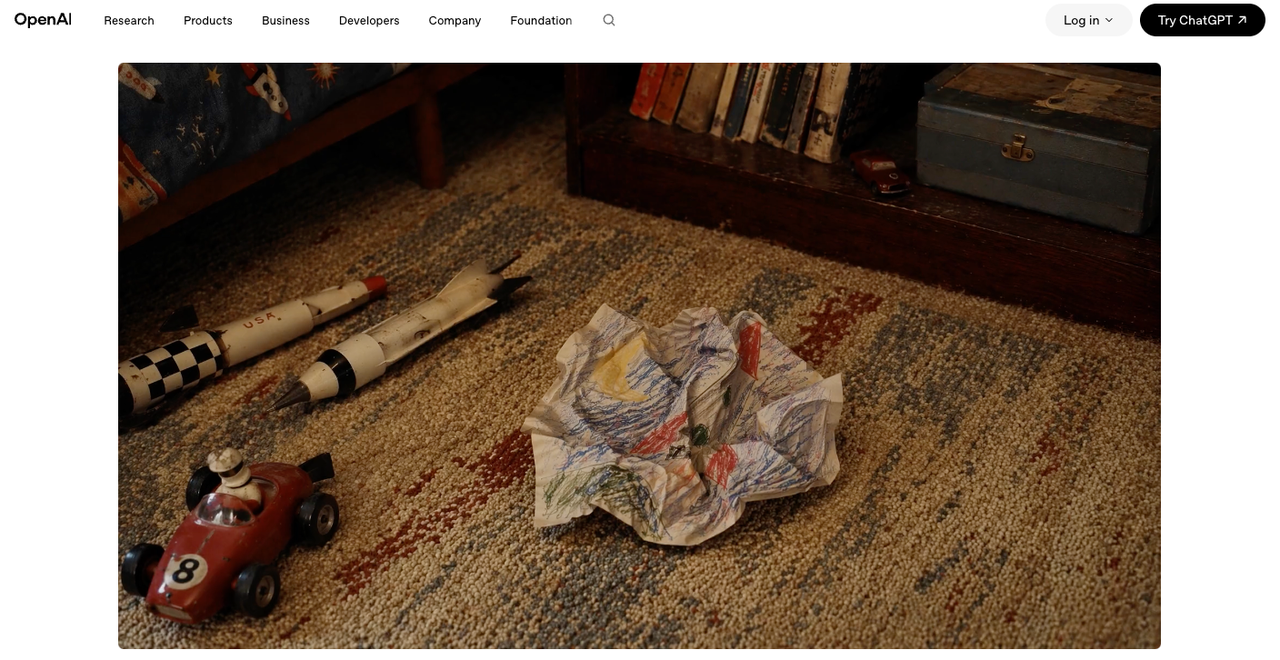
GPT Image 2 handles spatial and compositional instructions precisely enough that specificity in the prompt pays off directly. "Product in lower third, matte dark background, single rim light, extreme close crop on texture" produces a materially different output than "product photo." Per OpenAI's press release on Images 2.0, the model is built to "preserve requested details and render the fine-grained elements that often break image models" — that instruction-following fidelity is what makes specific spatial prompts work here.
Curiosity Hooks
A question. A counter-intuitive claim. A number that feels too specific to ignore.
Curiosity hooks are the hardest to generate with an image model because the copy carries most of the weight. GPT Image 2 will render the text legibly — that part is now reliable — but the sharpness of the copy itself has to come from your brief, not from the model. My process: write 8–10 hook copy options before touching the tool, pick the 3 strongest, then generate visual frames that support each one. Don't use the model to ideate copy. Use it to render copy you've already decided on.
Workflow: From Brief to Testable Video Variants
Step 1: Generate 5–10 Opening Visuals
15–20 prompts across the four hook types. Weak outputs — bad text placement, framing that won't translate to 9:16, busy backgrounds that bury the copy — get cut immediately. What passes goes into a short review batch.
One thing I didn't expect: GPT Image 2 holds consistent visual style across a batch when you lock prompt parameters. Establish your lighting style, color temperature, and scene density in the first prompt and the rest of the batch follows. For ad sets where you want variation in angle but coherence in aesthetic, this matters more than most reviews mention.
Step 2: Choose 2–3 Winners
Three criteria:
Readability at mobile size. Screenshot the image at 390px width. Look at it for 1.5 seconds, then look away. If you can recall what the text said, it passes. If you had to look again, it doesn't.
Motion potential. Does this image have a logical next frame? A close-up implies a zoom-out. A problem state implies a cut to resolution. If the image feels too compositionally complete as a still, it's harder to build a video around.
Clean framing. Text overlapping busy background elements, centered subjects with no room for caption overlays, compositions that don't leave space for the edit to breathe — these are fixable, but they add time. Cut them at this stage.
Step 3: Build Minimal Edits, Then Test
The hook frame is now a brief. You know the opening visual, the angle, and what the text says. The edit adds motion energy, sequences the story, and matches platform pacing. Meta's creative rotation guidance is consistent on this: running only one version accelerates fatigue and limits learning. Five to eight variants across two to three angles is a reasonable starting batch. Once you have 48–72 hours of signal, you'll know which one is worth building into a full production cut.
What Makes a Hook Image Usable in Video
Readability in the First Second
"Legible text" and "text readable while someone is scrolling at normal speed on a phone with half their attention elsewhere" are not the same thing. The 1.5-second mobile test above is the one that actually filters bad outputs. The three failure modes I see most often from GPT Image 2 hook frames: font weight too light for the background, text placed over a high-detail background region, and line length too long for available frame space. These usually require prompt iteration to fix — the model doesn't always solve them on the first generation.
Motion Potential and Clean Framing
The images that convert most easily into video share one characteristic: negative space. Room for the camera to move, room for a text overlay to sit without competing, room for the edit to add energy.
Avoid images that are too compositionally dense. They look impressive as stills and are genuinely harder to work with in edit. The simpler the visual structure, the more energy the edit can contribute — and in short-form, energy comes from the edit, not the still frame.
Trade-offs Worth Stating Directly
Static Hooks Still Need Edit Energy
GPT Image 2 generates a concept. The gap between a concept image and a working short-form hook is bridged entirely by editing — motion, timing, audio, caption placement, pacing. Teams that treat the generated image as a deliverable will be disappointed. Teams that treat it as a brief will save 25–30 minutes per session. At five sessions a week, that's two-plus hours back.
If your bottleneck is editing rather than ideation, this tool doesn't move that bottleneck.
Better Text Rendering Is Also a Trap
The model's improved text accuracy — above 99% for Latin and CJK scripts — is genuinely useful. It's also a temptation to pack more copy into the hook frame. Don't. Creative testing data across UGC campaigns consistently shows the most effective hooks create a single tension or question, not an information handoff. The more text you put in the opening frame, the more cognitive load you're asking the viewer to accept before they've decided to watch. Use the improved rendering to make the text you were already going to include look better — not as permission to include more.
FAQ
Can GPT Image 2 replace a UGC creator? No. A UGC creator delivers a real face, real reactions, and social proof. GPT Image 2 generates visual concepts for the ideation phase. What it replaces is the concepting work that previously required a designer or a long brief-writing session — not the human element that makes UGC convert.
How many hook variants should teams test? Five to eight across two to three angles. The ceiling isn't generation time — that's fast. It's edit capacity. Work backward from how many edits you can realistically ship and track in a week.
Products vs. apps — which hooks work best? Products with visible transformations (before-after, reveal, texture detail) tend to outperform curiosity hooks — the visual proof is more direct. Apps and services, where the transformation is behavioral, do better with problem-solution and curiosity hooks. Test both before committing.
When to move from image testing to full video? When you have a clear winner from the static phase. Pick 2–3 strong concepts, build minimal edits, run 48–72 hours of signal, then invest production time in the winner.
Conclusion
GPT Image 2 is worth adding to a UGC ad workflow specifically for what it actually does: generating opening-frame concepts faster and at higher volume than any previous option. Not as a video tool, not as a creator substitute, not as a fix for an editing bottleneck.
Re-edit rate dropped from 68% to 31% in my testing. Concept volume went from 2–3 to 7–10 per brief. The ideation phase went from 45–60 minutes to 20. If you're producing more than five short-form ads per week, that compounds into real time savings within the first month.
If you're producing one or two per week, the workflow overhead probably doesn't justify adding another tool yet.
Previous Posts: