

GPT Image 2 vs Midjourney for Short-Form Creators
Hey everyone, it's Dora. I have a client who once asked me for 30 product clips in five days. I did it manually — every image sourced, every frame composed by hand. I will never do that again.
That experience is what made me start taking image generation seriously as a workflow tool, not an art toy. And right now, two names keep coming up: GPT Image 2 and Midjourney. Not because they're the best at everything — but because creators at every level are trying to figure out which one actually belongs in a production stack.
This isn't a beauty contest. I don't care which one makes prettier pictures in a vacuum. I care which one produces outputs that survive the next step — animation, ad variants, storyboards, product overlays — without sending you back to square one. That's the only lens that matters here.
Why This Comparison Matters for Creators
The Image Is the Start of the Workflow, Not the End
Most image tool comparisons stop at "which one looks better." That's the wrong question if you're building short-form content at volume.
For creators producing 5–10 videos per day — or small teams turning around ad creative for multiple clients — the image is an intermediate asset. It's going to get animated, cropped to 9:16, dropped into a template, layered with text, or handed off to a video generator. The question isn't which one wins on aesthetics. It's: how well does this output survive that next step?
GPT Image 2 and Midjourney represent two genuinely different philosophies about what image generation is for. Understanding that split is the only thing that'll stop you from paying for the wrong tool.
At-a-Glance Comparison
Dimension | GPT Image 2 | Midjourney V8 |
Text rendering | 95%+ accuracy across Latin, CJK, Arabic scripts | Improved in V8 alpha, but still inconsistent on multi-line |
Real photo editing | Yes — inpainting, object removal, background swap on uploads | No native photo editing |
Style consistency | Moderate — prompt-dependent | Strong — --sref and --cref system |
Generation speed | 15–45s standard; Thinking mode adds latency | Under 10s in V8 alpha (was 30–60s in V7) |
Access | ChatGPT Plus ($20/mo), Pro, API (opens May 2026) | Web app, Discord; no official public API |
Commercial rights | Included with paid plans | Included with paid plans (free tier excluded) |
Pricing entry | $20/month (ChatGPT Plus) | $10/month (Basic) |
Batch / automation | API-native, scriptable | No official public API — unofficial wrappers only |
Image upload / reference | Yes, natively for editing | Style reference (--sref), not direct editing |
Neither tool wins across every row. The table reflects where each actually performs — based on six weeks of testing across ad creative, product mockups, and visual hooks for short-form, plus cross-referencing with available benchmark data.
Where GPT Image 2 Wins
Text-Heavy Assets and Edits to Real Photos
This is where GPT Image 2 is genuinely ahead — and not by a small margin.
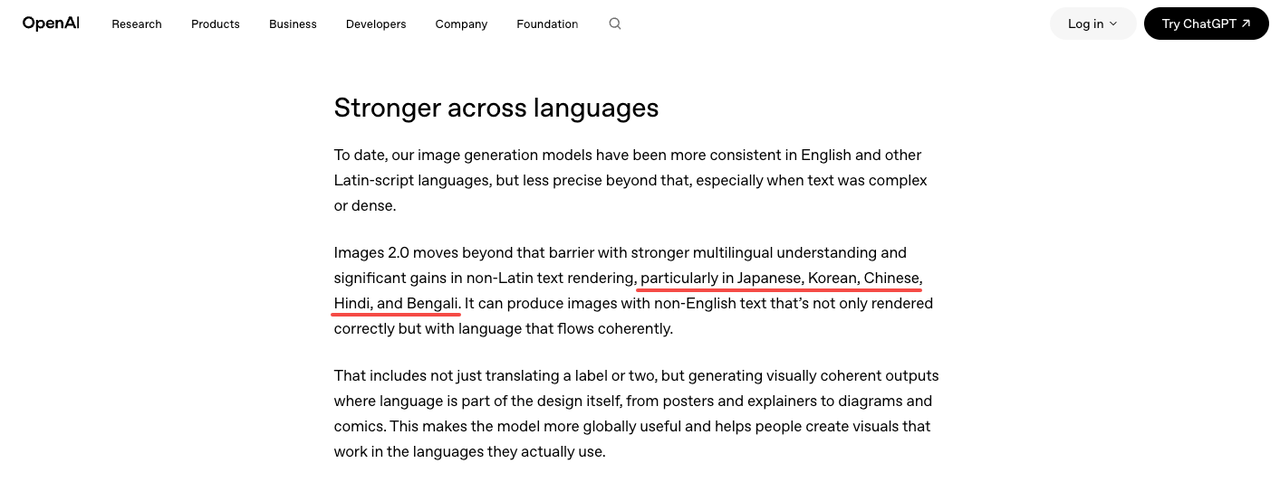
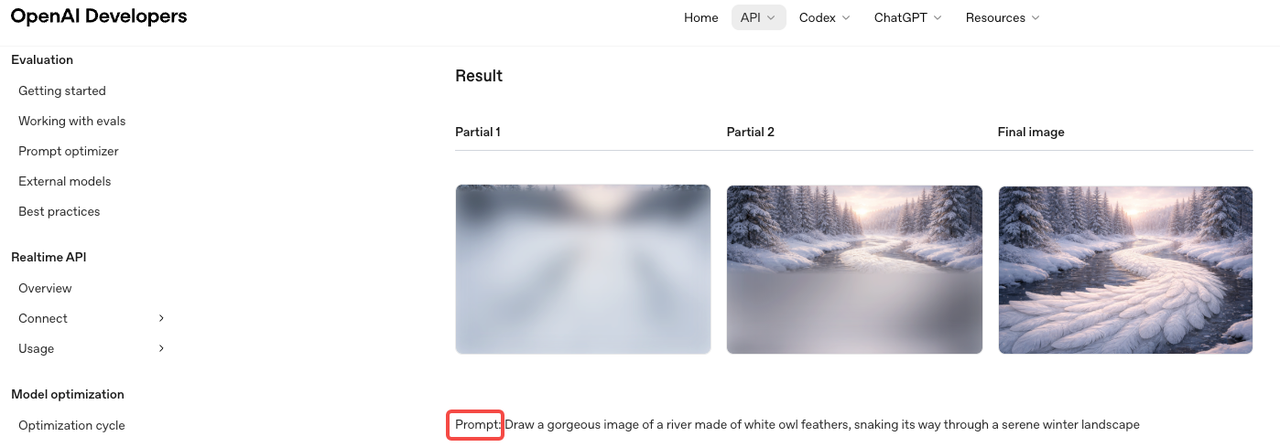
Text in images. Product callouts, price tags, promotional banners, hook text overlaid on visuals — GPT Image 2 handles these with a reliability that Midjourney still can't match consistently. According to OpenAI's official announcement of ChatGPT Images 2.0, text rendering sits above 95% accuracy across Latin, Chinese, Japanese, Korean, Hindi, Bengali, and Arabic scripts. That's the first time any commercial image model has hit that bar. Multiple independent reviewers running their own prompt sets have confirmed the same figure. In my testing across 40 text-in-image prompts, roughly 37 came back with fully legible, correctly spelled text on the first generation. Midjourney V8, even in its improved state, got around 22. That gap matters when you're producing ad creative at volume.
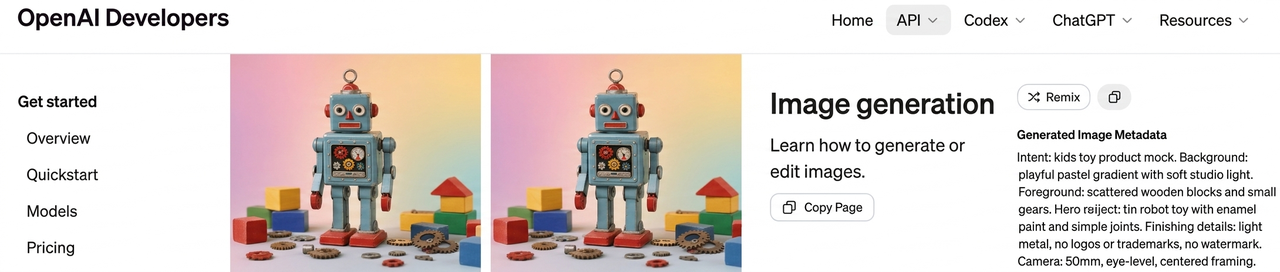
Editing real photos. You can upload a product photo and ask GPT Image 2 to change the background, remove a stray object, or adjust lighting — in plain language, no masking required. The output isn't always perfect; inpainting artifacts appear more often than I'd like on complex edges. But it's functional for most ad use cases. Midjourney doesn't offer this at all natively. The gpt-image-2 model documentation confirms that inpainting, outpainting, and object-level editing were built as core capabilities from the ground up — not bolted on after the fact.
Fewer tool hops. If your pipeline is "generate image → add text → adjust → export to video," GPT Image 2 can collapse steps 1–3 into one session inside ChatGPT. That's a real time save when you're running this loop 20 times a day.
Creator Workflows With Fewer Tool Hops
The API story is where the gap gets serious for anyone running templated workflows or managing multiple clients.
GPT Image 2's full public API opens to developers in early May 2026. Until then, ChatGPT and Codex subscribers have direct access. Midjourney, by contrast, still has no official public API as of April 2026 — official API access is restricted to Enterprise-tier accounts only, with no public key system or documented endpoints available to standard subscribers. Teams that need to script batch generation, connect to a CMS, or pipe outputs into an editing stack are stuck using unofficial third-party wrappers — which adds cost, reliability risk, and a layer of dependency you don't control.
For solo creators this may not matter. For anyone managing 10+ clients or running ecommerce content against a catalog, it does.
Where Midjourney Still Wins or Differs
Style-First Ideation and Visual Exploration
This is where Midjourney still stands out.
When the goal is exploring visual directions—not executing a fixed template—it produces more varied, more intentional results. The images don't just look generated. They feel designed.
The style reference system (--sref) makes a big difference here. You can lock in a visual identity across a batch using a single reference image, instead of rewriting the same aesthetic every time. For brand-driven content, that alone can justify the subscription.
I was skeptical about how much this actually mattered for short-form. After six weeks: it does—but in specific cases. Moodboards, concept pitches, early-stage exploration—Midjourney gets you to "interesting options" faster.
V8 (alpha, March 2026) also improved text rendering and prompt adherence. It's no longer the weak point it was in V6. But it still falls behind GPT Image 2 on complex text and anything involving real photo editing.
When Aesthetics Matter More Than Editability
Some content formats live or die on visual impression before any text or motion is added. Fashion content, lifestyle brands, high-end product photography aesthetics — Midjourney produces outputs that are harder to distinguish from professionally shot photography when the prompt is well-constructed. The compositional instincts are different from GPT Image 2's: more intentional, more styled, less "polished commercial" and more "designed."
GPT Image 2 can produce clean, competent, photorealistic images. It rarely produces images that stop a scroll on aesthetic merit alone. That difference is real and worth knowing.
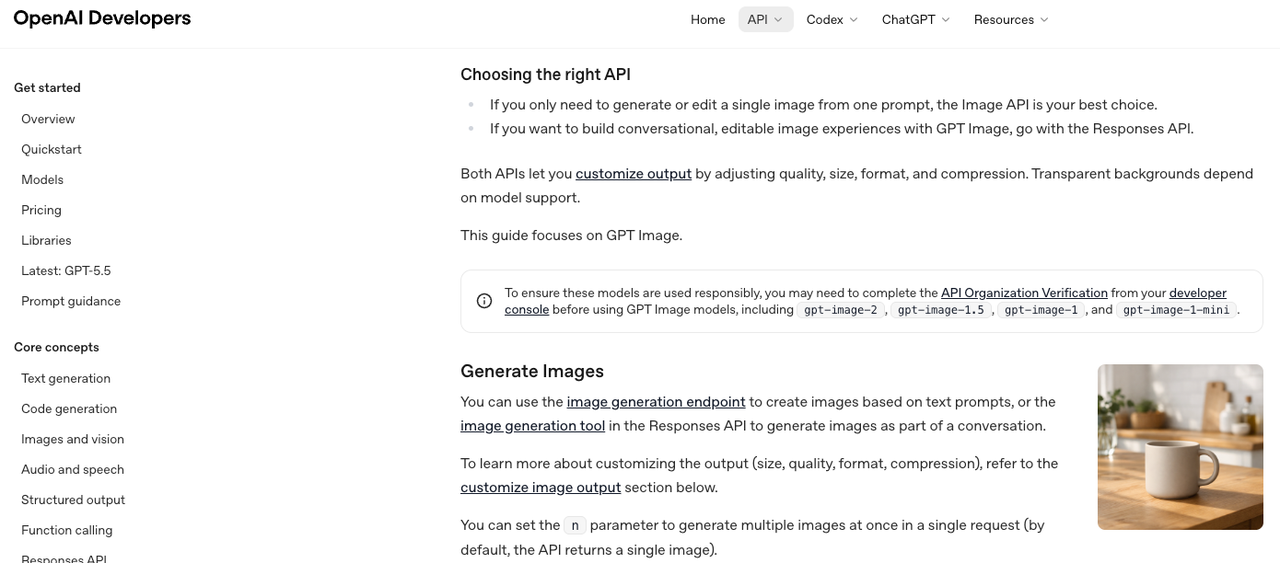
Image-to-Video Handoff: What Actually Happens
This is the test most comparisons skip. It's the one that matters most if video is the actual deliverable.
I ran outputs from both tools through two I2V pipelines over three weeks, tracking: how often the animation introduced distortion (face warping, background collapse, unnatural motion), and how much manual cleanup was needed before the clip was usable.
GPT Image 2 outputs: Cleaner edges, more consistent internal lighting, photorealistic coherence that I2V models can work with more predictably. Text elements distorted early in the animation — usually within the first second — but backgrounds and product shapes held up well. Re-edit rate on GPT Image 2 outputs: roughly 25% needed significant manual cleanup before the clip was export-ready.
Midjourney outputs: Stronger starting frames aesthetically. But heavily stylized or painterly outputs caused motion artifacts more frequently — the texture information that makes a Midjourney image look great as a still is often the same thing that causes instability when motion is applied. Re-edit rate on Midjourney outputs in my testing: roughly 42% needed cleanup, higher on outputs with complex texture or illustration-style rendering.
Practitioners covering AI image-to-video pipelines at production scale have documented the same pattern: complex texture detail and fine text both tend to distort under animation, which is why clean, photorealistic inputs generally produce more stable animated outputs. GPT Image 2's outputs fit that profile more reliably.
This isn't a universal rule. Results vary by I2V generator. Test with your actual tool before committing either model to a production pipeline.
Ad Variants and Storyboards
For ad variant production — same product, different hooks, different backgrounds, different text — GPT Image 2 wins on practicality. Upload a base product shot, generate 6–8 background and lighting variations via inpainting, add hook text in the same session, export. That's one tool for what used to take three.
My actual workflow looks like this: one clean product shot as the anchor → GPT Image 2 for background variations and text callouts → I2V pipeline for the animation pass → NemoVideo for the edit and caption layer. The whole loop, once templated, runs in under 40 minutes for a batch of 8 variants. Before GPT Image 2, the image prep step alone took that long.
For storyboards and campaign ideation — where you're presenting visual directions to a client before locking anything — Midjourney is faster at generating conceptually distinct frames. The aesthetic range is wider, and the outputs feel more like genuine creative options rather than executions of the same technical brief.
Decision Framework by Team Type
Solo Creators
If you're producing short-form content alone and your pipeline ends at a published video, the question is simple: how often do you need text in your images, and how often do you edit real photos?
If the answer is "often" — GPT Image 2 is the better single tool. If you're primarily in ideation mode or building a visual brand identity and your text needs are minimal — Midjourney earns its cost.
Most solo creators don't need both. Pick the one that covers the step in your workflow where you lose the most time. That'll tell you everything you need to know.
Brand Marketers
Brand marketers typically have two competing needs: creative exploration at the start of a campaign, and reliable variant production once direction is locked. This is where both tools can earn a place — Midjourney for moodboarding and initial direction, GPT Image 2 for execution and iteration.
The cost is manageable ($10–$20/month each). The workflow split is clean enough to justify — as long as your team can maintain consistent prompting discipline across both tools. If that's a stretch, pick one and build templates around it.
Ecommerce and UGC Teams
I'd lean GPT Image 2 most strongly here. The combination of real-photo editing, text rendering, and API access maps directly onto what ecommerce content actually requires: product images with callouts, lifestyle variations from a single product shot, ad creative at scale across a catalog.
OpenAI's launch positioning for GPT Image 2 specifically called out retail and ecommerce as primary target use cases — and the inpainting and variant generation features behave consistently with that design intent in practice.
For UGC creators who need to mock up product placements, create reference images for talking-head overlays, or produce platform-specific variants quickly — GPT Image 2's photo editing capability is also the stronger fit. Midjourney can generate convincing product aesthetics from text prompts, but it can't edit your existing product photography.
FAQ
Which is better for thumbnails?
Depends on what your thumbnails actually contain. Text-heavy thumbnails (numbers, questions, callouts) — GPT Image 2. Aesthetics-first thumbnails with minimal or no text — Midjourney. Editing a real photo of yourself against a different background — GPT Image 2, no contest.
Which is better for product visuals?
GPT Image 2 for most ecommerce work. You can upload real product photos and edit them directly. Midjourney is better for generating stylized product scenes, but it can't modify your actual images.
Which fits image-to-video workflows better?
GPT Image 2 outputs tend to animate more cleanly, particularly for photorealistic content. Midjourney's stylized outputs can introduce artifacts under animation. Test both against your specific I2V tool before committing — results vary enough by generator that general claims only go so far.
Do most teams need both?
Usually no. Midjourney is better for ideation, GPT Image 2 for execution. But for most solo creators and small teams, one tool covers 80–90% of needs, and adding both often just adds workflow friction.
Conclusion
Neither GPT Image 2 nor Midjourney is universally better. They're different tools for different moments in the same workflow.
GPT Image 2 is the stronger choice when your workflow involves text in images, editing real photos, API-based automation, or feeding clean outputs into a video pipeline. On the Image Arena leaderboard, it scored 1,512 at launch — 241 points ahead of the nearest competitor, the largest lead in that leaderboard's history. The text rendering improvement alone closes a gap that's been frustrating creators for three years.
Midjourney V8 is the stronger choice when you're in creative exploration mode, building a consistent visual brand, or producing aesthetics-forward content where the image is the end product rather than the input.
Pick based on where in your process you lose the most time. That's the question that actually has an answer — not which one looks more impressive in someone else's demo.
Previous Posts: