

Happy Horse AI: How to Make Viral Short Videos in 2026
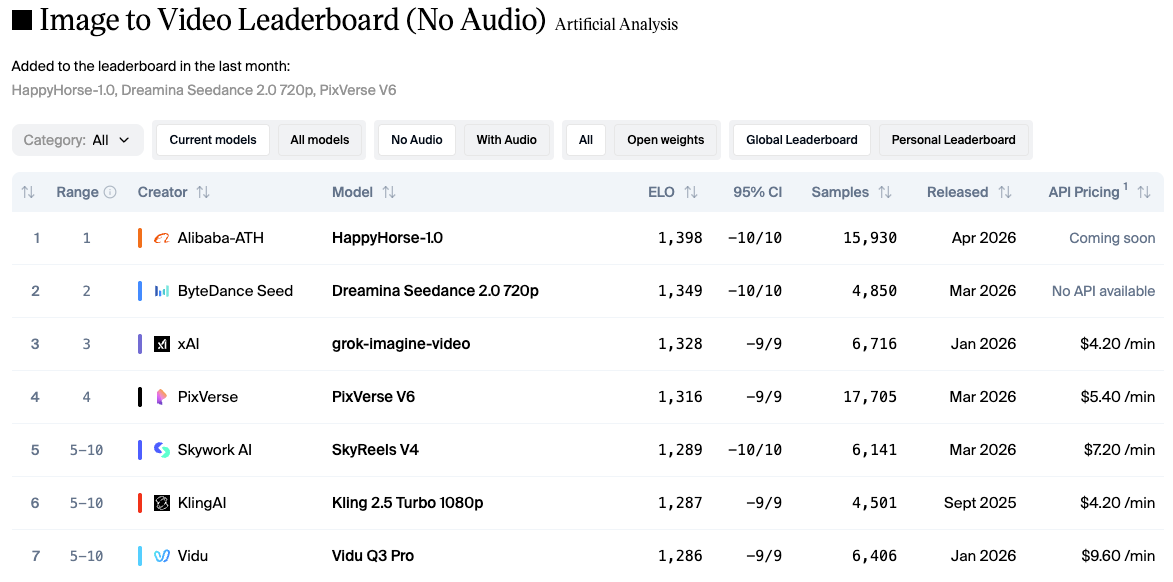
Hey there, it’s Dora. Three days. That's how long I spent on a batch of clips that should have taken four hours — manual cuts, rough audio sync, captions from scratch. The kind of repetitive labor that shouldn't touch a full week. That experience is what made me take Happy Horse AI seriously the moment it topped the Artificial Analysis Video Arena leaderboard in early April 2026, beating Seedance 2.0 and Kling 3.0 in blind user voting. I ran it against a real short-form workflow. Not the demo prompts. Real content, real platform specs, timer running.
Here's what actually matters once you're past "wow, that looks cinematic."
What Makes Happy Horse Clips Work for Short-Form
Motion quality that holds on small screens
Most AI video tools look fine on a monitor and fall apart the second someone watches on a phone. Happy Horse is one of the first I've tested where the mobile check wasn't a disaster. The model runs on a unified 40-layer Transformer architecture with around 15 billion parameters that jointly generates video and audio in a single inference pass — no separate audio pipeline bolted on afterward. That architecture, confirmed by the Artificial Analysis Video Arena methodology, means motion stays physically consistent across a full clip instead of drifting mid-shot the way less coherent models tend to.
Why does that matter for short-form specifically? Because per Sprout Social's 2026 Content Strategy Report, 60% of TikTok users cite short-form video under 60 seconds as their primary interaction format — and those viewers are watching on a 6-inch screen, muted, thumb already moving. A clip that holds realistic motion through every frame doesn't get scrolled past. One that hiccups on frame 4 does.
Clip length runs 5–12 seconds across six aspect ratios, including 9:16. For TikTok and Reels workflows, the 5–8 second range is the most useful — anything longer needs a trim before it hooks.
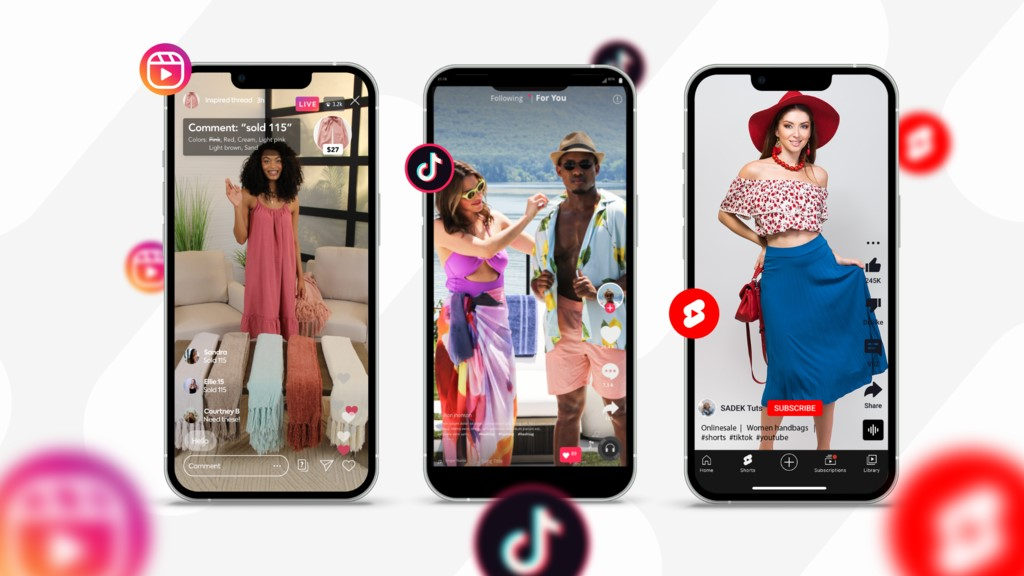
Multi-shot storytelling within 5–8 seconds
Here's something that tripped me up early on: a single static shot, even a beautiful one, tends to die by second 3. What separates a scroll-stopper from a scroll-past is movement variety — a reveal cut, a push, a scene change — all within the first few seconds.
Happy Horse handles this natively. Write one detailed prompt and you get a multi-shot sequence with coherent transitions and persistent character identity across cuts. A product reveal into a lifestyle close-up into a pull-back — three movements, one generation. In practice, roughly 6 out of 10 multi-shot attempts needed at least one manual trim before they were post-ready. That's not a small re-edit rate — but compared to assembling every clip by hand, it's a meaningfully different starting point.
Choosing Prompts for Viral Output
Hook-first prompt logic for scroll-stopping first frames
According to platform behavior research on short-form video, you have roughly one to two seconds to stop the scroll before a viewer moves on. That applies to AI-generated clips just as much as anything filmed with a real camera — probably more, since AI output can start slow if you don't tell it not to.
My actual workflow looks like this: write the hook motion first, then scene context, then style instructions. Not the other way around. Instead of "a product on a table in golden-hour light, camera slowly pulls back," try "extreme close-up of product surface catching light, rapid dolly pull to reveal full scene, warm ambient tones." The model responds to movement intent at the front of the prompt. When the action instruction comes late, the first frame often starts flat — and a flat first frame doesn't stop anything.
For dialogue-heavy content, the model generates synchronized dialogue, ambient sounds, and Foley effects natively, with phoneme-level lip sync covering English, Mandarin, Cantonese, Japanese, Korean, German, and French in one pass. That's not a minor detail if you're producing multilingual ad creatives or testing different markets from a single workflow.
Style combinations that perform on TikTok vs. Reels
TikTok rewards urgency. Reels rewards polish. The same clip rarely dominates both — which is annoying, but true.
For TikTok: high contrast, fast-motion cues in the first second, a visual surprise within the first 3 seconds. Add prompt phrases like "fast tracking shot," "hard cut energy," or "kinetic camera movement" to the opening description. The model takes those direction words seriously.
For Reels: Reels in the 7–15 second range typically retain 60–80% of viewers, while the 15–30 second range drops to 40–60% retention. Style terms like "cinematic slow push," "controlled editorial pace," and "film-grade lighting" produce outputs with the pacing Reels audiences stay with longer.
I tested both directions across 20 generations. TikTok hook outputs needed a second pass about 40% of the time. Reels outputs had a lower re-edit rate at around 25% — likely because Reels audience tolerance for pacing variation is wider.
After You Generate: The Editing Steps That Matter
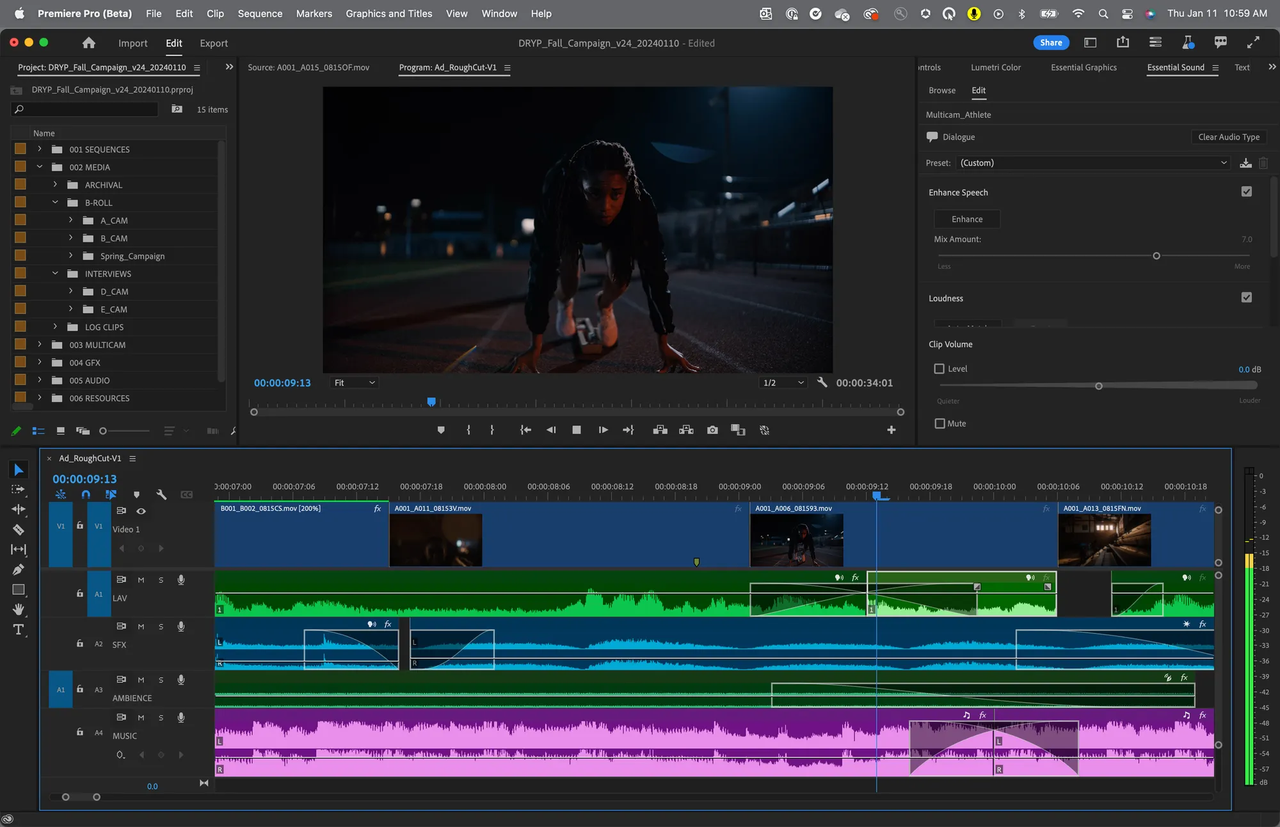
Trimming to the hook (first 2-second rule)
This is where most people screw up. You generate a 10-second clip, the hook moment hits at second 3, and you upload the whole thing because the rest looks good. Don't.
Trim to the hook. If the visual payoff — the motion, the contrast shift, the product reveal — isn't in the first 2 seconds, cut the front. Happy Horse outputs sometimes start with a half-second of context-setting that reads as dead air on a For You page. It's not broken output, it just wasn't designed for a scroll environment. Cut it. The remaining 7–9 seconds can carry the story.
Adding captions and text overlays for silent viewing
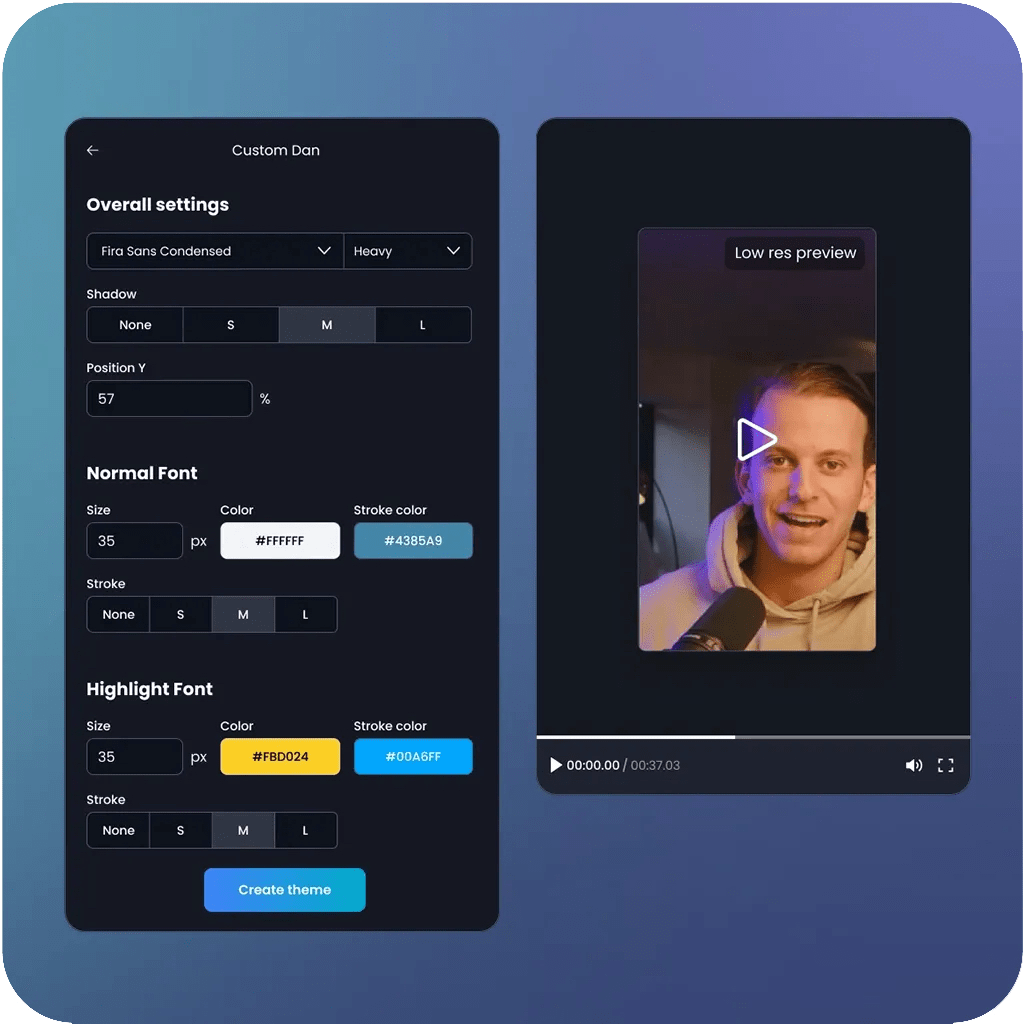
About 80–85% of social media video gets watched with sound off. Happy Horse generates audio natively — but that audio is wasted on a viewer watching muted on the subway. Captions are not optional.
For placement: keep text within the center 80% of the frame horizontally, and avoid the bottom 20% of the 9:16 canvas where platform Like, Comment, and Share buttons live. The safest universal safe zone across TikTok, Instagram Reels, and YouTube Shorts is a 900×1400-pixel centered area. Design captions there and nothing gets buried under UI overlays.
One practical note: the model's native audio generation is good for ambient sound and basic dialogue. If you're layering a voiceover recorded separately, or syncing to a trending track, the match isn't automatic. Budget 5–10 minutes per clip for manual audio alignment when working with external sound.
Platform export specs — 9:16, safe zones, bitrate
Happy Horse outputs at native 1080p. No upscaling step needed. Here's the spec cheat sheet that's held up across my exports:
Platform | Resolution | Codec | Frame rate | Bitrate |
TikTok | 1080×1920 | H.264 | 30fps | 3–5 Mbps |
Instagram Reels | 1080×1920 | H.264 | 30fps | 8–12 Mbps |
YouTube Shorts | 1080×1920 | H.264 | 30fps | 8 Mbps+ |
TikTok re-encodes every upload regardless of source quality, so exporting above 5 Mbps adds file size without improving playback. The 1080p output from Happy Horse is the right starting point — don't generate at 2K for short-form social, there's no viewer-side benefit.
Generate, trim, add captions, export. That's the full sequence.
3 Viral Formats That Fit Happy Horse Outputs
POV cinematic reveal
Prompt structure: "First-person POV tracking toward [subject], rapid reveal as subject fills frame, dramatic ambient sound, high-contrast lighting." The multi-shot mode handles the push-to-reveal transition naturally — it's one of the sequences the model seems tuned for. Works well for product launches, before/after moments, and destination content. Re-edit rate in my testing: about 2 out of 10 needed significant trimming.
Product lifestyle demo
Image-to-video mode is stronger here than pure text-to-video. Upload a clean product photo, then describe the motion and environment in the prompt. Object fidelity across frames is tighter when you anchor the generation with a reference image — less drift, more controlled output. Happy Horse currently leads the Artificial Analysis Image-to-Video Arena in blind user voting, which tracks with what I saw: I2V outputs were more consistent than T2V for product content specifically.
Trend remix and style transfer
Generate in a named style — "analog film grain," "claymation aesthetic," "anime festival" — and use the output as a visual template for your own audio or caption layer. Style outputs are consistent enough to build a batch from one style setting, which matters if you're A/B testing hook variations at volume. The model doesn't drift style between clips when you keep the style instruction identical.
Limitations to Know Before You Publish
Audio sync gaps — what still needs manual work
The native audio generation handles ambient sound and dialogue cleanly. External audio is a different story. If you're syncing to a trending track or layering a separately recorded voiceover, you're doing that alignment manually. There's no automated match between Happy Horse's audio output and an external file. Budget the time for it — don't assume it's handled.
What Happy Horse still can't control (motion direction, pacing)
Prompt control over specific camera direction is still approximate. "Tilt exactly 15 degrees left then cut to close-up" is an intent, not an instruction. The model interprets direction, not precise geometry. Fine for most short-form content. A problem if you need exact timing on a 3-second product reveal where a half-second shift breaks the cut.
Pacing within multi-shot sequences also varies clip to clip. Sometimes the transition hits early. Sometimes there's a beat of dead motion between shots. I haven't found a reliable prompt fix for this — it's the reason I still plan one manual review pass on every output before uploading.
FAQ
Q: Is Happy Horse AI free to use? New users get free credits with no credit card required, covering multi-shot generation and native audio output. The free tier is enough to test your actual content workflow — not just the demo prompts — before committing.
Q: Can I use Happy Horse videos commercially? Commercial usage rights are included with the model. Check the current terms page directly before publishing any campaign material, as these can update with model versions.
Q: What resolution does it output? Native 1080p on the standard tier. A 2K output option exists on higher tiers. For TikTok and Reels workflows, 1080p is the right target — there's no meaningful quality advantage to generating at 2K for short-form social.
Previous Posts: