

I'm Dora. Last spring, my team had a problem: 24 product videos for a campaign launch, same character across all of them, five different scene types, three platforms. Five days. Zero motion graphics budget.
I tried text prompts first. By video number four, our mascot had changed hairstyles twice and somehow grown a third arm.
Then I switched to reference-to-video. I uploaded one brand photo, wrote what I wanted to happen, and the AI kept our character looking like herself across all 24 clips. The whole batch took 11 hours instead of the 60+ we'd planned for.
This guide is the thing I wish I'd found before I wasted two days figuring this out the hard way. I'll walk you through what reference-to-video actually is, which tools genuinely support it for marketing work, the exact workflow I use now, and the mistakes that'll kill your results before you even start.
What Is Reference-to-Video and Why Do Marketers Care?
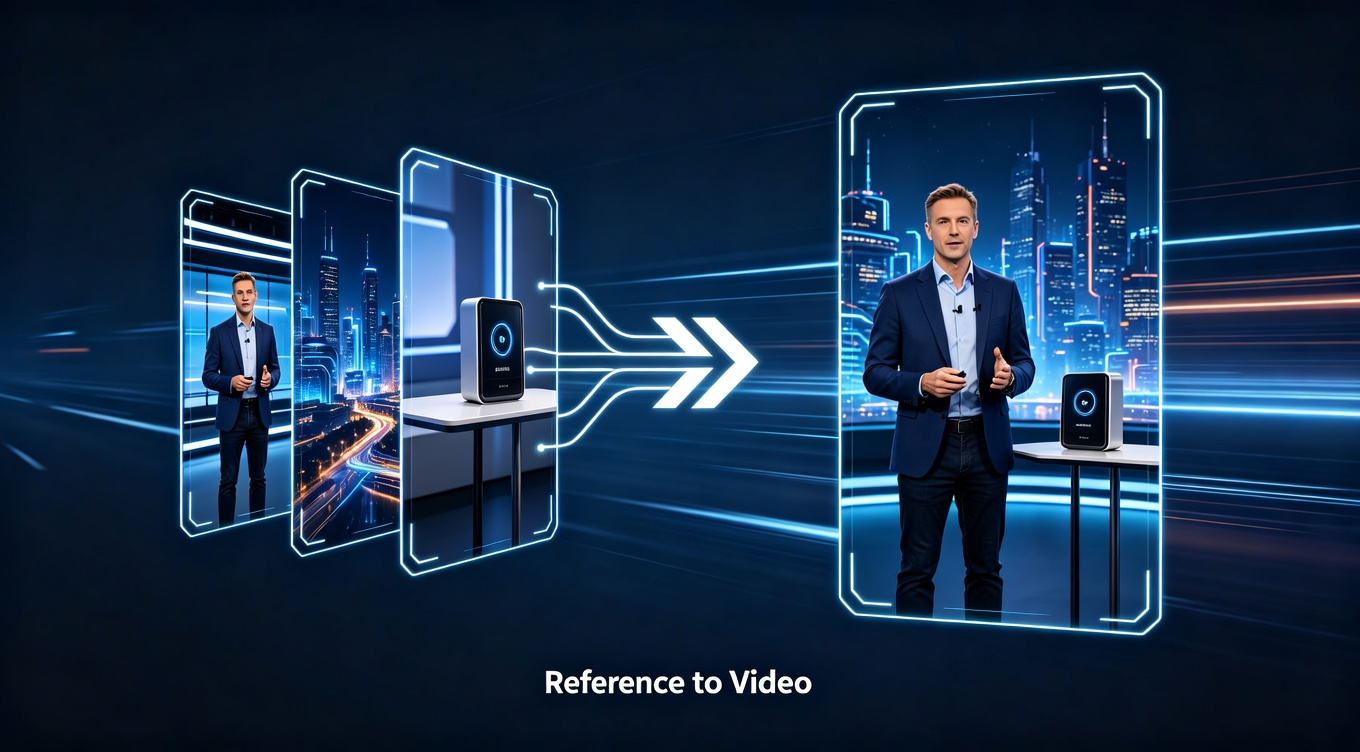
Most AI video tools work from text alone. You describe what you want, the AI makes something up. The problem is that "brand mascot in a blue jacket" means something different every single time the AI interprets it. Your character changes between clips. Your product looks different. Your whole campaign falls apart.
Reference-to-video flips this. Instead of just describing your character, you hand the AI a photo. It uses that photo as a visual anchor — keeping the face, outfit, colors, and details consistent across every clip it generates.
For a one-off social post, text prompts are fine. For a campaign where the same character has to show up in 15 different scenes and look like the same person every time, reference-to-video is the difference between something usable and something you throw away.
The key shift in how you write prompts: once you give the AI a reference image, you stop describing what things look like and start describing what happens. The image handles appearance. Your prompt handles action.
-
Before: "A woman with dark hair in a red jacket standing in a modern office"
-
After: "She walks toward the camera, picks up the product, and smiles at the end"
That mental switch is the thing most people miss when they first try this.
Which Tools Actually Support Reference-to-Video for Marketing (April 2026)
Not every AI video generator handles reference images the same way. Some just take a single image and barely use it. A few are genuinely built for this.
Here's what I found after testing seven tools on real campaign work.
My honest take:
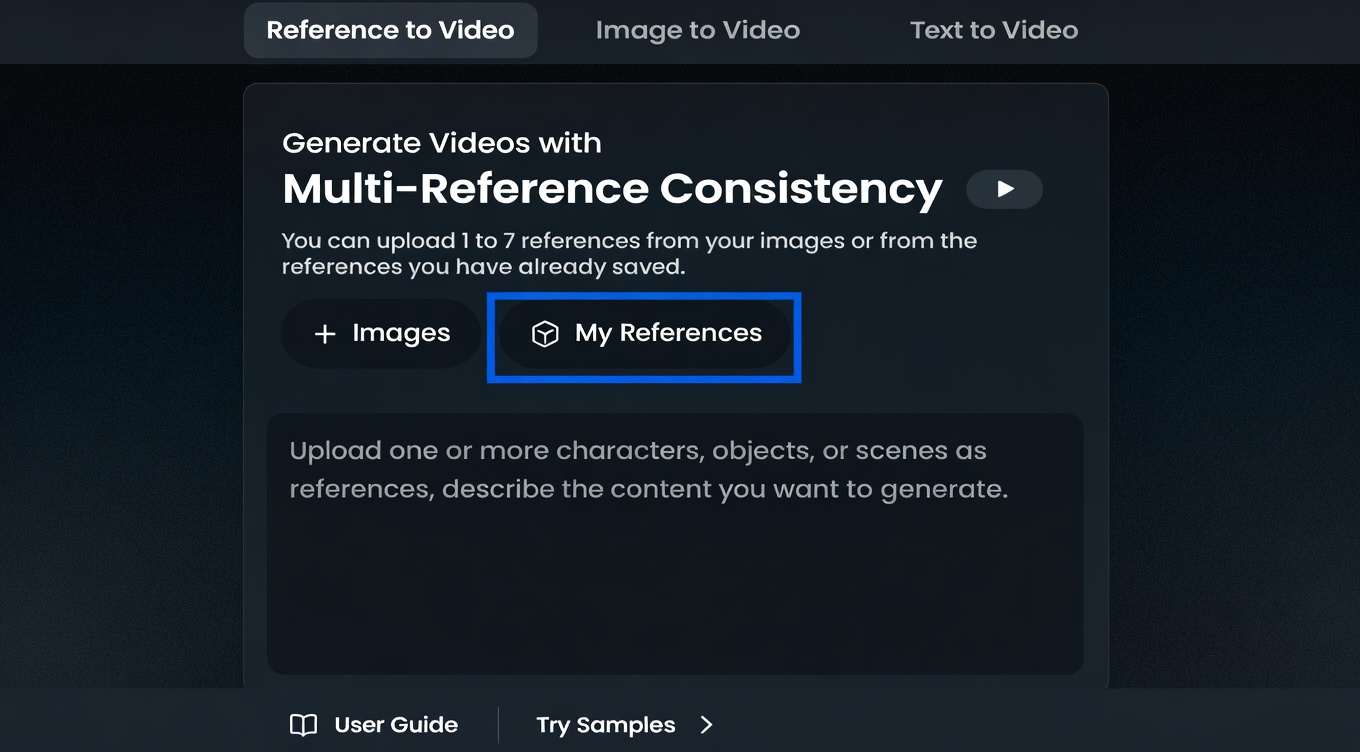
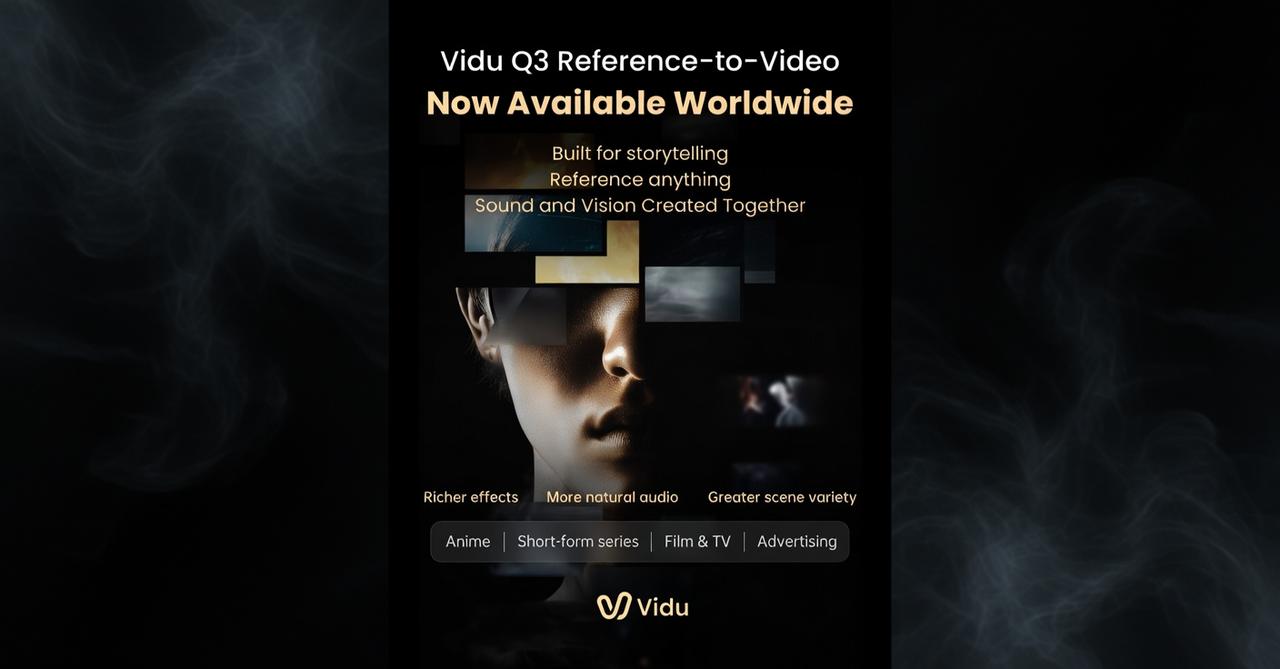
- Vidu Q3 is the strongest for brand campaigns right now, specifically because of multi-reference support. You can feed it your character photo, a scene background, and a style reference all at once. That's huge when you need your mascot to show up in five different environments and still look like the same character. Most other tools give you one slot.
-
Kling 3.0 O3 variant is the right call when your character needs to be physically active — walking through a store, gesturing, interacting with a product. The motion quality is better, and the reference-video extraction (rather than still-image anchoring) gives excellent consistency for action-heavy content.
-
Runway Gen-4 makes the most cinematic-looking footage, but the single-image reference and 10-second limit make it frustrating for high-volume campaign work. Better for hero shots than for batching 20 variations.
-
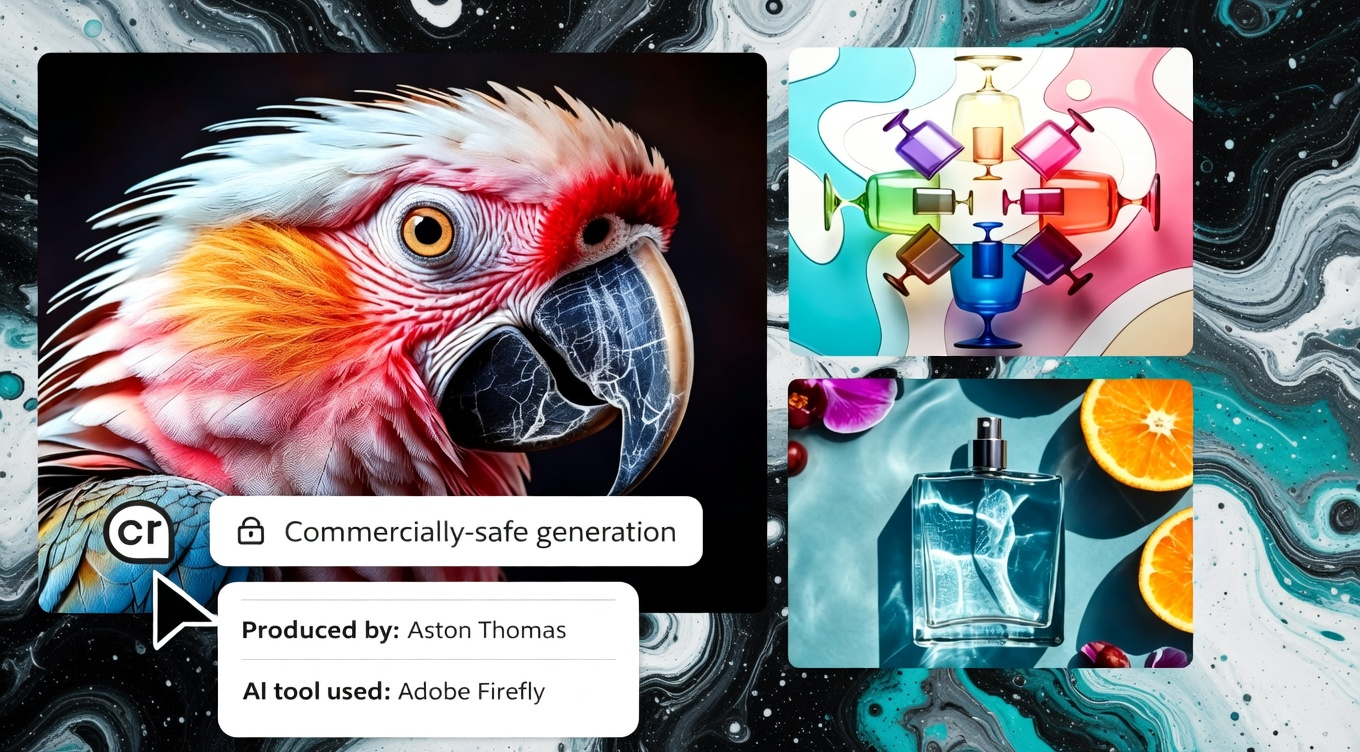
Adobe Firefly Video is the safest pick for teams worried about IP — the training data is licensed, which matters for paid advertising on regulated platforms.
How Reference-to-Video Actually Works
Here's what the AI is actually doing with your reference image, explained without the technical jargon.
When you only use text, the AI generates a random person who matches your description.
When you add a reference image, you're giving the AI a specific face to anchor to. It extracts the visual fingerprint — face structure, hair, proportions, clothing details — and uses that as a constraint every time it generates. Your character in scene 8 has to look like the photo, not just like the description.
Multi-reference takes this further. With tools like Vidu Q3, you can stack multiple photos as simultaneous constraints. One photo locks in your character. A second locks in the setting. A third locks in the visual style — the mood, lighting, color treatment. The AI has to satisfy all three at once. The result looks like it came out of the same production session, even though you generated each clip separately.
The practical implication: the more reference photos you give the AI, the less it has to guess, and the tighter the output stays to your brand.
5 Step Workflow I Use for Brand Video Campaigns
I've run three campaigns with this workflow across about 70 marketing clips. The numbers I share below are real.
Step 1: Build your reference kit
This is the step most people skip because it feels like admin work. It's not — it's the thing that determines whether everything downstream holds together.
You need four things:
Your hero character or product shot. Clean background, good lighting, 1024×1024 minimum. The AI needs clear information to anchor to. A blurry 200px screenshot will produce blurry, drifting results. If you're generating a character from scratch, use an AI image tool like Midjourney to create a clean front-facing reference first.
Your scene template. A photo that shows the type of environment your brand typically uses — a modern kitchen, a retail floor, an outdoor lifestyle setting. This anchors the background across clips.
Your style reference. A frame from an existing video or photo shoot that shows the exact mood and lighting you want. Warm and golden? Crisp and clinical? Give the AI something to match rather than guessing.
Your brand color swatch. Your exact hex colors rendered as solid blocks. Helpful for tools that take a style reference — it tells the AI what color treatment to favor.
Store these in a shared folder with locked edit permissions. If someone on your team uses an outdated reference photo, your campaign clips won't match each other.
Step 2: Generate your first clip with reference anchoring
Here's exactly how I run the first clip in Vidu Q3 (same logic applies to other reference-capable tools):
-
Upload your character/product photo as reference #1
-
Upload your scene template as reference #2
-
Add your style reference as reference #3 if the tool supports it
-
Write a prompt that describes action only — not appearance
A good example prompt: "She walks toward the camera holding the product, pauses, and looks directly at the viewer. Camera slowly pushes in."
A bad example prompt: "A woman with dark hair in a red jacket in a modern office holding a white product smiling at the camera." — You're fighting the reference image. Let it handle what things look like.
-
Generate 2–3 variations and pick the best one
-
Check: does the character look like your reference? Does the scene feel on-brand? If yes, move to batching. If not, adjust the reference quality first (see common mistakes below).
Step 3: Batch your variations for multi-platform
One clip isn't a campaign. Here's the batching matrix I use:
For each core scene, I generate:
-
Version A: Character leading with product (feature focus)
-
Version B: Character in use/lifestyle scenario (emotion focus)
-
Version C: Shorter hook-forward cut (first 3 seconds optimized for scroll-stop)
Across three scene types (product demo, lifestyle, testimonial format), that's 9 clips from one reference kit session. On a slightly longer timeline, swapping the scene reference for a different environment gives you variations for different platforms without re-prompting the character.
Total generation time for a batch of 8–10 clips: roughly 60–90 minutes depending on your tool and variation count.
Step 4: Handle post-production
Raw AI video gets published and wonder why nothing performs. The finishing work isn't optional — it's what separates content that scrolls past from content that stops people.
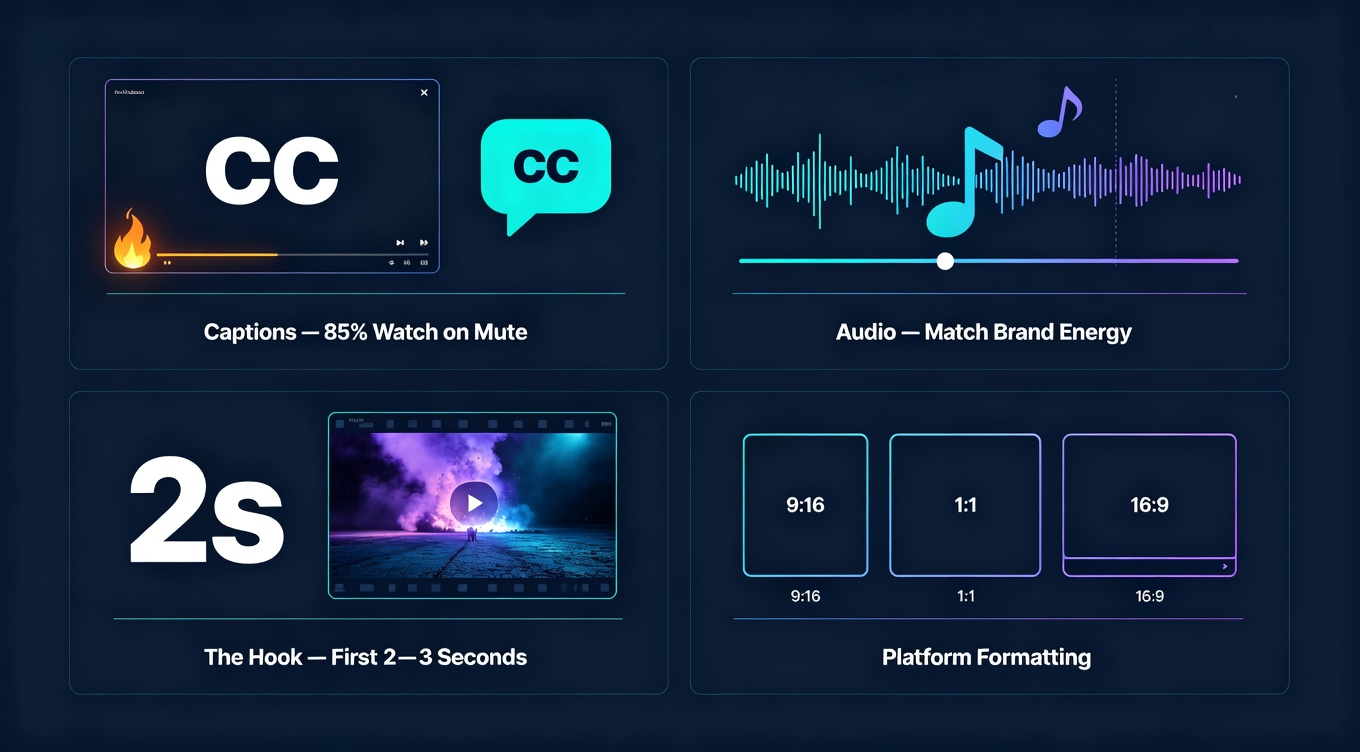
What every clip needs before it goes live:
-
Captions. Around 85% of social video is watched without sound (Verizon/Publicis, widely cited). Burned-in subtitles aren't a nice-to-have. Tools like CapCut handle auto-captioning in about 2 minutes per clip. For more control, ElevenLabs can generate aligned subtitle files if you're also using their audio.
-
Audio. Most AI tools generate silent video. Pick music that matches your brand's energy and sync it to the visual rhythm. Epidemic Sound and Artlist both have royalty-free libraries cleared for commercial use on all major platforms.
-
The hook. The first 2–3 seconds determine whether someone keeps watching. Test two or three different opening frames before you commit to one. The clip that starts on the character already holding the product usually outperforms the one that starts with an establishing shot.
-
Platform formatting. 9:16 for Reels and TikTok, 1:1 for Instagram feed, 16:9 for YouTube. Generate or crop accordingly — most tools have aspect ratio options, and editing tools like NemoVideo handle resizing quickly.
My post-production time per finished clip: about 12–15 minutes.
Step 5: Build a versioning system
This is the part that pays off on the second and third campaign. Lock your reference kit in a shared folder with version numbers. Document the exact prompt language that worked — not the concept, the actual words. When your brand evolves, update the reference kit and archive the old version so historical content still matches if you need to reference it.
When a team of five people generates clips from the same locked reference kit using the same prompt templates, the output looks like it came from one production session. That's the consistency goal.
The 4 Mistakes That Kill Your Results and How to Fix
I made all of these. Here's what they look like and how to avoid them.
Mistake: Using a low-resolution or messy reference image. A 200px thumbnail from your website, a photo with a cluttered background, a stylized illustration with unusual proportions — the AI has to guess at all the details it can't clearly see, and it guesses differently every time.
**Fix: **Use a clean, well-lit, 1024×1024 minimum image. If your brand photo doesn't meet this standard, take 10 minutes to generate a proper reference with a tool like Midjourney before you start.
Mistake: Describing appearance in your prompt when you have a reference image. This is the most common mistake. When you write "a woman with dark brown hair in a red jacket," you're creating a conflict — the AI has to reconcile your text description with the reference photo, and the result is usually a visual mess that satisfies neither.
**Fix: **Trust the image to handle what things look like. Use the prompt for action, motion, and camera.
Mistake: Skipping post-production because the raw clip looks fine. Silent clips with no captions perform significantly worse than finished ones on every major platform, regardless of how good the visual content is.
**Fix: **Budget as much time for finishing as for generating — ideally more, since finishing is where the performance comes from.
Mistake: Not re-anchoring your reference when you change scenes significantly. If you generate five clips in the same environment and then switch to a very different setting.
Fix: Re-upload your original character reference rather than chaining from the previous clip. Drift compounds — each generation introduces tiny variations, and if you chain them, you're photocopying a photocopy by clip 6.
Real-World Costs for Marketing Teams
Here's what a typical setup costs for a team generating 20–30 videos per month:
Total stack for a mid-size team: $40–70/month, depending on volume and which tools you prioritize.
Compare that to: one freelance editor for a day of work ($300–500), or a single round of professional video production ($2,000–10,000 for a campaign).
For teams doing volume content — A/B test variations, seasonal updates, platform-specific cuts — the math isn't close.
Frequently Asked Questions
Does reference-to-video work for products, not just characters?
Yes, and it's one of the strongest use cases. Upload your product photo as the reference and it'll show up looking like your actual product rather than a generic AI-generated version. The key: make sure the product fills at least 40% of the reference image frame so the AI has enough detail to anchor on.
How many reference images should I use?
It depends on the tool. Vidu Q3 supports up to 4 reference images — use one for your character, one for your setting, and optionally one for style. Most other tools take only one image. If your tool is single-reference only, prioritize your character or product photo over the background.
Can I use reference-to-video for paid ads, or only organic content?
Properly finished clips (captions, audio, strong hook) work in paid campaigns. I've run Meta Ads and TikTok Ads with reference-to-video clips with results within 10–15% of traditionally produced creative. The key difference: for paid ads, use Adobe Firefly Video if IP ownership is a concern — it's trained on licensed content and is the safest choice for regulated industries.
My character keeps changing even with a reference image. What's wrong?
Usually it's the reference photo. Test with 5 quick generations before committing to a campaign. If consistency is already failing, the photo is the problem: try a cleaner background, more even lighting, a more neutral expression, or a straight-on angle rather than a turned pose. Also check that you're describing action in your prompts, not repeating what the character looks like — that creates conflicts.
How do I keep a team of 5+ people generating consistent content?
Lock your reference kit in a shared folder with version numbers and edit-restricted permissions. Create a prompt template for your most common content types (product demo, lifestyle, testimonial-style) so everyone starts from the same language. The more standardized the inputs, the more consistent the outputs — regardless of who on the team generates them.
Will this replace my video production team?
No — and you wouldn't want it to. Reference-to-video is excellent for volume content: social variations, seasonal updates, A/B test creatives, platform-specific cuts. Your production team should focus on hero content, brand films, and anything where craft and storytelling direction matter. AI handles the repetitive scaling; humans handle the strategy and the work that actually needs to be great rather than just consistent.