

Seedance 2.0 Stuck in Processing? Here's How to Fix the Infinite Loop
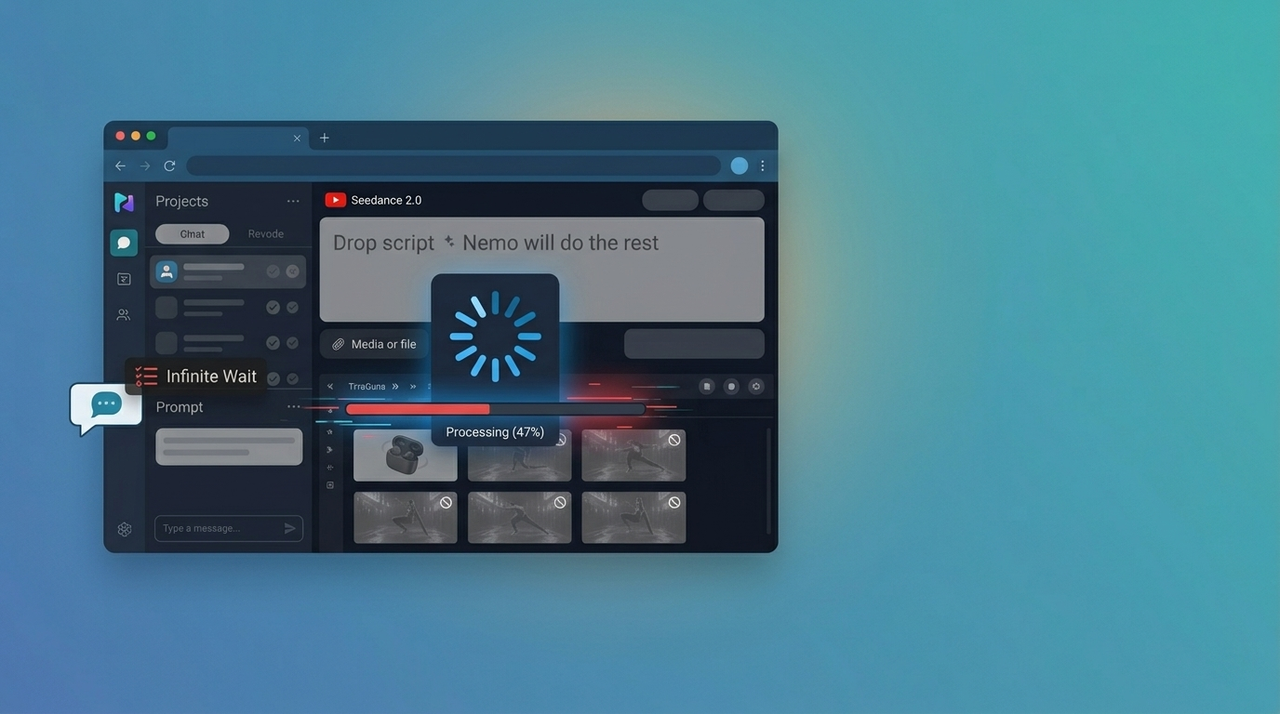
Quick Answer: If Seedance 2.0 is stuck in processing for more than 5 minutes, the generation job has likely been lost in the server queue. Cancel the request immediately, wait 2–3 minutes, and retry with a shorter, simpler prompt. Most genuine generations complete within 2–5 minutes — anything beyond 10 minutes is stuck.
You clicked generate. The progress bar appeared. And then… nothing.
The spinner keeps spinning. The status reads "Processing." Time keeps passing — 3 minutes, 7 minutes, 12 minutes — and still no video.
This is the Seedance 2.0 stuck processing problem. It's one of the most frustrating errors users hit right now, especially during peak demand windows. But it's also fixable — if you know what's actually happening under the hood.
This guide breaks down exactly why Seedance 2.0 gets stuck, how to diagnose it in under a minute, and five concrete fixes ranked by effectiveness. If you're a developer using the API, there's a dedicated section for you too.
How to Tell If Seedance 2.0 Is Actually Stuck
Not every slow generation is a stuck generation. Before you cancel anything, confirm what you're actually dealing with.
Normal Processing Time vs. Stuck
Status | Typical Duration | Action |
Queued | 0–90 seconds | Wait — this is normal |
Processing (short clip) | 1–3 minutes | Wait — still normal |
Processing (complex/long) | 3–5 minutes | Monitor closely |
Processing (5–10 min) | Likely stuck | Prepare to cancel |
Processing (10+ min) | Definitively stuck | Cancel immediately |
The baseline: Seedance 2.0 generates most clips in 2–5 minutes under normal server load. A standard 5-second clip with a clean prompt should finish in under 3 minutes.
The 5-Minute Rule
If the status bar has shown "Processing" for more than 5 minutes without any visible progress update, treat it as stuck. Don't wait for confirmation — the system will not self-correct.
Warning Signs vs. Normal Processing
You're probably fine if:
The progress bar is incrementing slowly but visibly
You submitted during a known high-traffic window and it queued first
The clip is unusually long or complex
You're definitely stuck if:
The progress bar froze at a specific percentage (47%, 66%, and 80% are the most common stuck points)
The status switched from "Queued" to "Processing" and then went silent
Refreshing the page shows the same frozen state
Other users on /r/seedance are reporting the same issue simultaneously
Why Does Seedance 2.0 Get Stuck Processing?
Understanding the cause makes the fix obvious. There are four primary failure modes.
Cause 1 — Queue Overload (Render Job Lost in Handoff)
This is the most common cause, especially post-launch. When Seedance 2.0 is under heavy load — which happens frequently given current demand — jobs are handed off between queue layers. Occasionally, a job gets accepted by the queue but never actually picked up by a render worker.
The system thinks it's processing. No render is happening. The UI shows "Processing" indefinitely.
Related: If you're seeing this consistently, check whether Seedance 2.0 is experiencing a broader outage or whether too many users are hitting the platform simultaneously.
Cause 2 — Client-Side Session Timeout
Seedance maintains an active WebSocket connection between your browser and its backend. If that connection drops — due to a network hiccup, sleep mode, or browser throttling — the UI loses its link to the generation status.
The render may have already finished (or failed) on the server. But your browser has no way of knowing.
Cause 3 — Complex Prompt Requiring Extra Compute Time
Some prompts genuinely require more compute: multi-character scenes, rapid motion, highly detailed environments, or longer clips. These can legitimately run 5–7 minutes without being "stuck" in the broken sense.
The problem is the Seedance UI doesn't distinguish between "slow but working" and "broken." They look identical to users.
Cause 4 — Browser JavaScript Hanging
The Seedance 2.0 interface is JavaScript-heavy. Memory leaks, conflicting extensions, or accumulated browser state can cause the UI layer to freeze independently of what's happening on the server.
You might see "Processing" not because the server is stuck — but because your browser tab is.
Fix 1 — Cancel and Restart (Primary Fix)
This resolves the majority of stuck processing cases. Don't wait. Don't refresh hoping it recovers.
When to Cancel
Cancel immediately if:
It's been 5+ minutes with no visible progress update
You've already tried a hard refresh and it's still frozen
Multiple other users are reporting the same issue
How to Cancel Properly
Click the Cancel or Stop Generation button if available in the UI
If no cancel button appears, close the tab entirely
Return to your Seedance dashboard — do not reload the same tab
Confirm the job shows as cancelled or failed (not "Processing")
Wait 2–3 full minutes before submitting again — this lets the ghost job clear from the queue
What to Simplify Before Retrying
Don't submit the same prompt immediately. Before retrying:
Shorten the clip duration — try 5 seconds instead of 8–10
Remove complex motion descriptors — words like "cinematic pan," "dynamic tracking shot," or "crowd scene" increase compute load
Reduce scene complexity — single subject, clean background, simple action
Strip unnecessary detail from the prompt — more words ≠ better output, and they increase processing time
More on this: See the Seedance 2.0 prompt guide for prompts that generate faster and more reliably.
Fix 2 — Browser / Session Reset
If cancelling and retrying produces the same stuck result, the issue is likely client-side.
Clear Cache and Cookies
Accumulated site data can corrupt the session state Seedance relies on.
Chrome: Settings → Privacy → Clear browsing data → Select "Cookies" and "Cached images/files" → Clear for "All time"
Firefox: Settings → Privacy → Clear Data → check both boxes → Clear
Safari: Develop → Empty Caches (enable Develop menu in Advanced settings first)
Hard Refresh
Before clearing everything, try a hard refresh first — it bypasses the local cache without wiping your session:
Windows/Linux: Ctrl + Shift + R
Mac: Cmd + Shift + R
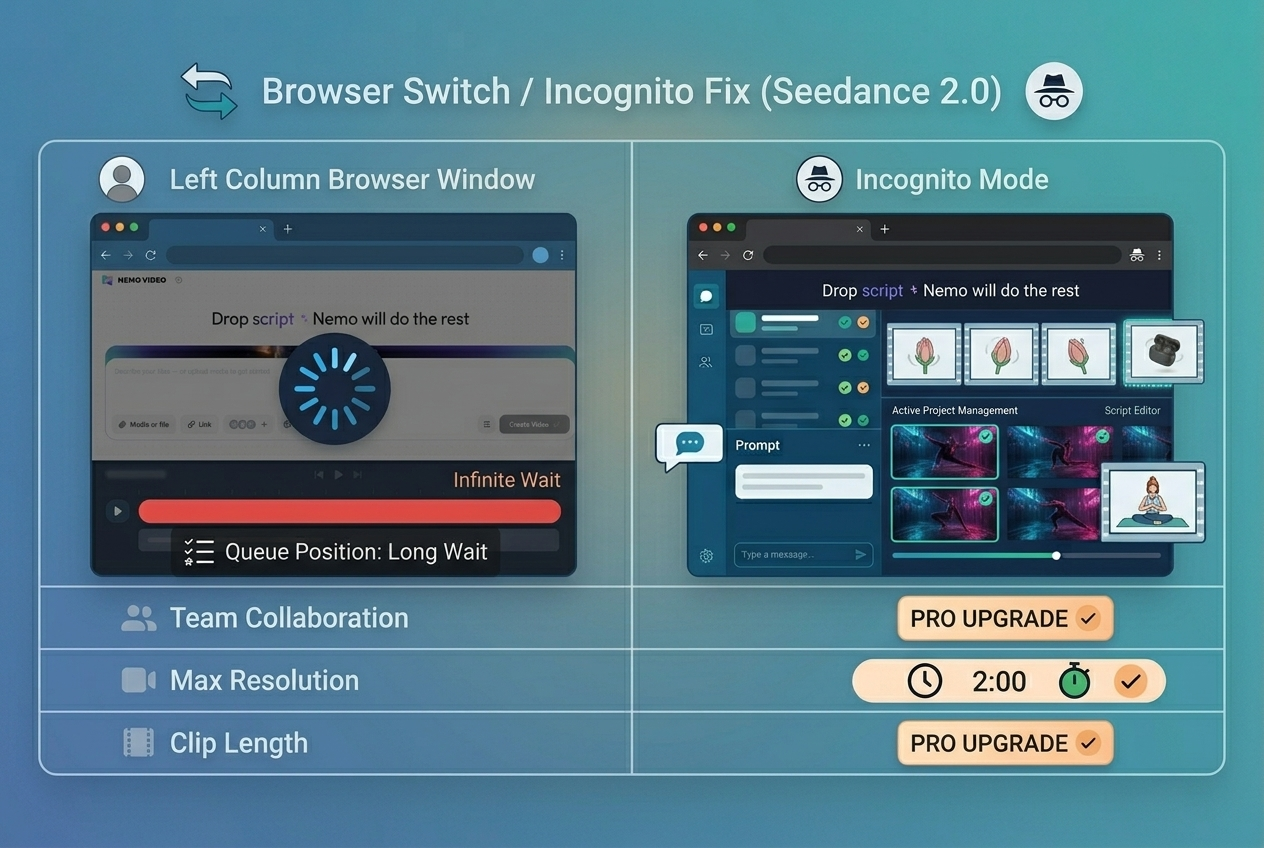
Switch to Incognito Mode
Incognito mode launches a clean session with no extensions, no stored cookies, and no cached data. If Seedance works normally in incognito, a browser extension (ad blocker, VPN extension, privacy tool) is the culprit.
Try a Different Browser
If incognito doesn't fix it, switch browsers entirely. Chrome → Firefox, or vice versa. This isolates whether the issue is browser-specific.
Fix 3 — Network / Device Switch
Sometimes the issue isn't Seedance or your browser — it's your connection.
Mobile Data vs. WiFi
Switch between mobile data and WiFi. This forces a completely new network path to Seedance's servers, which can break a frozen connection state that was keeping the old session alive.
Try From a Different Device
If switching networks doesn't help, try generating from a different device entirely — phone, tablet, secondary laptop. If it works on the other device, your primary device's network configuration is the issue.
VPN Interference (Disable If Active)
This is an underdiagnosed cause. VPNs route your traffic through intermediate servers, which can:
Introduce latency that causes WebSocket connections to drop
Route you to a geographically distant Seedance server with higher load
Trigger rate-limiting or geographic access restrictions
Disable your VPN, retry the generation, and test whether performance improves.
Fix 4 — Timing Strategy (Avoid Peak Hours)
If you're hitting stuck processing consistently — not just occasionally — you're likely generating during peak demand windows.
Peak Hours When Stuck Processing Is Most Common
Time Window (UTC) | Risk Level | Reason |
13:00–17:00 UTC | 🔴 Highest | US East Coast + EU afternoon overlap |
17:00–22:00 UTC | 🟠 High | US West Coast afternoon + global evening |
05:00–08:00 UTC | 🟡 Medium | EU morning ramp-up |
22:00–04:00 UTC | 🟢 Lowest | Global overnight window |
Off-Peak Generation Windows by Timezone
US-based users: Generate between 10 PM–5 AM local time for fastest results
EU-based users: Generate between 11 PM–6 AM local time
Asia-Pacific users: You already operate in the lowest-load window — prioritize avoiding US/EU business hours
This single change — shifting your generation workflow by a few hours — can reduce stuck processing incidents by 60–70% without changing anything else.
Fix 5 — Simplify the Prompt
Complex prompts don't just produce better results — they also produce longer processing times and higher failure rates when servers are under load.
Why Complex Prompts Stall More
Seedance 2.0's generation pipeline allocates compute based on prompt complexity signals. Multi-subject scenes, detailed motion descriptions, and long clip durations all push jobs into higher-resource render queues — which are smaller, slower, and more prone to getting stuck under heavy load.
Prompt Simplification Formula
Start with this structure for fastest, most reliable generation:
[Single subject] + [Simple action] + [Clean environment] + [Basic lighting/style]
Before (likely to stall):
"A cinematic tracking shot of three people running through a crowded neon-lit Tokyo street at night, with realistic motion blur, dramatic shadows, and rain reflections on pavement"
After (optimized for reliability):
"A person running down an empty street at night, neon lighting, cinematic style"
Target Duration: 5 Seconds for Fastest Generation
5-second clips are the sweet spot. They generate fastest, fail least often, and are easier to chain together if you need longer sequences.
Want to understand how to build longer narratives from short clips? See the Seedance 2.0 multi-scene storyboard guide for a production-ready workflow.
API-Specific Fix (For Developers)
If you're hitting stuck processing through the Seedance API rather than the UI, the solution requires code-level handling.
Implement 120-Second Timeout Logic
Never let an API generation call hang indefinitely. Set a hard timeout:
const controller = new AbortController();
const timeout = setTimeout(() => controller.abort(), 120000); // 120 seconds
try {
const response = await fetch(seedanceApiEndpoint, {
method: 'POST',
body: JSON.stringify(payload),
signal: controller.signal
});
clearTimeout(timeout);
// handle response
} catch (err) {
if (err.name === 'AbortError') {
// Job timed out — trigger retry logic
}
}
Automatic Retry with Exponential Backoff
Don't hammer the API with immediate retries. Use exponential backoff:
async function generateWithRetry(payload, maxRetries = 3) {
for (let attempt = 0; attempt < maxRetries; attempt++) {
try {
return await callSeedanceAPI(payload);
} catch (err) {
const delay = Math.pow(2, attempt) * 2000; // 2s, 4s, 8s
await new Promise(res => setTimeout(res, delay));
}
}
throw new Error('Max retries exceeded');
}
Status Polling Best Practices
If the Seedance API supports async job polling (check current docs — this changes with updates):
Poll no more frequently than every 10 seconds
Set a maximum poll count of 12 (i.e., give up after 2 minutes)
Log job IDs before submission so you can debug failed jobs
For a deeper integration walkthrough, see how NemoVideo integrates Seedance 2.0 with Grok, Gemini, OpenAI, and Whisper into a unified AI video pipeline.
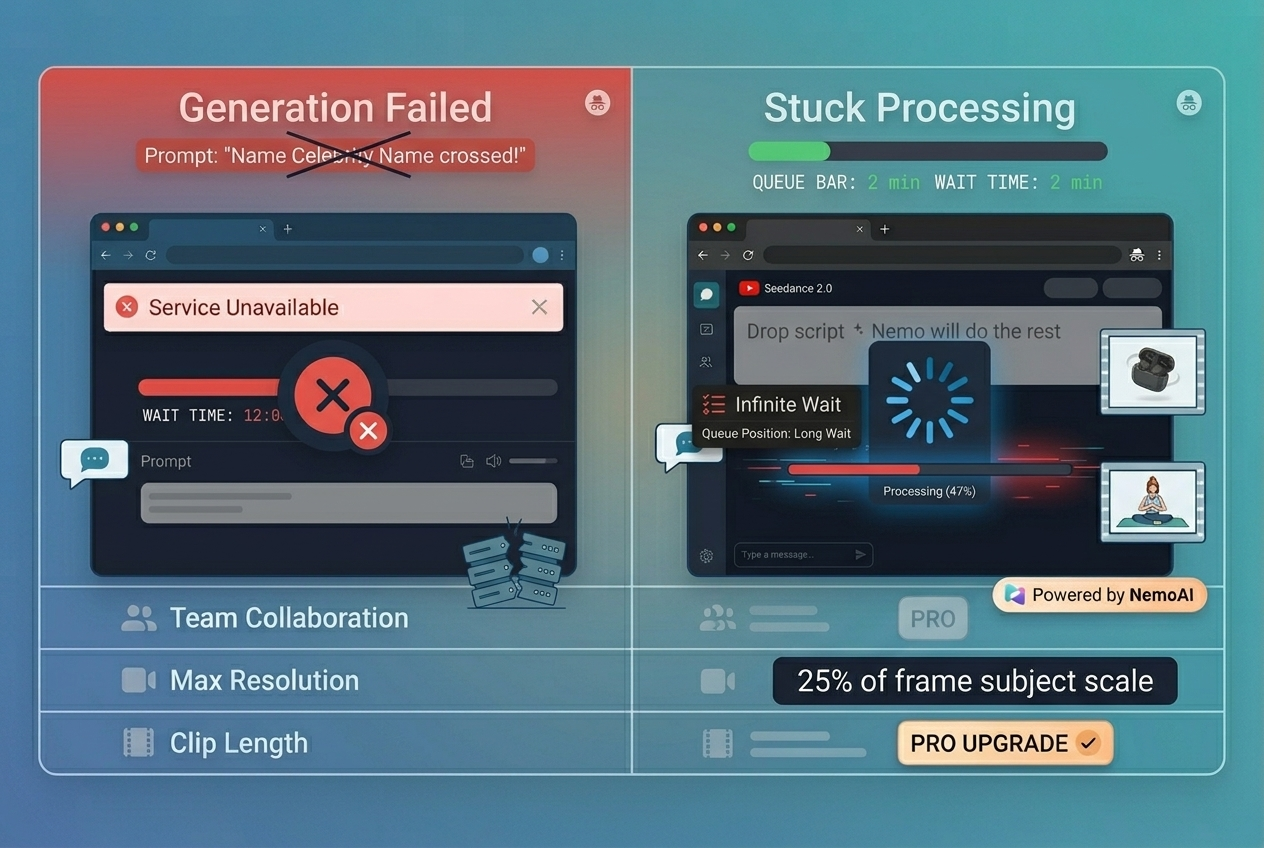
Still Stuck After All Fixes?
If you've worked through every fix above — cancel/restart, browser reset, network switch, timing adjustment, prompt simplification — and you're still hitting the stuck processing loop, there are two remaining options.
When to Switch Platforms
Consistent stuck processing despite all fixes typically means one of three things:
Your account is rate-limited — You've hit a generation cap for the day/hour
There's a regional infrastructure issue — Seedance's servers in your region are degraded
Your use case exceeds what Seedance handles reliably at scale — complex, high-volume generation workflows need a more production-grade environment
If you're hitting option 3 — especially if you're trying to produce content at scale for social media, e-commerce, or agency work — the bottleneck isn't fixable with browser tricks.
NemoVideo — No Stuck Processing Issues
NemoVideo integrates Seedance 2.0 directly — but wraps it in a production-grade pipeline that handles queue management, retry logic, and session stability automatically.
You get Seedance 2.0's generation quality without wrestling with the raw interface's reliability limitations.
More importantly, NemoVideo isn't just a Seedance UI wrapper. It's an AI video agent that takes your idea from concept to distribution-ready asset — handling scripting, generation, editing, captioning, and platform adaptation in one workflow.
When you're stuck troubleshooting Seedance, NemoVideo is already generating your next video.
Key production features:
Viral+ Studio — reverse-engineers high-performing content patterns so your generated videos are built around proven hooks and pacing structures
Smart Caption — auto-captions generated videos in platform-native styles (TikTok, Reels, Shorts) in one click
Inspiration Center — generates trending hooks and scripts so you're never stuck on what to generate next
NemoVideo Workspace — centralized hub to manage bulk generation projects, brand templates, and multi-platform adaptation
🎯 Free Access — No Waitlist NemoVideo has officially integrated Seedance 2.0. Sign up for the NemoVideo Workspace and access Seedance 2.0 generation inside a production workflow that handles the reliability issues for you. Get Free Access →
FAQ
Q: How long should I wait before cancelling a stuck Seedance generation?
A: Wait a maximum of 5 minutes. If the status shows "Processing" with no visible progress update after 5 minutes, the job is almost certainly stuck in the server queue and will not self-complete. Cancel, wait 2–3 minutes, simplify your prompt, and retry. Anything beyond 10 minutes is definitively stuck — waiting longer will not help.
Q: Does retrying the same prompt ever complete after getting stuck?
A: Occasionally, yes — if the original failure was caused by a transient server hiccup rather than a queue overflow or complex prompt issue. But the rate is low. You'll get better results if you simplify the prompt slightly before retrying, even if only minor changes. Identical prompt retries during high-traffic periods re-enter the same overloaded queue.
Q: Will Seedance charge credits for a stuck generation?
A: This depends on your plan and where in the pipeline the job failed. Jobs that fail before rendering typically don't consume credits. Jobs that fail mid-render may or may not be refunded depending on Seedance's current policy. If you're consistently losing credits to stuck jobs, contact Seedance support with your job IDs — most platforms will issue credit refunds for documented infrastructure failures. Check the Seedance 2.0 FAQ on NemoVideo for updated guidance.
Q: What's the fastest generation time I can expect?
A: Under low server load, a 5-second clip with a simple, clean prompt can generate in under 90 seconds. Typical generation for standard clips runs 2–4 minutes. Complex prompts, longer durations, or high-traffic windows push this to 5–7 minutes before you'd consider a job potentially stuck.
The Bottom Line
Seedance 2.0 stuck in processing is a solvable problem — but it requires knowing what's actually broken.
The fix hierarchy, in order of effectiveness:
Cancel immediately at the 5-minute mark and retry with a simplified prompt
Hard refresh or clear browser cache to fix session state issues
Disable VPN and switch networks to resolve connection issues
Generate during off-peak hours to avoid queue overload
For developers: implement 120-second timeouts and exponential backoff
If you're hitting this issue repeatedly, the underlying problem is often a workflow problem, not just a technical one. Trying to use Seedance's raw interface for production-scale generation will surface reliability issues that a more integrated pipeline handles automatically.
NemoVideo's Seedance 2.0 integration is built for exactly this — production-grade generation without the stuck processing loops.
Explore what Seedance 2.0 can actually do when it's working: complete guide to Seedance 2.0, Seedance 2.0 vs traditional editing, and Seedance 2.0 for short video workflows.
If it keeps failing rather than getting stuck, that's a different error type — see the Seedance 2.0 generation failed fix for that specific issue, or return to the Seedance 2.0 troubleshooting hub for the full error index.
Ready to stop troubleshooting and start producing? Sign up for NemoVideo → — Free access. Seedance 2.0 integrated. No stuck processing.