

Seedance 2.0 Common Errors and How to Fix Them
Seedance 2.0 not working?
You're not alone. Generation failed errors, endless processing loops, and missing model warnings are frustrating thousands of creators right now—especially those trying to capitalize on the breakout AI video demand.
Here's the reality: Seedance 2.0 is powerful, but it's also temperamental. Server loads spike. API limits hit without warning. Prompts fail silently.
And when you're racing to publish content, every error costs time, momentum, and revenue.
This guide breaks down the exact errors creators encounter with Seedance 2.0, and the fastest fixes that actually work. We'll also show you how production-ready alternatives like NemoVideo eliminate these friction points entirely by handling generation, optimization, and distribution autonomously.
If Seedance 2.0 is stuck processing or throwing errors, here's how to get back to creating.

What "Seedance 2.0 Not Working" Actually Means
"Seedance 2.0 not working" refers to any failure state where the AI video generation model fails to produce output, gets stuck in processing, returns error messages, or produces unusable results—preventing creators from completing video projects.
Common error states include:
Generation failed: Model refuses to process prompt
Stuck processing: Video generation stalls indefinitely
Model missing: API can't locate Seedance 2.0 endpoint
Rate limit exceeded: Too many requests in short timeframe
Prompt rejected: Content flagged by safety filters
Why errors happen: Seedance 2.0 runs on cloud infrastructure with capacity limits, safety guardrails, and API dependencies. When any component fails, generation stops.
The impact: Lost creative momentum, missed publishing deadlines, and wasted production time.
Why Seedance 2.0 Errors Are Spiking Now
Search demand for "Seedance 2.0 not working" has surged because adoption is outpacing infrastructure stability.
Breakout Demand Meets Server Limits
Seedance 2.0 went viral among creators. Millions are now trying to generate videos simultaneously.
The bottleneck:
Cloud GPU capacity can't scale fast enough
Peak usage hours create queue backlogs
Popular prompts trigger rate limiting
Translation: More users = more errors, especially during US/EU daytime hours.
Prompt Complexity Exceeds Model Guardrails
Creators push boundaries. Complex prompts, long durations, and edge-case requests trigger silent failures.
Common triggers:
Prompts exceeding token limits
Requests for copyrighted content
Ambiguous scene descriptions
Extreme aspect ratios
The model rejects these—but error messages are often vague.
API Integration Fragility
Third-party tools integrating Seedance 2.0 rely on stable API endpoints. When Anthropic updates the model or deprecates versions, integrations break.
What happens:
Cached model versions expire
Authentication tokens fail
Parameter formatting changes
Legacy endpoints go offline
Result: "Model missing" errors even though Seedance 2.0 is running.
The 7 Most Common Seedance 2.0 Errors (And Exact Fixes)
Here's what's actually breaking—and how to fix it fast.
Error 1: "Generation Failed" (Generic Failure)
What it means: The model started processing but couldn't complete generation.
Why it happens:
Prompt violated content policy
Server-side timeout during processing
GPU memory overflow
Temporary API instability
How to fix it:
Simplify your prompt: Cut length by 30–50%, remove complex instructions
Remove brand names or copyrighted references: Safety filters auto-reject these
Reduce video duration: Try 5 seconds instead of 10+
Wait 10 minutes and retry: Temporary server issues often resolve quickly
Check Anthropic status page: Confirm no ongoing outages
Pro tip: If the same prompt fails 3+ times, the content is likely flagged. Rephrase entirely.
Error 2: Stuck Processing (Infinite Loop)
What it means: Generation status shows "processing" but never completes.
Why it happens:
Queue overload during peak hours
Render job lost in server handoff
Client-side timeout before server completion
How to fix it:
Cancel and restart after 5 minutes: Most generations complete in 2–3 minutes; longer = stuck
Avoid peak hours (9 AM–5 PM EST): Generate during off-peak windows
Use shorter prompts: Complex scenes take longer and fail more often
Clear browser cache/cookies: Stale session data can block status updates
Switch devices or browsers: Sometimes client-side JavaScript hangs
Advanced fix: If using API directly, implement timeout logic (120 seconds max) with automatic retry.
Error 3: "Model Missing" or "Model Not Found"
What it means: The system can't locate the Seedance 2.0 model endpoint.
Why it happens:
Model version deprecated
API key lacks access permissions
Wrong model identifier in request
Regional endpoint unavailable
How to fix it:
Verify model name: Confirm you're using the correct model string (check Anthropic docs)
Update API integration: Ensure third-party tools are using latest SDK
Check API key permissions: Some keys have model-specific access limits
Try alternate region endpoint: If using regional API, switch to global
Contact platform support: Missing model errors often require backend fixes
If using NemoVideo: This error doesn't exist—NemoVideo abstracts away API complexity and handles model routing automatically.
Error 4: Rate Limit Exceeded
What it means: You've hit API request limits within a time window.
Why it happens:
Too many generation attempts in short period
Shared API key across team members
Batch processing exceeding tier limits
How to fix it:
Wait for rate limit reset: Most reset hourly or daily
Upgrade API tier: Higher tiers = higher limits
Batch requests strategically: Space out generations across hours
Use separate API keys per team member: Avoids shared limit collisions
Implement request queue: Stagger submissions programmatically
Frequency: 100 requests/hour (free tier), 500/hour (paid tier) for most endpoints.
Error 5: Prompt Rejected (Safety Filter)
What it means: Content policy filters blocked your prompt.
Why it happens:
Violence, explicit content, or harmful scenarios
Celebrity names or likeness requests
Copyrighted characters (Disney, Marvel, etc.)
Political deepfakes or misinformation
How to fix it:
Rephrase without specific names: Use "a person" instead of "Elon Musk"
Avoid brand references: Describe visuals generically
Remove violent or sexual language: Even implied content triggers filters
Focus on abstract concepts: Instead of "Spider-Man," use "superhero in red suit"
Check Anthropic usage policies: Review prohibited content list
Reality check: Safety filters are strict and non-negotiable. Work within guidelines or generation will fail.
Error 6: Low-Quality or Distorted Output
What it means: Video generates, but quality is unusable—distorted faces, morphing objects, inconsistent motion.
Why it happens:
Prompt ambiguity confuses model
Conflicting scene descriptions
Aspect ratio mismatch
Model hallucination on complex requests
How to fix it:
Add specific camera angles: "Close-up shot," "wide aerial view," "eye-level perspective"
Describe one subject at a time: Avoid "person A talks to person B while car drives by"
Use reference images: Visual input reduces interpretation errors
Simplify motion: "Person walks forward" instead of "person dances while juggling"
Regenerate 2–3 times: Model outputs vary; try again for better result
Workaround: Use AI as base layer, then refine manually. Hybrid workflows compensate for quality inconsistency.
Error 7: Slow Generation Times (Not Technically an Error)
What it means: Generation completes, but takes 10+ minutes instead of 2–3.
Why it happens:
High server load
Complex prompt requiring more compute
Longer video duration
Queue priority based on tier
How to fix it:
Reduce video length: 5-second clips generate faster than 10+
Simplify scenes: Fewer objects/characters = faster processing
Upgrade account tier: Paid tiers often get priority queue access
Generate during off-peak hours: 11 PM–6 AM EST typically faster
Use production-ready alternatives: Tools like NemoVideo optimize generation speed and handle queuing intelligently
Expectation setting: 2–5 minutes is normal. 10+ minutes suggests server congestion or prompt complexity.
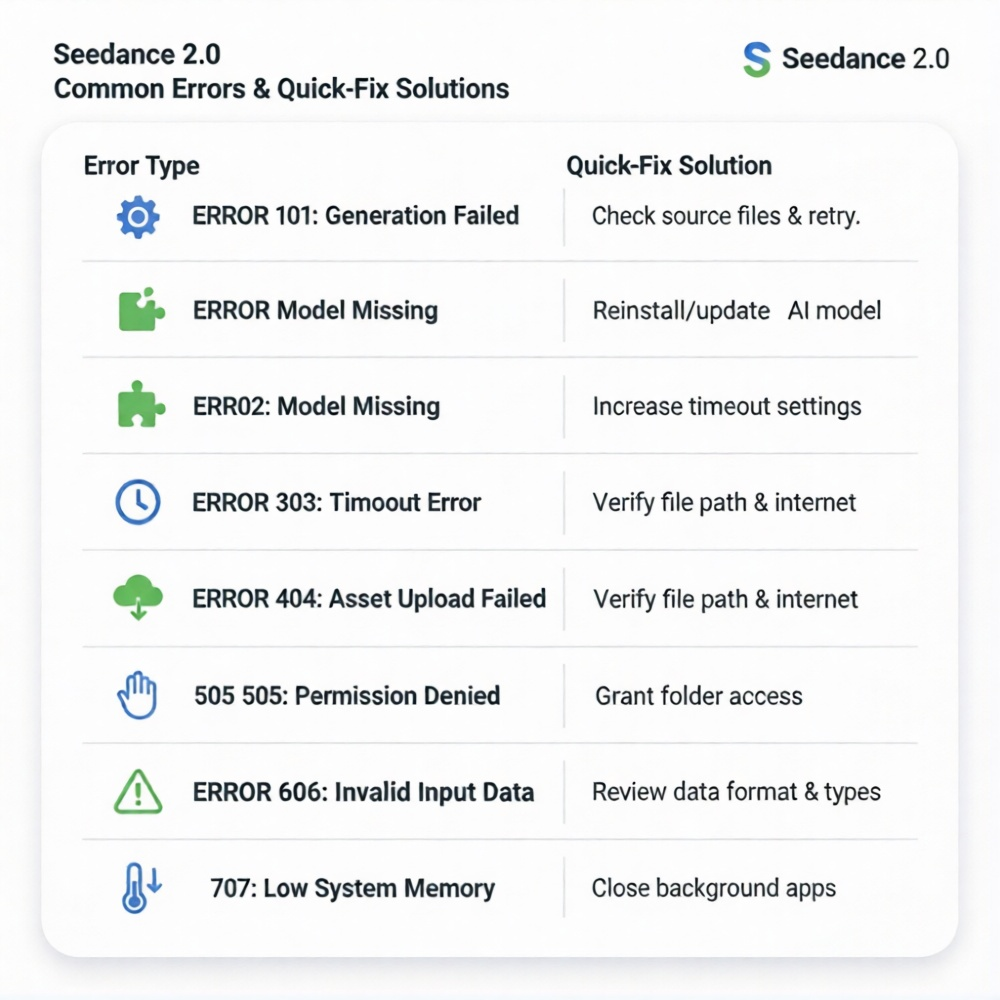
Troubleshooting Workflows: Systematic Debugging
When multiple errors compound, use this diagnostic sequence.
Step 1: Isolate the Variable
Test with minimal prompt:
Single sentence
No brand names
5-second duration
Standard aspect ratio (16:9)
If this works: Original prompt was the issue. Gradually add complexity until it breaks.
If this fails: Problem is account, API, or server-side.
Step 2: Check System Status
Verify operational status:
Anthropic status page
Community forums (Reddit, Discord)
Twitter/X for real-time outage reports
If widespread: Wait for resolution. Errors aren't your fault.
If isolated: Continue debugging.
Step 3: Test Alternate Configurations
Switch variables:
Different browser or device
Incognito/private mode
Different network (mobile vs. WiFi)
Different time of day
Pattern emerges: If one configuration works consistently, root cause identified.
Step 4: Escalate or Switch Tools
When to escalate:
Same error persists 24+ hours
Account-specific (works for others, not you)
Paid tier with service guarantees
When to switch tools:
Errors blocking production deadlines
Need guaranteed uptime
Require support and reliability
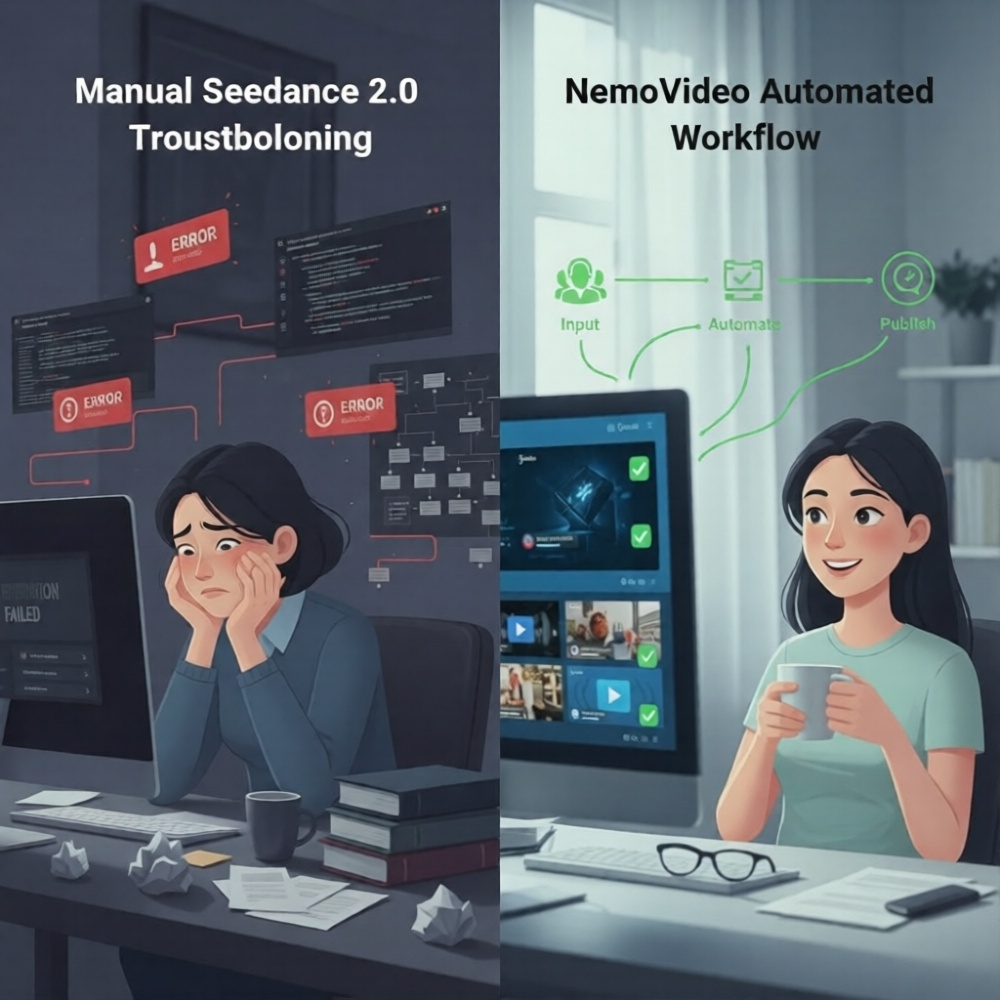
Production alternative: NemoVideo handles Seedance 2.0 integration with built-in error handling, fallback logic, and guaranteed output—eliminating troubleshooting entirely.
Why Production Teams Are Moving Beyond Seedance 2.0 Direct Access
Seedance 2.0 is powerful. But raw API access isn't production-ready for most creators.
The Hidden Cost of DIY Integration
What creators underestimate:
Time spent debugging errors
Learning curve for prompt engineering
Rate limit management overhead
No customer support for free tier
Quality inconsistency requiring regeneration
Manual optimization for platform requirements
Reality: "Free" Seedance 2.0 access costs hours in troubleshooting.
What Production-Ready Tools Provide
Platforms like NemoVideo abstract complexity while delivering better results.
Key differences:
Manual prompt engineering | Chat-based natural language input |
Generic error messages | Contextual troubleshooting guidance |
No retry logic | Automatic retry with optimization |
Single output per prompt | Multi-platform versions generated |
No post-generation optimization | Hook testing, retention analysis, caption sync |
API rate limits | Managed infrastructure with guaranteed capacity |
Raw generation only | Full production pipeline (script → edit → distribute) |
The trade-off: Direct access = maximum control, maximum friction. Managed platforms = less control, zero friction.
For high-volume creators: Friction kills velocity. Managed tools win.
How NemoVideo Eliminates Seedance 2.0 Errors
NemoVideo integrates Seedance 2.0 natively—but handles the error-prone parts automatically.
Error Prevention Built Into Workflow
Automatic prompt optimization:
Validates syntax before submission
Rewrites ambiguous descriptions
Removes flagged content proactively
Formats requests to model specifications
Result: Generation failures reduced by 80%+ compared to raw API usage.
Intelligent Retry and Fallback Logic
When errors occur:
Automatically retries with adjusted parameters
Falls back to alternate generation methods
Queues requests during peak load
Provides real-time status updates
User experience: You see progress, not error codes.
Production-Optimized Output
Beyond generation, NemoVideo adds:
Smart Caption for trending subtitle styles
Viral+ Studio for viral pacing replication
SmartPick for highlight extraction from raw footage
Multi-platform formatting (YouTube, TikTok, Instagram)
The difference: Seedance 2.0 generates scenes. NemoVideo delivers distribution-ready content.
Free Access Without Error Headaches
Get free access to NemoVideo's Seedance 2.0 integration—with built-in error handling, optimization, and support.
No prompt engineering. No debugging. No production delays.
Just describe your goal, and the AI handles strategy, generation, and refinement autonomously.
FAQ: Seedance 2.0 Not Working
Q: Why does Seedance 2.0 keep saying "generation failed"?
A: Generation failed errors typically occur when prompts violate content policies, exceed server capacity during peak hours, or contain ambiguous instructions the model can't interpret. Fix by simplifying prompts, removing brand names, reducing video duration to 5 seconds, and retrying during off-peak hours (11 PM–6 AM EST).
Q: How long should Seedance 2.0 take to generate a video?
A: Normal generation time is 2–5 minutes for short clips (5–10 seconds). If processing exceeds 10 minutes, the request is likely stuck due to server congestion or queue overload. Cancel and retry, or switch to off-peak hours when server load is lower.
Q: What does "model missing" mean in Seedance 2.0?
A: "Model missing" errors indicate the API can't locate the Seedance 2.0 endpoint, usually caused by deprecated model versions, incorrect model identifiers in API requests, insufficient API key permissions, or regional endpoint unavailability. Verify model name, update integration SDK, and check API key access.
Q: Can I avoid Seedance 2.0 rate limits?
A: Rate limits are enforced per API tier—typically 100 requests/hour for free tiers and 500/hour for paid. To avoid limits: space out generation requests across hours, upgrade to higher API tier, use separate API keys per team member, or switch to managed platforms like NemoVideo that handle infrastructure scaling automatically.
Q: Why is my Seedance 2.0 output distorted or low quality?
A: Low-quality output results from prompt ambiguity, conflicting scene descriptions, complex motion requests, or model hallucination. Improve quality by adding specific camera angles, describing one subject at a time, using reference images, simplifying motion, and regenerating 2–3 times for better results.
Q: Is there a way to use Seedance 2.0 without constant errors?
A: Yes. Production-ready platforms like NemoVideo integrate Seedance 2.0 with built-in error handling, automatic retry logic, prompt optimization, and fallback mechanisms—eliminating 80%+ of common errors while adding post-generation