

How to Use Seedance 2.0 for Short Videos (Fast Creator Workflow)
Short-form video now accounts for 70 billion daily views on YouTube Shorts alone—and creators are scrambling to keep up. But traditional editing still eats 5-10 hours per video, and typical AI generators churn out generic clips that need heavy post-work. You're stuck choosing between quality or speed, never both.
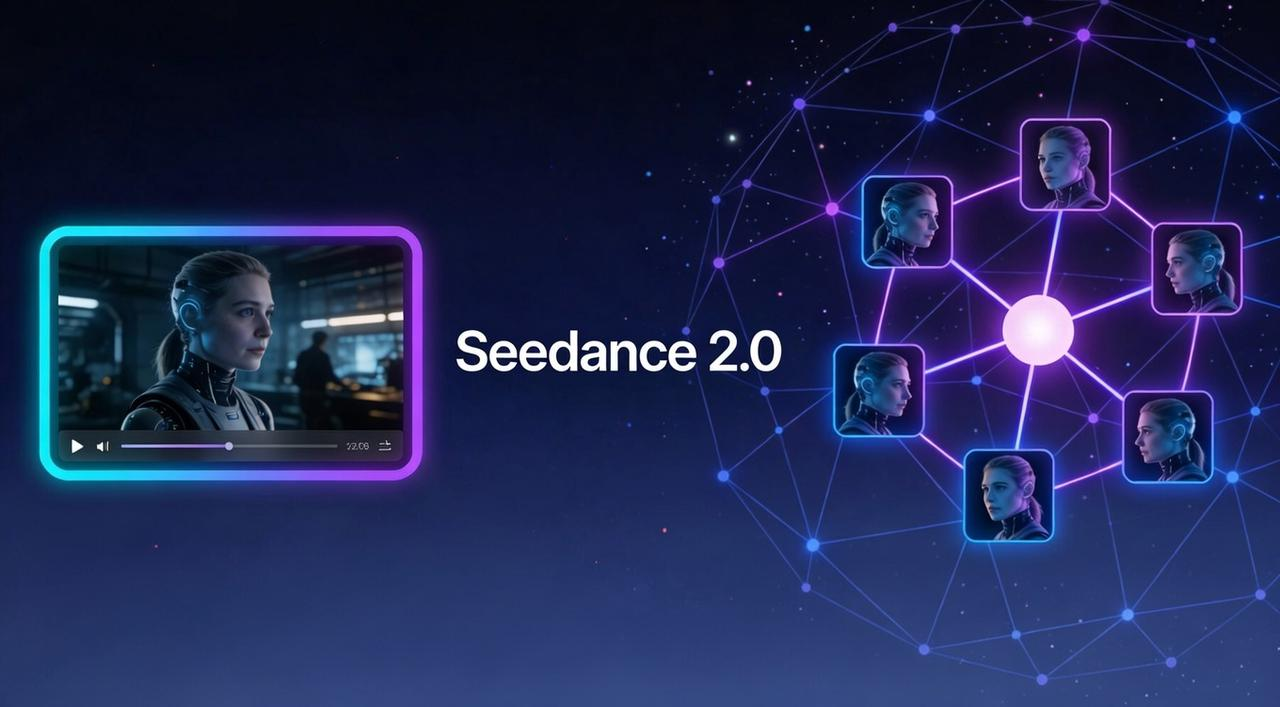
The release of Seedance 2.0 changes the game. It's not just another video generator; it's a multimodal powerhouse that understands character consistency and narrative flow.
This guide shows you the practical creator workflow for Seedance 2.0 short videos. You'll learn when to use it (and when not to), how to prompt for speed with hook-first logic, and which export settings actually save time. If you're shipping 3-5 shorts per week and drowning in edits, this is your blueprint.
When Seedance 2.0 Makes Sense for Short Videos (And When It Doesn't)
In 2026, the AI short video workflow has evolved from "prompt and pray" to "precise orchestration". Seedance 2.0 (powered by ByteDance’s Dreamina ecosystem) excels at the "heavy lifting" of high-fidelity generation, but it often lacks the strategic "viral logic" needed to actually win on social feeds.
The "Go-Time": When Seedance 2.0 Wins
You should reach for Seedance 2.0 when your project requires high-fidelity generation that traditional filming or basic editing can’t capture:
Cinematic 2K Quality: If you need razor-sharp visuals that pop on a mobile screen, Seedance 2.0 delivers native 2K resolution with natural lighting and vibrant textures.
Native Audio-Visual Sync: It is the first to offer "Audio-Visual Co-generation," meaning it creates the lip-sync, sound effects, and background music at the same time as the video pixels. No more awkward post-dubbing.
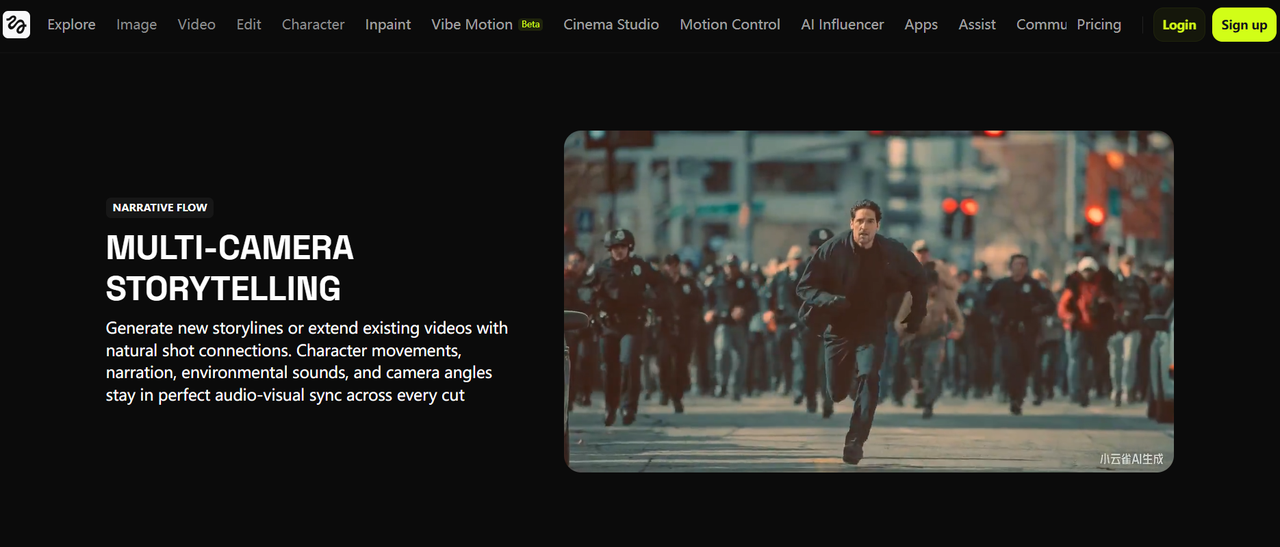
Physics and Consistency: If your short requires realistic collisions or a character that stays the same across five different shots, Seedance 2.0’s character consistency and physics engines are world-class.
Complex Multimodal Input: When you have a specific vision, you can upload up to 12 reference files (images, videos, and audio) to tell the AI exactly what style and rhythm to follow.
The "Wait a Minute": When to Look Elsewhere
Despite its generative power, Seedance 2.0 can become a bottleneck when it comes to the actual marketing and editing of a video.
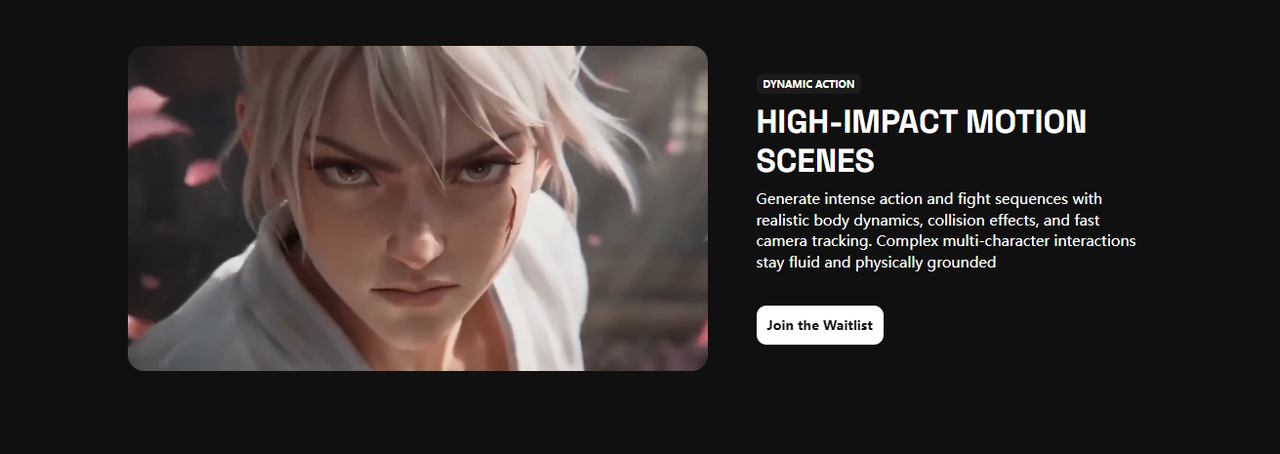
Extreme Physics Accuracy: If your video depends on complex, real-world physical interactions—like a specific way liquid splashes or intricate "fighting" choreography—Sora 2 still holds the edge in hyper-realistic physics simulation.
Long-Form Content: While Seedance 2.0 can extend clips, individual generations are typically capped at 15 seconds per shot. If you need a continuous 3-minute video without cuts, Kling 3.0 is the current leader for long-duration generation.
Complex Manual Control: Seedance 2.0 is built for speed and automation. If you prefer manually tweaking every single frame rather than using a reference-first workflow, you might find its automated polished look a bit too "locked in."
How to Scale Your Viral Success with NemoVideo
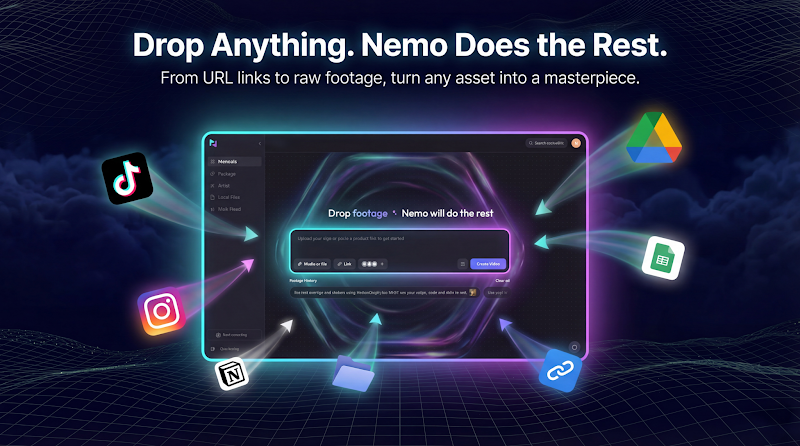
While Seedance 2.0 provides the cinematic "muscle," NemoVideo acts as your strategic "brain". As your personalized AI Viral Creative Buddy, it eliminates "dirty work" to transform any input into high-converting, viral-ready videos in minutes.
NemoVideo Workspace: Centralize project management and handle bulk versioning to stay organized as you scale.
Talk-to-Edit & Retention: Use the Talking-Head Editor to instantly remove silences and sync AI-matched B-roll to your speech beats.
Viral+ Studio: Reverse-engineer and replicate proven storytelling patterns and pacing with a single click.
Inspiration Center: Access data-backed hooks and optimized scripts designed to stop the scroll in the first 3 seconds.
SmartPick: Save hours by automatically identifying and extracting the most compelling highlights from raw footage.
SmartCaption Generator: Boost engagement with trending, platform-native subtitle styles perfect for silent viewing.
A Repeatable Short-Video Workflow Creators Actually Use
In the fast-paced world of TikTok and Reels, "perfection" is the enemy of "published." To stay relevant, you need a workflow that prioritizes speed without sacrificing the cinematic quality your audience expects. Seedance 2.0 allows you to move from a concept to a high-definition clip by following a structured, reference-first process that cuts out the guesswork.
Hook-First Prompting Logic
The first three seconds of your video determine whether a viewer stays or scrolls. Most AI generators fail because creators write "description prompts" instead of "hook prompts." With Seedance 2.0, the goal is to use its multimodal reference system to "show" the AI exactly what you want, rather than just telling it.
Here is how to structure your prompts for maximum impact:
Lead with the Subject: Always start your prompt by specifying the main character or object. For short videos, use the Reference Character feature by uploading an image to lock in identity and facial details across every shot.
The @ Mention System: Seedance 2.0 uses a filmmaker-style command system. You can use @ mentions to tell the AI specifically how to use your 12 possible reference files:
@Image1 as the first frame
@Video1 for specific camera movement or character action
@Audio1 to drive the rhythm and beat-sync of the visuals
Action + Emotion + Context: Keep your text prompts between 30 and 100 words. Describe a clear sequence: “Cinematic close-up of @Character1 looking shocked, fast dolly zoom, heavy rain background, @Audio1 rhythm.”
Iterate, Don't Restart: If a shot isn't perfect, change only one variable (like lighting or camera angle) in your next prompt to refine the output without losing the overall style.
Export Choices That Reduce Rework
Exporting is where many creators lose quality by choosing settings that look great on a desktop but fail on mobile. Seedance 2.0 provides professional-grade parameters to ensure your ai short video workflow is optimized for immediate sharing.
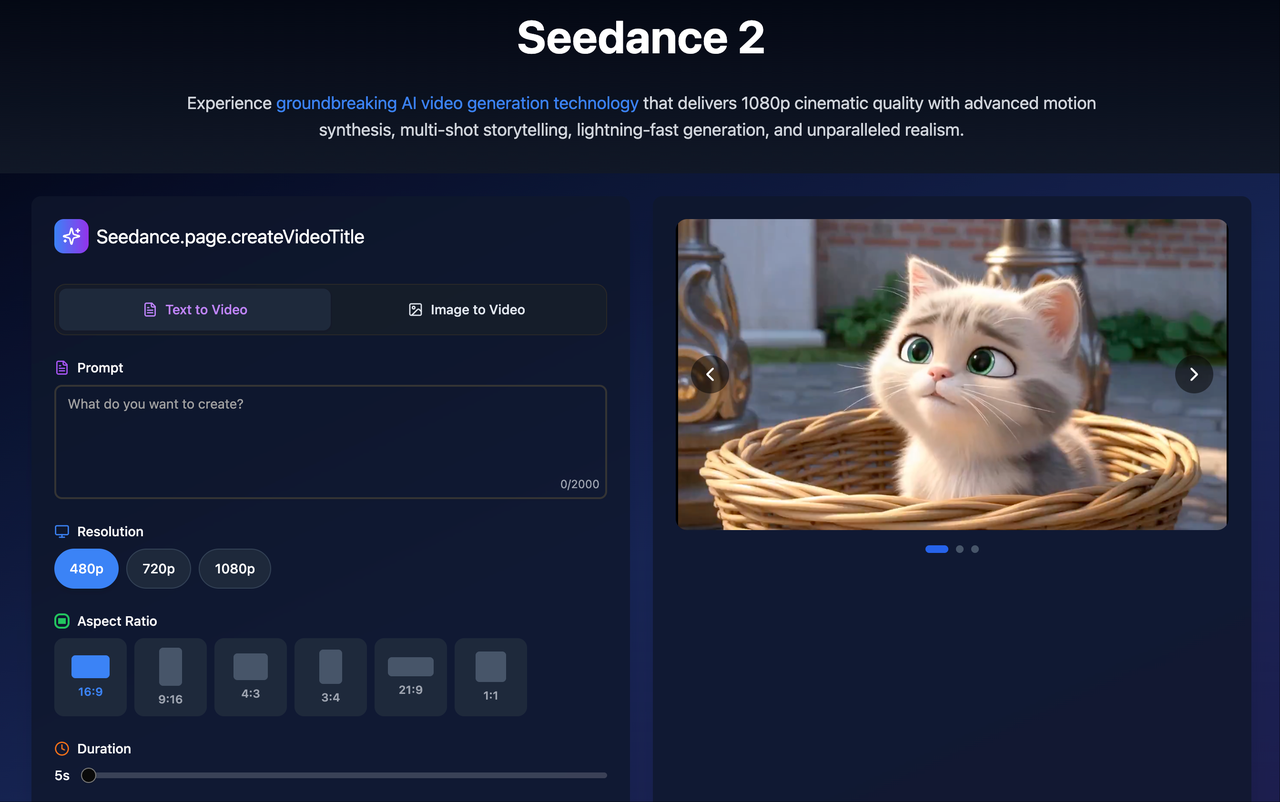
Native 2K Resolution: For professional shorts, always select the native 2K (2048 x 1080) or even 4K options. This provides the visual fidelity needed for the "Upscale" tool to make your clips razor-sharp on high-resolution smartphone screens.
Vertical-First Aspect Ratio: While cinematic 16:9 is tempting, for TikTok and Reels, you must select the 9:16 aspect ratio (1440x2560 for 2K) during the generation phase. This ensures your subject stays within the safe zones where UI elements like captions and buttons won't cover them.
Integrated Audio Export: Because Seedance 2.0 generates native audio—including ambient sound, sound effects, and lip-sync dialogue—you should export with audio enabled. This eliminates the need for external music editing or manual audio-video alignment in post-production.
Rapid Export Speeds: The "Pro Fast" model can deliver these 1080p+ results in 2 to 5 seconds, allowing you to batch-generate multiple hooks and test which one performs best.
Conclusion:
Based on early leaks and community reports, Seedance 2.0 is the engine that will power this transition, offering native 2K quality and character consistency that was impossible just a year ago.
By pairing the generative power of Seedance 2.0 with the conversational speed of NemoVideo, you create a production loop that is impossible to beat:
Generate with Seedance: Use multimodal inputs to create consistent, high-fidelity scenes.
Scale with NemoVideo: Use the Inspiration Center and SmartCaptioning to ensure your art is optimized for maximum social media engagement.
👉 Explore Seedance 2.0 for generation, then try NemoVideo free to scale your viral reach.