

Three months ago, I tried to make a 60-second product story using AI-generated clips. Scene one looked great. Scene two? Completely different person — same prompt, same tool. Not user error. That’s just how AI video used to work.
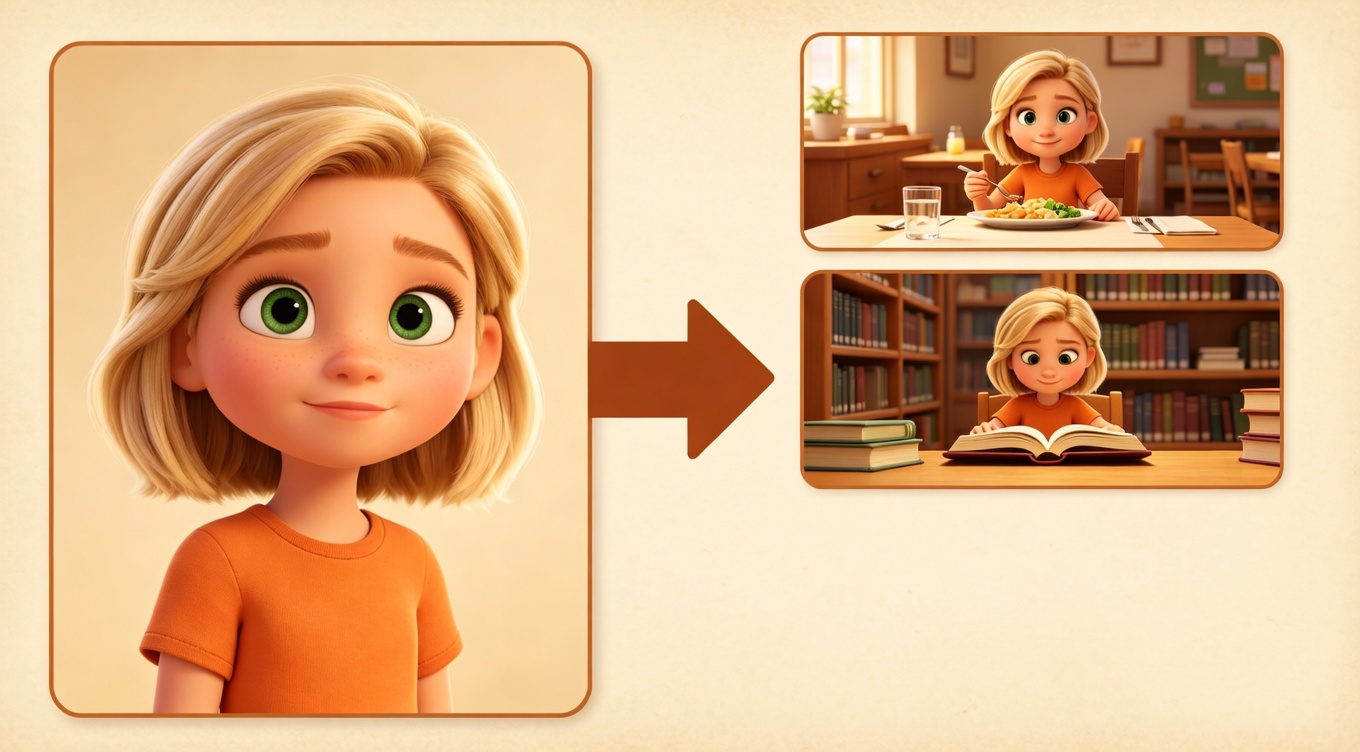
In early 2026, that changed. A new capability called Reference-to-Video lets you hand the AI a photo of your character, so every scene is built from the same face — not a fresh guess.
This guide covers how it works, which tools support it, and how to build a workflow around it.
What Is AI Video Character Consistency — and Why Has It Been So Hard?
Character consistency just means your character looks like the same person in scene 1 and scene 10. Same face, same hair, same clothes. Sounds obvious. Turns out it's been one of the hardest things to pull off with AI video.
The problem is simple: AI video tools don't actually remember your character. Every time you generate a new clip, the tool is basically starting from scratch with your text description. "Short red hair, denim jacket" could describe hundreds of different people — and the AI will happily pick a new one every single time.
The old fix was tedious: generate a ton of clips, find the handful that happened to look similar, then patch the rest in editing. Most people either spent hours doing that or just gave up on story-based content altogether.
What changed in 2026 is Reference-to-Video — instead of just writing what your character looks like, you hand the AI a photo. It uses that photo as a reference point every time it makes a new scene, so your character actually looks like the same person from start to finish. That's the thing that makes multi-scene storytelling finally work — and everything else in this guide builds on it.
Why AI Video Character Consistency Is Finally Solved in 2026
Three things landed at the same time in 2026 — and together they’re what finally make story-driven AI video work.
-
**Multiple reference photos at once. **Old tools only took one. Vidu’s Q3 update now lets you provide a character photo, a setting photo, and a style photo all at once — keeping everything locked across every scene.
-
**Scenes carry forward into each other. **Tools like Vidu Q3 and Kling 2.0 now pass the previous scene’s look into the next generation, so five scenes actually feel like they belong together.
-
**Audio is built in. **Vidu’s Q3 update includes native audio generation, which removes the worst of the voiceover sync headache for talking-head and narration content.
Before 2026, you could sort of do one of these things, badly. Now you can do all three in one workflow.
5 Best AI Video Generators for Consistent Characters
Not all AI video generators can keep characters consistent across scenes. Here are the 5 tools that actually work in 2026.
My honest take on each:
-
Vidu Q3 is the best if keeping your story together is the main thing you care about. The multi-photo reference system is genuinely different from anything else out there.
-
Runway Gen-4 makes the best-looking footage. If you want that cinematic, polished feel, this is the one. Director Mode gives you more shot control than any other tool.
-
Kling 2.0 is the one to reach for when you need a long, uninterrupted take — 45 seconds of someone walking through a product demo, for example. Nothing else runs that long in one shot.
-
Luma and Sora are getting better fast, but they're still mostly built around single clips. The story features feel like they were added on afterward.
How Reference-to-Video Works (And Why It Matters So Much)
This is the part most articles skip over — but understanding it is the difference between getting consistent results and spending hours wondering what you're doing wrong.
The old way: just describe it in words
You write something like: "A 30-year-old woman with short red hair and a denim jacket walks through a busy market."
The AI reads that and makes someone up. Then on the next clip, it reads the same description and makes a different person up. There's no memory of who it built before — it just makes a new match for your words every single time. Same description, different person.
The new way: show it a photo
You give the AI a photo of your character along with your description. Now instead of guessing what "short red hair" looks like, it has an actual face to work from. Scene 5 looks like the same person as scene 1 because they're both built from the same photo reference — not just from the same words.
How Vidu Q3 takes this even further
Vidu's Q3 update lets you hand it three photos at once:
-
A character photo (face and outfit)
-
A setting photo (the place your story happens)
-
A style photo (the overall look and feel — cinematic, documentary, clean, etc.)
It uses all three together when making each scene. That's how people are now building 2–3 minute narratives that actually feel like they were shot in the same world — something that wasn't possible a year ago.
How to Create a Character Reference for AI Video
Professional animators have used something called a character bible for decades — basically a document that nails down every detail about a character so everything stays consistent. The same idea works really well for AI video.
Your character bible is a simple document you write before you generate anything. It does two things: it forces you to get specific enough that the AI has something real to work from, and it keeps your descriptions exactly the same from scene to scene (the AI does notice when you change your wording).
What goes in it:
What your character looks like — this part is essential:
-
Hair: color, length, texture, how it sits (e.g., "dark brown, shoulder-length, wavy, naturally parted slightly left")
-
Face: one or two things that make them recognizable (e.g., "strong jaw, narrow nose, small beauty mark under left eye")
-
Body: rough build and height feel (e.g., "slim, average height, slightly broad shoulders")
-
Outfit: exactly what they're wearing in your main scenes
How they carry themselves:
-
How they stand or sit by default (e.g., "slightly forward, relaxed but confident")
-
A small signature habit (e.g., "touches face when thinking")
The lighting note:
- What your character looks like in the specific light you're shooting in (e.g., "warm window light from the left, slightly golden tone")
4 Step AI Video Workflow for Consistent Characters
I've put out 11 story-driven videos with this. None of it is theoretical.
Step 1: Write out your scenes before you do anything else (10 minutes now, hours saved later)
Before you open any AI tool, write 3–7 short descriptions of what happens in each scene. For each one, note:
-
What's actually happening on screen
-
Where it takes place
-
What your character is doing or feeling
-
How close the camera should be (wide, medium, close-up)
-
Roughly how long it runs
Skipping this is the single most common way to burn time. You'll generate scenes that don't connect and have to redo them once you realize the story doesn't flow.
Step 2: Make your reference photos first
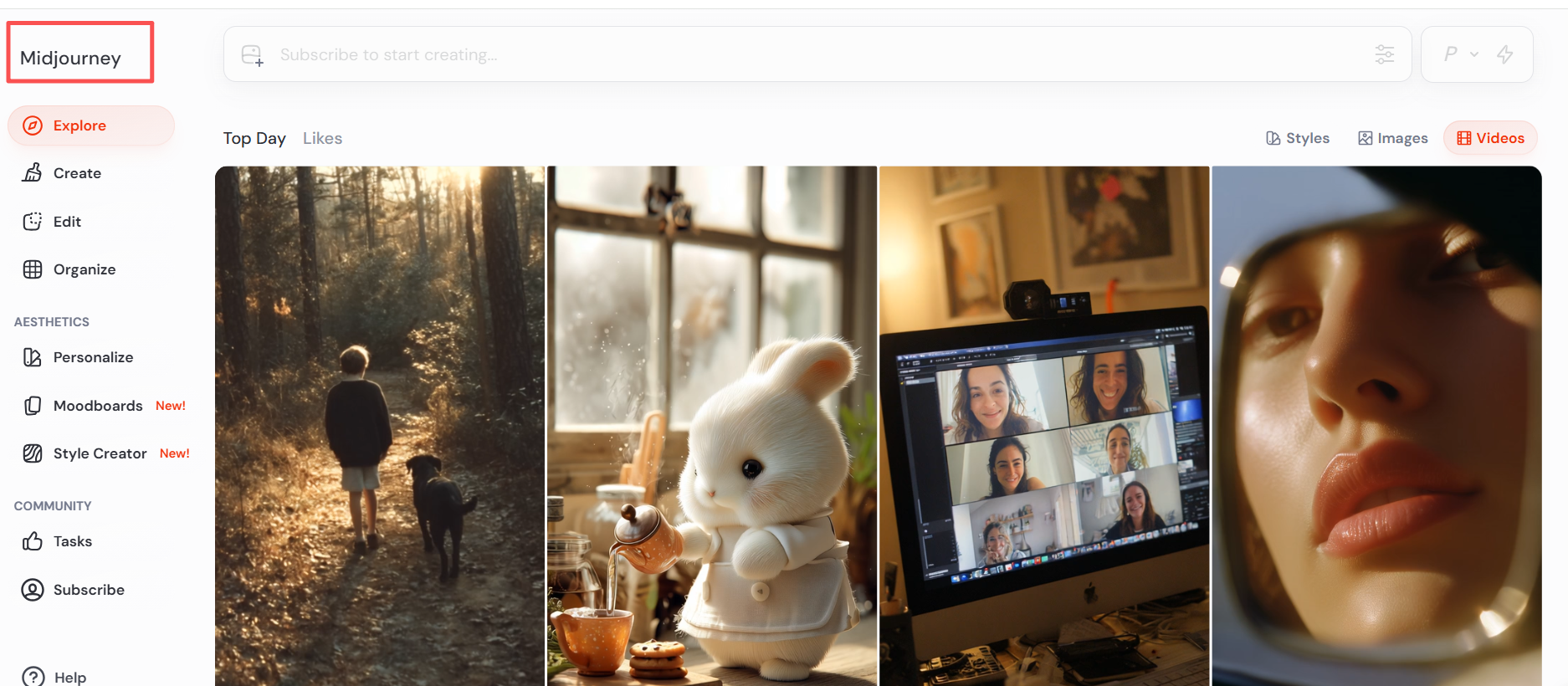
Use an image generator (Midjourney, Vidu's image mode, or Stable Diffusion) to create:
-
3–4 photos of your character from slightly different angles
-
1–2 photos of your main location or setting
-
1 photo that captures the overall vibe you're going for
From those, pick the cleanest, most straight-on character photo as your main reference. That's the one you'll attach to every generation.
Step 3: Generate scenes one at a time, in order
Work through your story beats one scene at a time, always attaching your character and setting references.
Always go in order. Tools like Vidu Q3 pick up what the previous scene looked like and carry it into the next one. If you jump around, you lose that carryover.
Go back to your original reference every 3–4 scenes. Don't use the output of scene 3 as the reference for scene 4. Small variations build up — it's like photocopying a photocopy. Each pass introduces tiny shifts, and they add up fast. Using your original photo every few scenes keeps things anchored.
Step 4: Put it all together (12 minutes, not 90)
This is where your clips become an actual video. You need to:
-
Pick the best take from the 2–3 variations you generated per scene
-
Cut everything together in order with the right pacing
-
Add music, sound, and any voiceover
-
Reformat for whichever platforms you're posting to
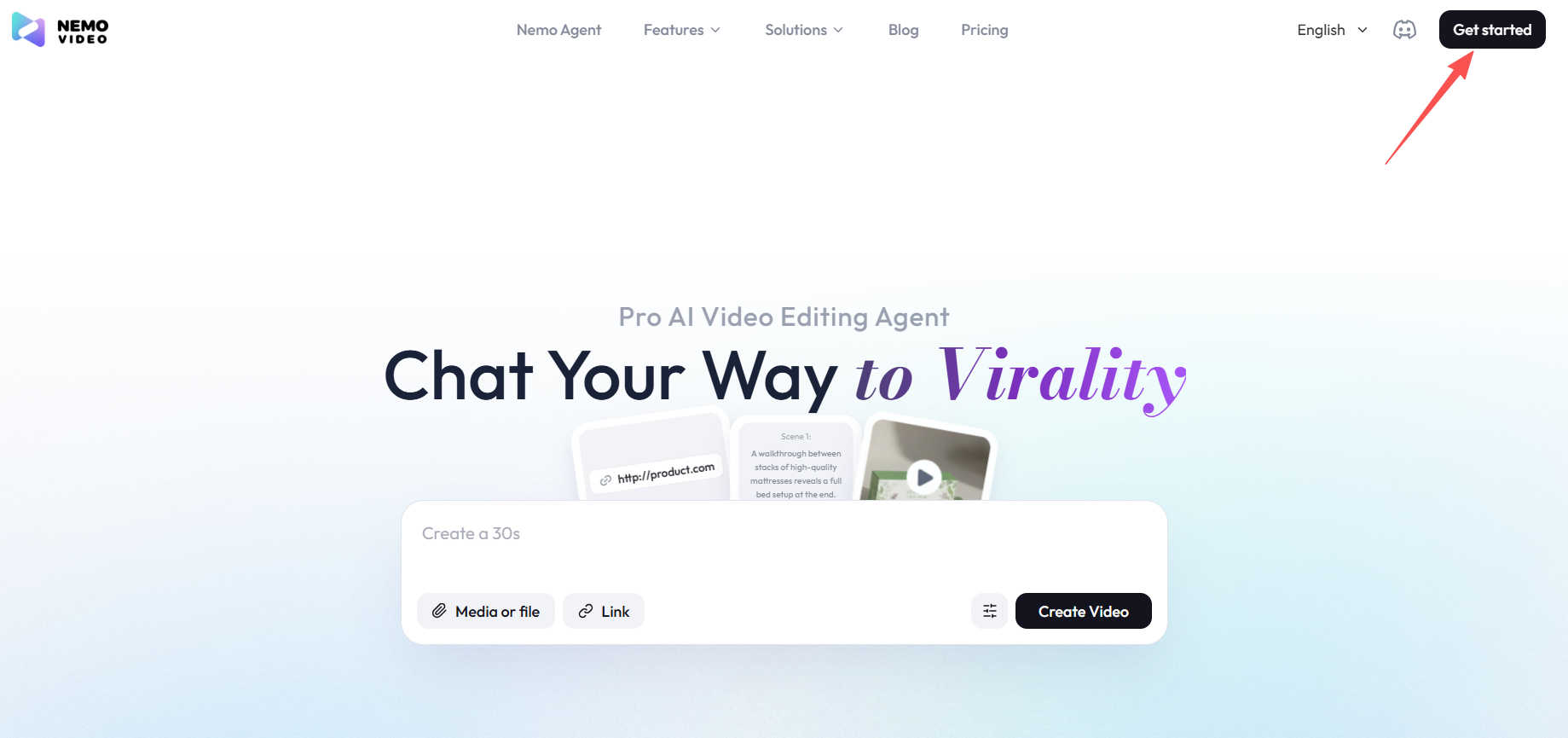
After trying a bunch of different tools and getting tired of jumping between apps, I ended up settling on NemoVideo. Take selection, audio sync, platform reformatting — it all happens in one place.
What used to take me 90 minutes now takes about 12.
AI Character Drift: 5 Causes and Fixes
Problem 1: Your character keeps shifting between scenes
What you notice: Tiny changes that build up — hair texture drifts, skin tone shifts, clothing details appear or disappear.
Why it happens: Every generation adds small variations. They're subtle on their own but stack up across scenes.
The fix: Go back to your original reference photo every 3–4 scenes. Don't use the previous scene's output as your next reference — that's compounding the drift, not fixing it.
Problem 2: Your character looks different depending on the scene's environment
What you notice: The same character looks clearly different in a night scene versus a daytime one — or darker in a moody interior. They start to feel like a different person even when the description hasn't changed.
Why it happens: The lighting and environment around your character bleeds into how the AI renders them. It's adjusting to match the scene.
The fix: Keep describing your character in every prompt, not just the first one. The reference photo alone isn't enough when the scene changes significantly.
Problem 3: The lips don't match the audio
What you notice: You add voiceover and the mouth movements are close but always slightly off. It's distracting enough to break the whole feel of the video.
Why it happens: Most AI tools generate completely silent video. When you add audio afterward, there's no way to perfectly match what the AI already rendered.
For scenes where someone is talking: Flip the order — make the audio first with ElevenLabs or a similar tool, then generate the video to match the audio. Going the other direction never really works.
For scenes without dialogue: Add music and sound effects in post and move on. Save the sync effort for scenes where it actually matters to the story.
Problem 4: Every scene feels the same — no build, no payoff
What you notice: The video runs at one steady energy level the whole way through. There's no moment that hits harder than the others. It feels flat.
Why it happens: AI makes each scene at a consistent level — it doesn't understand that some moments should feel bigger than others.
The fix: This is an editing job, not an AI job. Vary your cut pace, add a pause before a reveal, let the music shift when the story turns. Plan where your high and low moments should be back in Step 1, then build that shape in post.
Problem 5: Nothing sticks no matter what you try
What you notice: You're doing everything right — using references, keeping descriptions consistent — but your character still looks different in every scene.
Why it happens: Your reference photo has a problem. Bad angle, harsh shadows, a strong expression, a busy background. The AI can't get a clean read on what your character actually looks like.
The fix: Test your reference photo before committing to a full project. Generate 5 quick clips from it. If they're inconsistent, the photo is the culprit, not your workflow. Start over with a straight-on shot, even lighting, neutral expression, plain background.
How Much Does AI Video Production Cost
Generation tools:
-
Vidu Q3: ~$20–30/month
-
Runway Gen-4: ~$15–35/month depending on how much you generate
-
Kling 2.0: ~$20–25/month
Post-production: NemoVideo starts at $4.17/month (Starter, first month) — 100 free credits when you sign up, no card needed to try it.
All in: roughly $35–55/month for a full workflow.
For context: one freelance videographer shoot runs $500–2,000. And that's before editing. For anyone putting out 4–8 videos a month, the comparison isn't close.
Frequently Asked Questions
Why does my AI character look different in every scene even when I copy the exact same prompt?
The AI doesn't remember who it made before — it just makes a new person that matches your words each time. The fix is giving it a photo reference instead of relying on text alone. With Reference-to-Video, it has a real face to work from, not a guess.
How many reference photos do I actually need?
For something short — 1 to 3 scenes — one good straight-on photo usually works fine. For longer videos, 3 to 4 photos from slightly different angles help a lot. A front-facing shot plus a couple of 3/4 angle shots gives the AI enough to stay consistent even when lighting or camera angle changes.
Which tool is the best for character consistency right now?
Vidu Q3 is the strongest overall for keeping a story together, mainly because of the multi-photo reference system. Runway Gen-4 is the best for cinematic-looking footage. Kling 2.0 is the one for longer uninterrupted takes. For most people, pairing Vidu or Runway with NemoVideo for post-production covers everything.
How long can the finished video actually be?
Each clip runs 8–60 seconds depending on the tool. When you chain scenes together in editing, creators regularly put together 1–3 minute videos. Kling 2.0 can go up to 60 seconds in a single generation — the longest of any tool right now. Longer projects are doable but need more careful planning to stay consistent throughout.
Do I need to know how to edit video to use this?
Not really. The generation side is just writing descriptions and attaching photos. On the post-production side, tools like NemoVideo handle take selection, music sync, and platform formatting automatically. You don't need traditional editing skills for a standard video. Pacing and storytelling feel still come from your own judgment — but the technical side is largely handled.
Is the quality good enough for professional or commercial use?
For social media and branded content — yes. For broadcast TV or anything cinematic — not yet. The sweet spot right now is YouTube, TikTok, Instagram, and LinkedIn. Broadcast-level output is probably 12–18 months away based on where things are heading.