

I'm Dora. Last month my team needed a short product ad — same character, same outfit, same lighting, four different scenes.
What I got: four completely different-looking people. Same prompt. Same tool. Four strangers.
That's when I started actually paying attention to Vidu Q3's Reference-to-Video. I spent two weeks testing it on real projects — product ads, social clips, a short brand narrative. Here's what I found, including where it works and where it still falls apart.
What Is Vidu Q3 Reference-to-Video, Actually?
Most AI video tools work from text alone. You describe your character, the AI invents someone who roughly matches, and you hope for the best. Do it again for the next scene — different person.
Reference-to-Video changes the input. Instead of just words, you upload photos: your character, your scene, your visual style. The AI uses those images as anchors and generates video that actually matches what you showed it.
Think of it like giving a director a moodboard before the shoot. Except the director is an AI, and the moodboard actually controls the output instead of just inspiring it.
The difference from Image-to-Video (which confuses a lot of people): Image-to-Video takes one starting frame and animates forward from it. Reference-to-Video uses multiple photos as reference points that stay consistent throughout — it's not animating from a starting frame, it's using visual references to constrain the entire generation.
What's New in Vidu Q3 (2026)
Vidu Q2 introduced multi-reference generation. You could upload multiple photos and the model would try to keep them consistent. Useful, but limited.
Q3 adds three things on top of that:
-
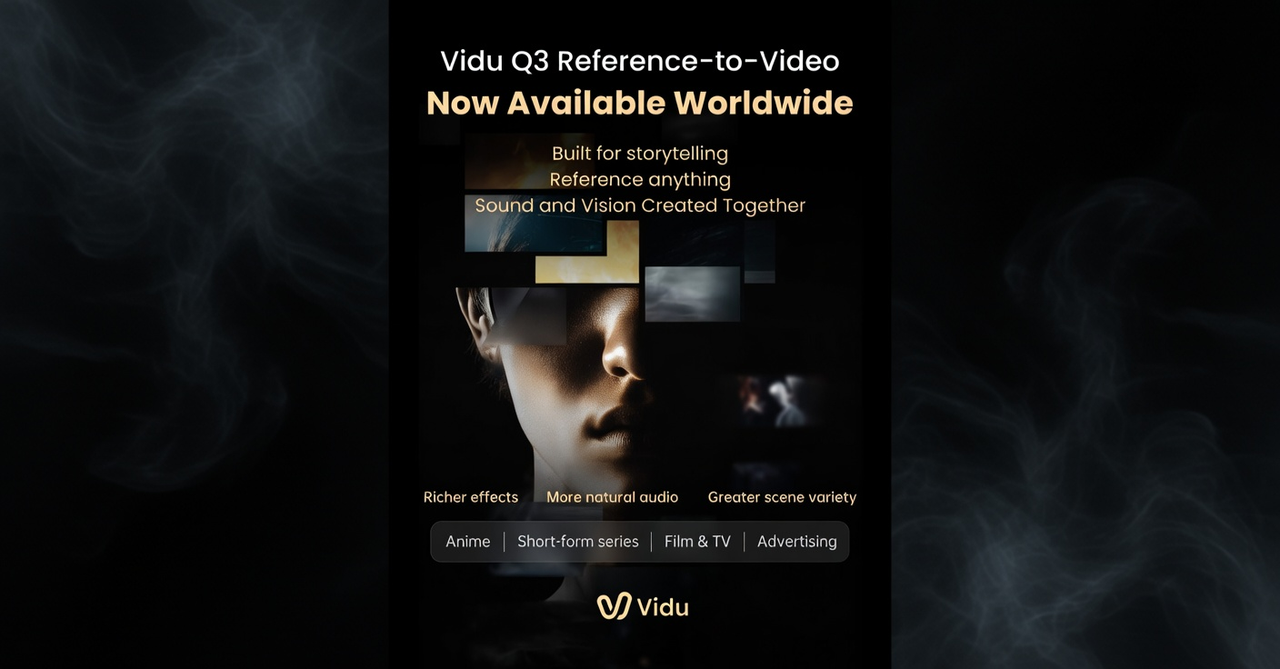
Native audio in one pass. Dialogue, sound effects, and background music are generated alongside the video — no separate recording, no post-dubbing. I made a 14-second product spot with voiceover and ambient music without leaving the tool. That alone is a real workflow change.
-
Smart Cuts (multi-shot in one generation). Q3 can switch camera angles within a single clip — wide shot to close-up, interior to exterior — without you having to stitch separate clips together. It detects where a cut makes sense and makes it.
-
Longer clips. Up to 16 seconds in a single generation, which is the longest of any major tool right now. Runway caps at 10 seconds, Kling at 15. That extra length sounds small; in practice it's the difference between fitting a complete narrative beat or not.
What Each Reference Image Does in Vidu Q3
-
Character reference — locks in a specific face, body type, and outfit. Upload a clean, well-lit photo and the AI will try to keep that person consistent across every frame. This is the big one for brand content.
-
Scene reference — anchors the environment. Upload a photo of the location or setting you want and the background stays consistent instead of drifting between shots.
-
Style reference — controls the visual mood: color grading, lighting quality, overall aesthetic. Upload a frame from a video or a photo that has the look you're going for.
-
Prop or costume reference — you can also upload specific objects (a product, an outfit detail) to keep them consistent. This is relatively new and doesn't work as reliably as character references yet.
You can use up to 4 reference images at once. More than that and the model starts to dilute — it gets confused trying to satisfy too many constraints simultaneously.
The Honest Results: Where It Works and Where It Doesn't
I ran the same character through around 40 clips over two weeks. Here's what I actually found.
-
First-generation accuracy was significantly better. With pure text-to-video, maybe 20–30% of my clips were usable on the first try. With reference-to-video, that jumped to roughly 70–80%. That's the number that actually matters for workflow speed — less regenerating, less time wasted.
-
Atmosphere and environment: strong. City streets, rain, indoor lighting — the AI handles scene references well. The background stayed consistent even when I changed camera angles.
-
Character face consistency: good in short clips, variable in longer ones. For clips under 10 seconds, facial features held up well. In 14–16 second clips I started seeing subtle drift — nose shape shifting slightly, skin tone changing between cuts. Nothing catastrophic, but enough to notice if you're watching closely.
-
Hands and fingers: still messy. This is the most common failure point. Any time a character reaches for something or gestures, the fingers tend to get strange. It's a known limitation across almost every AI video tool right now.
-
Lip sync for dialogue: usable, not perfect. I tested a character saying "Welcome back" in English. The lips matched — a slight delay on the second word, but way better than syncing audio in post. For a short punchy line, it's good enough. For a longer conversation, it starts to drift.
-
Skin tones and product finishes: decent with good references. Product photography on neutral backgrounds worked well. Complex fabric textures needed very specific prompt language to render cleanly.
Who Should Use Vidu Q3 Reference-to-Video
Brand and marketing teams making volume content — product videos, seasonal ads, social clip variations. Reference-to-Video solves the biggest headache in AI video production: keeping your character consistent across a campaign. If you're making 10+ clips with the same character, the time savings are real.
Independent creators running consistent characters across a channel or series. If you post regularly and want your AI content to feel like it's from the same "world," this is the feature that makes that possible without hours of regeneration.
Pre-production and storyboarding. Q3 is genuinely useful for generating rough animatics before a shoot. You can visualize camera angles, rough timing, and dialogue pacing without booking a studio. Having audio in the same pass makes this much more useful than a silent animatic.
Who It Doesn't Work For
-
Long-form content — 16 seconds max per generation means you're stitching for anything longer
-
Complex multi-person dialogue scenes — voice consistency between clips is unreliable
-
Highly photorealistic close-up faces — Runway Gen-4 still leads on pure photorealism
How Vidu Q3 Compares to the Other Options
My honest take: Vidu Q3 is the strongest for consistent character work across multiple scenes. Kling 3.0's O3 variant is competitive — especially if you need consistent voice too, since Kling's voice reference feature is better. Runway still makes the most cinematic-looking single shots. Seedance 2.0 is the best for multilingual dialogue but has access limitations.
Vidu Q3 Prompt Templates (Copy These)
The biggest mistake people make: writing prompts that describe what things look like when they have a reference image. The image handles appearance. Your prompt handles action, camera, and sound.
For a product shot:
Product on clean marble surface. Slow push-in toward the label. Soft overhead lighting with warm fill from the left. Subtle ambient sound, gentle room tone.
For a character walking through a scene:
Character walks toward camera through [location]. Tracking shot, slight handheld feel. [Time of day] light. [Mood] ambient sound in background.
For a short dialogue moment:
Close-up on character. She looks directly at camera and says "[line]." Slight smile at the end. Natural room acoustics.
For a multi-shot sequence:
Wide shot of [setting]. Cut to medium shot on character picking up [product]. Cut to close-up of product detail. Soft music building through cuts.
Keep each prompt focused on one idea. If you stack three camera moves and two scene changes into one prompt, the output gets messy. Simple motion + clear scene = clean results.
Vidu Q3 Troubleshooting Guide
Character drifting between clips — re-upload your original character reference photo for each new generation. Don't use the output of the previous clip as the reference for the next. Small shifts stack up fast.
Hands looking wrong — keep characters' hands still or mostly off-screen. Any complex hand motion (picking something up, pointing precisely) will get strange. Work around it with framing.
Audio feels off for the scene — add specific audio language to your prompt. "Soft percussive ambient," "distant city noise," "clean product sound design" give the model something to aim for. No audio prompt = the model guesses, often generically.
First-gen doesn't land — cap yourself at 3 attempts per concept. If it's not working by then, the issue is usually the reference image (try a cleaner, more neutral photo) or the prompt is doing too much at once (simplify).
Is Vidu Q3's Reference-to-Video Free?
Vidu has a free tier with limited credits — enough to run a handful of tests and get a real sense of what it does. For regular production use you'll need a paid plan. Check current pricing at vidu.io since it changes frequently while the product is still evolving.
Reference-to-Video specifically is a Q3 feature. The older Q2 and Q2 Pro are still available as companion tools — some creators use Q2 Pro for establishing consistent character designs, then bring those into Q3 for narrative clips. The two work together.
Frequently Asked Questions
What's the difference between Reference-to-Video and Image-to-Video?
Image-to-Video animates from one starting frame forward. Reference-to-Video uses one or more photos as consistency anchors throughout the whole generation — not as a starting frame, but as a set of visual constraints the AI has to stay true to. You can use up to 4 reference images in Q3.
Can I use my own photos as character references?
Yes. Clean, well-lit, front-facing photos work best. Avoid anything blurry, heavily filtered, or shot at an unusual angle — the model uses the photo to extract visual information, and distorted input gives distorted output.
Does it work for products, not just people?
Yes. Upload product photography on a neutral background and describe the scene and camera movement. Results are strongest when the product fills a significant portion of the frame in the reference image — at least 40% — so the model has enough detail to anchor on.
Is Reference-to-Video the same as training a custom model?
No. Training a custom model (like a LoRA in Stable Diffusion) takes hours and requires a dataset. Reference-to-Video is instant — upload your photos, generate. The tradeoff: a custom model gives you deeper identity lock, especially for complex characters. Reference-to-Video is faster and needs no technical knowledge.
How does Vidu Q3 compare to Kling 3.0 for character consistency?
Vidu Q3 uses still images as references; Kling 3.0's O3 variant uses a short video clip (3–8 seconds) to extract facial and motion features. For characters who are mostly stationary, Vidu Q3's multi-image system is competitive. For physically active characters — walking, gesturing, doing complex actions — Kling O3's video-reference approach tends to produce more stable results.
What's the maximum length I can generate?
16 seconds per clip in a single generation — the longest of any major tool right now. For longer content, generate multiple clips using the same references and stitch them in editing. The references keep everything looking consistent across clips even when you're assembling them manually.