

What Is Zorq AI? Features, Models, Pricing & Use Cases
Hello, I'm Dora. I get asked versions of the same question a lot: "What is Zorq AI, and is it actually useful for creators, or just another shiny demo?"
Short answer: Zorq AI is a multi-model creation platform that lets you generate images, video, and motion sequences from prompts or reference visuals. I spent March 15–20, 2026 running 14 test generations across three mini-projects (a TikTok product teaser, a UGC-style hook, and two motion loops). Below is the no-fluff version of what I learned, where it's fast, where it's fussy, and who should even bother.
What Is Zorq AI?
A multi-model platform, not a single AI model
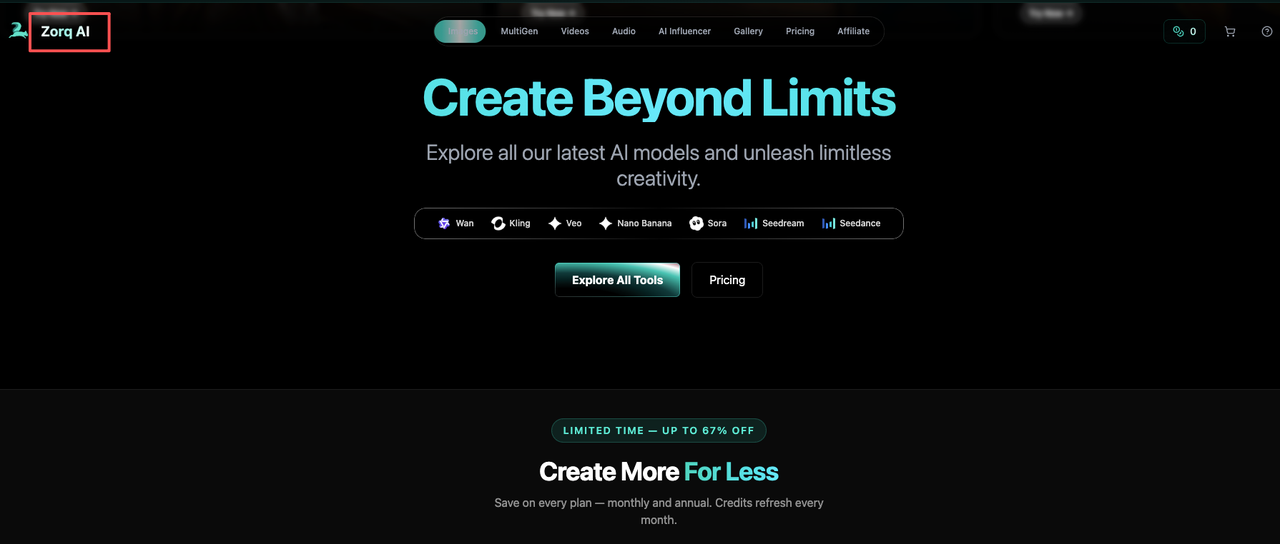
I want to be super clear here: Zorq AI isn't "one model to rule them all." It's a hub that lets you tap multiple generation models from one interface. Think of it like a control room where you can switch engines depending on what you're making, text-to-image, image-to-video, or short motion clips.
In practice, that means two things for creators:
You don't have to bounce across five different sites to test which engine handles skin tones better or which one keeps product logos sharp.
You can iterate faster because prompts, seeds, and settings live in one place. In my tests, centralizing like this shaved ~12–18 minutes per concept compared to my usual "open three tabs and benchmark" routine.
If you're wondering "is Zorq AI legit?", as in, is it a real, workable tool versus vaporware, the answer from my week of testing is yes, with caveats. It's a generation-first platform. It's not trying to be a full editor or an all-in-one content studio (more on that below).
What you can create with it (image, video, motion workflows)
Here's what I actually made during testing:
Text-to-image lookboards for product shots (4 variations per prompt, ~35–50 seconds each)
Image-to-video motion passes, subtle parallax and object motion on stills (6–9 seconds clips)
Short, prompt-based motion clips for TikTok hooks (5–12 seconds)
Useful details from my runs:
Best speed: image generations (fast). Short motion clips were mid. Image-to-video took the longest.
Consistency: keeping character identity across takes was okay for two shots, hit-or-miss for three+.
Prompting: descriptive prompts with 1–2 style anchors worked better than long poetic paragraphs. I got higher fidelity when I referenced a frame or an uploaded still rather than pure text.
How Zorq AI Works
Starting from text vs. starting from an image
You've basically got two starting doors:
Start from text: You write a prompt ("handheld unboxing shot of a matte-black water bottle on a concrete table, natural window light, 15fps vibe"). Zorq returns image frames or a short motion clip, depending on the mode. Great for exploring styles fast. Weakness: brand-accurate details (logos, exact packaging) can drift.
Start from an image: You upload a still and ask Zorq to add motion, camera drift, hair movement, liquid ripple, or a simple push-in. This gave me more control and kept product details intact. If you already have a decent product photo, this is the easiest path to a quick TikTok bumper.
In my timing logs, text-first concepting was ~40% faster to "first usable idea," but image-first was ~30–50% more on-brand in the final result. I often did both: explore styles in text, then lock with an uploaded reference.
Choosing between different generation models
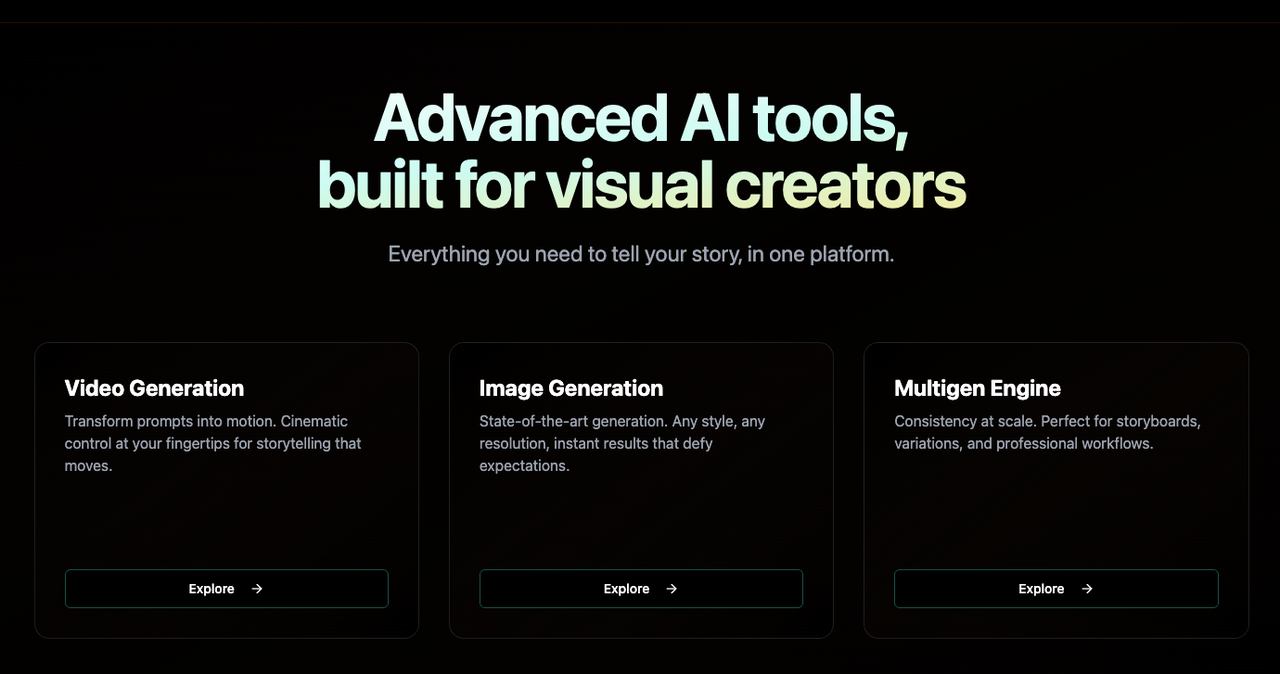
Inside Zorq AI, you choose among different generation models (each with its own speed/quality/credit profile). I won't name specific engines because Zorq can swap or add options over time, but here's the decision logic that worked for me:
For crisp product close-ups: pick the model flagged for photorealism and detail retention. It cost more credits per run, but kept edges cleaner.
For stylized UGC hooks: the speed-optimized model was good enough, slightly noisier motion, but 2–3x faster and cheaper.
For image-to-video: choose the model with better motion coherence even if it's slower: otherwise, you'll burn credits on retries.
Zorq AI Features That Matter Most
Multi-model access in one place
This is the whole point. Zorq centralizes multiple models so you can:
Compare outputs without re-uploading references everywhere
Reuse prompts/seeds/settings across engines
Keep a single project thread instead of a graveyard of tabs
In my 14-run test, centralization alone saved me roughly 1.5 hours versus my usual tool-hopping (measured by session timestamps). If you're juggling 5–10 posts a day, that's the difference between "I'll try one more variant" and "ship it."
Motion control and workflow speed
Two controls made the biggest difference:
Motion intensity sliders/presets: Gentle camera drift looked the most natural for product shots. High-intensity settings tended to wobble edges and introduce artifacts.
Duration control: 5–8 seconds is the sweet spot. Anything longer amplified inconsistencies. For TikTok hooks, short is fine, you're cutting it into a bigger edit anyway.
Speed-wise, here's what I logged (average across runs, mid-tier hardware, March 2026):
Text-to-image: 35–50 seconds per 4-up batch
Text-to-motion (short): 45–90 seconds for 5–8s clips
Image-to-video: 2–4 minutes, depending on engine and resolution
What it does not include after generation
This is where expectations need a reset. Zorq AI is generation-first. After you get a clip, you won't find:
A full multi-track timeline with precision trimming, J/L cuts, or audio mixing
Robust text/caption design tools for brand kits
Batch subtitling with punctuation control
Asset management for big teams (versioning, approvals, roles)
You'll likely export and finish in an editor (CapCut, Premiere Pro, Final Cut, or Descript). I composited my Zorq clips in CapCut and added captions there. Plan for that handoff, Zorq speeds the "create" step: it doesn't replace finishing tools.
Zorq AI Pricing and Credit Logic
Free vs. paid entry points
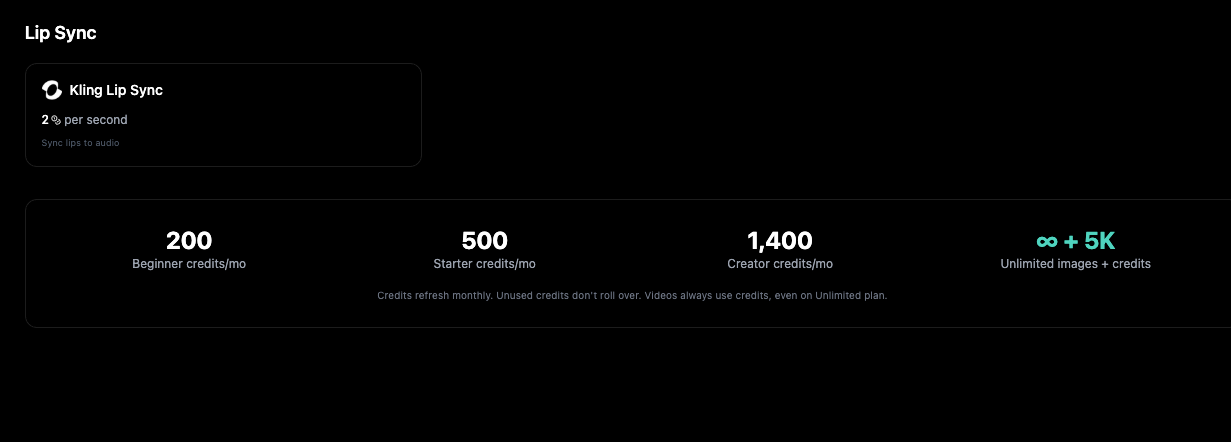
As of my tests, Zorq AI uses a credit-based system. Expect:
A free tier with limited credits, queue priority that's not instant, and likely a watermark at higher resolutions.
Paid plans that give more monthly credits, faster queues, and higher output quality.
I can't quote exact prices here because these change, but if you're testing viability: start free, run 5–10 generations across two models, then move up only if those runs replace work you used to do manually.
What affects credit usage
Credits vary by:
Model choice: higher-fidelity engines cost more per run
Duration/resolution: longer or higher-res clips, more credits
Batch vs. single: 4-up image batches cost more but save time overall
Reruns/variations: each variation burns credits, be intentional
My own burn rate from 14 runs: the three image-to-video passes consumed ~45% of my total credits, the text-to-image lookboards ~25%, and text-to-motion clips ~30%. If you're running a daily content schedule, budget credits toward your "money shots" (product close-ups), and use the cheaper engine for ideation.
Who Zorq AI Is Best For
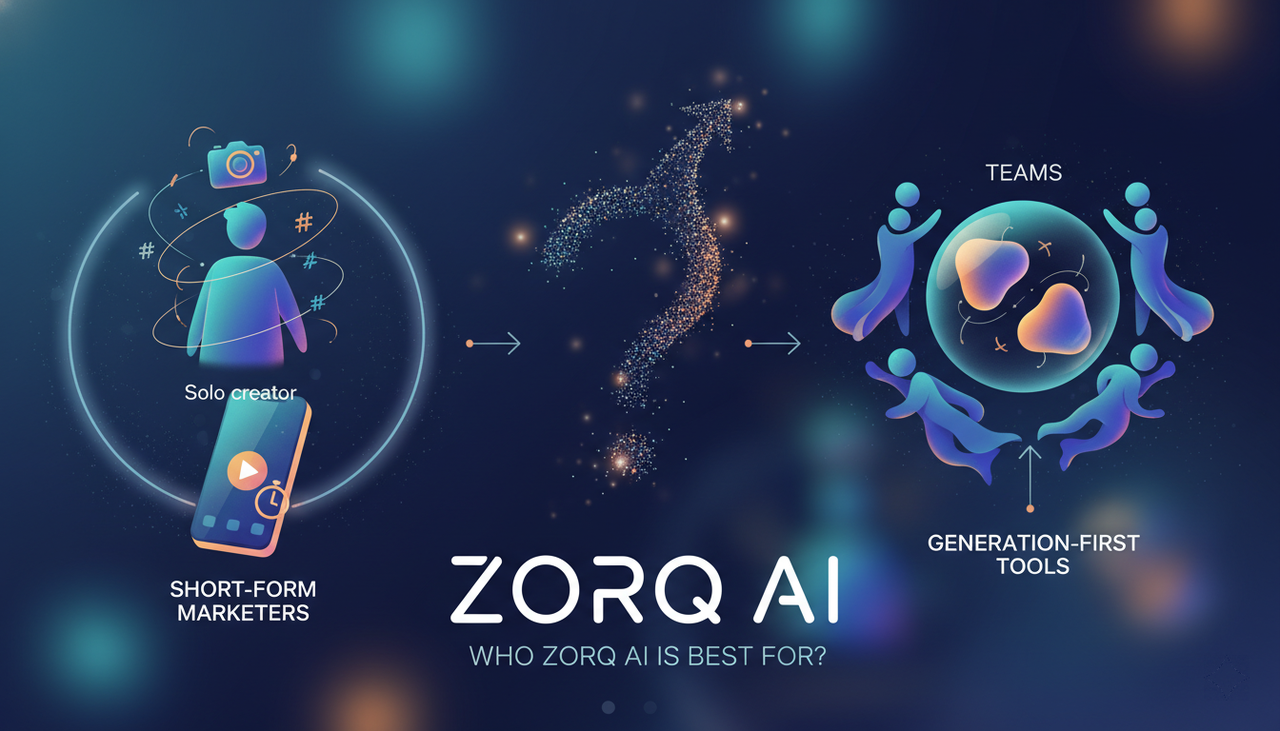
Solo creators and short-form marketers
If you live on TikTok/Reels/Shorts and need fresh visuals daily, Zorq AI makes sense as a concept-and-b-roll generator. Where I truly save time is, rough cuts and structural automation. I'm not fussy about single-frame artifacts for 7-second hooks because they disappear once I layer text, music, and a cutaway.
Time saved in my test week:
Ideation boards: down from ~25 minutes per concept to ~8–10
Motion b-roll: down from ~45 minutes (manual parallax) to ~6–12 per clip
Teams comparing generation-first tools
If your team is evaluating "generation-first" vs. "all-in-one editors," Zorq is in the former camp. It's great for quickly producing options to bring into your existing editor. If you need collaboration, brand kits, and scripted timelines in one app, it's not that. Pair it with your editor and a captioning tool, and it slots in cleanly.
Zorq AI vs. Traditional All-in-One Editors
I tried replacing my whole edit flow with Zorq AI for a day. It didn't stick, and that's okay because it's not built for that.
Zorq AI (generation-first):
Strengths: rapid ideation, multiple models, quick motion passes, strong for hooks and product b-roll.
Limits: no full timeline editing, lighter on text/caption features, no deep audio tools.
Traditional all-in-one editors (CapCut, VN, Descript, etc.):
Strengths: editing precision, captions, sound design, templates, collaboration.
Limits: they don't natively generate motion from scratch, and their AI effects are usually single-model or basic.
FAQ
Is Zorq AI free?
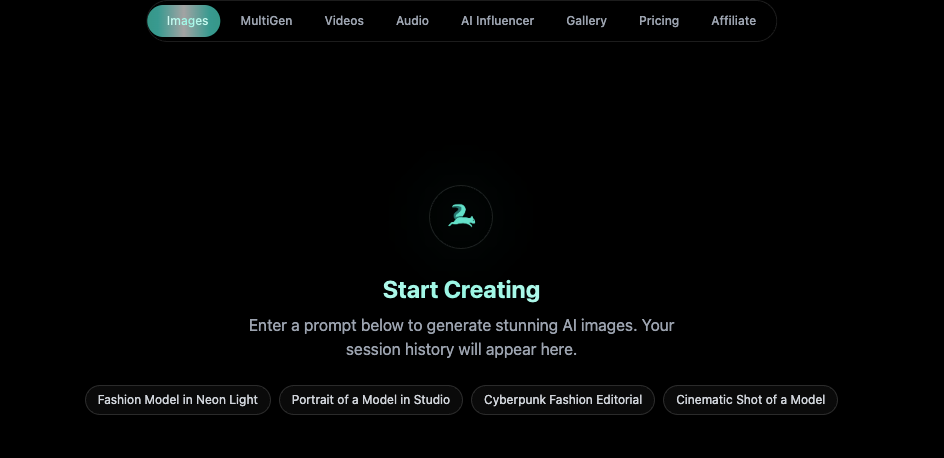
There's a free tier with limited credits. It's fine for testing prompts and engines. If you need daily output, you'll likely outgrow it within a week and move to a paid plan for faster queues and better resolutions.
Is Zorq AI good for beginners?
Yes, with one note. The interface is straightforward, and the presets help. But results still depend on your prompt structure and references. If you're new: start from an image you already like, keep motion intensity low, and iterate in short clips (5–8 seconds).
Does Zorq AI support TikTok-style videos?
It supports short, vertical-friendly motion generation and image-to-video, which I used for TikTok hooks. You'll still finish in an editor to add captions, music, cuts, and export presets.
Can I use Zorq AI commercially?
For my test projects, the terms allowed commercial use of outputs from eligible models, but model licenses can differ. Always check the current usage rights in the plan and the specific model you pick before publishing client work.
Do I still need another editing tool after using Zorq AI?
Yes. Zorq accelerates generation. You'll still want an editor (CapCut, Premiere Pro, etc.) for cuts, audio, captions, and final polish.
If you're like me, juggling 5–10 uploads a day, Zorq AI is worth a test drive, especially for motion b-roll and quick hooks. It won't replace your editor, and it shouldn't try. But if a tool reliably saves me 20–40 minutes per video without wrecking brand details, it earns a spot on my dock. This one did.
Previous Posts: