

AI Agents vs AI Video Generators
I burned through $200 testing video tools last month before I realized I'd been asking the wrong question.
I'm Dora. I kept comparing Runway to Sora, Kling to Veo, wondering which "AI video thing" would finally let me scale my output. Then I stumbled into a Make scenario tutorial that mentioned "AI agents" and everything clicked. These aren't two versions of the same thing. They're completely different categories solving different problems.
If you're drowning in content deadlines like I was, this distinction matters. A lot.
Two Different Things That Sound Similar
Video Generators in One Sentence
AI video generators take a text prompt or image and output video footage. Type "sunset over Tokyo skyline," get a video clip. That's it.
AI Agents in One Sentence
AI agents take a goal and execute multi-step workflows across different systems to achieve it. If you're curious how this kind of automation actually works in a modern pipeline, this breakdown of AI video editing workflows and automation systems explains the architecture behind agent-driven production.
"Create and publish five TikToks about productivity" becomes: research trending formats, generate scripts, create videos, add captions, schedule posts — all without you clicking through each step.
Why People Confuse Them
Both use "AI." Both involve video. Both sound futuristic in marketing copy.
But according to research from Manus, instead of being just a video generator, AI agents can orchestrate complex tasks across different AI models, managing workflows from generating scripts to creating assets and assembling final videos.
I confused them for weeks. I thought upgrading from Runway to a "better AI video tool" would solve my production bottleneck. It didn't. Because my problem wasn't video quality — it was workflow chaos.
What Each Actually Does
Video Generators — Inputs, Outputs, Best-Fit Tasks
I tested eight video generators in February 2026. Here's what they actually do:
Input: Text prompt or image reference. Sometimes audio files.
Process: Generate video footage using trained AI models. According to Zapier's February 2026 analysis, Google's Veo 3.1 model delivers strong prompt adherence, realistic video and audio generation, and robust creative tools.
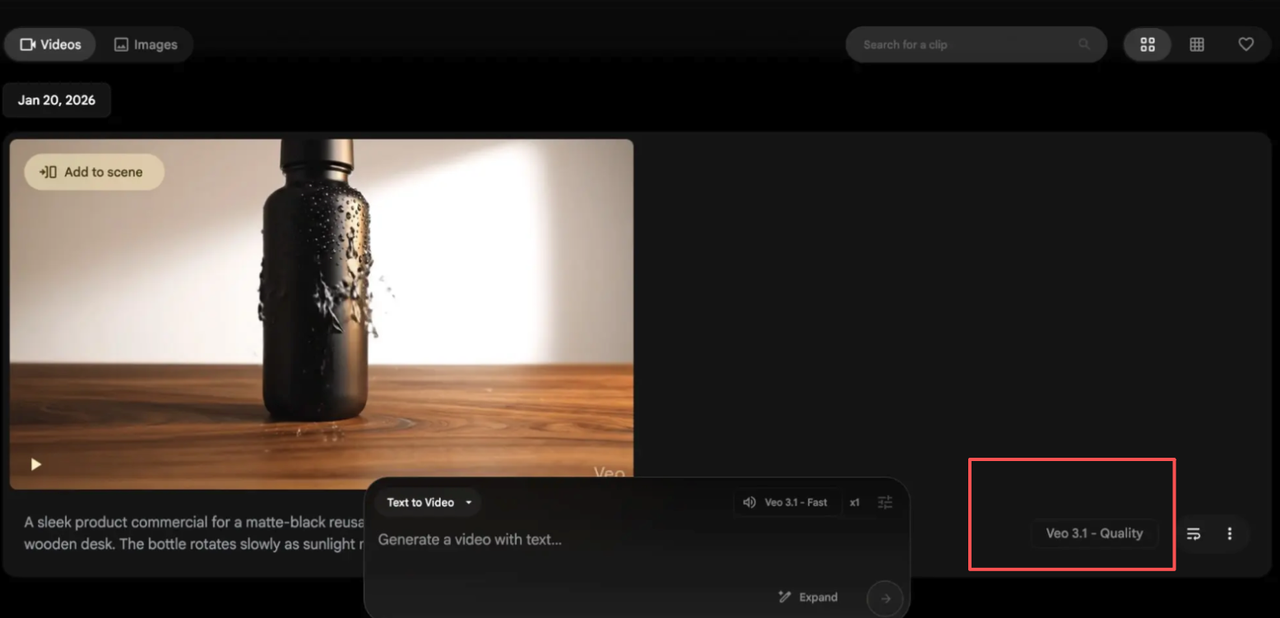
Output: A single video file. Usually 5-20 seconds. Some tools like Kling now support up to 2 minutes.
Best-fit tasks:
Creating B-roll footage you can't shoot (Tokyo alleyways when you're in Kansas)
Product visualization without a physical product
Concept testing before expensive production
Stylized content that breaks physics (flying cars, morphing objects)
What they don't do: Edit themselves into your existing footage. Format for different platforms. Schedule uploads. Learn from your performance data. Connect to your content calendar.
I generated a gorgeous 10-second clip of cherry blossoms in Veo 3.1. It took me another 45 minutes to edit it into a TikTok, add captions, export for Instagram, and schedule it. The generator saved me zero workflow time.
AI Agents — Tool Calling, Automation, Best-Fit Tasks
Agents work completely differently. I set one up using Make's AI workflow automation platform in early March, which lets you visually build and scale AI and agentic workflows by connecting your entire tech stack.
Input: A goal or objective. "Create three product demo videos from this week's features."
Process: The agent decides the steps. Pulls data from your product docs. Generates scripts. Calls a video generator (maybe Veo, maybe Kling, depends on what fits). Edits output. Adds captions. Exports in multiple formats. Uploads to platforms. Logs performance.
Output: Complete, published videos across platforms. Plus performance tracking data that feeds back into the next cycle.
Best-fit tasks:
High-volume content production (5-10 videos daily)
Multi-platform distribution with format variations
Content calendars that pull from multiple data sources
Workflows where video is one step, not the end goal
The difference: generators are tools you use. Agents are systems that use tools for you.
Side-by-Side Comparison Table
Aspect | Video Generators | AI Agents |
Purpose | Create video footage from prompts | Execute complete multi-step workflows |
Complexity | Single-task tools | Multi-system orchestrators |
Typical Cost | $8-$20/month for plans | $19-$99/month for platforms |
Learning Curve | Low (prompt → video) | Medium (workflow design required) |
Time to First Output | 30 seconds to 5 minutes | 2-10 hours setup, then automatic |
Maturity in 2026 | Production-ready, widely adopted | Rapidly growing with 80% of enterprise apps expected to embed agents by 2026, according to IDC predictions |
Integration Capability | Standalone (manual export/import) | Native API connections across platforms |
Best For | Creating specific video clips | Automating entire content operations |
Here's what that table means in practice:
When I used only Runway, my workflow: write prompt, generate video, download, import to editor, add captions, export in three formats, manually upload everywhere. Per video.
With an agent workflow, I input one brief. The system generated scripts, called the generator, edited outputs, formatted for platforms, and scheduled posts. I reviewed once and approved.
The generator made prettier videos. The agent made me 10x more productive.
Which One Should You Focus On?
Solo Creator
If you're posting 1-3 times per week and enjoy the creative process, start with a video generator. Pick one based on your style needs:
Realistic footage: Sora 2 or Google Veo 3.1
Artistic/stylized: Runway Gen-4.5
Budget-conscious: Kling (free tier actually usable)
I used only Runway for three months. Generated beautiful clips. Edited them manually. Published 2-3 videos weekly. I was happy.
Then my audience grew. Publishing frequency needed to jump to 7-10 per week. That's when generators became the bottleneck.
The crossover point for me was around 5 videos per week. Below that threshold, manually using a generator felt efficient. Above it, I spent more time managing files and schedules than actually creating.
If you're just starting or posting casually, don't overcomplicate things. Learn one good generator. Master prompt writing. Build a content library. Save the agent infrastructure for when manual processes actually break down.
The mistake I see creators make: jumping straight to complex automation when they're publishing twice weekly. That's using a forklift to move a bookshelf. Wrong tool for the job.
Team or Brand
If you're running a brand account or managing a content team, you need both — but prioritize the agent infrastructure first.
Here's why: your team can create great individual videos. Your bottleneck is coordination. Scripts living in Google Docs. Footage scattered across Dropbox. Publishing schedules in three different calendars. Performance data locked in platform analytics.
An agent system consolidates this chaos. One team member uploads raw footage. The agent handles editing variations, platform formatting, caption sync, scheduling, and performance tracking. Your team focuses on strategy and creative direction.
We implemented this at our agency in late February. Four creators now produce what used to require twelve.
Ecommerce Use Case
If you're selling products, especially on TikTok Shop or Instagram Shopping, agents are non-negotiable.
Your workflow isn't just "make a video." It's:
Monitor which products are trending
Generate demo scripts for top performers
Create video variations (close-up, lifestyle, comparison)
A/B test hooks in first 3 seconds
Track which versions drive conversions
Feed winning patterns back into next batch
I watched a dropshipper do this manually. Eight hours daily. Burnout in six weeks.
With an agent workflow, that same process runs continuously. The seller reviews outputs for 30 minutes each morning, approves winners, and the system handles the rest.
Product pages become video feeds automatically. New inventory triggers video production. Sold-out items get deprioritized. It's not creative work — it's operational infrastructure.
The Bottom Line
Video generators make individual clips. AI agents run your entire video operation.
Most creators need both eventually. But which one you prioritize depends on your current bottleneck:
Bottleneck is footage quality? Get a better video generator.
Bottleneck is volume and consistency? Build agent workflows.
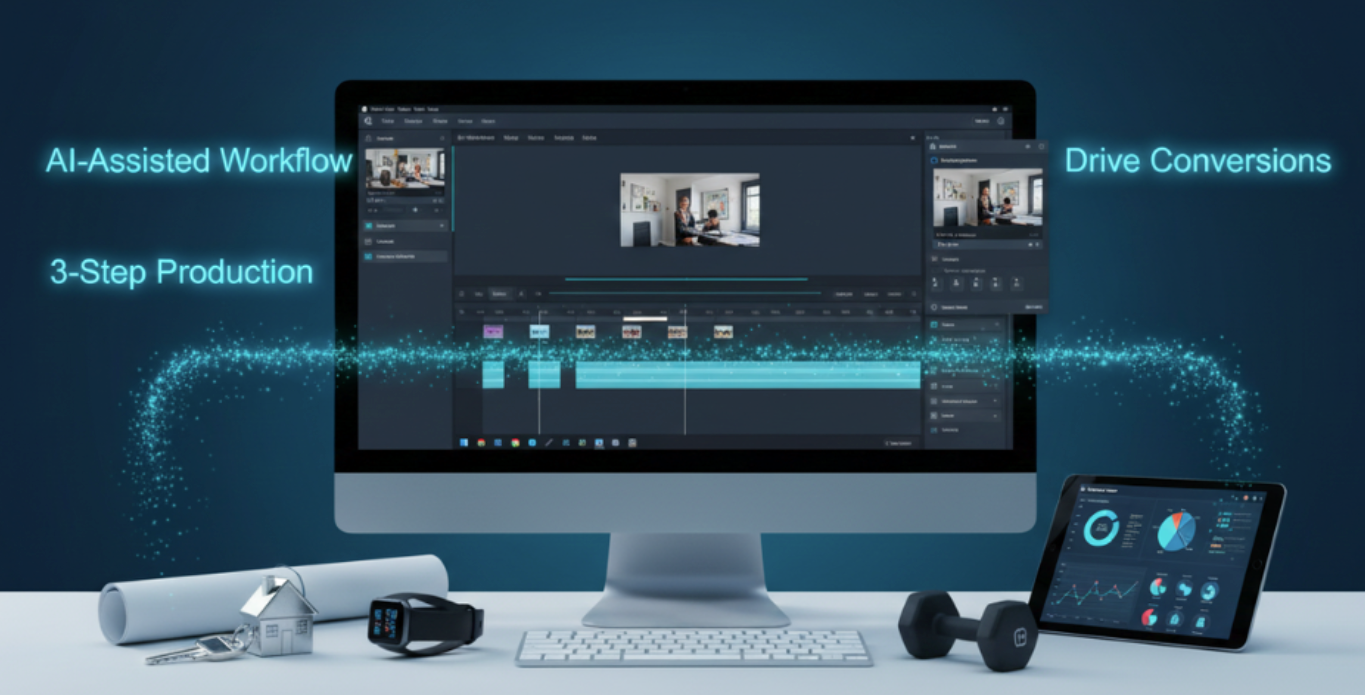
I now use Veo 3.1 for generation (beautiful output, good value) inside a Make automation that handles everything else. The generator creates the clips. The agent creates the system. If you want to see how a full agent-powered video production pipeline actually runs from idea to export, this guide breaks down the practical setup step by step.
Time spent generating videos: roughly the same as before. Time spent on everything around video generation: down 80%.
That's the difference that actually matters.