

AI Video Description Generators for YouTube & TikTok
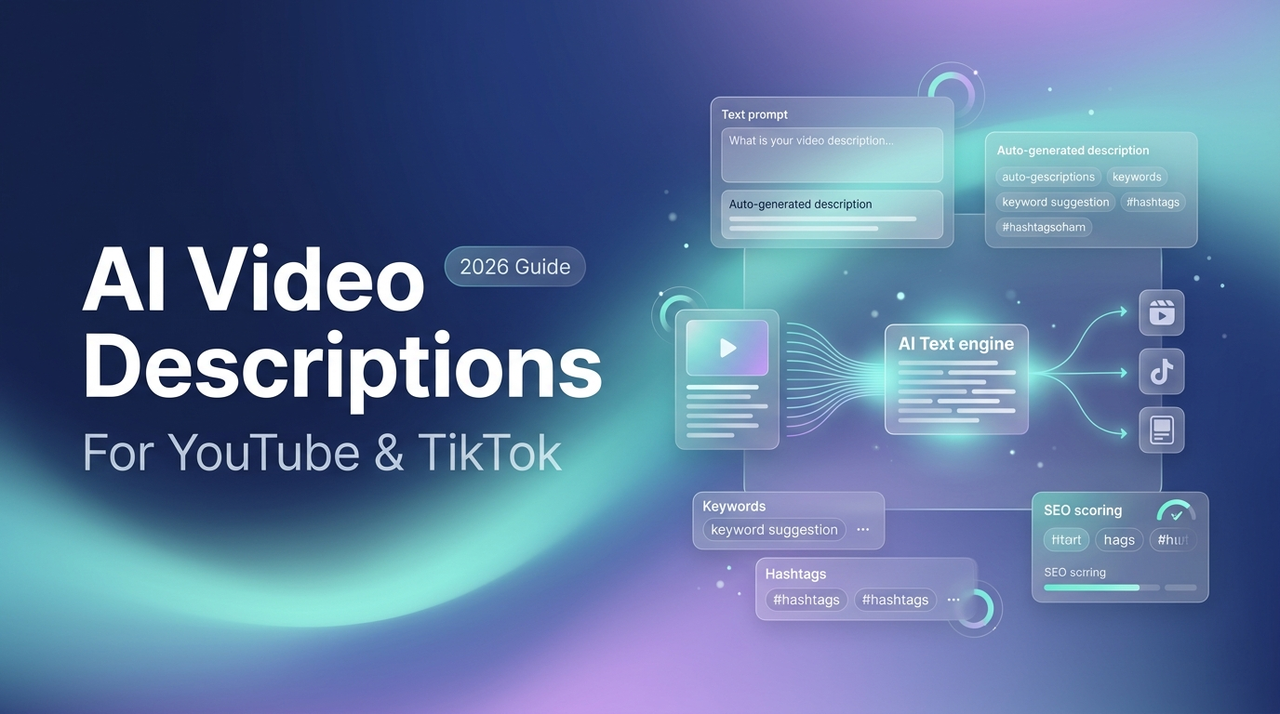
Hey there, it's Dora. If you finish editing a video and stare at a blank description field for twenty minutes, you already understand the problem. Writing optimized metadata is slow, repetitive, and happens at exactly the moment most creators are mentally done. AI video description generators close that gap — but they vary enormously in what they produce, and not every tool is built for every format.
This guide is written for video operators managing YouTube and TikTok publishing at volume. It covers the post-production publishing layer: what the best tools actually output, how to use them correctly, and the failure modes that silently hurt rankings. If you want to cut your per-video metadata time from 30+ minutes to under 10 — without sacrificing SEO quality — skip to the Workflow section or the tool comparison table below.
What an AI Video Description Generator Should Do
A description generator is only as useful as the signals it works from. The better tools ingest your actual content; the weaker ones ask you to describe your video manually, which defeats most of the purpose.
Transcript-Based vs Visual-Based Generation
Most AI description tools today are transcript-based. They take a text transcript — either uploaded or auto-generated from your audio — and use it to build a description, extract keywords, and suggest timestamps. This works well for talk-heavy content like tutorials, interviews, and podcasts.
Visual-based generation is newer and less common. These tools analyze video frame-by-frame to generate descriptions even when there's little spoken audio — silent timelapses, cooking videos, and product demos benefit most. If your video has strong spoken content, transcript-based is sufficient. If it's mostly visual, look specifically for tools that list scene detection in their feature set.
SEO Signals — Keywords, Tags, Timestamps
For YouTube, a well-structured description is not just viewer-facing copy — it's a primary ranking input. As this comprehensive YouTube SEO ranking guide explains, YouTube scans titles, descriptions, and tags to understand content relevance, with description quality directly affecting both search placement and suggested video surfacing. YouTube allows up to 5,000 characters in the description field, but only the first 157 characters on desktop (around 100 on mobile) appear before the "Show more" cut-off — making that opening line the most important real estate in your entire metadata package.
Timestamps (chapter markers) are a related output that strong AI tools generate automatically. YouTube uses chapter markers to display key moments in search results, extending a video's search footprint beyond a single keyword. Any generator worth using for long-form content should produce chapter markers alongside the description.
Tags in 2026 carry substantially less ranking weight than before — YouTube's own Creator Liaison has publicly confirmed that the algorithm relies far more on title, description, and spoken audio than on tags. They still serve as contextual anchors and help with alternate spellings, but tag quality shouldn't be your deciding factor when comparing tools.
For TikTok and Shorts, the logic shifts. TikTok now supports up to 4,000 characters in captions, but the optimal range for most content is 150–300 characters, with your main keyword placed before the first cut-off at ~150 characters. Hashtags (3–5 focused tags is the current recommended maximum) serve a categorization role rather than a direct search-ranking one. The output requirements are structurally different enough from YouTube that they genuinely warrant separate tools.
Best Tools in 2026
Tools for Long-Form YouTube Descriptions
VidIQ connects directly to YouTube Studio, pulls the video transcript, and produces a full description with keyword suggestions, tags, and chapter timestamps in one pass. Its AI coach can also suggest title variants ranked by estimated click-through potential. Paid plans start at approximately $16.58/month (billed annually); a free tier with limited AI access is available.
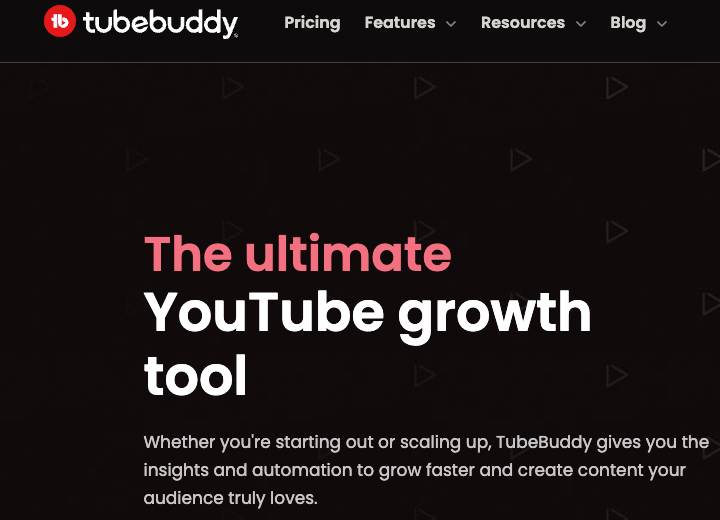
TubeBuddy works similarly, with a particularly strong A/B testing function for titles and thumbnails — useful for channels publishing at high volume who want to optimize iteratively. Paid plans start at approximately $9/month (billed annually). Channels with under 1,000 subscribers qualify for a 50% introductory discount. Both tools have earned significant user bases: TubeBuddy reports over 10 million creators using the platform.
Descript generates description and chapter output as a natural extension of the editing workflow — the most streamlined option for creators who already edit in Descript, since the transcript is produced during the edit itself.
Opus Clip focuses on repurposing long videos into short clips, generating captions and descriptions for both the original and the clips in the same workflow. Useful when your pipeline involves redistributing long content across multiple platforms.
Tools for TikTok/Shorts Captions
TikTok captions require a keyword-forward hook in the first 150 characters, a natural call-to-action, and 3–5 focused hashtags. Generic YouTube-oriented tools tend to produce captions that are too long or too formal for short-form platforms.
CapCut (owned by ByteDance) has a built-in AI caption generator optimized for TikTok's format. Platform ownership means the output natively matches TikTok's character behavior and hashtag conventions. It is fully free.
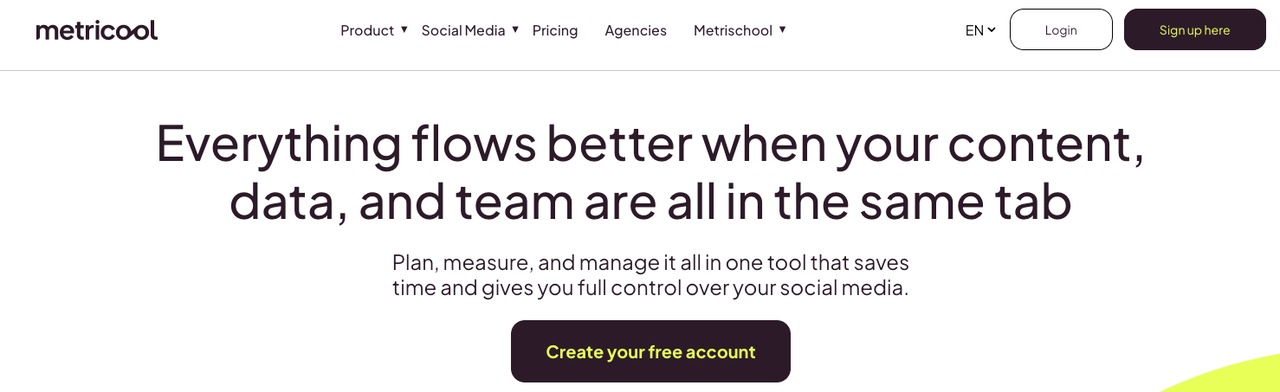
Metricool includes an AI copywriting assistant that adjusts output length and tone based on whether you're generating for TikTok, Instagram Reels, or YouTube Shorts — useful for teams managing multiple short-form platforms from one dashboard.
Tools Built into Editing Suites
Adobe Premiere Pro and Final Cut Pro both support transcript-based metadata via third-party extensions. These integrations are accurate to the actual edit, but offer less SEO-specific guidance than standalone tools like VidIQ or TubeBuddy. Best suited for teams where editing and publishing happen in the same environment.
Comparison Table
Tool | Best For | Description Length | SEO Output | Multilingual |
VidIQ | YouTube long-form | Full (up to 5,000 chars) | Keywords, tags, chapters | Yes |
TubeBuddy | YouTube long-form + A/B | Full (up to 5,000 chars) | Keywords, tags, A/B test | Yes |
Descript | YouTube / Shorts (edit-native) | Both | Tags, chapters | Yes |
Opus Clip | Repurposing / multi-platform | Both | Basic tags | Yes |
CapCut | TikTok / Shorts | Short caption (150–300 chars) | Hashtags | Yes |
Metricool | Multi-platform teams | Platform-adaptive | Keywords, hashtags | Yes |
Workflow — From Video to Optimized Description {#workflow}
Upload / Auto-Transcribe
Most tools accept a video file upload or a YouTube URL. On YouTube itself, automatic captions are generated by the platform's ASR system after upload — the transcript many third-party tools pull from when connected to your channel. Per YouTube's own documentation, accuracy varies by audio quality, accent, and background noise, and the platform recommends reviewing all auto-generated captions before using them as a source of truth.
Practical tip: If your audio has significant background noise or technical jargon, export the raw transcript from YouTube Studio, clean it manually (10–15 minutes), and upload that corrected version to your AI generator. The description quality improvement is meaningful.
Generate Description, Tags, and Chapters
With a transcript loaded, a good AI generator should produce all three outputs in one pass: a description body with your primary keyword in the first sentence, a tag set, and timestamped chapter markers. Some tools output these as separate modules; others combine them into a single copyable block ready for YouTube Studio.
For TikTok and Shorts, the equivalent pass produces a caption with the hook in the first line, keyword phrases, a call-to-action, and hashtags — ideally within 300 characters for most content.
Review, Edit, Publish
AI output is a draft. Before publishing, verify: primary keyword in the first two sentences; chapter timestamps match actual moments in the video; no fabricated facts are present; tone matches your channel voice. This review step takes 5–10 minutes. Skipping it is where most problems originate.
Common Output Mistakes
Hallucinated Facts and Timestamps
The most significant risk in AI-generated descriptions is factual hallucination. As DataCamp's technical overview of AI hallucinations explains, language models generate output by predicting probable sequences rather than retrieving verified facts — producing information that sounds accurate but is entirely fabricated. In video descriptions, this appears as invented statistics, false claims about what the video covers, or chapter timestamps pointing to moments that don't exist.
Timestamp hallucination is a specific failure mode: the model infers chapter structure rather than grounding timestamps in actual transcript timing. A creator publishing a 45-minute tutorial found that two of the five AI-generated chapters pointed to the wrong segments entirely — viewers clicking them landed mid-explanation rather than at topic starts, increasing drop-off at those points. Use AI tools that derive timestamps from transcript data (not inference), and spot-check two or three chapters before every publish.
Over-Stuffed Keywords
Many tools default to dense keyword repetition. A description that reads "best AI video tool AI video generator AI description generator 2026" signals low-quality content to both the algorithm and the viewer, suppressing CTR. The current YouTube algorithm prioritizes semantic intent alignment over keyword frequency — natural usage of your primary term once or twice, surrounded by related concepts, consistently outperforms keyword stuffing. If your tool allows custom briefs or tone instructions, use them.
FAQ
Can AI generate YouTube descriptions that rank? Yes, with conditions. AI can produce the structural elements that support ranking — keyword placement in the first 157 characters, 200+ word description length, accurate chapter timestamps — but those elements need to be factually accurate and naturally readable. Descriptions that contain the right signals but read as machine-generated tend to have lower CTR, which YouTube treats as a quality signal affecting ranking.
Do AI descriptions hurt YouTube SEO? Not inherently. YouTube does not penalize AI-generated content as a category. The risks are indirect: hallucinated facts damage viewer trust, keyword stuffing suppresses CTR, and generic copy fails to differentiate your content in crowded search results. Edited AI output typically performs on par with human-written descriptions.
Is there a truly free option? CapCut is fully free for short-form caption generation. VidIQ and TubeBuddy both offer free tiers with limited AI access. For YouTube at meaningful publishing volume, an entry-tier paid plan (~$9–$17/month, billed annually) is the practical starting point.
Can one tool handle both long-form and short-form? Descript and Opus Clip both cover long-form and short-form within the same workflow. Purpose-built YouTube tools like VidIQ produce output that needs significant reformatting for TikTok. If your channel spans both formats at volume, budget for two tools or choose a multi-platform option like Metricool.
Which Tool to Pick by Use Case
Long-form YouTube, full SEO output: VidIQ or TubeBuddy. Both integrate with YouTube Studio and generate description + tags + chapters in one pass. TubeBuddy has an edge if A/B testing thumbnails and titles is part of your workflow.
You edit in Descript: Descript's built-in description generator handles the metadata layer without leaving the editing environment — the lowest-friction option for Descript users.
Primarily TikTok and Shorts: CapCut for free, platform-native generation. Metricool if you're managing multiple short-form platforms from one dashboard.
Repurposing long videos into clips across platforms: Opus Clip generates descriptions for both the source video and the clips it creates — one workflow, all formats covered.
Solo creator, limited budget: Start with the free tiers of VidIQ (YouTube) and CapCut (short-form). Both free tiers provide enough to evaluate the workflow before committing to a paid plan.
In every case, the process is the same: generate, verify, edit, publish. AI handles the volume; you handle the accuracy check.
Previous Posts: