

Best AI Video Generator Tools for Creators
Long time no see, I'm Dora. I have a confession. Two months ago, I had a tab graveyard on my browser — Fourteen AI video tools all open at once, each one promising it was the "best AI video generator" for creators. I'd tried most of them for maybe twenty minutes, got confused, and just went back to my old workflow.
That wasn't a real test. So I stopped doing that.
Over the past few months, I used these tools on actual projects — product clips, TikTok content, brand demos, explainers. Real deadlines. Real clients. I tracked time saved, quality differences, and where each tool quietly fell apart. This is what I found.
What Makes an AI Video Generator Worth Using
Before we get into the tools, I want to get one thing out of the way: most roundups just list features. I don't care about features. I care about whether something actually fits into a workflow that produces ten videos a week without burning me out.
Output Quality vs Speed
Here's the real tension nobody talks about honestly. Every tool sits somewhere on a quality-speed spectrum, and the problem is that marketing always implies you can have both. You usually can't.
The best-looking outputs tend to come from tools that take longer to generate. The fastest tools cut corners on physics, motion consistency, or detail. For day-to-day social content, speed often wins. For client deliverables you'll stand behind, quality can't be compromised.
Control vs Convenience
Some tools give you extensive prompt controls, keyframes, camera direction, reference images. Others just want a sentence and spit out a clip. Both have their place.
Convenience wins when you're in batch mode and just need volume. Control wins when the client asks "why does the product look blurry at second seven?" — and you need to actually fix it.
How to Compare AI Video Generator Tools
Prompting, Editability, Consistency, Pricing
Four dimensions that actually matter in practice:
Prompting: How precisely does the tool follow detailed instructions? There's a huge gap between tools that interpret "camera slowly pans left" literally and ones that are just sort of guess.
Editability: Can you go back and fix a specific second without regenerating the whole clip? This alone has saved me hours on certain projects.
Consistency: Does your main subject — face, product, character — look the same at the start and end of a 10-second clip? Character drift is still a real issue across the whole category.
Pricing: Credits, subscriptions, per-second costs. Math changes a lot depending on your volume. A tool that looks affordable at 5 clips a day becomes brutal at 50.
What Matters for Creators vs Marketers
Creators and brand/marketing teams actually want different things from the best AI video generators — even if they wouldn't phrase it that way.
Creators optimizing for social platforms care about: speed of iteration, vertical format quality, motion that feels native to TikTok and Reels, and low friction between idea and upload.
Marketing teams care about: brand consistency across multiple clips, the ability to control specific visual elements, commercial usage rights (critical — always check this), and outputs that can survive a creative director's review.
Most tools are designed for one of these audiences. They're rarely equally good at both.
Best AI Video Generator Tools Compared
Best for Text-to-Video: Runway Gen-4.5
Runway is still the tool I reach for when I need to describe a scene from scratch and trust that the output will be close to what I actually wrote.
What I tested specifically: I used the same 12 prompts across four tools over two weeks, rating how closely each output matched the original description on a simple 1–5 scale. Runway averaged a 4.1. That gap is real and felt meaningful on complex prompts involving camera movement, lighting conditions, and subject action happening simultaneously.
Where Runway earns its reputation: Gen-4.5 handles motion quality at a level that still makes other tools look slightly uncanny when you compare them side-by-side. Water moves correctly. Hair doesn't do that weird melting thing. Faces don't gradually drift.
Where Runway frustrates me: the credit model at volume is expensive. And generation time on non-turbo mode stretches long enough that I've started doing other work mid-wait, which breaks my focus.
Who should use it: creators or teams producing a moderate number of clips where quality matters more than speed, and budget allows for the premium.

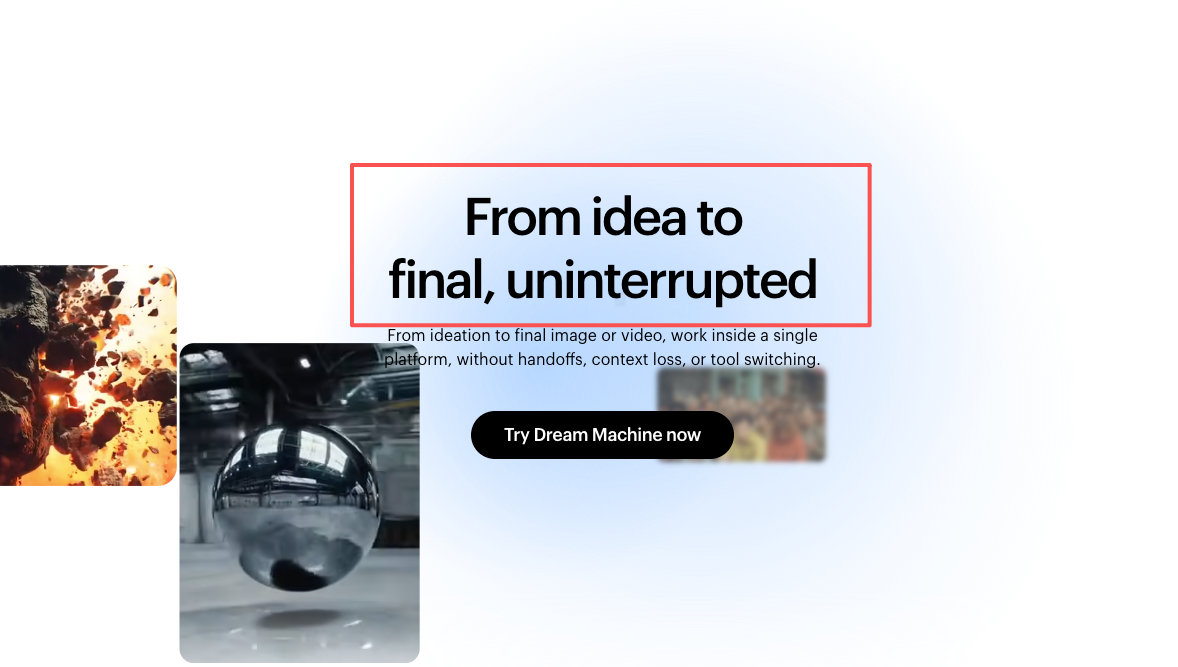
Best for Image-to-Video: Luma AI Dream Machine (Ray3)
This surprised me more than any other tool in this round of testing.
Luma AI's Dream Machine powered by their Ray3 model is quietly the strongest image-to-video performer I've used. I uploaded a still product photo — a skincare serum bottle on a marble surface — and described a slow camera orbit with a subtle light reflection moving across the glass. The output on the first try was something I'd have been happy to send to a client.
Generation time was about 3.5 minutes for a 5-second clip. The motion on the glass reflection specifically was the most physically plausible I've seen from any AI tool at this task.
Ray3 also just launched native 1080p generation, which matters if you're producing anything that won't be downsized for social immediately.
Best Short-Form Marketing Clips: Pika
Pika is not trying to compete with Runway on cinematic quality. It knows what it is, and it does it well: fast, social-first video that looks native to the platforms where your audience actually lives.
I batch-produced 10 product clips for a cosmetics client using Pika in early February 2026. Total time from first prompt to final download: 94 minutes. The same batch in my usual Runway workflow would have taken me closer to 4 hours.
The quality tradeoff is real — Pika's outputs have slightly softer edges on product details and the motion occasionally oversimplifies. But for TikTok, the engagement numbers on those clips were within normal variance of my Runway-produced content. My audience didn't care, and the client was happy.
Pikaffects — their library of visual transformations, like inflate, melt, and explode — are genuinely useful for certain product categories. A skincare cleanser "melting" into a skin surface is a clip format that performs well, and it takes about 90 seconds to produce in Pika.
Trade-Offs Most Roundups Miss
Fast Generation vs Usable Output
Here's something I wish someone had told me earlier: generation speed and usable output rate are different numbers.
A tool that generates in 45 seconds but gives me something I can actually use only 40% of the time is effectively slower than a tool that takes 3 minutes and gives me something usable 80% of the time. Especially at 10+ clips a day.
I started tracking usable-output rate alongside generation time for each tool. The numbers shifted my preferences significantly. Runway's usability rate on complex prompts was consistently above 70%. One faster tool I won't name here hovered around 35% — meaning more than half my generations were throwaway drafts.
Cinematic Quality vs Repeatable Workflow
For solo creators, especially: beautiful cinematic quality is useless if you can't reliably reproduce it.
The best single output I produced in this entire testing period came from OpenAI's Sora. Genuinely. The clip looked like something from a streaming trailer. But I spent 45 minutes iterating through prompts to get that one output, and I've never been able to reproduce that exact quality level reliably since.
Compare that to Luma Dream Machine, where my image-to-video results are consistently at an 8/10 quality level. Not peak wow, but reliably very good. For a workflow that needs to produce volume, reliable 8/10 beats unpredictable 10/10 every time.
Best Picks by Use Case
Solo Creators
If you're a solo creator publishing 5+ times per week, my current recommendation is to run a two-tool workflow:
Pika for speed content — anything trend-reactive, quick product showcase, format experiments. Luma Dream Machine is for anything where you have a quality bar to hit — portfolio content, client-adjacent work, anything you'll post with your face on it.
This combination keeps my daily clip production under 3 hours on most days while maintaining the output quality I'm comfortable associating with my brand.
Brand Teams and Ecommerce Sellers
For brand teams and ecommerce sellers who need to maintain visual consistency across campaigns: Runway is the clearest recommendation I can make.
The character consistency across multiple generations — keeping a product looking identical across 8 different clips — is where Runway's investment in prompt control pays off most clearly. I tested this specifically with a furniture product campaign in January 2026. Across 12 clips featuring the same sofa, Runway maintained color accuracy and surface texture consistency in 10 of 12 outputs. The comparison tools produced results where the upholstery looked noticeably different by clip 5.
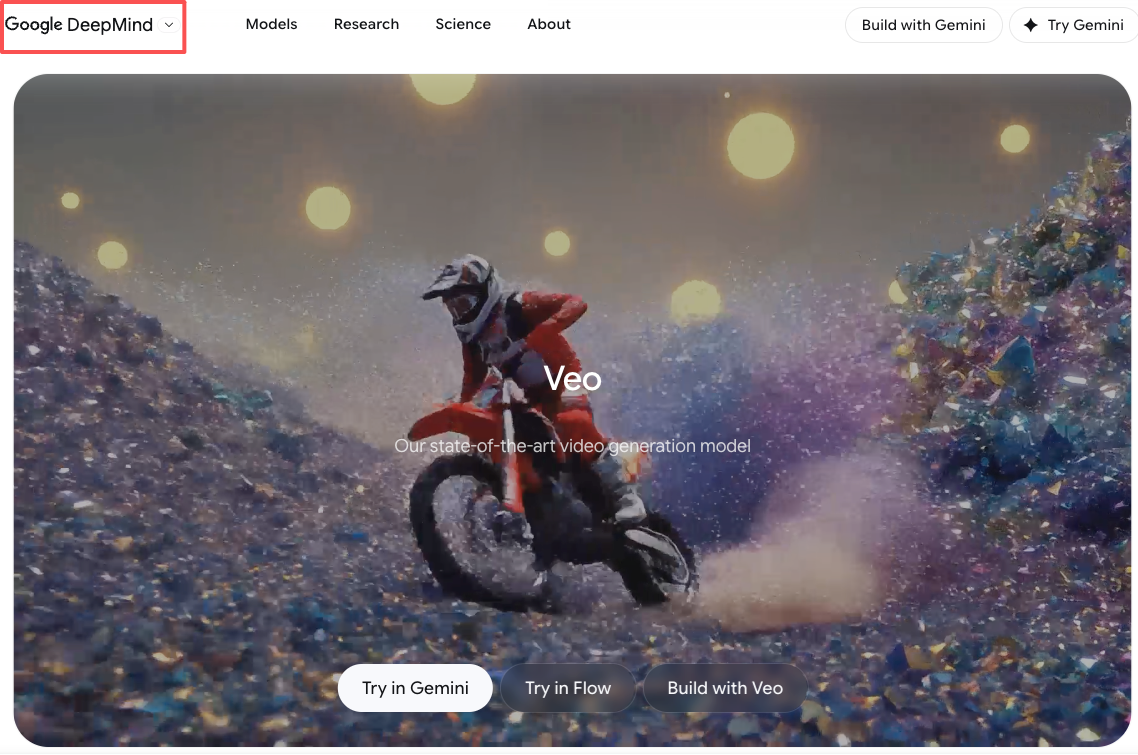
One tool worth watching specifically for ecommerce: Google DeepMind's Veo recently added native audio generation alongside video, which means product clips with synchronized ambient sound are possible in a single generation step. I haven't integrated this into a full workflow yet, but the demos are compelling and it's actively being tested.
Which Tool Should You Start With
I get this question a lot. My answer is frustratingly honest: it depends on what you're actually trying to make.
If you publish social content daily and speed is your constraint: start with Pika. Free tier is enough to evaluate it, and the learning curve is genuinely flat.
If you work with clients or produce anything that needs to look polished: start with Luma Dream Machine. The Ray3 model's image-to-video is where it shines, and 30 free monthly generations is enough to run a real test on your actual use cases.
If you're building a video production workflow at any kind of scale, Runway is worth a proper evaluation period. Run it in parallel with whatever you're currently using for three weeks before making any decisions.
FAQ
Q: Which AI video generator has the best free plan?
For daily free usage, Kling AI gives you daily credits that refresh with each login. Luma Dream Machine gives 30 monthly generations. Pika offers a basic free tier. None of them will support a professional volume workflow long-term without a paid plan, but all are sufficient for genuine evaluation.
Q: Are AI video generators good enough for client work in 2026?
For most commercial use cases — product clips, social ads, explainers — yes. For high-end cinematic production where every frame is under professional scrutiny, you'll still want human post-production work in the loop. The gap is closing faster than most people expect, but it's still there.
Q: How long does it take to generate a 10-second clip?
Ranges from under 1 minute (Pika turbo) to 8+ minutes (Runway on complex prompts in standard mode). Most tools in their default configurations land between 2-4 minutes per clip.
Bottom Line
I'm not going to tell you there's one clear winner here, because there isn't. The "best AI video generator" is the one that fits your actual workflow, your output volume, and your quality bar — and those are different for every creator.
What I can tell you is that this category has gotten genuinely good. Twelve months ago I was skeptical these tools were production-ready for serious creator workflows. Today I use at least two of them daily, and that shift has been real.
Worth trying if you're still stuck in the tab-graveyard phase I was six months ago.