

Hi, I'm Dora. Five weeks ago I had a problem: my English-only YouTube channel was leaving 80% of the internet on the table. I knew translated videos could unlock new audiences, but every tool I tried felt like a gamble — robotic voices, lip-sync that looked like a bad kung fu dub, or pricing that made no sense.
So I tested 9 AI video translation tools with the same 4-minute talking-head clip and the same 90-second product demo. I translated each into Spanish, Japanese, and Portuguese. Then I asked three native speakers to rate the output.
Here's what actually worked - and what didn't.
Why Do AI Video Translation Tools Matter Right Now?
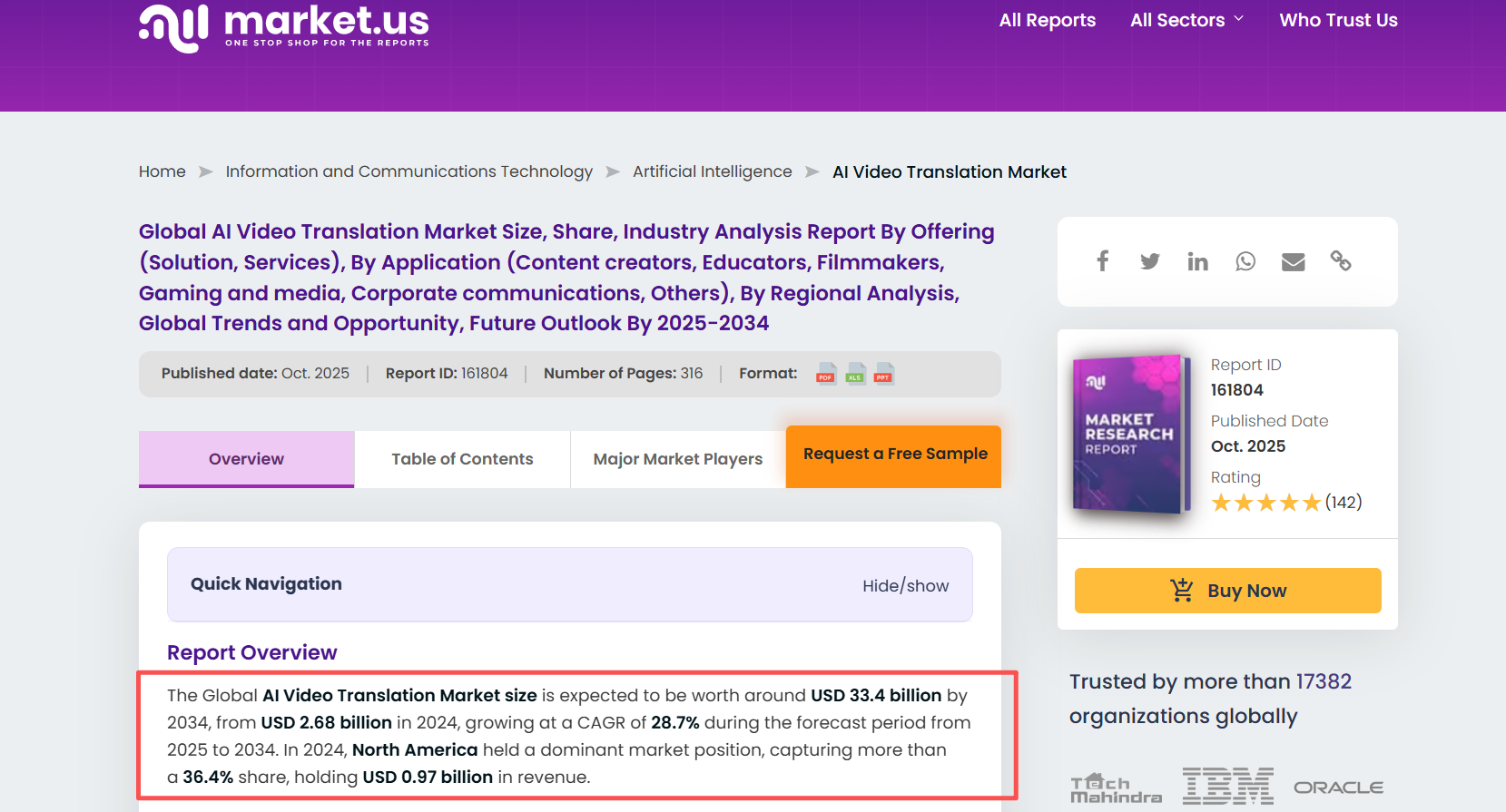
The short answer: the audience is already there, waiting. According to Market.us, the AI video translation market hit $2.68 billion in 2024 and is growing at roughly 28.7% per year. YouTube alone now auto-generates dubbed tracks for creators, and TikTok rewards multilingual posting in its algorithm.
If you make videos in one language, you're competing for a fraction of the views you could get. A video translator AI doesn't just add subtitles — it clones your voice, matches your lip movements, and delivers a version that sounds native.
The tools available today aren't perfect. But the best ones are shockingly close.
How Did I Test These Video Translator AI Tools?
I kept the test simple and repeatable:
-
Same source clips: One 4-minute talking-head video and one 90-second screen recording with voiceover.
-
Same target languages: Spanish, Japanese, and Brazilian Portuguese.
-
Scoring criteria: Voice naturalness (1-10), lip-sync accuracy (1-10), translation quality (native speaker rated), turnaround time, and cost per minute.
I also checked whether each tool lets you edit the translated script before rendering. This matters more than most reviews mention — one mistranslated brand name can tank an entire localized campaign.
How Does Each Tool Actually Perform?
HeyGen Review — Best for Maximum Language Reach
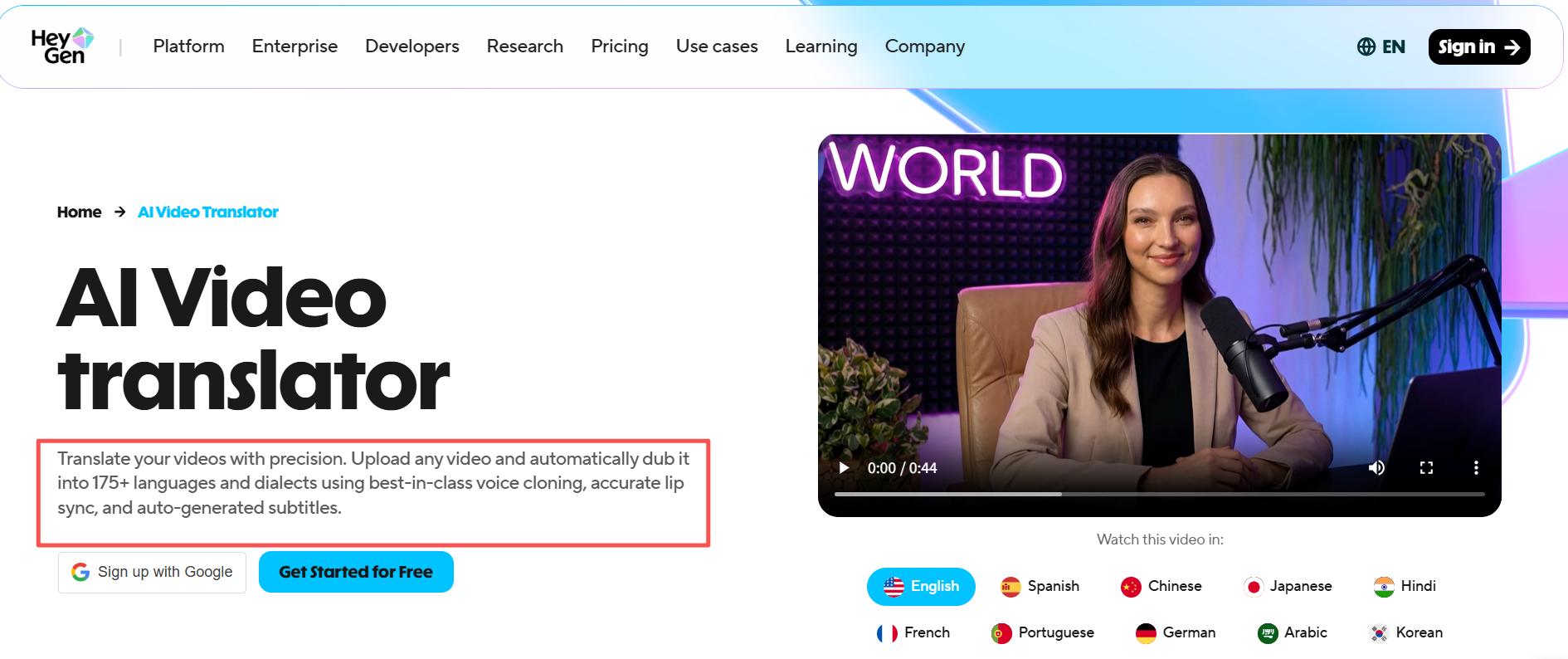
HeyGen supports 175+ languages, more than any other tool I tested. The multi-speaker detection worked flawlessly on my talking-head clip, and the lip-sync was convincing enough that my Spanish reviewer didn't realize it was AI until I told her.
The downside: you can't edit the translated script before rendering. If the ASR engine misinterprets something, you're stuck re-running the whole job. For short social clips, that's fine. For a 15-minute tutorial? Frustrating.
Pricing: Starts at $24/month for 15 minutes of translation.
Rask AI Review — Best for Creators on a Budget
Rask AI hits a sweet spot between affordability and quality. Voice cloning preserved my vocal tone surprisingly well across all three languages. The content-shorts feature that auto-generates social clips from longer videos is a nice bonus for anyone repurposing YouTube content for Instagram Reels or TikTok.
The catch: lip-sync is a paid add-on, and the quality is a step below HeyGen and Synthesia. My Japanese reviewer flagged noticeable mouth mismatches in several clips.
Pricing: Starts at $49/month for 100 minutes - solid value if you process a lot of content.
Synthesia Review — Best Lip Sync Quality (If Budget Allows)
Synthesia delivered the most polished results in my test. The lip-sync was nearly perfect, and the voice cloning preserved not just tone but cadence and emotional inflection. My Portuguese reviewer scored it 9/10 for naturalness.
The trade-off is price and flexibility. Synthesia works best within its own ecosystem - you create or upload videos inside the platform. If you need to translate existing footage and push it across multiple platforms quickly, the workflow can feel rigid.
Pricing: Starts at $22/month, but video translation features require higher tiers.
Descript Review — Best for Subtitle-First Workflows
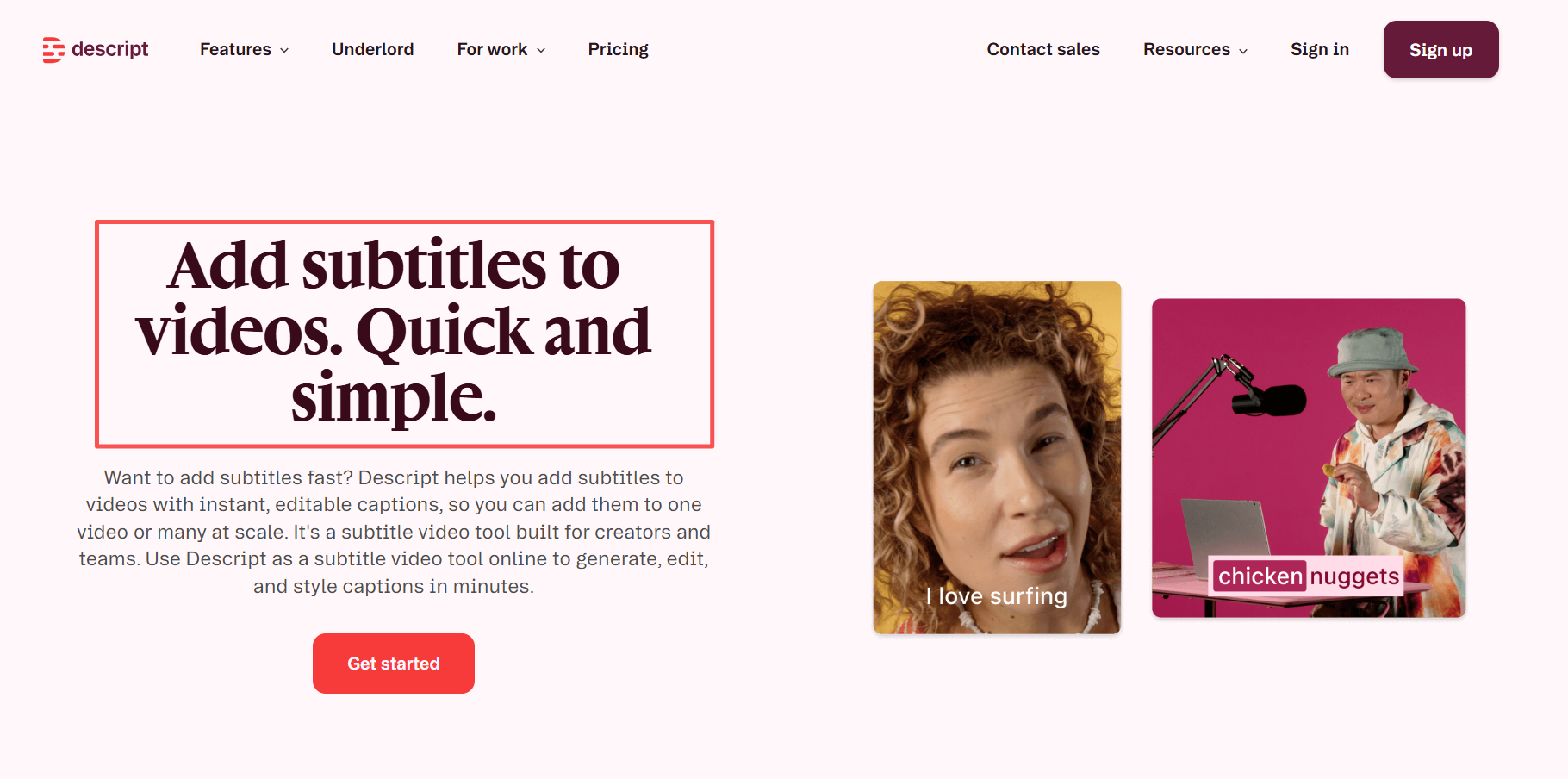
Descript isn't really a dubbing tool. It's a video editor that happens to offer translation - mostly through SRT file generation and subtitle overlays. If all you need is accurate subtitles in 20+ languages, it does the job fast.
But there's no voice cloning, no lip-sync, and no dubbed audio track. For creators who want their voice to speak Spanish, Descript isn't the answer.
Pricing: Free plan available; Pro starts at $24/month.
Post-Translation Workflow: Captions, Audio, and Formatting
Translation is step one. Here's what comes after.
A dubbed video without post-production looks unfinished — mis-timed captions, inconsistent volume, wrong aspect ratio for half your platforms. These aren't edge cases. They show up on every translated video.
The fix is a dedicated post-production pass. Mine takes about 20 minutes and covers three things:
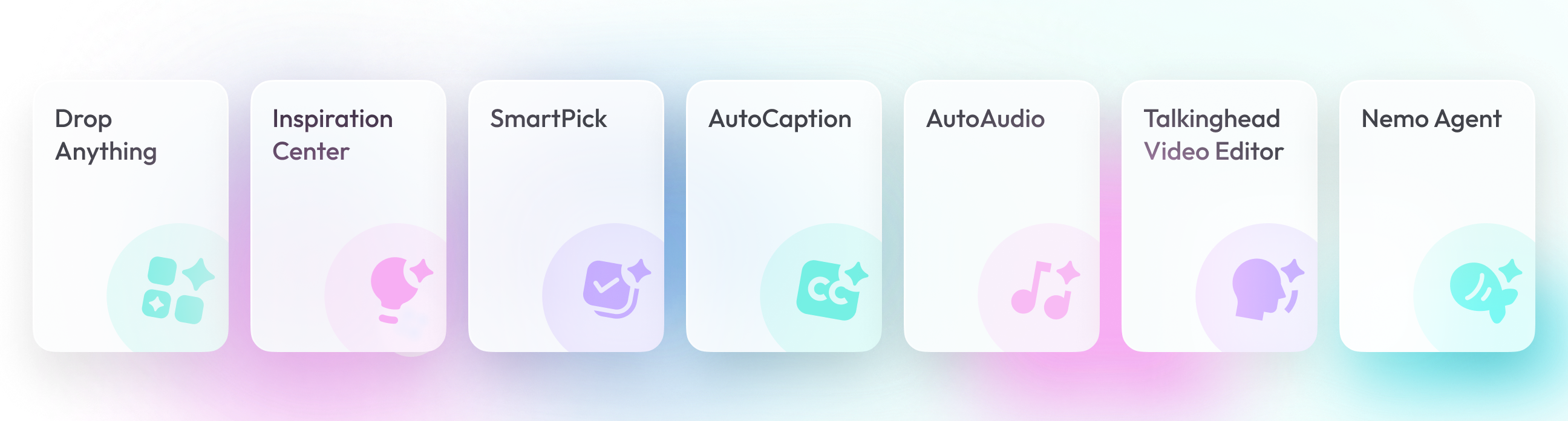
Captions — SmartCaption generates burned-in captions synced to the dubbed audio track, not the original. The timing is precise in a way YouTube's auto-captions never are on translated content.
Audio cleanup — SmartAudio normalizes volume and removes dubbed-track artifacts in one pass. Consistent audio across language versions is something audiences notice even when they don't consciously register it.
Platform formatting — NemoVideo's Platform Intelligence outputs YouTube, TikTok, and Instagram versions simultaneously from one file. Different aspect ratios, different caption styles, one upload.
Full pipeline: translate with HeyGen or Rask AI → post-produce with NemoVideo. Turnaround: 40 minutes per video, down from 3 hours.
3 hours to 40 minutes. That's what adding NemoVideo's post-production step does to a translated video workflow. Try it free →
Can You Translate Videos Online With AI for Free?
Yes — but with limits. Here's the honest answer.
YouTube Auto-Dubbing launched broadly in early 2026. It's free, works directly inside YouTube Studio, and supports a growing list of languages. For hobby creators testing whether multilingual content gets traction, it's a fine starting point. But you can't edit the translation, there's no voice cloning, and the dubbed voice sounds generic.
HeyGen offers one free translated video. Descript and VEED.io both have free plans with subtitle translation. ElevenLabs offers a free tier for voice dubbing — but it's audio-only, so you'll need to sync it back to your video manually using something like Premiere Pro or DaVinci Resolve.
If you're posting once a week and want to experiment, free tiers work. If you're scaling to 3+ languages on 4+ videos a month, you'll hit limits fast.
How Should You Pick the Right AI Dubbing Tool?
Skip the feature-list paralysis. Here's how I'd think about it based on what you actually do:
If you're a YouTube creator who wants dubbed versions of talking-head content: start with HeyGen. The lip-sync quality justifies the cost, and 175+ languages means you can target nearly any market. Pair it with NemoVideo's SmartCaption for the caption layer.
If you're on a tight budget and volume matters more than lip-sync perfection: Rask AI gives you the most minutes per dollar. Good enough for social clips where viewers scroll past in seconds anyway.
If you're an enterprise or L&D team producing training videos that need to look flawless: Synthesia is worth the premium. The quality gap is real.
If you just need subtitles and don't care about dubbed audio: Descript or VEED.io will get you there faster and cheaper than a full dubbing platform.
And regardless of which tool you pick for translation, run the output through a multilingual video creator workflow that handles captions, audio, and formatting. That's where tools like NemoVideo's all-in-one features save the most time.
Frequently Asked Questions
What is the best AI video translator for YouTube creators?
For most YouTube creators, HeyGen offers the strongest combination of lip-sync quality, voice cloning, and language breadth. If budget is tight, Rask AI is a strong runner-up. Pair either with a post-production tool like NemoVideo for captions and multi-platform formatting.
How do you translate videos with AI for free?
YouTube's built-in auto-dubbing is the easiest free option — it works directly inside YouTube Studio with no extra software. HeyGen, Descript, and VEED.io also offer limited free tiers for subtitle translation or single-video dubbing. Free plans work for testing but hit usage caps quickly.
Are AI dubbing and subtitle generators accurate enough for professional use in 2026?
The top tools — HeyGen, Synthesia, and Rask AI — deliver translation accuracy that native speakers rate 7-9 out of 10 in my testing. However, no AI translation is perfect. Always have a native speaker review critical content, especially for brand-sensitive or legal material.
How much does AI video translation cost per minute?
Pricing varies widely. Rask AI starts around 0.49/minute at scale.HeyGen runs about 1.60/minute on its base plan. Synthesia is pricier on higher tiers. Free options like YouTube Auto-Dubbing cost nothing but offer no editing control. Budget 150/month if you're translating 4+ videos regularly.
What's the difference between AI dubbing and AI subtitles?
AI subtitles translate spoken words into text overlays — viewers read the translation. AI dubbing replaces the original audio with a synthesized voice speaking the target language, often with lip-sync. Dubbing feels more native but costs more and requires better tools. For platforms like TikTok where sound drives engagement, dubbing outperforms subtitles.
Can AI translate video into multiple languages at once?
Most tools translate one language at a time per render. HeyGen and Rask AI support batch processing where you queue multiple languages for the same video. A typical 5-minute video takes 3-8 minutes per language. Plan for about 30-45 minutes total if you're targeting 5+ languages.
Do I still need a human translator after using an AI dubbing tool?
For social media content and informal videos, AI-only translation is usually good enough. For corporate training, product launches, or anything legally sensitive, I'd strongly recommend a native-speaker review pass. The AI handles 90% of the work — the human catches the 10% that matters most.
*⚡️ *Ready to turn your translated videos into scroll-stopping, multilingual content?
*👉 *Try NemoVideo free* - 100 credits, no credit card required*
S**ee how SmartCaption, SmartAudio, and Platform Intelligence handle the post-production side in minutes.