

Best Free CapCut Alternatives (Desktop & Mobile)
Hi everyone, it’s Dora. I went in on this one pretty skeptical.
Every "best CapCut alternatives" list I've read treats "free" as if the word speaks for itself. It doesn't. Free can mean watermark-stamped, resolution-capped, feature-locked after three exports, or just a 10-minute trial masquerading as a plan. Those aren't the same thing as free.
As of April 2026, CapCut is fully available in the US, UK, Canada, and Australia. But here's what that headline buries: the underlying law — Protecting Americans from Foreign Adversary Controlled Applications Act (PAFACA) — is still on the books, and whether CapCut faces another ban depends entirely on what happens between the US government and ByteDance in ongoing negotiations. It got pulled from app stores on January 19, 2025. It came back within days. That cycle can happen again.
If you're running a content operation that depends on one tool available, that's a fragile setup.
So this is for the creator who needs backup options — not theoretical ones. Tools you can open tomorrow, produce real work in, and export without a watermark or a subscription prompt blocking the finish line. I've tested all of these at actual production volume.
Why Creators Look for Free CapCut Alternatives
CapCut's limitations and regional issues
The ban situation is the obvious one. CapCut was pulled from US app stores on January 19, 2025, alongside TikTok, under the Protecting Americans from Foreign Adversary Controlled Applications Act. There's no confirmed date for another ban, but the political risk is real. India has had a permanent ban in place since 2020, with no reinstatement in sight.
Beyond geography, there are workflow reasons to look elsewhere even when CapCut is running fine. The template ecosystem is excellent for trending content but rigid if you're building a differentiated brand voice. The AI caption accuracy is good — not great — on accented speech and fast-paced talking-heads. And for desktop users doing multi-clip projects, the web version has historically had stability issues at higher volumes.
What a good free alternative actually needs
Based on three weeks of testing side-by-side, here's the line I drew: a genuinely free CapCut alternative must export without a watermark at 1080p or better. Everything else is negotiable. That immediately cuts out a lot of the tools that top the "free" lists — VEED included, which I'll cover honestly below.
Best Free CapCut Alternatives on Desktop
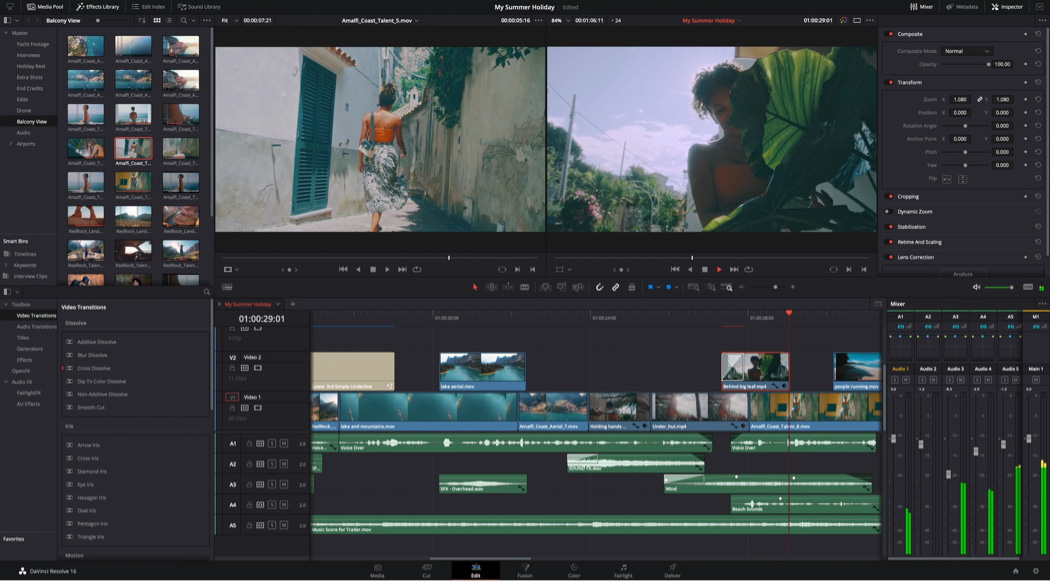
DaVinci Resolve — the one I'm still using
I almost didn't include this because the learning curve is real. Week one, my output dropped. By week three, I was producing faster than I was in CapCut — at higher quality.
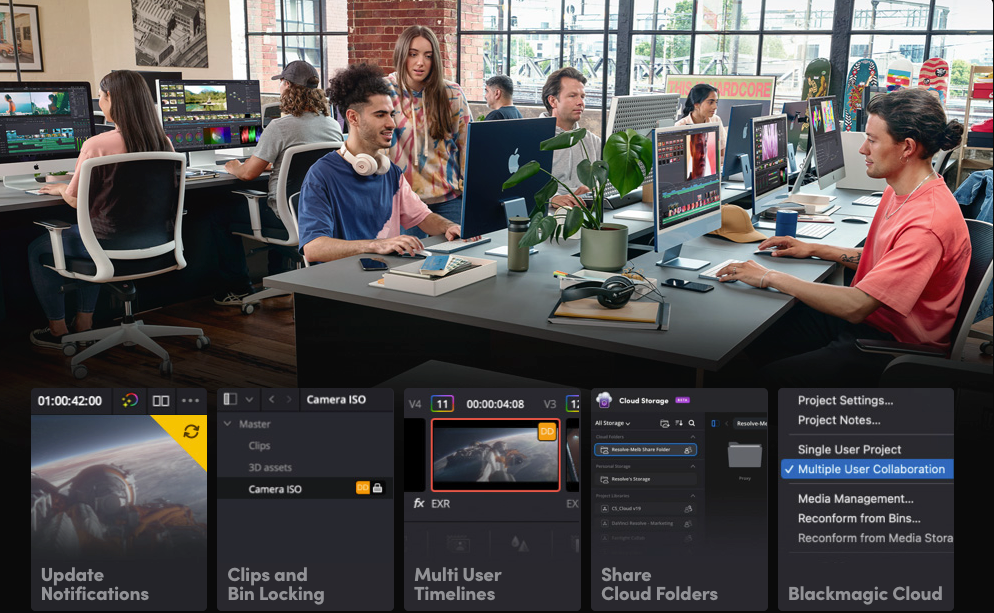
The free version of DaVinci Resolve works with virtually all 8-bit video formats at up to 60fps, at resolutions as high as Ultra HD 3840×2160. No watermark. No export limit on the number of projects. The free version locks noise reduction, Super Scale AI, and collaboration — but the core editing suite is genuinely complete.
Free tier, what you actually get:
Export: up to 4K UHD, 60fps — no watermark
Auto captions: not available in free (requires Studio, $295 one-time purchase)
AI noise reduction: Studio only
Resolution ceiling: UHD 3840×2160, more than enough for social
The caption situation is the real miss for short-form creators. Auto captions are locked behind Studio. The workaround is using a free transcription tool to generate an SRT file, then importing it manually into Resolve's subtitle track. I've been doing this for two months. It adds maybe four minutes per video. Annoying, but workable.
This is the only tool on this list where I ran it for a full month before writing about it. The numbers held up. For desktop creators doing more than five videos per day who can tolerate a week of adjustment, it's the strongest free option available.
Best for: High-frequency desktop creators who need real color control and don't mind the ramp-up.
Clipchamp — the underrated one nobody talks about
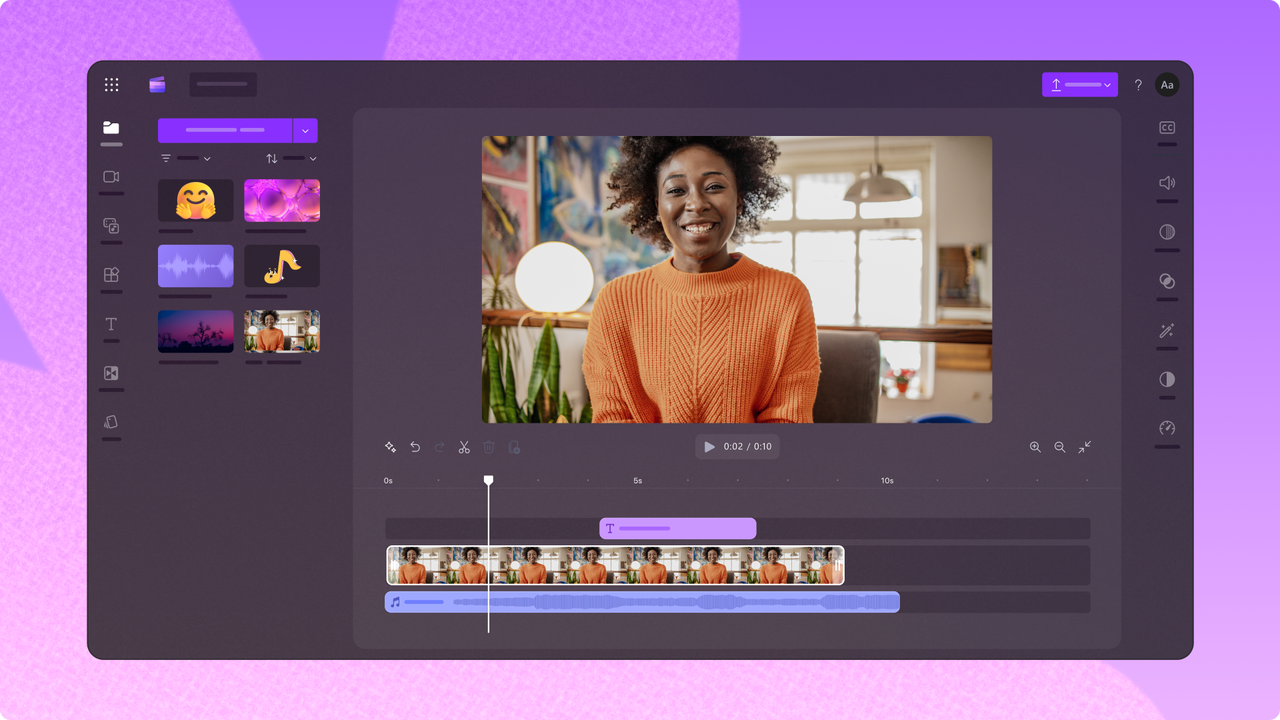
Clipchamp is owned by Microsoft and comes bundled with Windows 11. That alone makes it worth knowing about as a backup — it's already on your machine.
The Clipchamp free tier exports at 1080p with no watermark, which immediately puts it ahead of most browser-based competitors. The template library is smaller than CapCut's but functional for ads and talking-heads. The AI auto-caption feature works well for standard English content.
Free tier limits:
Export: 1080p, no watermark
Stock library: limited to free Clipchamp assets
Advanced AI features: some locked to paid (via Microsoft 365 subscription)
Collaboration: not available for free
It does the thing. Honest assessment: it's not as fast as CapCut for batching template-based content, but it's stable, the captions are decent, and there's no watermark holding your exports hostage.
Best for: Windows users who need a reliable desktop backup without any setup friction.
Best Free CapCut Alternatives on Mobile
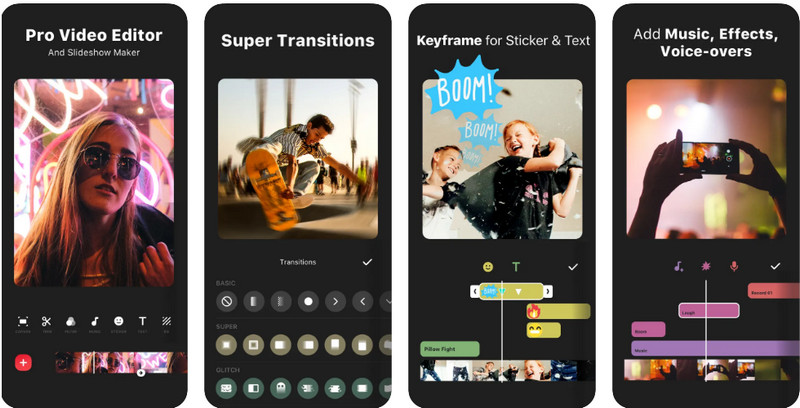
InShot — CapCut's actual closest mobile competitor
I tested InShot against CapCut on the same batch of talking-head clips. InShot took 11 minutes per clip end-to-end. CapCut was 8. That gap matters at volume — across ten clips, that's 30 extra minutes per session.
But InShot's free tier exports without a watermark, which is the dealbreaker test. The auto-captions are less accurate on fast speech than CapCut's, and the template selection is more limited. Where it wins: the timeline editor on mobile is cleaner for multi-clip sequences.
Free tier limits:
Export: 1080p, no watermark (with InShot branding on some end-cards — one trim fixes it)
Captions: available but less accurate than CapCut
Some filters and effects require "VIP" upgrade (Pro)
End-card branding is a minor annoyance that one trim solves. Not a dealbreaker.
Best for: Mobile-first creators who need CapCut-level speed on a free plan.
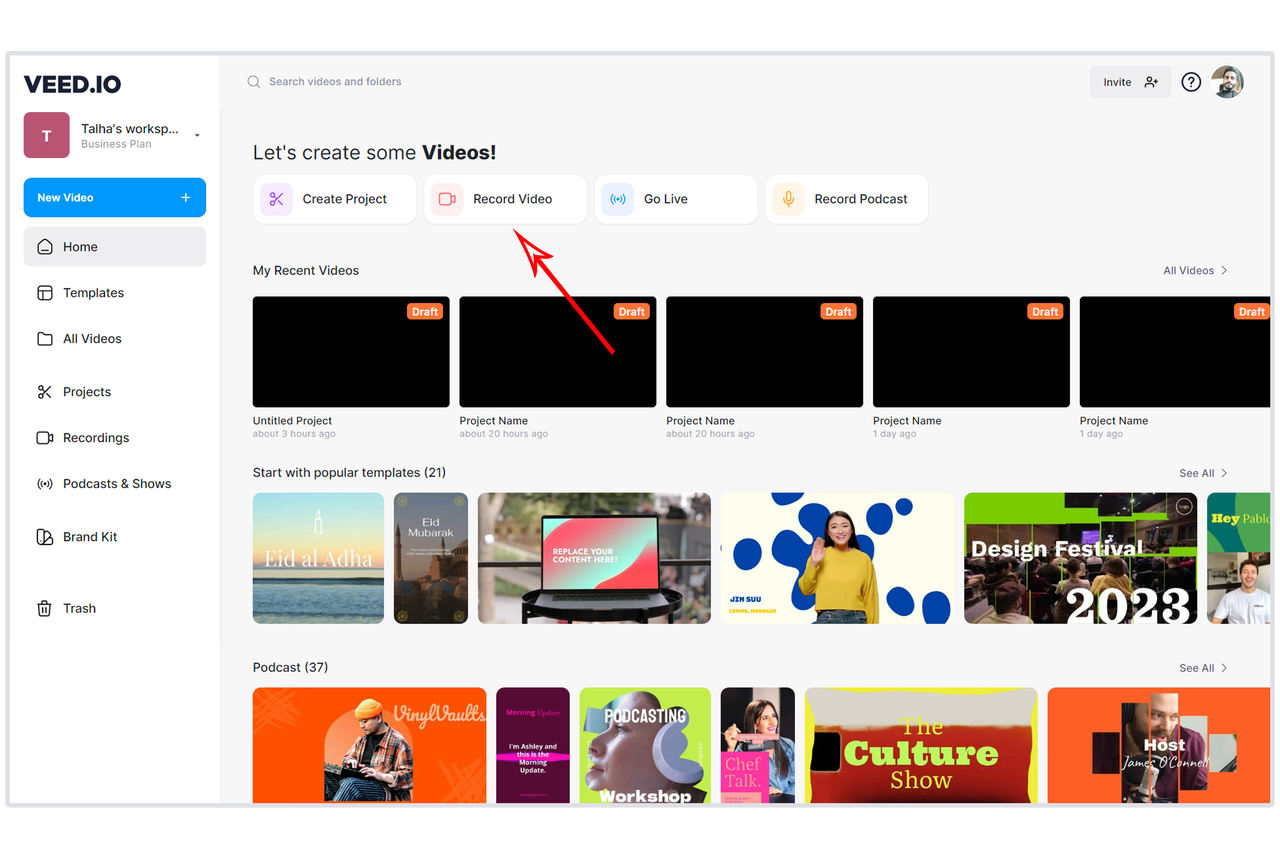
VEED.io — honest assessment
Sales page says "free plan." Reality said something else — at least for professional use.
All free tier exports from VEED.io include a visible watermark. Removal requires upgrading to at least the Lite plan at $12/month billed annually. Despite VEED's major 3.0 update in 2025, the free plan still caps exports at 720p and adds a watermark to everything. There's no workaround on the free tier.
That's not a free CapCut alternative. That's a free trial with a publish button.
VEED does genuinely good things — the auto-caption accuracy is solid, the browser-based workflow means no installation, and for testing hooks or reviewing rough cuts before polishing elsewhere, it's fast. But if your standard is "can I actually post this without a watermark," the free tier doesn't meet it.
Free tier limits — be clear-eyed:
Export: 720p maximum
Watermark: always present on free exports
Video length: 10 minutes max
Auto-subtitles: approximately 5–30 minutes per month (varies by update)
If you're evaluating VEED as a paid option, the Lite plan at $12/month (billed annually) is reasonable for solo creators. As a free tool? It's not.
Feature Comparison Table
Tool | Platform | Watermark-free | Free resolution | Free captions | Learning curve |
DaVinci Resolve | Desktop | ✅ Yes | 4K UHD | ❌ Manual SRT import | High |
Clipchamp | Desktop/Web | ✅ Yes | 1080p | ✅ Basic | Low |
InShot | Mobile | ⚠️ Minor branding (often trimmable) | 1080p | ⚠️ Less accurate | Low |
Browser | ❌ No | 720p | ⚠️ Limited (~5–30 min/month) | Low |
What You Lose When Switching from CapCut
Template ecosystem
This is the biggest real cost. CapCut's trending template library is genuinely unmatched — it pulls directly from TikTok patterns in near-real time. None of the alternatives above replicate that. DaVinci doesn't have trending templates at all. Clipchamp's library is thin. InShot has templates but they don't update at CapCut's pace.
If trending template access is core to your workflow, you're not replacing CapCut with one of these. You're replacing one piece of your stack.
Auto-caption accuracy
I ran the same 3-minute talking-head clip through CapCut, Clipchamp, and InShot. CapCut needed 8 manual corrections. Clipchamp needed 11. InShot needed 14. None of these is dramatically different, but at ten talking-heads a day, those extra corrections compound fast.
DaVinci's free version doesn't captivate at all — that's a separate workflow step entirely.
Bottom line
If you're producing at volume and need a no-watermark free option today, DaVinci Resolve on desktop or InShot on mobile (with the trim workaround) are the actual answers. The learning curve on Resolve is real — week one will be slower. Week four won't be.
If you're evaluating paid options and want browser-based speed with solid captions, VEED at $12/month (billed annually) is worth a serious look. Just don't let the word "free" in their plan name mislead you about what you can actually publish.
FAQ
Q: Is there a completely free CapCut alternative with no watermark? Yes. DaVinci Resolve (desktop), Clipchamp (desktop/Windows), and InShot (mobile) all export without a watermark on their free tiers. The catch: none of them are as fast as CapCut for template-based short-form creation.
Q: Which free editor has the best captions? For free tiers, Clipchamp has the best auto-caption accuracy for standard English-language content. CapCut is still ahead overall, but Clipchamp closes most of the gap without a paywall. VEED has better caption tech but gates it heavily behind paid.
Q: Can free editors export without a watermark? Depends entirely on the tool. DaVinci Resolve, Clipchamp, and InShot: yes. VEED and most browser-based freemium tools: no. Before you build a workflow around any free tool, export a test clip first. Don't assume.
Previous Posts: