

CapCut vs InShot: Which Is Better for Shorts?
Hi, it’s Dora. I went in pretty skeptical about both of them, honestly. I’d already gone through three “AI video tools” in one month at that point — two abandoned within a week, one that actually stuck. When the question of CapCut versus InShot came up again in a creator Discord I’m in, I decided to stop having opinions based on vibes and just run them side by side on the same brief, the same footage, the same timer running.
This comparison is the result of that. Not a feature tour. Not a rehash of the product pages. Just what actually happened when I put both tools through a real short-form editing session and tracked the numbers.
If you’re producing consistently — even just 3 to 5 Shorts per week — the difference between these two apps shows up fast. Here’s where.
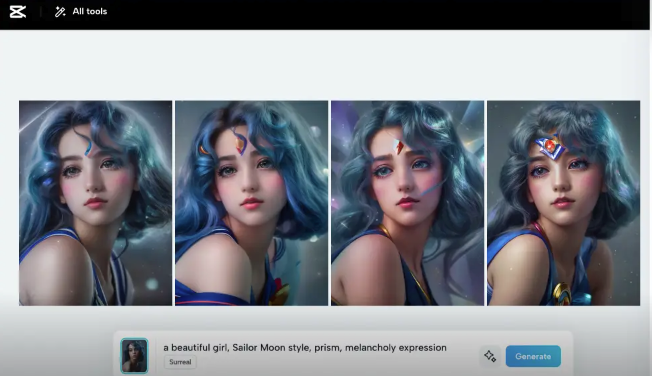
CapCut vs InShot at a Glance
One-Sentence Positioning
CapCut is a full editing suite optimized for TikTok-native content, with a template library that tracks trends in near real-time and an AI toolkit that's genuinely ahead of most mobile editors.
InShot is a fast, friction-low editor built for creators who know what they want and need to get it done in under 15 minutes — no learning curve, no setup overhead.
Core Feature Comparison(verified from official sources and App Store listings as of April 2026)
Feature | CapCut (Free) | CapCut (Paid) | InShot (Free) | InShot (Pro) |
Export resolution | 1080p | 4K/60fps (Pro tier) | 1080p | 4K/60fps |
Watermark | Only on Pro templates/effects | No | Yes (all exports) | No |
Auto-captions | Yes (10 min/video limit) | Unlimited | Yes (~15 languages) | Yes |
Template library | Large, trend-tracked | Full access | No templates | No templates |
Multi-track timeline | Yes | Yes | Limited | Limited |
Desktop version | Yes | Yes | No | No |
AI background removal | Yes | Yes | Yes | Yes |
Keyframe animation | Yes | Yes | No | No |
Lifetime purchase option | No | No | Yes (~$49.99) | — |
Pricing note (verified April 2026): CapCut Standard starts ~$9.99/mo or ~$89.99/yr; full Pro ~$19.99/mo or ~$179.99/yr (prices vary by region—always check CapCut official site directly). InShot Pro is ~$4.99/month or ~$19.99/year via App Store, with a one-time Lifetime option at ~$49.99.
The gap between free tiers is where the decision actually gets made for most people. CapCut’s free plan doesn’t put a watermark on your own footage — only on Pro-tagged templates and effects. InShot’s free plan watermarks everything by default (with occasional ad-watch workarounds). That alone changes math.
Templates and Effects
CapCut's Template Library
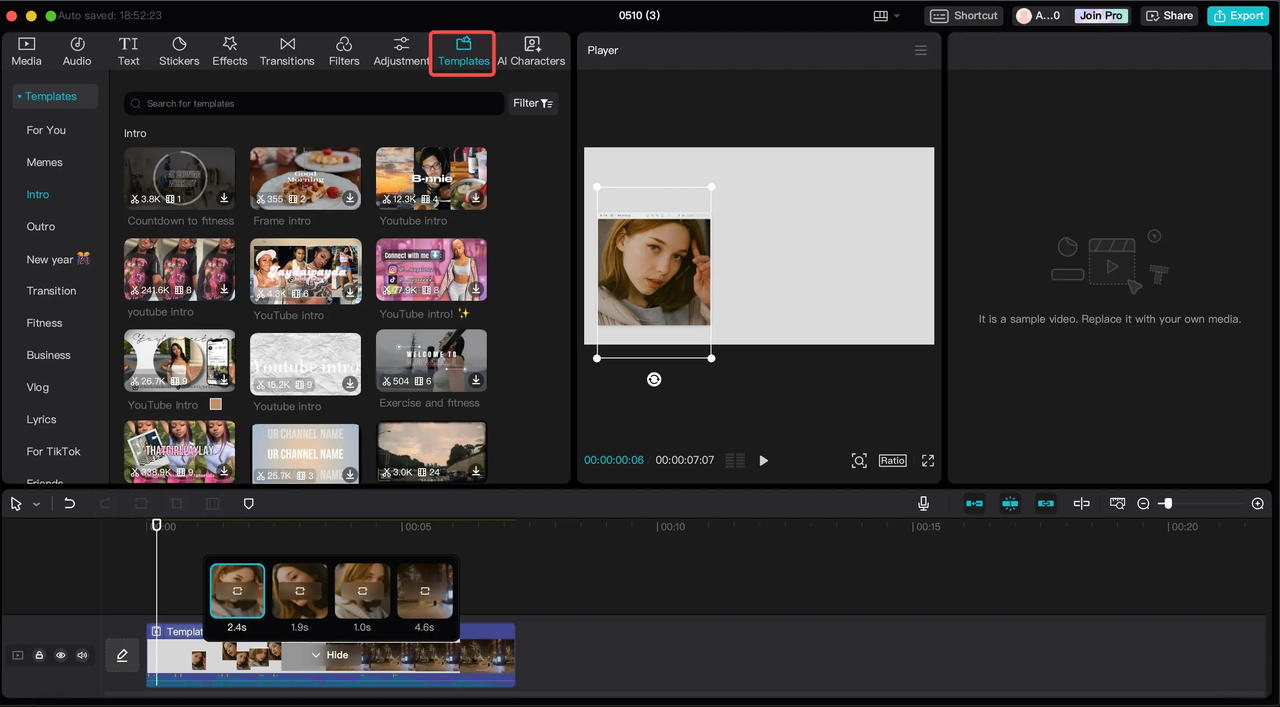
This is where CapCut is genuinely hard to argue with. The template library tracks what's performing on TikTok and updates fast — sometimes within days of a format going viral. If a specific visual style is dominating Reels or Shorts this week, there's usually a CapCut template for it already.
(The catch: templates marked “Pro” will add a watermark on the free plan. Mobile library is the most current; desktop/web versions can lag slightly.)
InShot's Effects and Transitions
InShot doesn't do templates. What it does have is a solid library of individual effects — Glitch, Retro DV, AI effects, Geometric transitions — that you stack yourself. The new-ish AI Effects pack is actually interesting if you're doing aesthetic-heavy content.
For creators with a consistent visual style, InShot’s build-from-scratch approach means everything doesn’t start looking like the same template. For accounts that need to move fast and follow trends — CapCut wins this section without much debate.
Captioning and Text
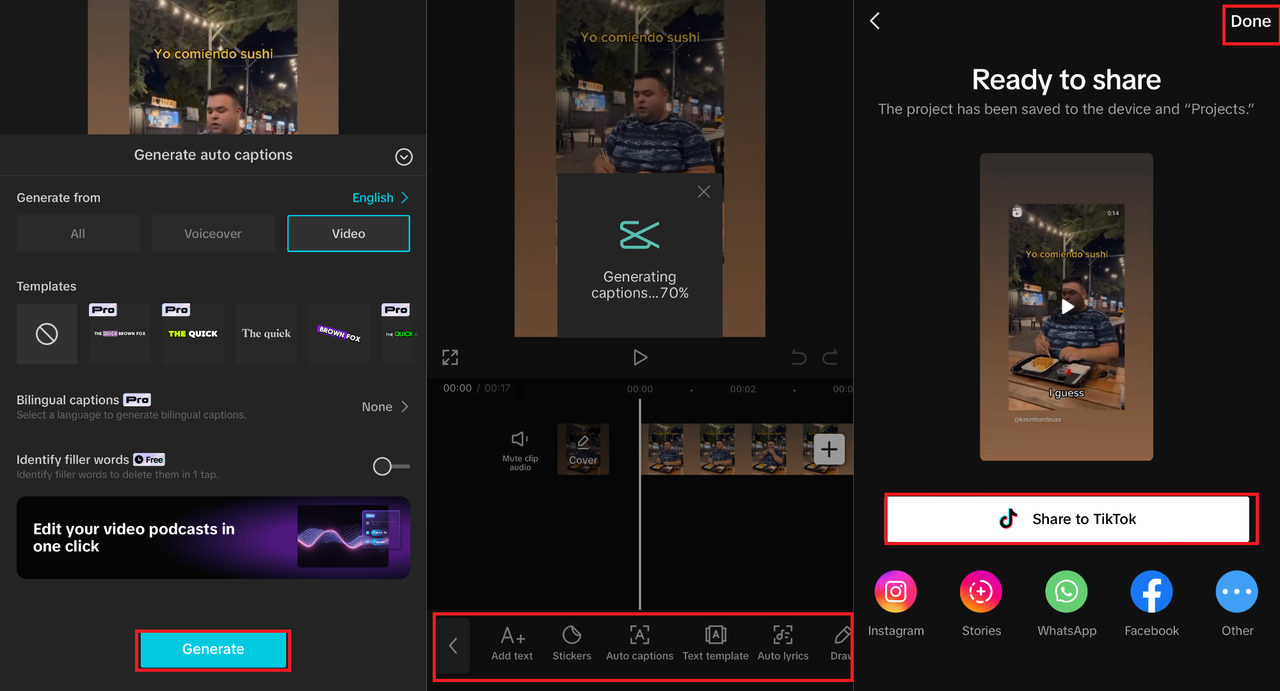
Auto-Caption Accuracy
I ran the same 90-second clip through both. Clear speech, no background noise.
CapCut got 9 out of 10 spoken lines right on the first pass. One line needed a quick manual fix — an industry term it didn't know. Total correction time: 40 seconds.
InShot got 7 out of 10. Three lines needed editing. Total correction time: around 2.5 minutes.
Recent comparisons confirm CapCut’s edge (roughly 85-96% accuracy vs InShot’s 75-92% in clear-speech tests). At 5 videos a day, the gap adds up. InShot’s recent bilingual caption support remains a legitimate plus if your audience straddles two languages.
Text Styling Options
CapCut has far more caption style presets and animated text options. The speaker ID caption feature on Pro is worth the upgrade for interview-style content. InShot’s text tools are simpler but perfectly functional for quick edits.
Export and Platform Support
Resolution and Format Options
Both apps export up to 4K/60fps on paid plans. Free tiers cap at 1080p — which is fine for TikTok, Instagram Reels, and YouTube Shorts.
CapCut offers a true cross-platform ecosystem (mobile + desktop + web). Projects sync, though mobile-template-based edits can occasionally break on desktop. InShot remains mobile-only.
Watermark Policies
CapCut free: No watermark on your own footage. Watermarks appear only on Pro-tagged templates/effects.
InShot free: Watermark on all exports. Pro removes it entirely.
Pricing: Free vs Paid Tiers
What's Free in Each
CapCut’s free plan remains one of the most generous: full basic editing toolkit, multi-track timeline, keyframe animation, chroma key, 1080p export, and AI auto-captions (with limits).
InShot’s free plan gives core editing tools but includes watermarks and ads.
What Requires Payment
CapCut Pro unlocks 4K export, unlimited captions, full AI toolkit, cloud storage, and commercial rights. InShot Pro (~$4.99/mo or Lifetime ~$49.99) simply removes the watermark and ads while unlocking premium assets. The lifetime option is still InShot’s strongest value proposition for stable workflows.
Which Should You Use?
Best for TikTok Creators
CapCut. Not even close — it was built by ByteDance, TikTok's parent company, and that origin is visible in everything it does well. The template library reflects current TikTok trends faster than any other mobile editor. The AI toolkit, particularly the filler-word removal and transcript-based editing on Pro, fits the pace of TikTok production. If you're trying to ride format trends or need to batch-produce variations, CapCut's infrastructure handles that better.
Best for Instagram Reels
Slight edge to CapCut for anything trend-dependent. But InShot is genuinely solid for Reels if you have an established visual style and prefer building your own look rather than adapting templates. The 4K/60fps export on InShot Pro also matters if you're posting content that needs to hold up at high quality on-screen.
Best for YouTube Shorts
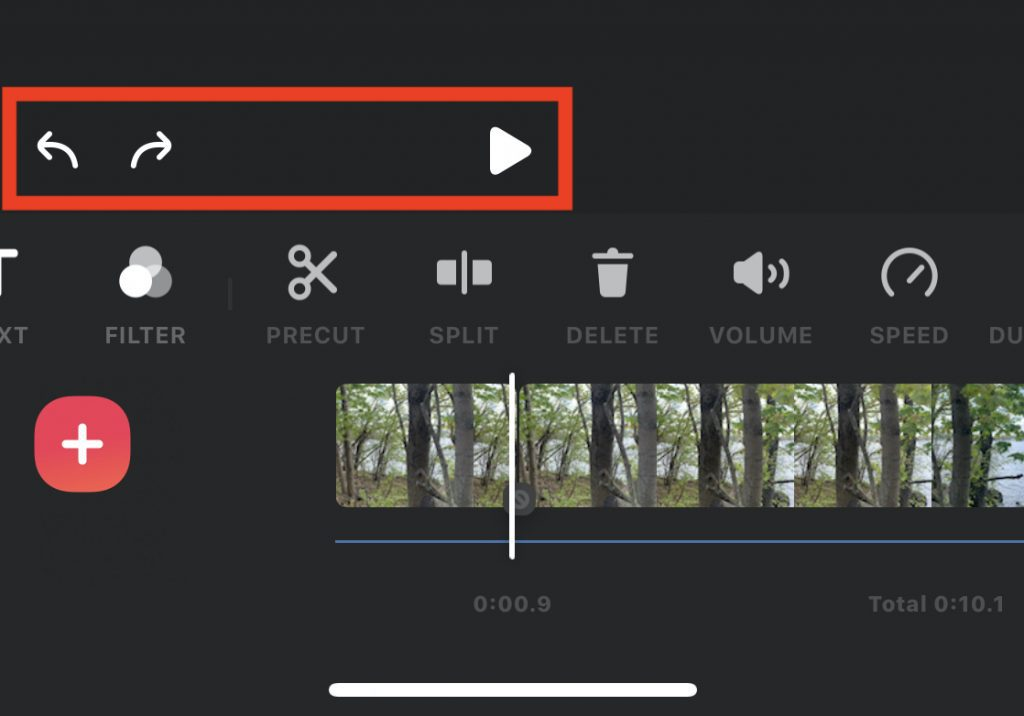
This is where InShot actually earns its place. My actual workflow looks like this: a lot of YouTube Shorts content starts as longer talking-head footage that needs trimming, light effects, captions, and music — not elaborate template work. InShot handles that faster. The friction is lower. The learning curve for a simple edit is nearly zero.
If your Shorts are repurposed from longer content and don't need trend-specific effects, InShot's speed advantage is real. CapCut adds power you won't need.
FAQ
Q: Is CapCut still free in 2026? Yes, with limits. The free plan includes the full editing toolkit and 1080p export. Watermarks appear only when you use Pro-tagged templates or effects. The 2025 pricing restructure gated more content behind paid tiers than before, so the watermark shows up more often — but you can avoid it by staying with free-tier assets.
Q: Can you use both together? Yes, and that's actually worth considering. InShot for fast-turnaround Shorts where you know exactly what you need. CapCut when you're chasing a trending template or need the AI toolkit for a more complex edit.
Q: Which has better auto-captions? CapCut. The accuracy gap is measurable — roughly 85% versus InShot's 75% in comparable testing. CapCut also supports more languages and offers the speaker ID caption feature on Pro. InShot's bilingual caption mode is a legitimate differentiator if your content spans two languages.
The Bottom Line
CapCut’s free plan covers more ground than most realize, and its template library is a real advantage for trend-following creators. Pro makes sense the moment you need unlimited AI or 4K.
InShot makes sense if you want speed over depth and prefer a one-time Lifetime purchase. They’re not actually competing for the same creator. Once you know which one you are, the decision is pretty obvious.
(Prices and features verified April 2026 via official sites and App Store listings. Always double-check CapCut and the InShot App Store page for your region.)
Previous Posts: