

Video Script Template for Short-Form Videos
Hi everyone, it’s Dora. I used to write every script from scratch. Every single one.
Not because I thought it was better — I just hadn't built the template yet. When I finally did, production time dropped by 40% in the first month. Not from a new tool. Not from a new camera. From stopping the blank-page problem before it started.
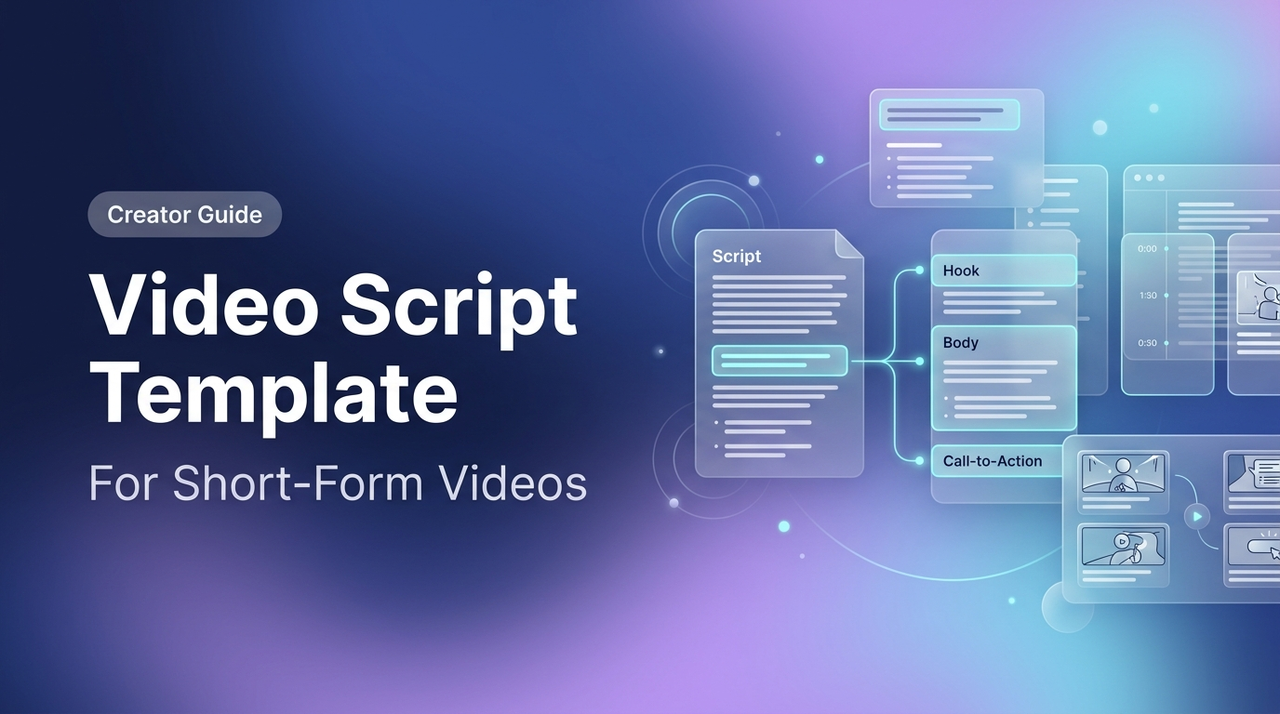
If you’re producing 5+ short videos a week, you can’t afford to rethink structure every time. This post gives you the templates I actually use — for product demos, tutorials, and talking-head content — plus a breakdown of when each one works, backed by platform data and attention research. No theory. Grab what fits, adjust the timing, and go.
Why You Need a Video Script Template
Scripted vs. Unscripted: What Actually Performs Better
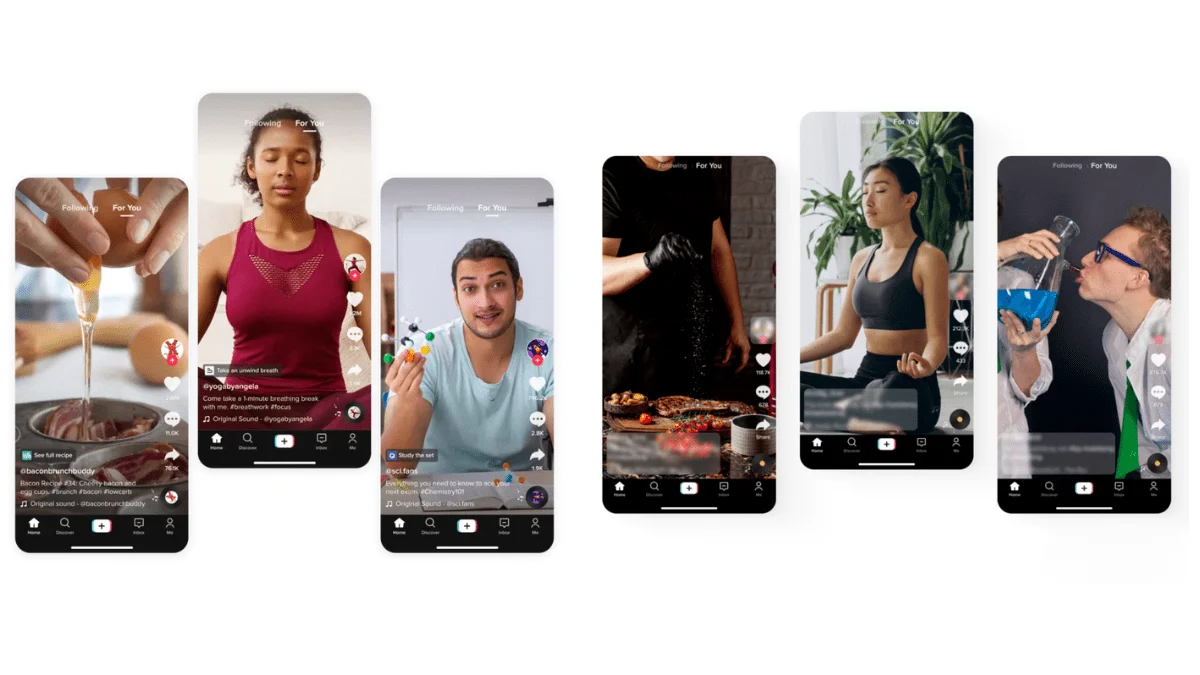
Here's the thing nobody tells you about "authentic, unscripted" creators: most of them are working from a structure. They just internalized it.
The data isn't ambiguous. Research on short-form video attention published in Computers in Human Behavior found that content with a clear narrative arc — even a simple three-part one — holds viewer attention significantly longer than open-ended rambling. The hook-body-CTA structure isn't a creative constraint. It's what your viewer's brain is already expecting.
Unscripted works when you've done it so many times you don't need the script anymore. Until then, winging it costs you watch time.
When to Use a Template vs. Freestyle
Use a template when:
You're producing more than 3 videos per week
The content type repeats (product demos, tutorials, reviews)
You're batching — doing 5+ at once
You've had a re-edit rate above 30% on recent videos
Freestyle when:
You're reacting to something live
The video is genuinely conversational and under 30 seconds
Your niche rewards raw, in-the-moment content (gaming, sports, commentary)
For everything else — template first, personality second.
The Short-Form Video Script Structure
The core structure has three parts. Every platform. Every niche. Every video is under 90 seconds.
Hook (First 1–3 Seconds)
This is the only part that matters if you lose it.
The hook isn’t an intro. It’s the reason a thumb stops scrolling. According to Nielsen Norman Group, the first few seconds are critical — users form impressions in as little as 50 milliseconds and decide to stay or swipe.
Four hook types that actually work:
Hook Type | Example | Best For |
Problem drop | “Your hook is why people leave in 2 seconds.” | Tutorial, opinion |
Curiosity gap | “This setting doubled my watch time — most creators skip it.” | How-to, demo |
Counter-claim | “Stop using trending audio. Here’s why it’s killing reach.” | Opinion, commentary |
Specific result | “I made 8 videos in 3 hours using this script structure.” | Tutorial, workflow |
Script it word-for-word. Don't improvise the hook. It's very important.

Body (Value Delivery)
The body does one thing: delivers on the hook’s promise. One promise, one delivery. No extra tips. No pivots.
Body length by format (refined from my testing):
15–30 second video: Hook is 2s, body is 10–20s, CTA is 3–5s
30–60 second video: Hook is 3s, body is 40–50s, CTA is 5–8s
60–90 second video: Hook is 3–5s, body is 70–75s, CTA is 8–10s
Keep sentences short. Write like you’re explaining it to a friend.
CTA (What to Do Next)
One CTA per video. Write it before the body — knowing the destination tightens everything.
The CTA doesn’t have to be “follow me.” It can be: save this, comment your result, try this today, DM “SCRIPT”. Algorithms reward saves and comments differently.
Script Templates by Video Type
These are the three templates I use most. Each includes timing notes, a fill-in version, and deeper methodology insights grounded in retention data.
Product Demo Script
Best for: E-commerce, affiliate, product review
Timing: 30–60 seconds
Structure:
[HOOK — 3s] "[Pain point or result that stops the scroll]"[PROBLEM — 8s] "Most people deal with [common frustration]. I did too until I found this."
[DEMO — 30–35s] "Here's how it works: [Step 1]. [Step 2]. [Result]." Show the product in use. Keep cuts tight. No dead air.
[CTA — 5s] "[Specific action] — link in bio / save this for later."
Fill-in version:
"If you're still [doing X the slow way], this is going to change how you think about it. I spent [time] looking for something that [solves the problem]. [Product] does [specific thing] in [timeframe]. [Show it working]. If you [want result], [action]."
What breaks this template: Too much setup before the demo. If you're 15 seconds in and haven't shown the product yet — cut.
Tutorial / How-To Script
Best for: Educational content, skill-building, workflow tips
Timing: 45–90 seconds
Structure:
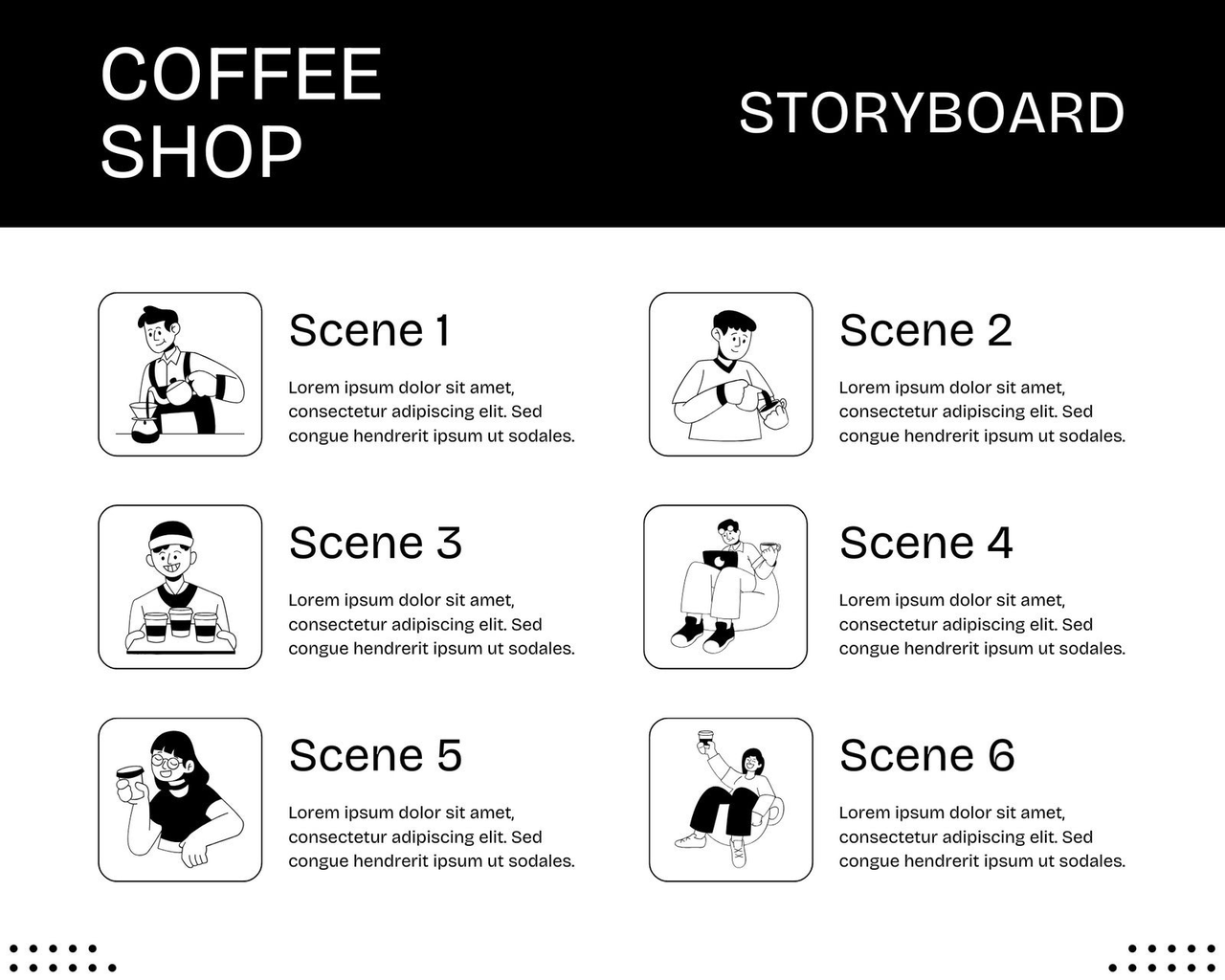
[HOOK — 3–5s] "Here's [specific result] in [number] steps."[CREDIBILITY LINE — 5s] One sentence. Why you know this. Not a bio — a context clue. "I've done this [X times] / across [X accounts] / for [X clients]."
[STEPS — 50–70s] Step 1: [Action] — [Why it matters in one sentence] Step 2: [Action] — [Common mistake to avoid] Step 3: [Action] — [Expected result]
[CTA — 5–8s] "Save this so you have it when you need it." or "Try step [X] first — comment what happened."
What breaks this (and the fix): More than 3 steps in under 60 seconds. Viewers drop off when cognitive load spikes. Deeper methodology: Limit to 3 steps max because working memory research shows audiences retain 3–5 chunks best in short-form. If you have 5 steps, split into a series — this boosts series completion rates and algorithm signals.
Talking-Head / Opinion Script
Best for: Commentary, personal takes, industry observations
Timing: 30–75 seconds
Structure:
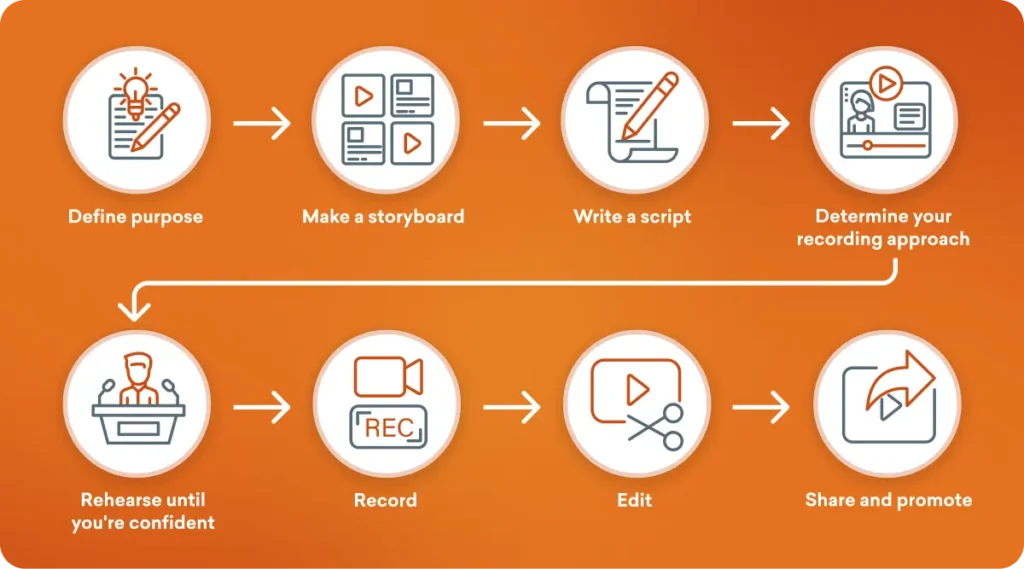
[HOOK — 3s] A claim most people would push back on. "[Conventional thing] is actually [counter-intuitive take]."[SETUP — 10s] "Here's why I think that. [Brief context — what you noticed, what you tested, what changed]."
[ARGUMENT — 40–50s] Point 1: [Observation + one specific example] Point 2: [Observation + what it means] [Optional Point 3 if under 75s total]
[CLOSE — 5s] "That's where I land on this. [Soft CTA — agree/disagree, what's your take]."
What breaks this (and the fix): Hedging in the hook (“I might be wrong but…”). Bold claims backed by evidence drive higher engagement. Deeper methodology: The counter-intuitive hook leverages psychological reactance — viewers stay to prove you wrong or learn why you’re right. Track comment velocity as your success metric.
How to Adapt Templates for Each Platform
I tested the same product-demo script across TikTok, Reels, and Shorts. The structure stayed identical; delivery adjusted.
TikTok vs. Reels vs. Short Differences
Factor | TikTok | Instagram Reels | YouTube Shorts |
Optimal length | 15–45s (sweet spot) | 15–30s for reach | 30–60s for retention |
Hook style | Direct, fast, visual-first | Visual-first + captions | Can start with question |
Caption dependency | High | High (even if sound on) | Lower — audio more reliable |
CTA timing | First CTA in body | End only | End card or end of video |
Pacing | Fast cuts | Fast to medium | Slightly slower OK |
The script template stays the same. The delivery adjusts.
On TikTok: cut faster, start the hook visually before the audio even kicks in. On Reels: captions matter more — a 2025 Instagram Reels statistics report citing Meta internal data notes that a significant share of views happen with sound off, making clear speech with captions essential for retention. On Shorts: the algorithm rewards full watches — Hootsuite's YouTube algorithm guide confirms that audience retention and watch duration remain the dominant ranking signals, meaning a tight 45-second video that viewers watch fully will consistently outperform a looser 90-second one with a 50% drop-off rate.
Practically: Write one script. Produce for TikTok first, then adapt captions and pacing.
Putting It Together
One less manual step per video. Every day. That adds up.
The template isn’t restricting your creativity — it’s scaffolding. Your angle, voice, and examples are the building. Pick one template. Use it for the next five videos. Track re-edit rate, export time, and average view duration. That’s the only test that matters.
Bonus: Measuring Your Template ROI (new depth) After 10 videos, calculate:
Time saved per video × videos per week = weekly hours reclaimed
Average view duration % (target: 60%+)
Comment/save rate per CTA type
This turns the methodology from “good enough” into a data-driven system.
FAQ
Q: How Long Should a Short Video Script Be? Write word-for-word, read aloud, and time it. Rough guide: 60–80 words for 30 seconds; 120–160 for 60 seconds. Time it — don’t guess.
Q: What's the Best Hook for a Short Video? The one that makes your specific viewer stop scrolling. There's no universal answer, which is why testing matters more than theory.
That said — the counter-claim hook ("Stop doing X") and the specific result hook ("I did Y in Z minutes") consistently outperform vague curiosity bait in my testing across product and tutorial content. The research on content engagement backs this up: specific, concrete framing outperforms abstract framing for short-form attention.
Start with a specific result hook. Test the counter-claim next. Track which one your audience responds to — and keep that data, because it'll tell you more than any general advice will.
Q: Should You Memorize or Read from a Script? Internalize the structure, speak the bullets. Know the hook and CTA cold. This keeps it natural while hitting every retention beat.
Previous Posts: