

GPT Image 2 for Multilingual Short Video Ads
I had a client request 30 short clips for a product launch across three markets — English, Portuguese, and Spanish. Done manually, it meant two full days of rebuilding the same card in Canva, copy-pasting translated text, checking font sizes, exporting again. Never again.
GPT Image 2's text rendering is the thing that actually changed this. Not dramatically, not magically — but enough that my static asset workflow now looks genuinely different.
Hey there, it's Dora. And if you're producing multilingual short video ads at any real volume, this is where things start to matter: which assets actually benefit from AI image generation, which ones don't, and where you'll still end up doing the manual work yourself.
Why GPT Image 2 Matters for Multilingual Creators Now
Better Text Rendering Changes Localization Work
Here's the thing nobody tells you about text in AI-generated images: before GPT Image 2, putting non-English text into an image prompt was a reliable way to get gibberish. Accents dropped. Characters corrupted. Brazilian Portuguese came out looking like a ransom note.
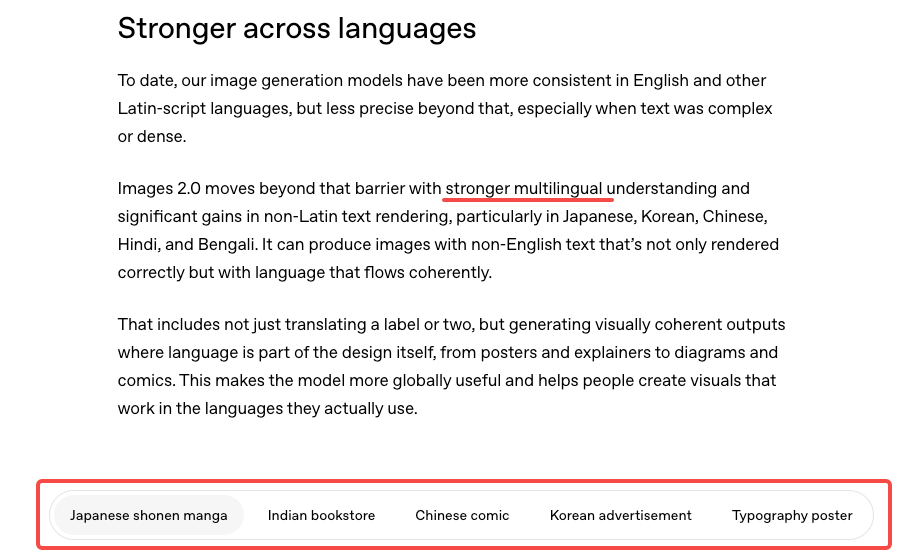
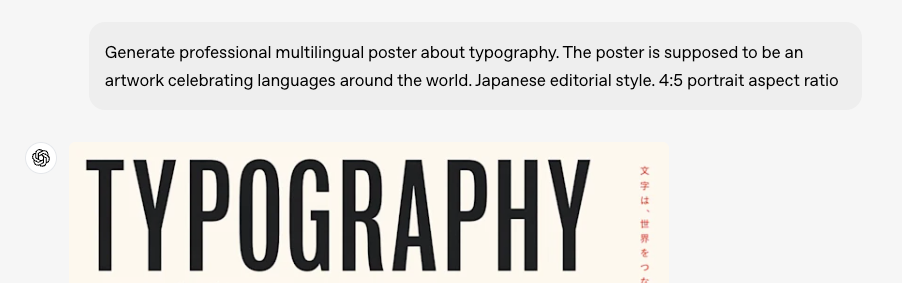
GPT Image 2 handles this significantly better. OpenAI's ChatGPT Images 2.0 announcement confirms that improved text rendering and multilingual support were core upgrades in this release. In my own testing across English, Portuguese, Spanish, and Japanese, legibility was consistent for Latin-script languages. CJK scripts (Chinese, Japanese, Korean) worked in most cases but required more iteration — and I'd still verify those in-market before publishing.
That said: "better than before" is not "perfect." Run it. Read it. Have a native speaker check the output before you call it done.
The gpt-image-2 model page describes this as a system built for complex visual tasks with strong instruction following — which, for creators, includes multilingual ad assets where text legibility isn't optional.
Where Still Images Help More Than Captions Alone
Short video ads have a structural problem: captions appear and disappear. Cover cards and end frames don't. When a viewer pauses or screenshots your ad, the text frozen in the frame is what they read. That's the moment a translated text overlay in a well-designed image does work that auto-captions can't.
This is also true for platform safe zones. If you've ever watched a caption disappear under TikTok's UI elements, you already understand why static asset design for multilingual markets is a separate problem from subtitle work — and why the two layers need to be planned independently.
Best Multilingual Assets to Make with GPT Image 2
Cover Cards and Opening Frames
The first frame of a short video ad functions like a thumbnail. Viewers make the swipe decision in under a second. A localized cover card — with the market's language, right visual hierarchy, and readable text — beats a generic one consistently.
With GPT Image 2, I prompt the cover card in English first, confirm the composition, then re-run with translated copy swapped into the prompt. Takes about 3 minutes per market variant once the English master is locked. The font and composition stay roughly consistent across generations if you're precise in your prompt structure.
Product Callout Panels and End Cards
Callout panels — "3-day shipping," "frete grátis," "envío gratis" — are exactly the kind of short-text, high-visibility asset where GPT Image 2 performs well. The text is short enough that rendering errors are rare. The visual doesn't need to carry a narrative — it just needs to be legible and on-brand.
End cards are similar. If your ad ends with a CTA card, generating market variants here is low-risk and high-return. The image generation API handles this well when you're dealing with 3–8 words rather than full sentences — which should be the ceiling for any text you're baking into a static frame anyway.
Market-Specific Ad Variants
Some markets need more than translated text — they need different visual contexts. A product shown in a living room that reads "São Paulo apartment" will perform differently than one that reads "suburban US home." GPT Image 2 lets you prompt for market-specific settings while keeping your product consistent, which is genuinely useful for small teams that can't afford a separate shoot per market.
Workflow for Localizing One Creative Into Multiple Markets
English Master Visual
Lock the English version completely before touching anything else. Composition, text placement, safe zones, and color all confirmed. This is your template. Every language variant is a derivative — if the English master has problems, all variants inherit them.
I generate the English master, screenshot it at final export dimensions, then mark up the text zones I'll be swapping. Takes 10 minutes. Saves an hour later.
Portuguese, Spanish, and Other Variants
Swap the text in the prompt. Keep everything else identical or as close as the model allows. The key variable is text length: Portuguese and Spanish tend to run longer than English for the same meaning. "Free shipping" is fine. "Start your free trial today" becomes "Comece seu teste gratuito hoje" — which may push outside your text box.
Build 10–15% extra horizontal space into your English master text zones to absorb this. If you didn't — and I've done this wrong more than once — you'll be rebuilding the composition from scratch.
Editor-Side Captions and Final Export
Here's where I'm firm: dialogue, product explanations, and anything over two lines of text stays in the caption layer, not the image. The image handles identity — brand, market, hook. The caption layer handles information. Mixing them makes both worse.
Your editing software handles caption timing and burn-in. Keep those concerns separate from your static asset generation. The WCAG guidelines on prerecorded captions frame this clearly: accessible captions belong in a dedicated layer that can be adapted across contexts, not baked into image frames.
What Not to Localize Inside the Image
Long Subtitle Lines
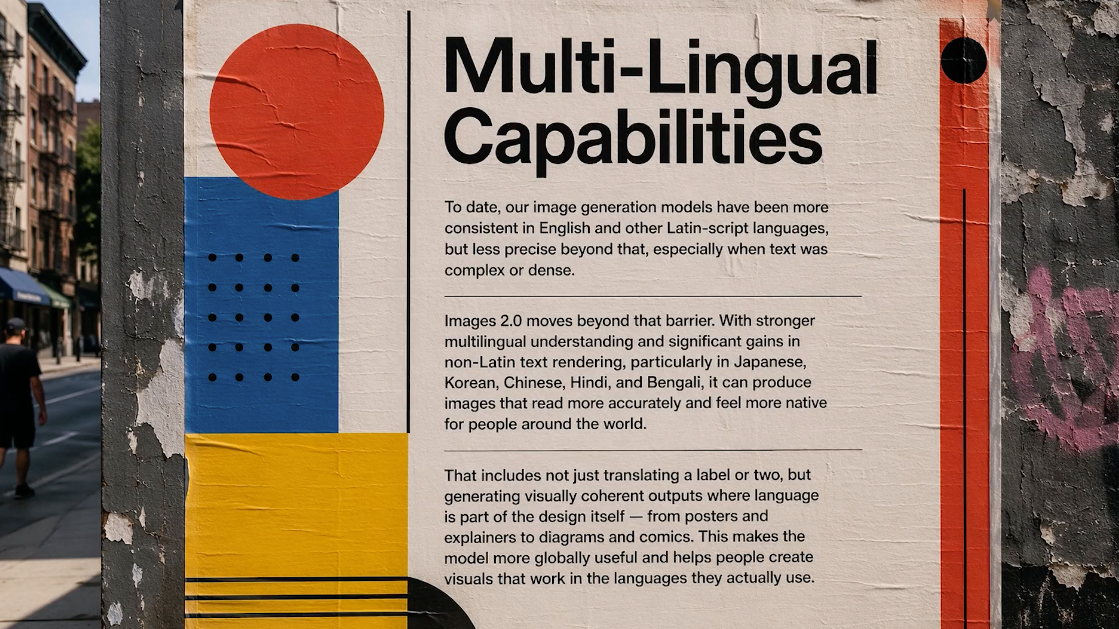
Any text exceeding two short lines inside a frame is caption work, not image work. Don't try to render full sentences or subtitle blocks in GPT Image 2. The model will attempt it, but at mobile viewing sizes — where most short video ad impressions land — multi-line text inside an image gets small fast. It'll fail legibility checks at 6-point equivalent sizes on a phone screen.
Motion-Heavy Scenes Where Text Will Warp
If your video has fast cuts, zooms, or motion effects applied during editing, any text baked into a background frame will warp with the motion. This is basic compositing logic, but it catches people new to integrating static AI assets into motion sequences. Keep text-heavy frames static or very slow-panning. Reserve motion for your B-roll and product sequences.
Quality Checks Before Publishing
Language Accuracy and Cultural Fit
I'm going to say this plainly: GPT Image 2 will not catch idiomatic errors. It renders text you give it. If your translation is wrong, the image faithfully renders the wrong translation in a legible font. This is a human review step, not a tool step.
Have a native speaker or trusted translator check every market variant before publishing. Machine translation is good enough for a first draft. It is not good enough for a paid ad in a foreign market.
For CJK scripts specifically — Chinese, Japanese, Korean — my testing was mixed. The model handles them in most cases, but verify output in-language before publishing. What I can say: don't assume Latin-script reliability extends automatically to other writing systems.

Safe Zones and Mobile Readability
Every platform has UI elements that overlap the frame edges. TikTok's official In-Feed ad specifications confirm that safe zone size shifts depending on ad format, caption length, and any interactive add-ons used — which means the space available to your static text assets is not fixed.
If you're generating cover cards or end frames without accounting for this, the text you carefully localized will sit under a username or a CTA button. Check your generated assets at actual mobile dimensions before exporting. What looks clean at 1200px on a desktop looks cramped at 390px on a phone.
FAQ
Is GPT Image 2 good enough for non-English text?
For Latin-script languages — Portuguese, Spanish, French, Italian, German — yes, consistently enough to build a workflow around. For Arabic, CJK scripts, or languages with complex rendering rules, test before committing. The multilingual rendering improvement is real; whether it's sufficient for your specific use case requires testing on your specific content. Verify before publishing to paid placements.
Should creators localize text in-image or in captions?
Both — for different jobs. Image text handles identity: brand name, market signal, short CTA. Captions handle content: product explanation, features, offer terms. Mixing them creates maintenance problems. When your offer changes, you want to update a caption file, not regenerate 12 market-specific images.
Which markets benefit most from this workflow?
Markets where you're running significant paid spend and already producing high-frequency content. If you're posting 3 videos a week, the manual approach is manageable. Running 20+ ad variants across 3 markets simultaneously — that's where the time savings are real. My rough estimate: 40–60% faster static asset production once the workflow is set up. Your mileage will vary depending on composition complexity.
What still needs human review?
Language accuracy, cultural context, safe zone compliance, and — this one surprises people — text color contrast against generated backgrounds. The model sometimes renders white text against a near-white background. Looks fine in the preview, fails accessibility contrast checks in practice.
The Bottom Line
GPT Image 2 is genuinely useful for multilingual short video ad localization — specifically for short-text, high-visibility assets like cover cards, callout panels, and end frames. It's not a subtitling tool, it's not a translation tool, and it won't catch cultural errors on your behalf.
The workflow that holds up: English master first, locked completely. Variants generated with translated copy swapped into the prompt. Human language check before anything goes live. Caption layer handles the rest.
If you're producing at volume across multiple markets, this is worth testing. If you're doing one market in one language occasionally — your existing caption workflow is probably fine.
Run it on a real project before committing to the workflow. That's always the move.
Previous Posts: