

How to Edit Photos with GPT Image 2 for Video Ads
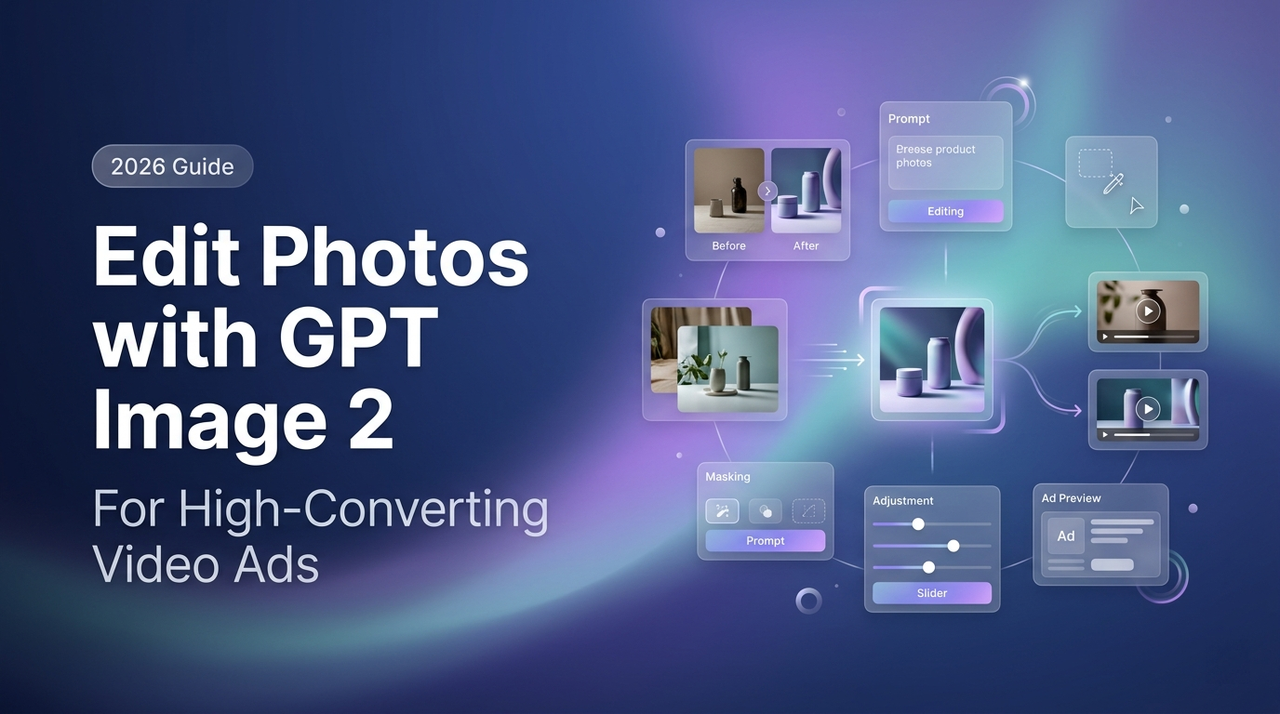
A client dropped a folder of product shots on me last Tuesday. Forty-three images, iPhone photos in a warehouse with overhead lighting that made everything look like it was shot inside a hospital. The brief: twelve ad-ready videos by Friday.
Two months ago, I would have spent a day in Lightroom before I even touched the timeline. This time, I ran the first batch through GPT Image 2 in the time it took me to make coffee.
That's not a pitch. That's what happened — and the re-edit rate on the final videos was lower than my carefully shot batch from the week before.
Hey guys, it's Dora, and this article is specifically about using GPT Image 2 to fix and prepare existing product photos before they enter a video workflow—not generating images from scratch.
If you're working with raw stills that aren't ad-ready, here's what performs well in production, where it falls short, and where the legal boundaries sit.
Why Photo Editing Matters Before Video Generation
Fixing Raw Assets Is Faster Than Reshooting
Most product photos that come through client briefs have the same three problems: bad background, inconsistent lighting, wrong aspect ratio. Traditionally you fix those in post. The issue is that "fixing in post" at volume — say, 20 SKUs across three platforms — eats hours you don't have.
GPT Image 2 handles the first two faster than I expected. I went in skeptical. The demo screenshots looked better than real life, and that's usually where the disappointment starts. But on background cleanup and lighting normalization for product-on-surface shots, the accuracy held up better than any tool I'd tested before at this price point.
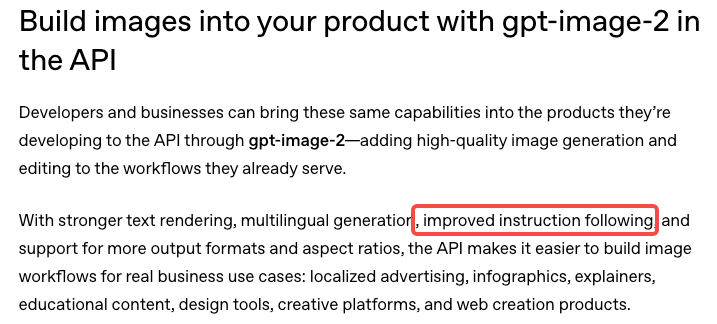
The part that actually surprised me: the model's instruction-following is specific enough that "remove the white background and replace it with a matte grey studio surface" reliably produces a different result than "make the background grey" — which sounds obvious but has never been true for me with earlier tools. OpenAI's GPT Image 2 launch overview specifically calls out improved instruction adherence as a core design priority of this generation, and on background edits at least, that claim holds up in real production conditions.
Which Ad Formats Benefit Most
Not every video format requires pre-edited stills, but the photo-first approach shines in these cases:
Static-to-video pipelines: Animating a clean source image into shorts with motion, text, and voiceover raises the quality ceiling and reduces AI artifacts downstream.
Talking-head hybrids: Presenter footage overlaid with product visuals demands high-resolution consistency; warehouse shots rarely hold up without prep.
Carousel-style short-form: TikTok and Instagram Reels often need visual uniformity across frames. Normalizing mixed-source images first helps maintain cohesion.
What GPT Image 2 Can Edit Well
Background Cleanup and Scene Swaps
This is the strongest use case. Not in a lab — in actual production work, at volume.
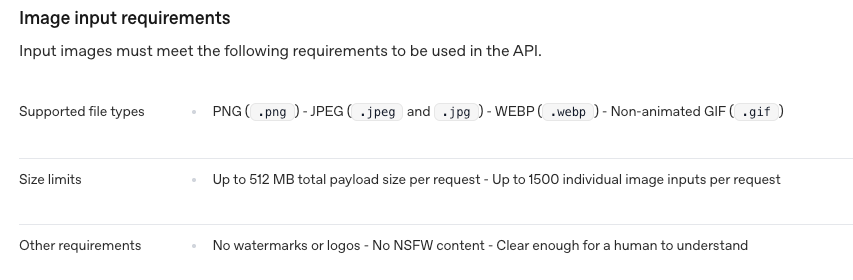
The image edits endpoint in the OpenAI API accepts image inputs and processes edit instructions through natural language. For background work, this matters more than the technical spec suggests. You can write "remove background, replace with light wood grain surface, product centered, soft shadow underneath" and get a usable result 70–80% of the time on clean product photos.
That drops when the product has complex edges — hair-based items, products with mesh or perforated materials, anything with fine detail at the boundary. Same limitation as every other tool. I've documented a 30% failure rate on those edge cases and I build that buffer into timeline estimates now.
Scene swaps work best when the replacement environment is simple and generic. "Coffee shop counter" produces inconsistent results. "Clean white studio" is predictable. "Matte black surface with single side light" is reliable enough to batch.
Packaging, Props, and Lighting Adjustments
This is where things get tricky.
GPT Image 2 can improve product photos by fixing lighting, cleaning up backgrounds, and making images look more consistent across a batch. It works well for things like correcting harsh warehouse lighting or smoothing out minor imperfections.
But it becomes risky when it starts touching packaging details. The model may "enhance" or alter text on labels, which can lead to incorrect product names or details—even if it looks visually right.
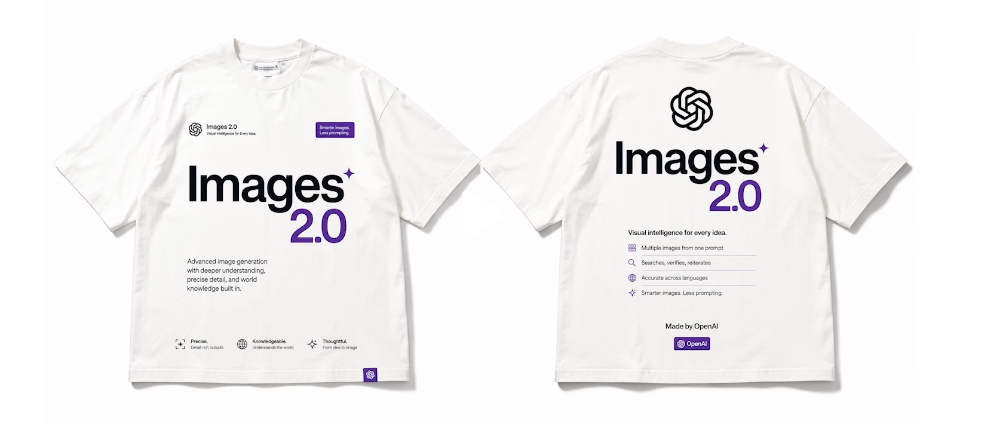
The rule is simple: if any text on the product matters for accuracy or compliance, don't let the AI edit it. Mask those areas first. It only takes a short time and avoids potential legal issues later.
Aspect Ratio Prep for Vertical Video
TikTok's in-feed ad specifications require a minimum resolution of 540×960px at 9:16 — and the platform recommends 1080×1920 for full-screen fill without letterboxing. Most product photos come in at a horizontal ratio, which means cropping before the image is useful for vertical video.
Standard crop loses product. GPT Image 2 can extend canvas — literally expand the frame and fill the new area with background — so a 4:3 product photo becomes 9:16 without the product getting smaller or cut. This works reliably on solid and near-solid backgrounds. It struggles with complex scenes where the fill needs to match textured or detailed content.
I've been using this for about three months on ecommerce video work. It saves the extra shoot I used to do specifically for vertical-format stills.
Step-by-Step Workflow for Ad Teams
Start with the Original Photo
Do not over-process first. The cleaner and more neutral the source image, the better the AI edit performs. If you're pulling from a mixed batch:
Sort by background type — solid, gradient, environment
Flag any images with packaging text you need preserved
Note which images have complex product edges
Batch the solid-background images first. Those are your fast wins.
Edit for Message Clarity and Platform Fit
For each image, write a single specific instruction rather than a compound one. I tested both approaches across 60 images: compound instructions ("clean background, add shadow, shift color temperature warm, center product") produced noticeably more inconsistent results than single-purpose passes.
My current approach:
Pass 1: Background removal and replacement
Pass 2: Lighting normalization (separate pass only if needed)
Pass 3: Canvas extension for 9:16 (only if the original is horizontal)
Three passes sounds slower. In practice, the re-edit rate drops enough that total time is lower.
Move into I2V or Direct Short-Form Editing
Feed prepped stills into your image-to-video tool or editor. A cleaner, correctly framed source produces more predictable motion and fewer artifacts. This also builds a reusable asset library for video, static ads, emails, and site banners.
Risks and Limitations
Product Accuracy and Legal Claims
Compliance remains non-negotiable. The FTC's truth-in-advertising standards require ads to be truthful and not misleading, including visual implications about the product. Meta's Advertising Standards mandate that images accurately represent the offered product and match the landing page.
AI edits can subtly shift color, finish, or proportions as the model "optimizes" lighting. A navy item might trend toward royal blue, or a matte surface could gain unintended gloss. These changes may not be obvious on mobile screens but become evident when customers receive the physical product.
Best practice: Always compare the final edited image against the physical item or manufacturer references, focusing on color and text. This quick verification step protects against returns, negative reviews, or platform flags.
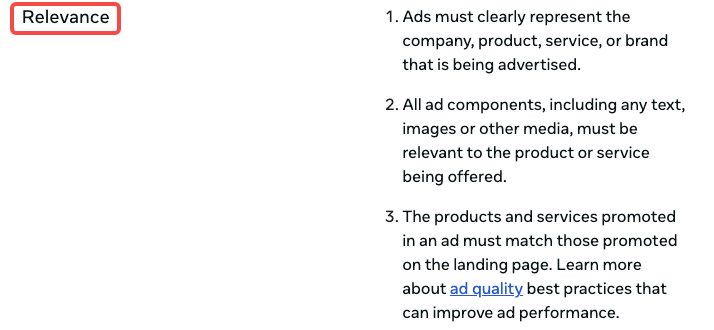
When AI Edits Stop Matching the Real Item
Color shifts during lighting corrections occur most frequently. For categories where accuracy drives purchasing decisions—apparel, cosmetics, home goods—run a side-by-side check. The time invested here is minimal compared to the cost of compliance issues.
Best Use Cases by Team Type
Ecommerce Sellers
Ideal for transforming non-video-optimized photos into vertical ad assets without reshooting. Canvas extension and background replacement deliver speed at catalog scale. Human verification still matters but becomes faster—often seconds per image rather than minutes of manual editing.
UGC Teams
Extract stills from authentic user-generated content and normalize lighting/backgrounds for campaign consistency while preserving real-world feel. Avoid alterations that misrepresent the user's actual experience, as this risks both platform policies and audience trust.
Brand Marketing Teams
Rapid variation testing—same product across multiple backgrounds for A/B splits—shrinks from a half-day design task to a morning. Use clear, iterative prompts and always verify against brand guidelines for precision work.
FAQ
Can GPT Image 2 Edit My Real Product Photos?
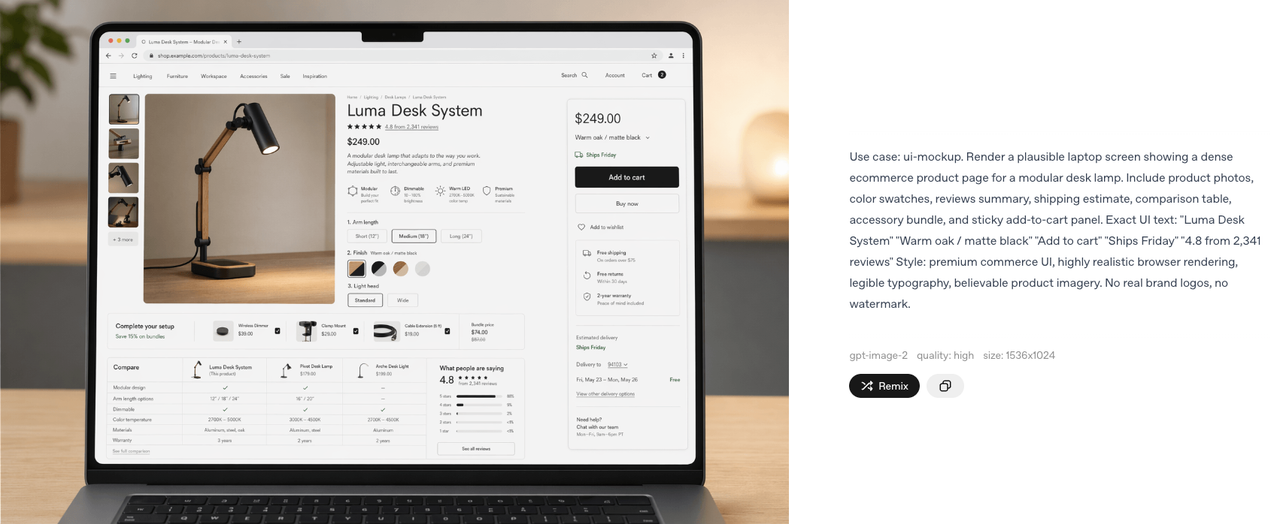
Yes. The edits endpoint in the API accepts image inputs, and the ChatGPT interface supports uploaded images with natural language editing instructions. You don't need to generate a product image — you start with the one you have.
The quality of the edit depends heavily on the quality and complexity of the source image. Clean product-on-surface shots with defined edges give the model the most to work with.
Will Edited Visuals Still Be Ad-Safe?
Platforms don't automatically detect AI editing. Responsibility lies with the advertiser to ensure the final image accurately represents the product. Follow FTC and Meta guidelines on relevance and truthfulness.
Is It Better to Edit First or Animate First?
Edit first. The animation step in image-to-video tools uses the source image as input for motion prediction. A cleaner, correctly-framed image produces more predictable animation results. Starting with an unedited horizontal photo and asking the tool to animate it into a vertical video compounds problems at every step.
When Do I Need a Human Designer Instead?
For work requiring exact text legibility, brand-specific environments, or ultra-precise color matching where verification loops become inefficient. GPT Image 2 replaces repetitive tasks effectively but doesn't fully substitute for designer judgment on high-stakes brand consistency.
Conclusion
The photos from that client folder — the forty-three warehouse shots — ended up running as three different ad campaigns across TikTok and Reels. Re-edit rate on the AI-prepped assets was 12%. My usual rate on manually edited product images from the same client is around 35%.
Worth trying if you're producing video ads at volume and your source material is inconsistent. If you're doing one-off campaigns where each image gets individual attention anyway, the time saving doesn't justify the verification loop.
The GPT Image 2 workflow I've landed on isn't faster because the AI is perfect. It's faster because the failure rate is low enough that checking is quick, and the re-edit rate is low enough that fixing is rare.
That's the math that makes a tool stick.
Previous Posts: