

How to Turn GPT Image 2 Images into Short Videos
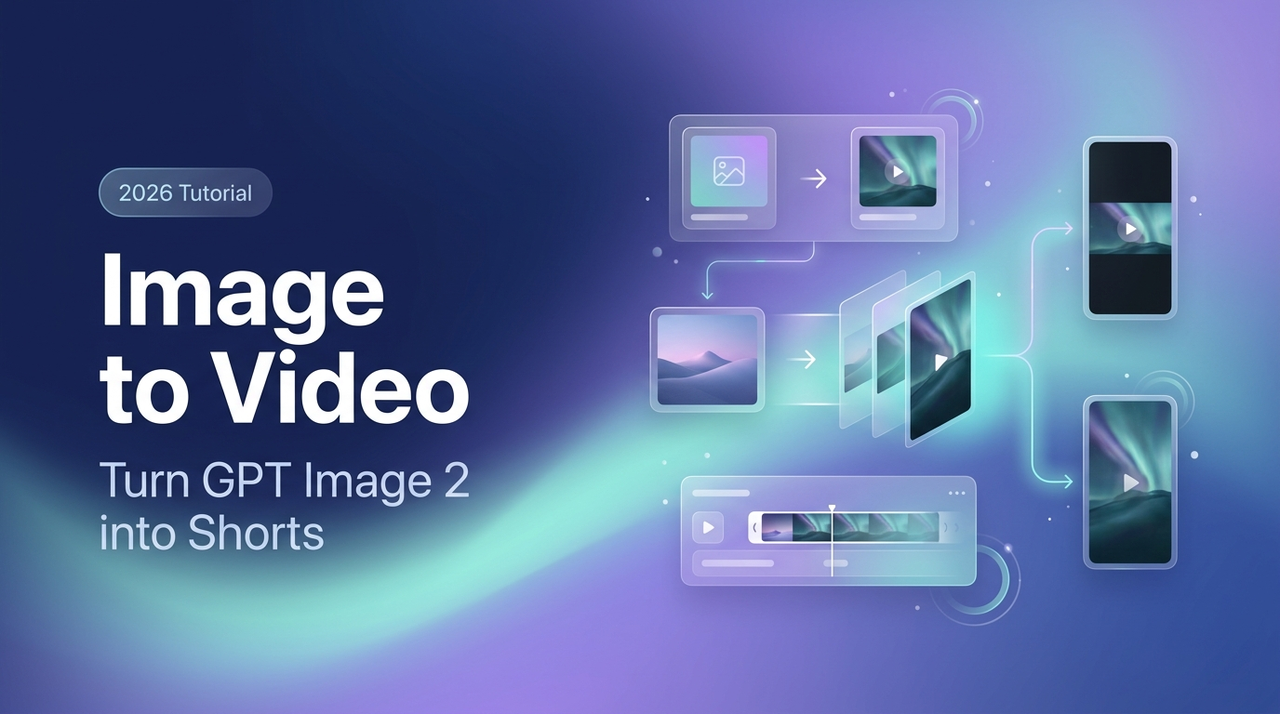
Hey, it's Dora. Three weeks ago I ran a simple test: same brief, four image models, one timer. GPT Image 2 — released as "ChatGPT Images 2.0" on April 21 — gave me the cleanest product shot. Perfect text, solid composition, clean 9:16 export.
I felt great about it—for about twelve seconds. Then I remembered: it doesn't move. That's the real bottleneck right now. GPT Image 2 gives you something that looks finished, but it's just a first frame. Everything between that and a published short is still on you.
This article is about closing that gap—turning GPT Image 2 outputs into a repeatable pipeline that ends with a TikTok, Shorts, or Reels-ready clip.
I'll walk through the workflow, which I2V models work best, the main failure points (especially text warping), and three practical use-case recipes you can use right away.
Why Pair GPT Image 2 with an I2V Model
What GPT Image 2 Gives You — Consistent, High-Fidelity Frames
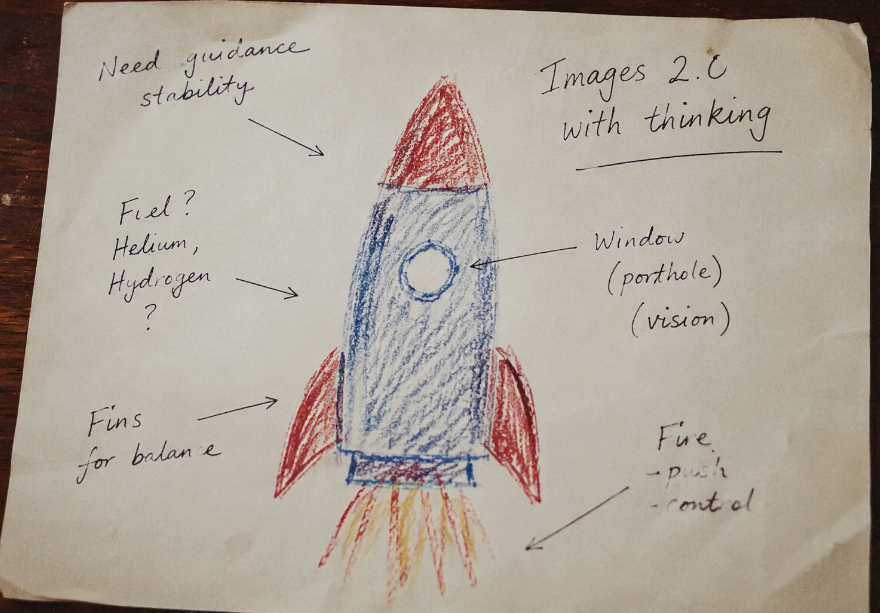
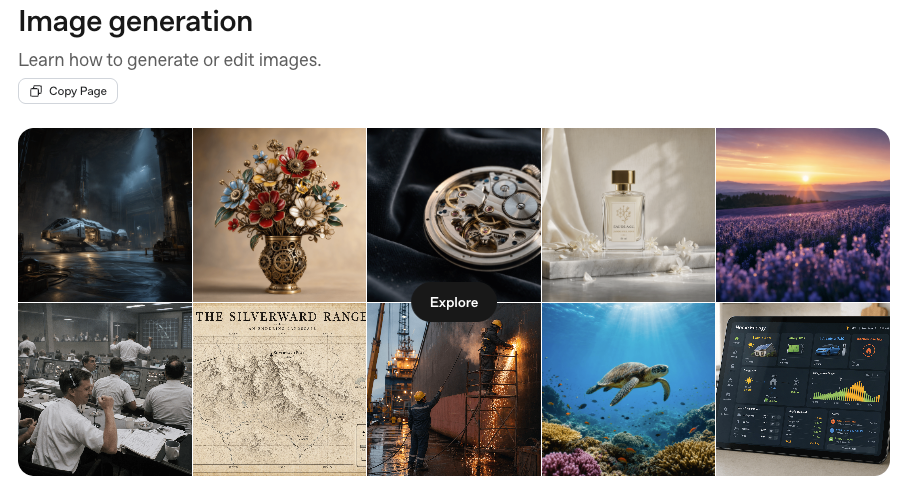
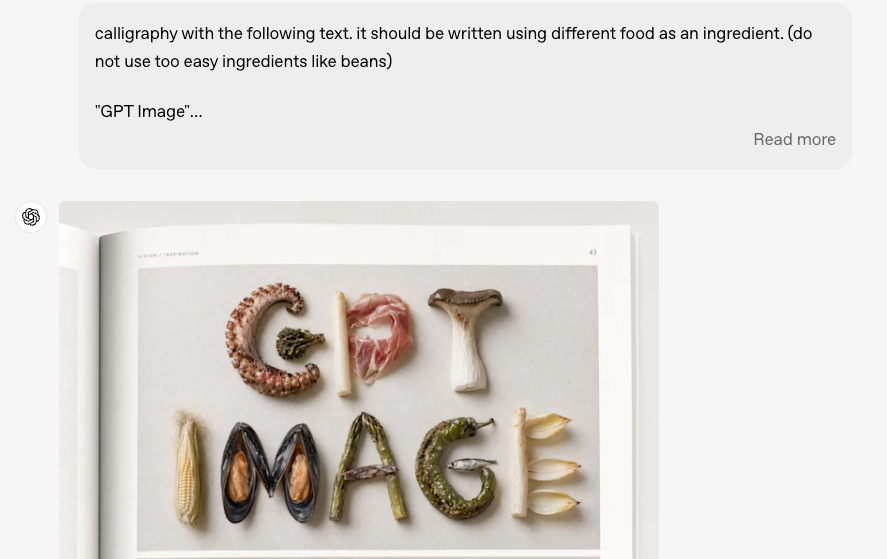
GPT Image 2 ships with near-perfect text rendering, improved photorealism, and what OpenAI describes as "thinking capabilities" — meaning it checks its own outputs and can generate multiple size variants from a single prompt. For short-form content specifically, this matters. Product labels stay legible. Logos don't warp. You can ask for a 9:16 crop and actually get one that's composed correctly rather than mechanically cropped.
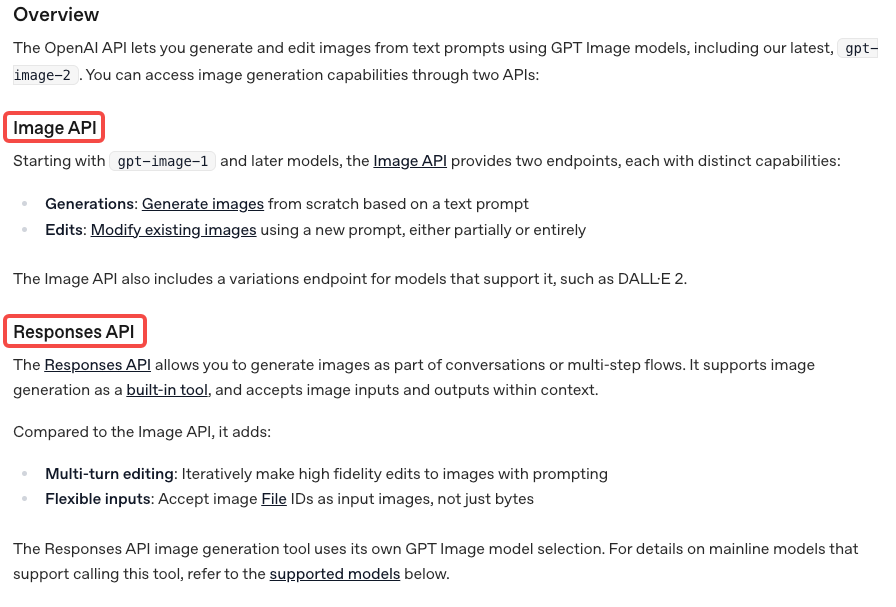
Per the OpenAI image generation API documentation, the model is available via two endpoints:
gpt-image-2Here's the thing nobody tells you though: GPT Image 2 doesn't give you any motion, duration, or pacing. It gives you a frame. A great frame — but static.
What's Still Missing — Motion, Duration, Pacing
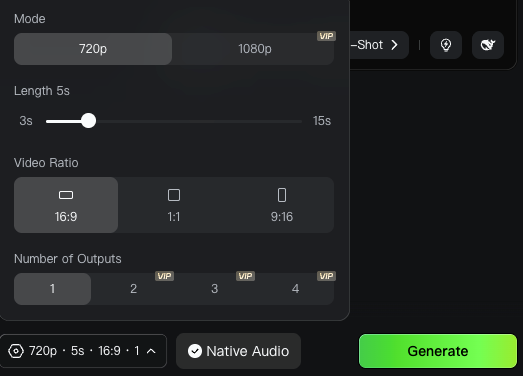
I2V models analyze depth, subject intent, and lighting, then extrapolate 5–15 seconds of believable animation. You control the hero frame. The model handles everything after the first 0.04 seconds.
Prerequisites
Access — ChatGPT Plan or API
GPT Image 2 is available in ChatGPT on web and mobile, and via the OpenAI API image endpoints. All ChatGPT users can access it; paid users (Plus at $20/month) get higher generation limits and more advanced output options. For one-off creative work, the ChatGPT interface is fine. For anyone producing at volume — 20+ clips per week — the API makes more sense from a cost and workflow perspective.
If you want to skip the API setup entirely, fal.ai went live with official GPT Image 2 access on April 21, no waitlist, commercial use permitted from day one.
Pick an I2V Model
Here is the current landscape for short-form creators (data verified April 2026):
Model | Best For | Credits / Output Example | Vertical Native? | My Score for Shorts (1–10) |
Kling 3.0 / 2.6 | Overall social content, products, motion consistency | ~33–150 standard 5–10s clips/mo | Yes | 9.4 |
Hailuo 2.3 | Human subjects, facial expressions, talking heads | ~40 × 6s 1080p clips | Yes | 9 |
Wan 2.6 (Alibaba) | Budget volume production | High-volume drafts at lowest cost | Yes | 8.2 |
Seedance v1.5 / 2.0 Pro | Storytelling, multi-shot narrative | Competitive mid-tier | Yes | 8.5 |
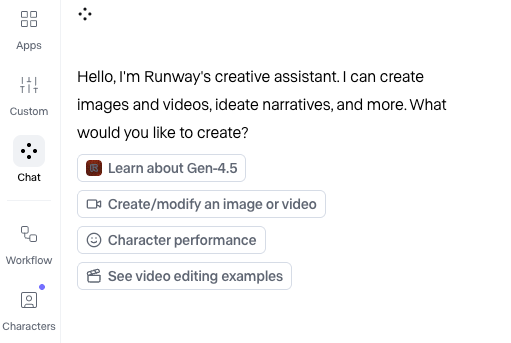
Runway Gen-4.5 | High-fidelity camera moves, final polish | Premium but credit-hungry | Yes | 8.8 |
My current stack (April 2026): Kling 3.0 for 70 % of first-pass product work; Hailuo 2.3 whenever a human or face is in frame; Wan 2.6 or Runway Gen-4.5 for rapid drafts or final high-end polish.
Set Aspect Ratio Up Front — 9:16 for Shorts, 1:1 for Feed
Always generate your GPT Image 2 source at the final platform ratio: 1080×1920 (9:16) for TikTok/Shorts/Reels, 1080×1080 (1:1) or 1080×1350 (4:5) for feed. The model composes intelligently for the ratio you specify.
Step-by-Step — From Prompt to Published Short
Step 1: Generate the Source Frame in GPT Image 2
Prompt formula that consistently produces I2V-ready frames:
"[Subject] in [hero angle], [exact text elements and placement], clean studio lighting, depth layers, implied motion, [aspect ratio] 1080×1920, photorealistic, commercial product photography style."
Generate 3–4 variants. Choose the one with clearest motion logic, not necessarily the prettiest static shot.
Step 2: Export at I2V-Friendly Resolution
Download as high-quality PNG (1024×1024 minimum, ideally native 1080×1920). Compress lightly if needed (Kling web upload limit ~20 MB). Use ImageOptim or TinyPNG — quality loss for video source is negligible.
Step 3: Feed Into Your I2V Model with a Motion Prompt
Upload your source frame to your I2V tool. Most platforms give you a text field for a "motion prompt" alongside the image input. This is where you describe what should happen — not what the scene looks like (the image already covers that).
Effective motion prompt structure: Subject + motion direction + camera movement + atmosphere + pace.
Example: "Product bottle slowly rotates left, soft studio lighting, gentle shimmer on glass surface, camera holds steady, smooth and slow"
Generic prompts like "make it move" or "animate this" don't work. The model needs motion direction to generate coherently.
Step 4: Generate 2–4 Candidate Clips and Pick One
Same image + same prompt still produces meaningful variance. Pick the clip that best preserves text legibility and natural physics. My re-edit rate dropped from ~60 % to ~25 % after locking prompt templates.
Step 5: Assemble, Add Captions, Cut Pacing
Import into CapCut, Premiere, or DaVinci (free). Most shorts run 8–15 seconds. Loop or stitch multiple clips if needed.
Critical: If text warped during I2V, delete the baked-in text and overlay fresh, perfectly kerned captions. This is now standard practice.
Step 6: Platform Export — TikTok/Shorts/Reels
Platform specs as of April 2026:
Platform | Aspect Ratio | Resolution | Max Duration | Recommended Export |
TikTok | 9:16 | 1080×1920 | 10 min | MP4, H.264, 30–60 fps, ≤72 MB |
YouTube Shorts | 9:16 | 1080×1920 | 3 min | MP4, H.264, 30–60 fps |
Instagram Reels | 9:16 | 1080×1920 | 90 sec | MP4, H.264, 30 fps |
Instagram Feed | 1:1 or 4:5 | 1080×1080 | 60 sec | MP4, H.264 |
Prompt Patterns That Survive the Image-to-Motion Handoff
Composition Choices GPT Image 2 Should Make for Motion-Readiness
Not every image animates equally. A few things that consistently produce better I2V results:
Clear depth layers. A foreground subject with a distinct background gives the I2V model a motion parallax to work with. Flat compositions produce flat animations.
Implied motion direction. A person mid-gesture, a product with a pour or splash frozen in time, fabric caught in wind — these give the I2V model an obvious trajectory to continue.
Text anchored to one zone. If your image has readable text, position it in a corner or lower third where it can be masked during animation. Text in the center of a dynamic scene is asking for warping problems.
Avoid extreme fine detail in motion zones. Hair, fur, and liquid surfaces in complex patterns tend to produce artifacts when animated.
Motion Prompts That Pair Well with GPT Image 2 Outputs
For product shots: "[Product] slowly rotates [direction], [lighting description], camera holds steady, photorealistic"
For talking-head style: "[Subject] slight head turn to camera, natural breath movement, background subtly out of focus, cinematic"
For landscape/environment: "Slow dolly forward into [scene], [atmospheric description], no camera shake, smooth"
The more specific the prompt, the less variance you get — and for short-form content where you're publishing frequently, consistency beats occasional brilliance.
Common Failure Modes
Text in the Image Warping Once Motion Starts
This is the one that frustrates people the most. GPT Image 2's text rendering is one of its strongest features. But that advantage largely disappears once you run the image through I2V.
I2V models treat text as visual texture, not semantic content. When the scene moves, text distorts like any other pixel region.
Two fixes. First, structure your GPT Image 2 prompt so critical text lives in an area you intend to mask — letterbox bars, lower thirds. During I2V, those zones move less. Second, delete the rendered text from your I2V output and re-add it as a clean text overlay in your editor. This is the more reliable approach and it gives you better readability control across different screen sizes.
Aspect Mismatch Between Image and I2V
Most I2V platforms have aspect ratio constraints. Some accept 9:16 input but internally pad or crop before generation. Check your I2V platform's actual accepted dimensions before generating your source image. Kling handles vertical input well natively. Some other platforms still default to 16:9 output even when you feed them a vertical source.
Character Drift in Multi-Shot Sequences
If you're creating a multi-clip video, you'll hit character drift. A character who looks one way in clip 1 looks noticeably different by clip 3, even using the same source image for all three. I2V models don't have persistent character memory across separate generation calls.
Partial workarounds: use the last frame of one clip as the source image for the next — most platforms support first-and-last-frame control. Or cut fast enough that viewers don't compare. Cuts under 2 seconds make drift much less noticeable.
Three Short-Form Use-Case Recipes
Talking-Head Style Avatar Short
Use case: Creator content, commentary, knowledge-share
Generate a portrait frame in GPT Image 2 at 9:16. Prompt for a person mid-sentence, natural lighting, neutral background, slight head tilt.
Feed into Hailuo 2.3 with motion prompt: "Subject speaking naturally to camera, subtle head movement, eyes tracking forward, natural breath, warm ambient light"
Generate 3 candidates. Pick the one with the most natural eye movement.
Add captions as text overlay. Add background music at low volume.
Export at 1080×1920.
Expected re-edit rate: 30–40% on first pass. Talking-head animation is still inherently tricky — mouth movement rarely syncs perfectly without audio guidance.
Product Demo Short
Use case: E-commerce, affiliate, UGC product review
Generate a product shot at 1:1 or 9:16. Prompt for a hero angle, clean background. Keep any text labels in the lower third.
Feed into Kling 3.0 with motion prompt: "Product slowly rotates left, studio lighting, soft reflection on surface, camera holds steady"
In post-editing, re-add any product text as a clean overlay — don't trust the animated version.
Add a CTA frame at the end (a static GPT Image 2 frame works here).
Total production time once workflow is dialed in: 18–25 minutes per clip.
Story/Skit in 3–5 Shots
Use case: Narrative content, skits, mini-stories
Generate 3–5 frames representing key story beats. Use consistent character description across all prompts.
Animate each frame independently. Use the last frame of each clip as the source for the next where possible.
Assemble in your editor. Keep each shot under 3 seconds to mask character drift.
Add captions as overlays, not burned into the video.
Add audio — recorded voiceover or AI-generated. At this clip length, sync doesn't need to be perfect.
The drift problem is real in multi-shot work. I've had three-shot sequences where the character looked like two different people by clip three. The cut-under-2-seconds rule handles most of it. When it doesn't, regenerate the last clip using the last frame of the previous one as the source.
Licensing and Platform Disclosure
OpenAI's policy is that it doesn't train on customer API data by default, and all image outputs remain subject to their API usage policies. For commercial use through the API, generated images are available for commercial projects — check the current terms before scaling a campaign.
According to OpenAI's C2PA implementation documentation, images generated with ChatGPT include embedded metadata per the C2PA standard — an open technical standard that records the image's origin and creation method. This is detectable via tools like Content Credentials Verify. Worth noting: that C2PA metadata from the source image doesn't automatically carry into a generated video clip — the I2V model produces a new file with no inherited provenance from the source PNG. The source image itself still carries the metadata if you retain it.
Most major platforms now require disclosure for AI-generated content. TikTok and YouTube both have AI content labeling requirements. Add your disclosure in the caption or via the platform's built-in AI label — don't skip this step.
FAQ
Q: Can GPT Image 2 generate video directly? No — it is a still-image model. The I2V step is separate.
Q: Why does text warp when animated? I2V treats every pixel as texture. Overlay in post for perfect readability.
Q: How long does this workflow actually take? 20–40 minutes end-to-end once templates are locked. Active decision time is ~10 minutes.
Conclusion
GPT Image 2 is genuinely useful for short-form content — better text rendering, stronger composition control, good multi-format output. But it's the first half of a workflow, not the whole thing.
The pipeline is: generate source frame → export at I2V-friendly resolution → animate with I2V model → review candidates → edit and add captions → export for platform.
Text warping is the most common problem and the most fixable — keep important text in low-motion zones, and re-add critical text as overlays in post. Character drift in multi-shot sequences is harder; fast cuts and last-frame continuity are the best partial solutions right now.
Worth building into your workflow if you're producing short-form at any real volume. Iteration costs are real — don't let anyone tell you this is one-click production. But once it's dialed in, the time savings compound.
Previous Posts: