

GPT Image 2 for Video: Turn AI Images Into Short-Form Clips
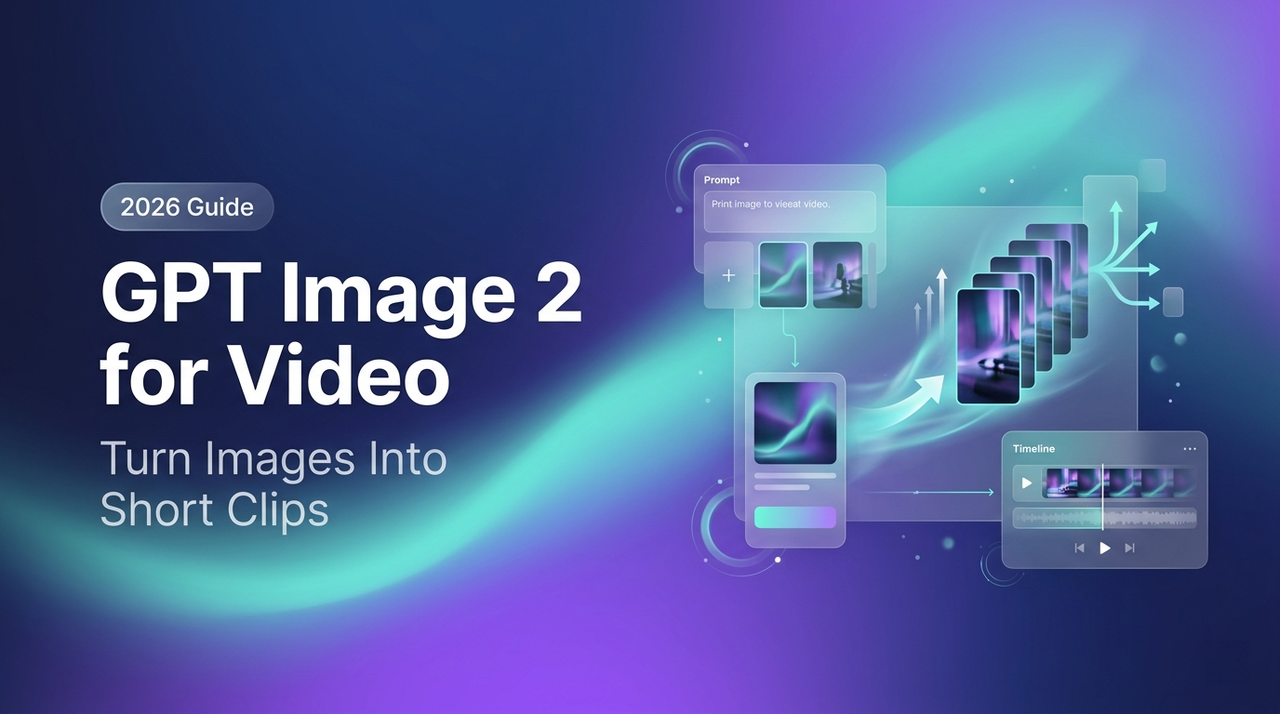
Same setup, same idea: one tool to generate the image, three to animate it. I timed everything using a real product shot and an actual deadline.
After testing GPT Image 2 outputs across multiple image-to-video models, one thing became clear: the bottleneck isn't the animation — it's the input image.
Quick note: what people used to call "GPT-4 image" is now GPT Image 2 (API: gpt-image-2), released by OpenAI on April 21, 2026 as ChatGPT Images 2.0. I'll stick with GPT Image 2 here.
The key insight is simple: if your image has poor composition, weak depth, or a messy background, even the best video model won't save it. But if you get the image right, the animation becomes much more reliable.
Here's what actually works in 2026 — and where it breaks.
Why Image Quality Determines I2V Output Quality
What makes a generated image "animation-ready"
I tested this wrong the first time. I generated a product flatlay with a heavily textured background, then fed it into Kling 3.0 expecting smooth motion. What I got was background shimmer, product edge artifacts, and three seconds of unusable footage. The image was visually clean. The problem was it gave the model nothing to anchor motion to.
An animation-ready image has three things the model can work with:
A single, unambiguous subject. I2V models read depth and parallax from object edges. Multiple overlapping subjects confuse the motion vectors — you end up with blurry seams where the model can't decide what should move and what shouldn't. One subject, clearly separated.
Directional depth cues. Flat, evenly lit images animate poorly. The model needs a foreground, a midground, a background — even implied. A subtle gradient, a soft shadow, a blurred background plane. These give the model something to push against when it simulates camera movement.
Clean negative space. Not empty — negative. There should be breathing room around the subject. This is what lets I2V models add natural motion like a slow zoom or gentle float without immediately hitting a compositional wall.
Image specs that reduce motion failure modes
I tracked re-edit rate across 40 generations over two weeks. Here's what correlated with lower failure rates:
Resolution: 1024×1024 minimum. GPT Image 2 now supports up to 2K resolution — generate at the highest quality tier you can afford, because I2V artifacts compound at lower resolutions.
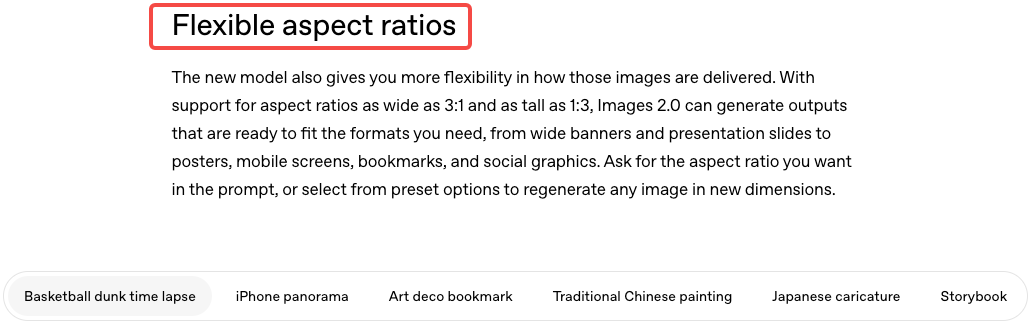
Aspect ratio: Generate in the ratio you'll animate. If you're making a 9:16 TikTok clip, generate the image at 9:16. Cropping after the fact shifts composition in ways that break the frame.
Lighting: Single-source or diffused. Hard cross-lighting creates edge noise when motion starts. Soft front or 45-degree lighting is most stable.
Background: Either solid, simple gradient, or intentionally blurred. A busy background with texture detail will shimmer on the first frame of motion — every single time.
When I followed these specs, my re-edit rate on I2V outputs dropped from around 65% to roughly 20%. That's the real stat that matters if you're running this at volume.
3 Use Cases Where GPT Image 2 Feeds Into Video
Product packshot → lifestyle motion clip
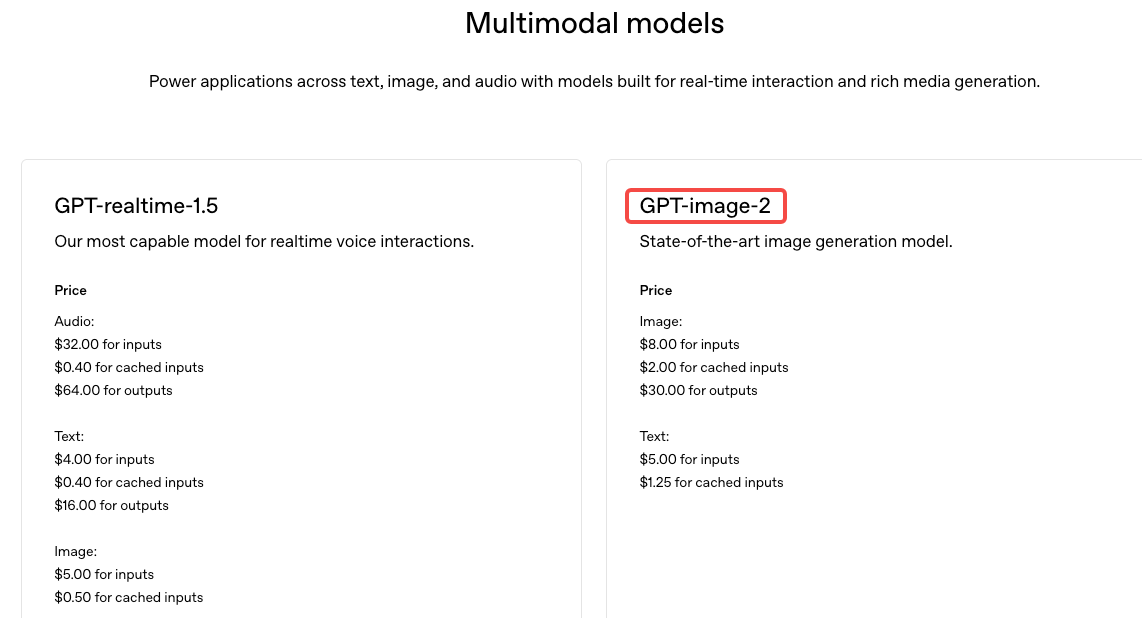
High-ROI for e-commerce. Generate a clean product shot, then animate it into a 4–6s rotation or float. This replaces a product motion shoot for most short-form ad use cases. Generation cost via the OpenAI API is $8.00 per 1M input tokens and $30.00 per 1M output tokens for GPT Image 2 — per-image cost lands roughly $0.02–$0.20 depending on resolution and quality tier. One lifestyle clip that previously needed a studio half-day now costs under a dollar in generation costs.
Worth noting: per OpenAI's terms of service, you own the output and can use it commercially, including in paid ads. That question comes up constantly — the answer is yes, with the same caveat that applies to all AI output: you're responsible for ensuring no third-party rights are unintentionally embedded.
Scene background image → cinematic short
Create an environment plate, then animate a slow pan or push-in. Add product or talking-head footage in post. It’s a cheaper, scalable alternative to licensing B-roll.
Social graphic → animated story card
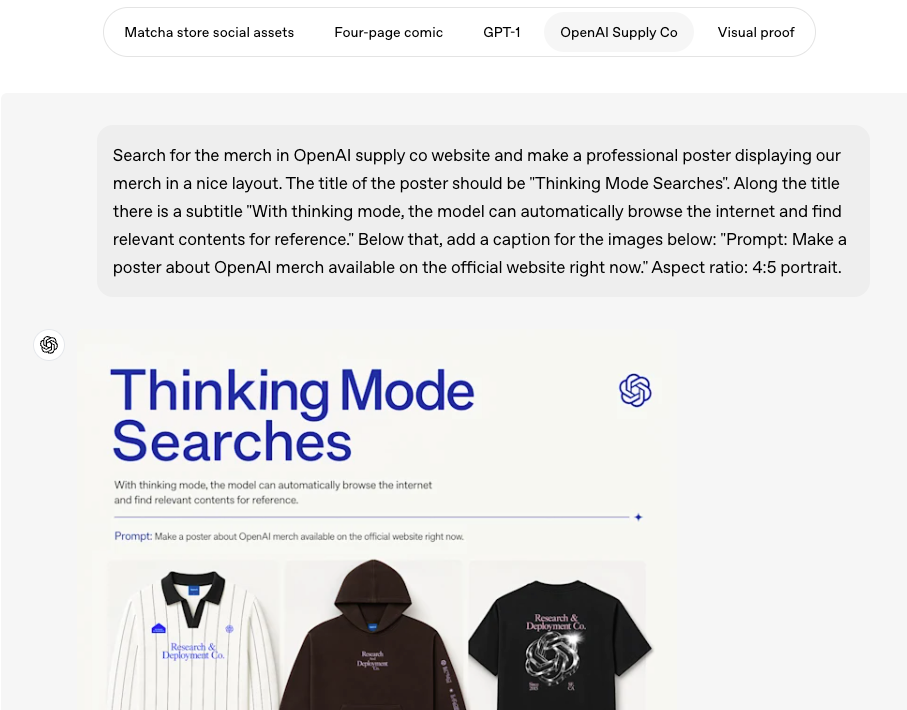
Surprisingly effective. GPT Image 2 handles text and layouts well, and simple designs animate more reliably. A basic zoom or motion effect can turn static graphics into usable story content with minimal rework.
How to Prompt GPT Image 2 for Video-Ready Outputs
Composition rules — single subject, clean background
The prompt structure that consistently produced animation-ready outputs in my testing followed this pattern:
[Single subject] + [specific lighting descriptor] + [background descriptor] + [depth indicator] + [what to exclude]Example: "a single glass bottle of olive oil, soft side light from the left, plain white-gray gradient background, subtle shadow on the surface below, no text, no props, no other objects"
The exclusion part matters. GPT Image 2 tends to add decorative extras if you’re vague. Calling them out upfront saves time.
A useful upgrade: GPT Image 2 can interpret intent. If you say the image will be animated (e.g. “for a slow zoom TikTok clip”), it often produces cleaner, more animation-friendly compositions.
Lighting and depth cues that help I2V models read the image correctly
Lighting affects motion, not just aesthetics:
Soft front lighting → stable, predictable motion
Dramatic side lighting → more dynamic, but higher risk of artifacts
For depth, explicitly add:
“shallow depth of field”
“slight background blur”
These improve subject-background separation, helping I2V models generate cleaner parallax and consistent motion.
Research into depth-guided image-to-video generation confirms that monocular depth signals — cast shadows, edge separation, object distance — are precisely the cues I2V diffusion models use to construct motion vectors and maintain temporal consistency. Prompting for them isn't a workaround. It's using the underlying mechanism correctly.
The Post-Generation Editing Pipeline
Animating with I2V models (what inputs to use)
My current stack:
Kling 3.0: Best for product animation and volume. Approximately $0.11–$0.17 per second (credit-based; aligns with official API and subscription tiers). Superior subject consistency across batches.
Runway Gen-4.5: When visual fidelity and camera-path control matter more than cost. Motion brush and precise pull-back / push-in / lateral drift controls make it ideal for hero content. Currently tops the Artificial Analysis Text-to-Video benchmark.
Veo 3.1: For talking-head compositing and native audio/lip-sync. Multiple reference-image “ingredients” support now make character and style consistency easier.
The practical recommendation from a 2026 AI video model comparison by TeamDay: don't commit to one model. Mix by content type. Kling for volume, Runway for control, Veo when audio matters.
Adding captions and text overlays for silent-first viewing
85%+ of short-form video is watched without sound on first scroll. The animated clip is only part of the asset. Captions and text overlays go on in post — this is not something I2V models do reliably.
My current workflow: animated clip exports out of the I2V tool, goes into a caption tool (auto-generated, then spot-corrected), and text overlays are added in a video editor with a template. The whole post step adds about 8 minutes per clip when the template is pre-built.
One less manual step. Every day. That adds up — and caption templating is where most of that time gets recovered.
Exporting to TikTok, Reels, Shorts specs
The three specs you're working with:
Platform | Aspect Ratio | Resolution | Max Duration |
TikTok | 9:16 | 1080×1920 | 10 min (ads: 60s) |
Instagram Reels | 9:16 | 1080×1920 | 90s |
YouTube Shorts | 9:16 | 1080×1920 | 60s |
All three major platforms (TikTok, Reels, Shorts) use identical 9:16 at 1080×1920. Generate and animate in that ratio. Horizontal ads require a separate pass — cropping almost always breaks composition.
Limitations of This Pipeline
Character consistency across multiple shots
This is the real constraint. If you need the same person or character across multiple clips, the GPT Image 2 → I2V pipeline still struggles.
GPT Image 2 can generate up to eight consistent images in one batch, which helps. But across separate I2V runs, small differences creep in — face shape, eye color, hair. For product-only visuals, it’s fine. For people or avatars, it’s a limitation.
Workarounds exist, but none are ideal: reuse the same seed image (less variety), or fix consistency in post. Tools like Kling 3.0 aim to solve this, but cross-tool workflows still introduce drift.
What GPT Image 2 cannot control — motion direction, timing
Image generation has no awareness of animation. You can’t design an image “for” a camera move — motion comes later.
So the workflow is always one-way: generate first, animate second. If the composition doesn’t fit the motion, you have to redo the image — not tweak the animation.
The practical fix: learn which image compositions work with which motions, and build a small library of reliable image-to-motion pairs. That’s more useful than any single prompt trick.
FAQ
Can GPT Image 2 outputs be used in commercial videos?
Yes. Under OpenAI's current terms of service, you own the output and can use it commercially, including in paid advertising. The caveat: the US Copyright Office has indicated that purely AI-generated works without meaningful human input may not receive copyright protection. For brand-critical assets, add enough human-directed specificity in the prompt and post-editing to establish meaningful creative authorship.
How do I access GPT Image 2?
Via ChatGPT — available to all ChatGPT and Codex users as of April 21, 2026, with advanced thinking features restricted to Plus, Pro, and Business plans. Also available via the OpenAI API as
gpt-image-2What I2V models work best with AI-generated images?
Kling 3.0 (volume + product), Runway Gen-4.5 (creative control), Veo 3.1 (audio sync). All accept static image inputs directly.
Can I maintain character consistency across shots?
GPT Image 2's multi-image generation (up to 8 per prompt) improves consistency within a single batch. Cross-session and cross-tool consistency — especially after the I2V step — still drifts. For product-only content, this limitation doesn't apply. For character-led campaigns, build in a manual QC pass.
Is this cheaper than buying stock footage?
For unique, brand-specific product assets: yes, significantly. For generic B-roll, stock can still compete once you factor in generation time. The pipeline shines at 5+ assets per week.
This pipeline is worth building if you're producing 5+ short-form video assets per week for product or e-commerce content. Below that volume, the setup time doesn't justify the efficiency gain. Above it, the image generation → animation → caption → export loop compounds into real hours saved per week.
If you're running a single campaign or testing the format for the first time: start with one product, one image prompt, one I2V model. Get that loop working before optimizing the stack.
Previous Posts: