

How to Edit TikTok Videos for Better Retention
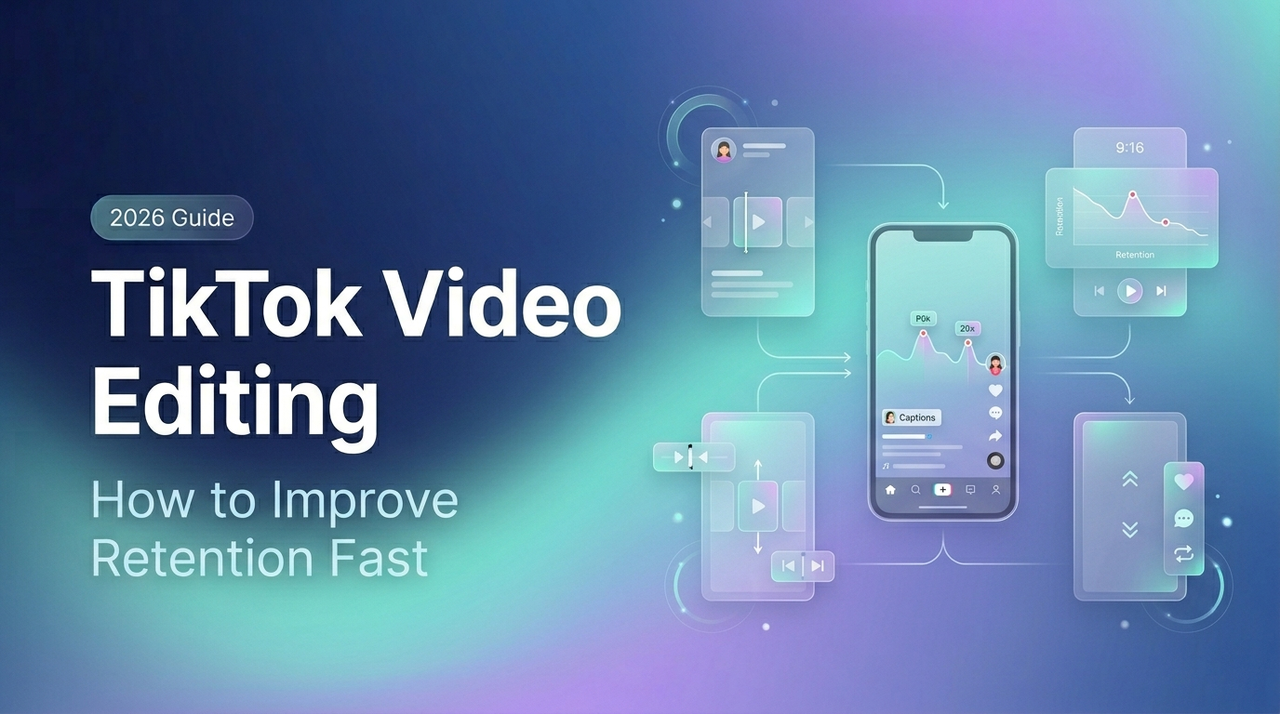
For a long time, I was stuck at 1–2 videos a day. Not because I had nothing to say — because editing ate everything.I'd spend 40 minutes on a single 30-second clip. Trimming, retiming, second-guessing every cut. Then I'd post it, check analytics the next morning, and watch the retention curve fall off a cliff at second 4. That's when I stopped blaming the content and started looking at the edit.
I'm Dora. This isn't a guide about making your TikToks look expensive. It's about editing for attention — the specific decisions that determine whether someone stays or scrolls, and why most creators get them wrong without ever realizing it.
What Makes TikTok Editing Feel Different
TikTok editing isn't film editing. It's not even YouTube editing. The rules are different — almost inverted — and that trips up a lot of creators who come from longer-format backgrounds.
Hook Speed and Screen Readability
The platform runs on speed. Users decide whether to keep watching within the first 1–3 seconds, and that decision happens mostly on instinct — not logic. According to TikTok hook retention data from 2025, videos that hold 70–85% of viewers in the first 3 seconds receive 2.2x more total views than those that don't. That gap is brutal. Miss the hook, and even a genuinely helpful video disappears.
Screen readability is part of the hook. Most people scroll with the sound off — especially the first time through. Your text, your framing, and your opening visual all need to communicate something worth stopping for before a single word is heard. Big fonts. High contrast. No cluttered UI fighting your subject.
Why Polished Is Not Always Better
Here's what I got wrong for months: I kept trying to make my TikToks look like they had a budget. Smooth transitions, color grading, the works. The engagement was flat.
The issue is that over-production can actually erode trust on TikTok. The platform rewards authenticity and speed, not gloss. A slightly rough cut that gets to the point in 2 seconds outperforms a cinematic intro every single time. Polished matters for brand safety and readability — not for performing like a broadcast commercial.
Before You Touch the Timeline
Editing decisions made before you open your software are often the ones that actually move the needle.
Decide the First-Second Payoff
Ask yourself one question before anything else: What does the viewer get in the first second? Not the first 10 seconds. The first one.
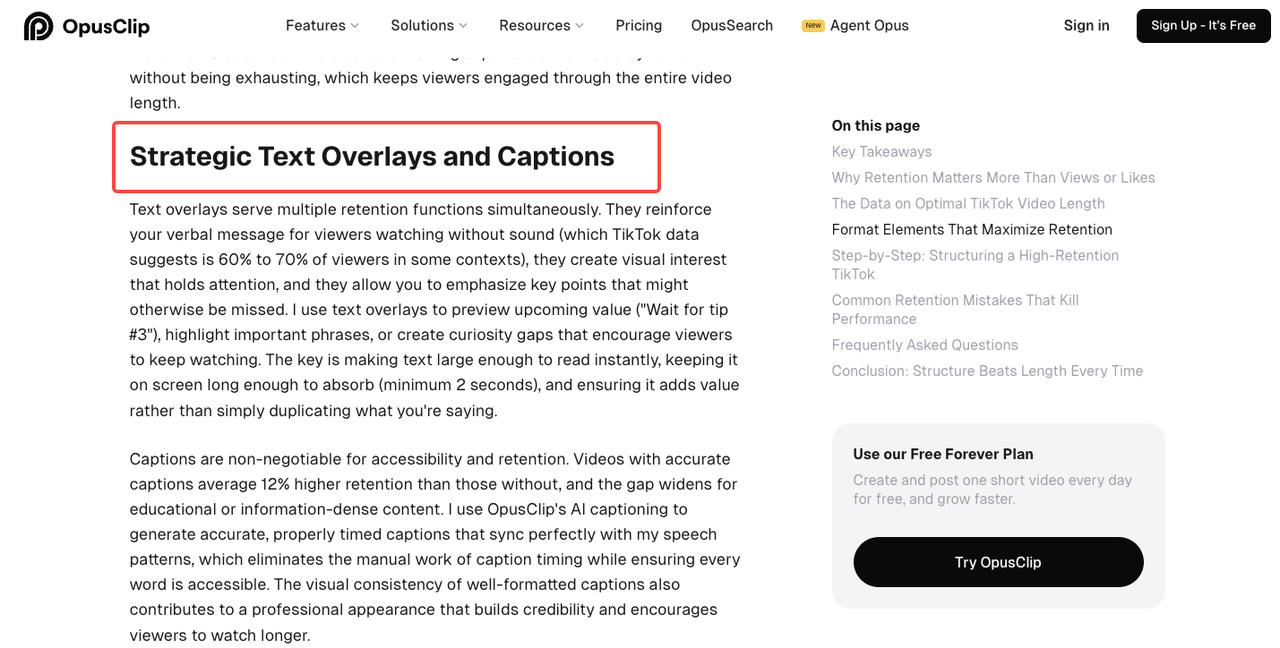
This can be a visual payoff (showing the end result before explaining the process), a bold text claim, or a spoken line that creates an immediate curiosity gap. According to the OpusClip retention guide, the strongest-performing hooks use a "promise-proof-payoff" structure compressed into three seconds. If you can't name your first-second payoff before editing, the edit won't fix the problem.
Match Edit Style to Content Format
Not every video needs the same approach. A fast-talking tutorial needs different pacing than a before/after product reveal. Decide upfront:
Is this a talking-headed video? Jump cuts will carry it.
Is this a product demo? Visual sequencing and text overlays matter more than talking speed.
Is this a reaction or storytelling format? Hold more frames — cutting too fast breaks the emotional arc.
Matching your edit style to your format prevents you from over-editing content that needs breathing room, or under-editing content that needs momentum.
How to Edit TikTok Videos Step by Step
Build the First 3 Seconds First
Don't start at the beginning and edit forward. Start at the hook.
Pull your strongest moment — the most visually interesting frame, the most specific claim, the most unexpected cut — and put it first. Then build backward and forward from there. This reversal of the usual editing workflow forces you to think like a viewer who might leave at any moment.
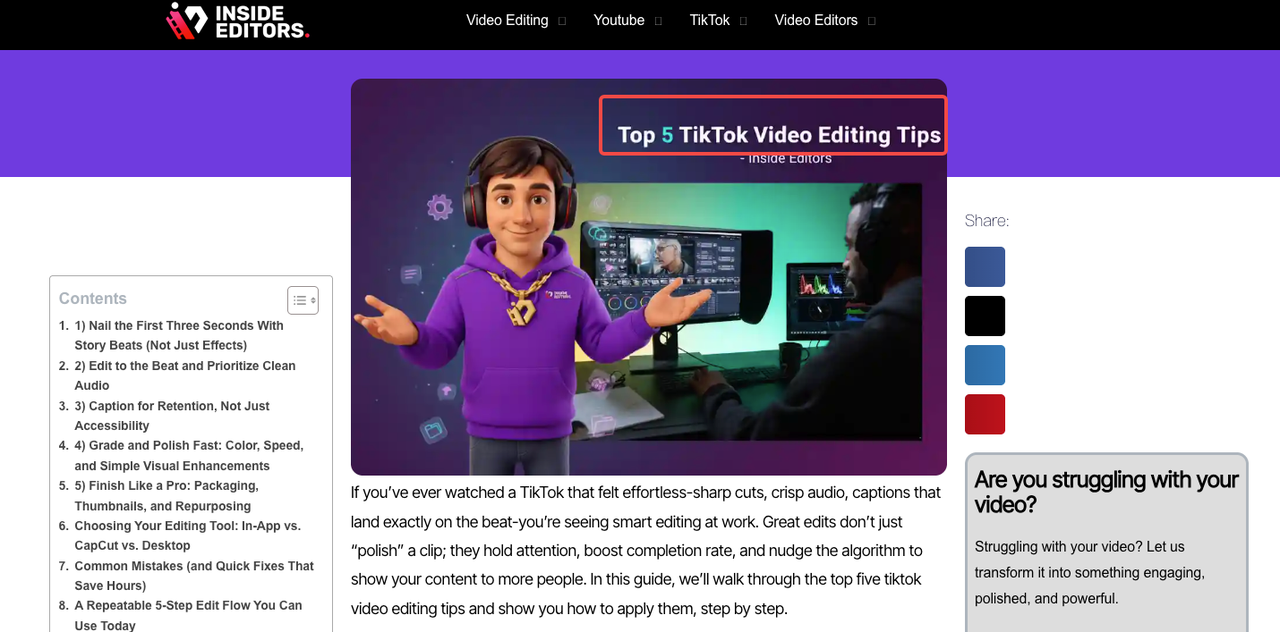
A reliable opening rhythm: cut every 0.8–1.5 seconds in the first 5 seconds to signal pace and energy, then slow slightly once the viewer is committed. Inside Editors' TikTok editing breakdown frames it clearly — the goal is intentional variety, not chaos. Movement should feel purposeful, not anxious.
Add Text, Jump Cuts, and Captions
Jump cuts are the workhorse of TikTok editing. Use them to remove every pause, every filler word, every moment where nothing is happening. They're not just for speed — they're for respecting the viewer's time. As described in Hooked AI's editing breakdown, the most effective jump cut practice transforms slow, meandering footage into something that feels energetic without feeling exhausting.
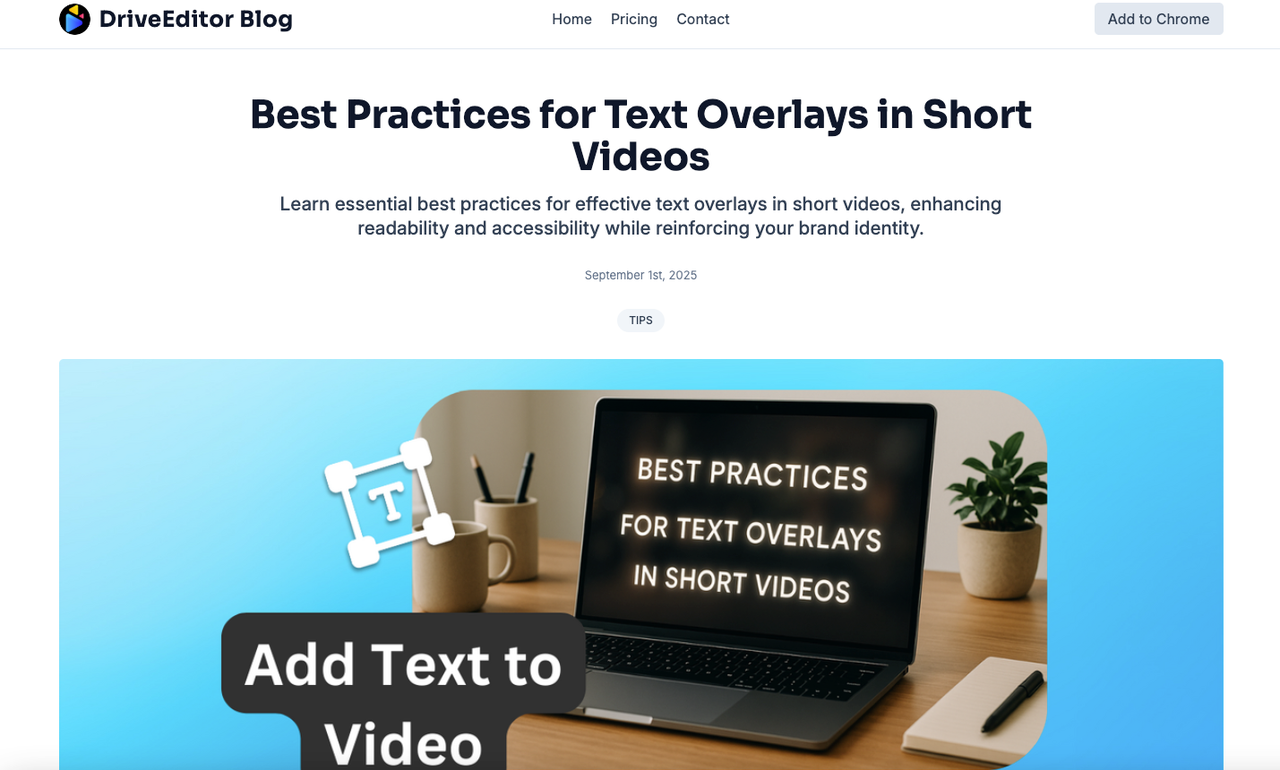
Text overlays do double duty: they emphasize key points and make the video watchable on mute. Keep phrases to 5–8 words per burst. Don't cover your face or your product. Place text in the upper or middle third of the frame — TikTok's UI elements eat the bottom and right edges.
Captions are non-negotiable in 2025. A significant share of viewers watch with sound off, at least initially. Auto-captions from TikTok are a good starting point, but clean them up — OpusClip's caption best practices point out that removing filler words from your transcript creates cleaner, faster-reading captions that don't fight your pacing. Word-by-word animated captions (popularized by Alex Hormozi) work especially well for educational content.
Match Editing Pace to Content Type
Fast content (tutorials, listicles, hot takes): cut every 1–2 seconds throughout, use text to reinforce verbal points, limit music to background level.
Slower content (storytelling, product reveals, emotional hooks): let cuts breathe at 3–4 second intervals once the hook is landed. Cutting too aggressively in narrative content fragments the emotional thread.
The key variable isn't speed — it's consistency of pace. Viewers adapt to your rhythm quickly. Disrupting it randomly feels like a glitch.
Editing Patterns That Usually Work Better
Talking-Head Clips
The biggest mistake with talking-head content is treating silence as an enemy. Cut every pause above half a second. Add a subtle zoom-in between takes to create a visual shift even when the camera position doesn't change — this gives the eye something new without a full location cut.
On-screen text for talking-head videos should mirror what you're saying, not introduce new information simultaneously. When the text and speech diverge, the viewer has to choose which to follow — and most will choose neither.
Product Videos and Demos
Lead with the result, not the setup. Show what the product looks like working — or what it looks like after — before explaining how it got there. This is a simple inversion that changes completion rate noticeably.
For demos, use text safe zone guidelines — position labels and callouts in the upper third to keep the product area unobstructed. If you're showing an app interface, anchor captions near the bottom of the product UI, not over it.
What to Avoid If You Want Better Completion Rate
A few patterns consistently kill retention, and they're surprisingly common:
Starting with context instead of value. "Hey guys, today I'm going to show you how to..." is a completion rate killer. The viewer doesn't need your intro. They need your first point.
Over-relying on transitions. Whip pans and zoom punches are attention tools, not storytelling tools. One or two per video, max. More than that and they stop signaling energy — they start signaling filler.
Inconsistent caption timing. If your captions consistently appear a beat late, viewers fall out of sync and start reading instead of watching. Caption sync issues are one of the invisible friction points most creators never audit. According to Metricool's TikTok length and format guide, completion rate is the algorithm's core signal — and anything that creates friction mid-video chips away at it.
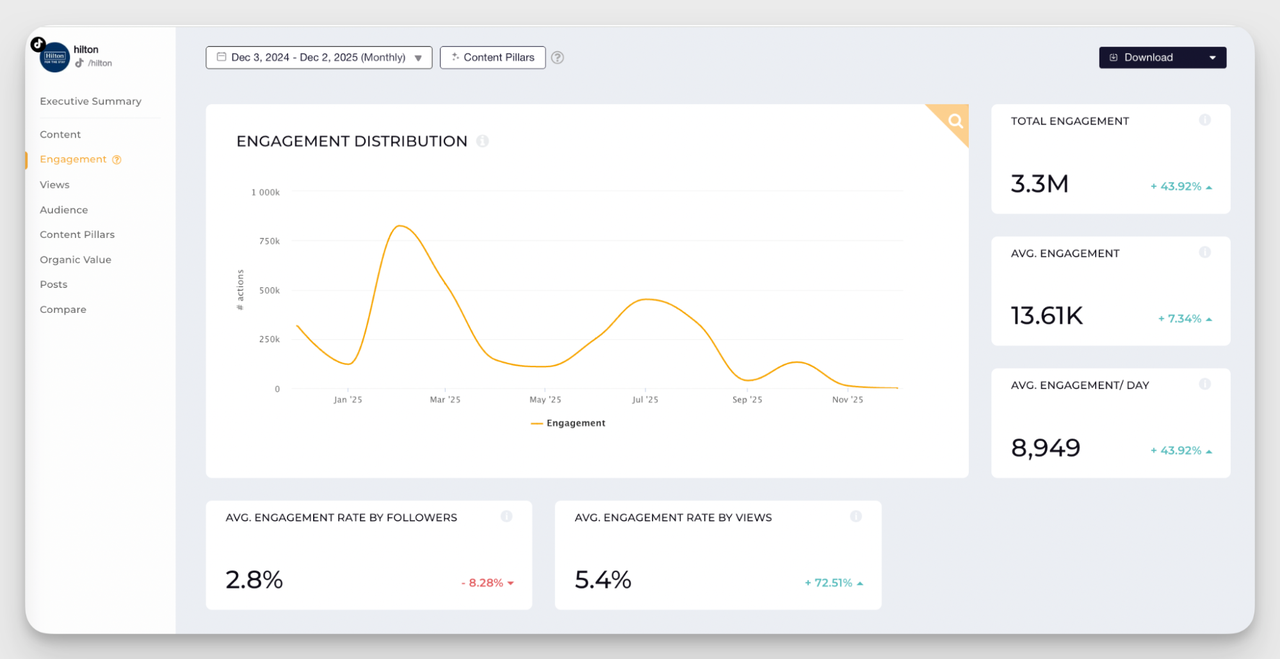
Ignoring the retention graph. Post, then check your analytics. The drop-off curve tells you exactly where viewers leave. If they're gone at second 4, your hook failed. If they're gone at second 12, you delivered the hook but didn't justify staying. Treat every video's analytics as a debugging session.
FAQ
Q1: How long should my TikTok video be for the best completion rate?
For most content aimed at reach and virality, 15–45 seconds hits the sweet spot. Videos under 15 seconds achieve around 92% completion rates on average — but they need a strong hook just as much as longer ones. If your content genuinely requires more depth, 60–90 seconds can work if retention stays solid throughout.
Q2: Do jump cuts look unprofessional on TikTok?
Not at all — jump cuts are the platform's native editing language. What looks unprofessional is a jump cut with inconsistent audio levels or a visible position jump that feels like a mistake. Keep your framing consistent across takes and the audio smooth, and jump cuts read as confident editing, not laziness.
Q3: Should I add captions even if I speak clearly?
Yes, always. A large portion of TikTok viewers scroll with sound off initially, especially in public. Captions don't just serve accessibility — they keep your video performing for the sound-off audience, which is a meaningful slice of your total views.
Q4: What's the biggest editing mistake that hurts completion rate?
Starting with an intro instead of a payoff. Any opener that delays the actual value — greetings, channel intros, lengthy setups — costs you viewers before your content even begins. Get to the point in the first second. Everything else can come after.
Q5: Does editing quality actually affect how TikTok distributes my video?
Indirectly, yes. TikTok's algorithm doesn't assess editing quality directly, but it measures completion rate, rewatch rate, and early retention — all of which are heavily influenced by how well the video is edited. A tight edit that holds viewers longer sends stronger algorithmic signals than polished-but-slow content. Better editing equals better retention metrics, which equals broader distribution.
Previous posts: