

MiniMax Music 2.6 for Video Creators: AI BGM That Actually Fits
Hey everyone, Dora here. I've been sitting on this topic for a few weeks. Not because I didn't have an opinion — I did, from the first hour — but because I wanted to run it long enough to know if it actually holds up in a real workflow, not just a demo.
Short verdict: MiniMax Music 2.6 is the first AI BGM tool I've reached for more than twice. That's a higher bar than it sounds. Here's what you need to know before you go test it yourself.
Why BGM Is Still a Problem for Short-Form Creators
Copyright strikes on TikTok and YouTube Shorts — what triggers them
The rules are not the same across platforms, and they change constantly. A lot of creators find this the hard way.
YouTube Shorts has a specific ceiling most people ignore: according to YouTube's copyright strike guidelines, Shorts under 60 seconds can draw on the platform's licensed music library, but anything over 60 seconds loses that protection entirely. At 61 seconds, you're using copyrighted music without a valid license. This is why experienced creators cap their shorts at 59 seconds if they're using trending audio.
TikTok is stricter for business and monetized accounts. Per TikTok's commercial music policy, branded content must use tracks from the Commercial Music Library — most mainstream songs are off-limits. TikTok's detection AI picks up music even at low volume in the background, which means accidental copyright violations are common on product demo videos and ads.
So you've got three scenarios that play out differently:
Personal content with trending audio → usually fine
Monetized content with unlicensed audio → risky
Brand or paid ad content outside the Commercial Music Library → actively dangerous for your account
Stock music limitations — wrong mood, generic sound
I tracked BGM sourcing time across 12 product videos and spent at least 8 minutes per video searching, previewing, and adjusting. That adds up to nearly 1.5 hours for a batch that should have taken about 25 minutes.
The issue is specificity. Stock libraries can give you “upbeat,” “chill,” or “corporate,” but they can’t deliver something precise like a 60-second lo-fi track with a tension build at the 40-second mark for a product reveal. You get the general vibe, but rarely an exact fit.
What royalty-free AI music changes in the day-to-day workflow
The value of AI BGM isn’t novelty — it’s time savings. If you’re producing 5–8 videos a day and spending even 5 minutes per video on music, that’s 25–40 minutes lost daily.
AI generation reduces that to seconds. The real question is whether the output is good enough to avoid re-editing, and that’s where 2.6 starts to make a difference.
What's New in MiniMax Music 2.6
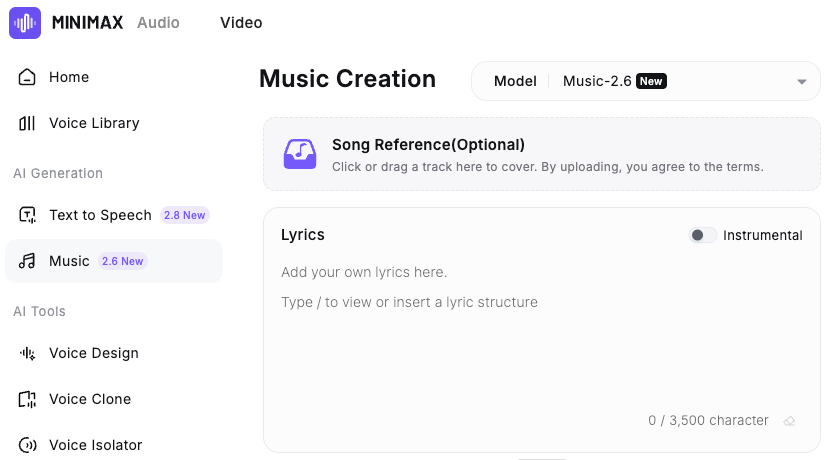
Released on April 10, 2026, MiniMax Music 2.6 introduces two new capabilities over the previous version: an AI Cover mode that transforms an existing track into a new style while preserving its melody, and a Lyrics Optimizer that generates lyrics from a style prompt. For pure BGM workflows, Cover is the more practical option, while Lyrics Optimizer is mainly useful when you need vocal tracks.
The Cover feature — what it does and when to use it
I went in skeptical. "Style transfer for melody" sounds impressive on a spec sheet and often falls apart on real audio.
Here's what it actually does: you upload a reference track, the model extracts its melodic skeleton, and then rebuilds that skeleton in whatever genre, arrangement, or instrumentation you specify. The pacing and melodic arc of the original are preserved while everything else changes completely.
In practice, I used a reference track with a specific energy rise at the 30-second mark for a 45-second product video. The generated output matched that timing in a completely different style, without requiring me to manually describe the structure. That was not something I expected to work reliably, but it did.
When to use Cover: when you have a reference with the right structure but wrong genre or licensing. You're using it as a timing template.
When not to use Cover: when you're starting from scratch and don't have a structural reference in mind. Direct prompting is faster in that case.
Faster generation and better emotional control
The MiniMax Music 2.6 API documentation puts the end-to-end chunk latency at under 25 seconds for first output — down from over 60 seconds in the previous version. If you're generating 6–8 variations to find the right fit, the difference between 20 seconds and 90 seconds per attempt is real in a batch workflow.
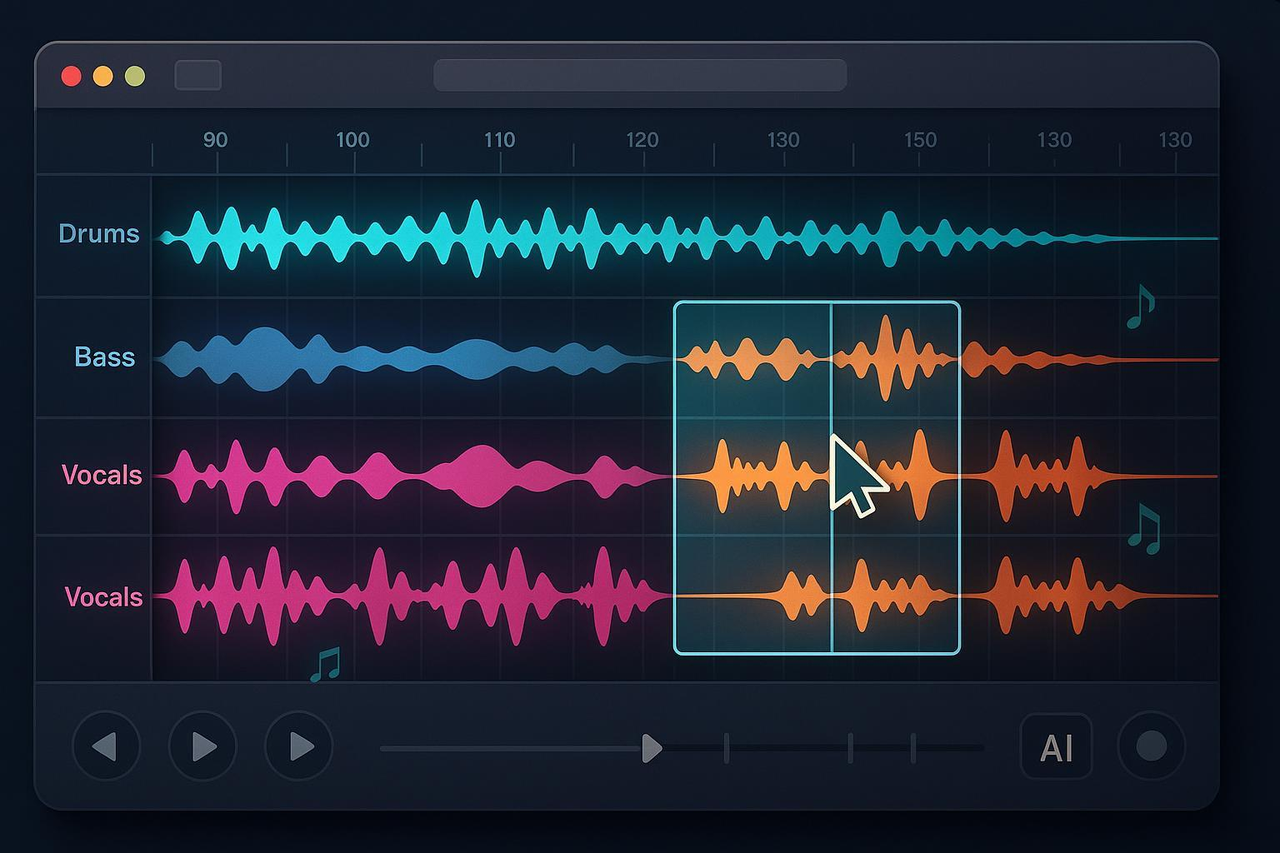
The emotional control improvements are less easy to quantify. What I can say is that the gap between "what I described" and "what it generated" was tighter than 2.5. Prompting for "building tension → release → calm outro" came out more consistently accurate. Not perfect — I regenerated twice on 3 of my 12 videos — but the hit rate was meaningfully higher.
Acoustic improvements relevant to short-form listening
This matters more than it gets credit for. Most short-form BGM is heard on phone speakers at low volume, where poor bass makes tracks sound thin.
Music 2.6 improves this with a cleaner low end that translates well across devices. In my tests on phone speakers and AirPods, it held up better than previous AI music tools I’ve used.
How to Prompt Music 2.6 for Your Video Type
The output quality is almost entirely determined by prompt specificity. Vague prompts produce vague music.
Matching mood to content category
Content type | What to include in your prompt |
Product demo / unboxing | BPM range, energy arc (build → peak → fade), genre feel |
Vlog / talking head | Consistent low-energy bed, no dramatic shifts, genre |
Trend video / fast cuts | High BPM, strong beat presence, genre |
E-commerce ad | Specific emotional tone, target duration, instrument type |
A prompt that worked well for a 30-second product clip:
"Lo-fi hip hop, 75 BPM, warm and slightly optimistic, light piano, soft percussion, no vocals, slow fade at 25 seconds."
A prompt that didn’t:
"Upbeat track for a product video."
Not wrong — just too broad to be useful on the first pass.
According to the API, specifying exact BPM and key (e.g., “E minor, 90 BPM”) matches the output over 99% of the time. This level of precision is new in 2.6 and makes it much easier to sync with your edit without repeated regenerations.
Genre and style combinations that hold up on mobile speakers
From my testing, these combinations produced tracks that consistently survived the phone speaker listening test:
Lo-fi hip hop + light piano (very consistent, works for most product content)
Acoustic pop + soft percussion (strong for lifestyle and vlog content)
Minimal electronic + sustained pads (works for tech and SaaS product demos)
What didn't survive mobile listening as reliably: heavy bass drops, orchestral builds with lots of low strings, anything with complex drum layering. Not unusable — just needed more careful preview passes before committing.
Setting duration for 15s, 30s, and 60s edits
Music 2.6 can generate tracks up to 6 minutes, but for short-form BGM you won’t need that length. A better approach is to generate your target duration plus a 5-second buffer—e.g., 35 seconds for a 30-second video, or 65 seconds for a 60-second cut—then fade at the edit point.
Structure tags like [Verse] or [Chorus] are useful for vocal tracks, but for pure BGM they’re unnecessary. Using BPM, duration, and a clear emotional arc is faster and gives more reliable results.
Generate → Sync → Publish Workflow
This is the actual production sequence I used across 12 videos in a real batch — not the "here's how the tool works" version.
Exporting the audio file
Generate → download as WAV for anything going into post-production (WAV format is available at 44.1kHz / 256kbps). All generated tracks are cleared for commercial use including YouTube, TikTok, Reels, and paid ad placements — no additional licensing required.
Save to a clearly labeled folder by content batch. Don't rename files during the session. Rename at end-of-day. One fewer decision per video adds up.
Syncing BGM to video beat points in post-production
BGM from MiniMax doesn't auto-sync to your cut points — that step is still manual. But it's faster than stock hunting because you already know the BPM and emotional arc.
My sequence: rough cut first → identify the major visual beat point (product reveal, movement shift, text pop-in) → generate music with the energy arc timed to that point → layer in post.
Three passes of this is still faster than 20 minutes in a stock library. The break-even point happens somewhere around the 3rd video in a batch.
Loudness check — mobile speaker listening test before publishing
Before any export: AirPod pass at 40% volume, then phone speaker pass at 60% volume. If the BGM drowns the voiceover or disappears entirely, it goes back for a new generation with adjusted parameters.
This takes 90 seconds. Skipping it costs a republish. Not worth skipping.
Limitations to Know Before You Rely on It
This is the first AI BGM tool I've kept in the stack past the first week. That doesn't mean there are no gaps.
What Music 2.6 still can't do
No auto-sync to beat markers. Cover preserves structure but doesn’t align with your edit timeline, so audio placement is still manual.
No direct platform integration. You need to download and import the file yourself, which adds extra steps at scale.
Regeneration isn’t zero. In my test, 3 out of 12 tracks (25%) needed another pass—still faster than stock, but not frictionless.
No section-level editing. You can’t adjust individual parts after generation; any changes require regenerating the entire track.
What "royalty-free" actually covers — and what it doesn't
This deserves more attention than most tool reviews give it. According to music licensing guidance for content creators, "royalty-free" in most contexts means no ongoing per-use royalty fees — but it still requires a license that covers your actual use case. The two things are not the same.
For MiniMax Music, the documentation consistently states that tracks are cleared for commercial use, including YouTube, TikTok, Reels, and paid ads, with no additional fees.
That said, if you’re using generated music in ads, it’s smart to keep a record of the prompt and timestamp in case any disputes arise.
Bottom line
Worth trying if you're producing 5+ videos per day and spending real time hunting for BGM. If you're doing one video a week, your existing stock library or the YouTube Audio Library probably covers enough ground — the overhead of adding a new tool doesn't pay off at low volume.
If BGM sourcing is a genuine daily time sink, though — this is the one I'm currently keeping in the stack.
FAQ
Q: Is MiniMax Music 2.6 free? MiniMax launched a 14-day free trial alongside the April 10, 2026 release. Trial status and post-trial pricing should be confirmed directly on the MiniMax Music pricing page — this will shift as the beta period ends.
Q: How long can tracks be? Up to 6 minutes per generation. For short-form BGM workflows, you'll rarely need more than 90 seconds. Generate your target duration plus 5 seconds of buffer.
Q: Is there a mobile app? Current workflow is browser-based. No native mobile app as of April 2026. You generate on desktop, download the file, then sync in your mobile editor.
Previous Posts: