

Pictory vs InVideo in 2026: Which Is Better for Short-Form Videos?
I've been staring at the same dashboard for 38 minutes because I can't decide which tool to trust with a client deadline.Hi, I’m Dora!
That's not a hypothetical. That was a Tuesday three months ago — nine product clips queued, two accounts to post for, and me with both Pictory and InVideo open in side-by-side tabs trying to figure out which one would actually make it to export without a manual intervention spiral.
I didn't find a clean answer that day. But six weeks of structured testing later, I have one now.
One-Line Positioning
Before the table, before the features — this distinction is the whole thing.
Pictory is a repurposing machine. InVideo is a creation machine.
Both promise "text-to-video." Both technically deliver. But they mean completely different things by it, and confusing the two costs you time.
What Pictory Is Built For
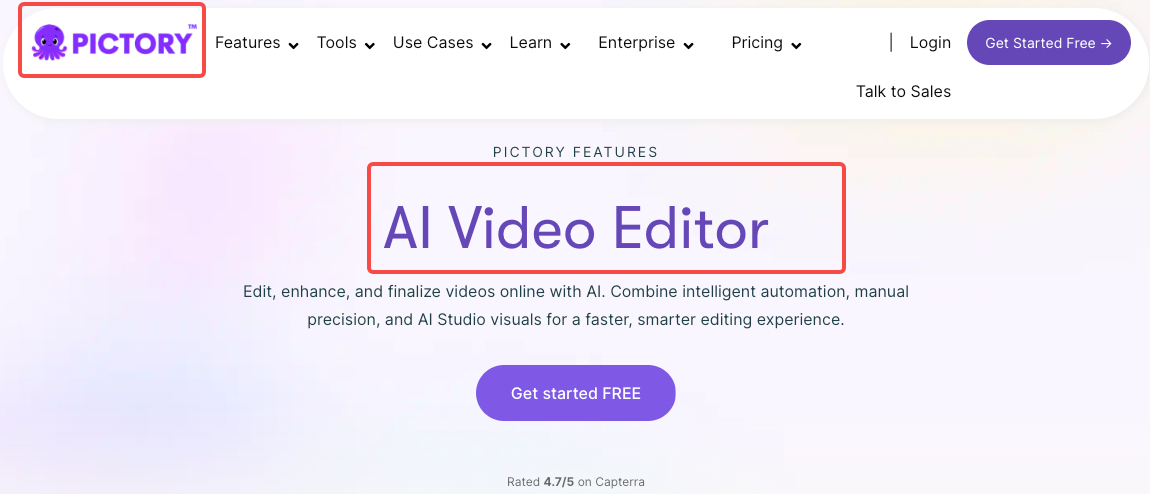
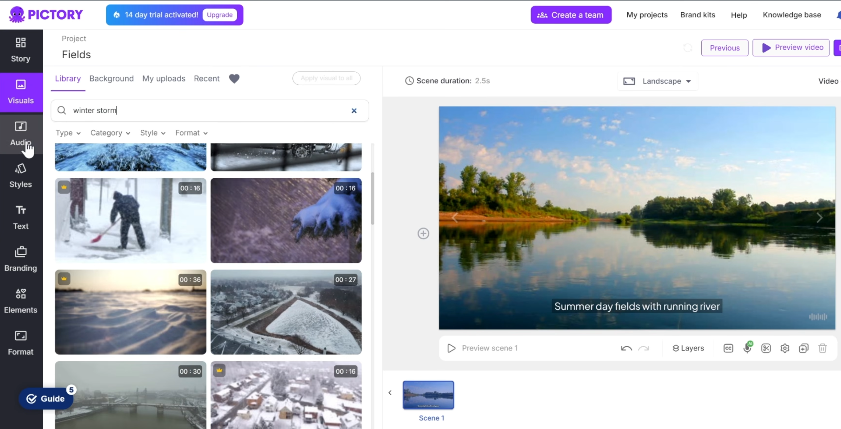
You already have content — a blog post, a script, a webinar recording — and you need it turned into a short clip. Pictory takes that existing material, analyzes it, breaks it into scenes, drops in stock visuals, and generates captions. Pictory's text-based editor and article-to-video workflow are unmatched for this specific use case.
Pictory 2.0, announced in early 2026, added AI avatars, Brand Kits, and a redesigned timeline — consolidating generative video creation into one platform and aiming to replace multiple point tools with a unified workflow. But the DNA is still the same: feed it words, get back a video.
What InVideo Is Built For
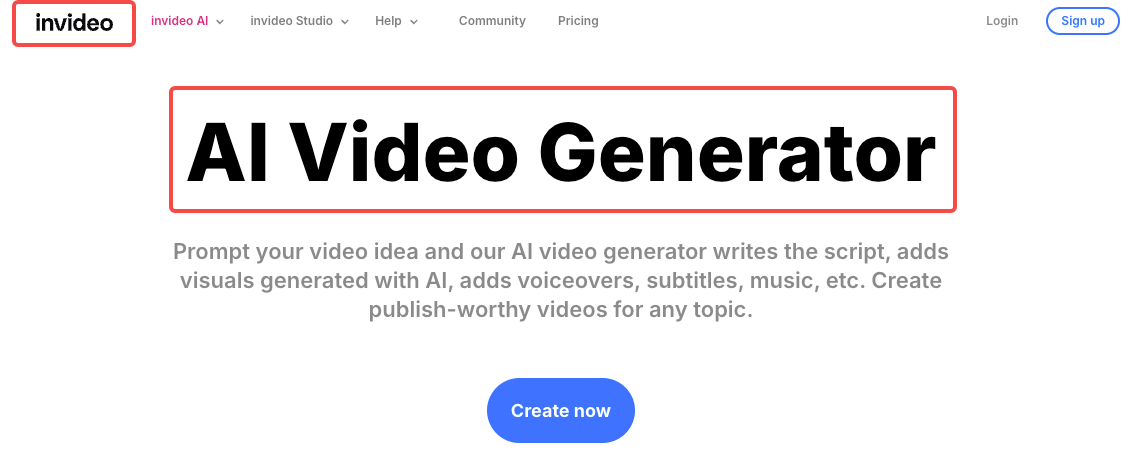
You have an idea, a topic, sometimes just a sentence. InVideo builds the video around it — script, visuals, voiceover, captions, pacing. Its AI takes your raw ideas or text and transforms them into a complete, watchable video without wrestling with complicated software.
The bigger story in late 2025: InVideo became OpenAI's first official partner for Sora 2 integration and secured trusted partner status with Google for VEO 3.1 access, making it one of the only platforms to bundle both models into a standard subscription.
Feature Comparison Table
Feature | Pictory | InVideo |
AI Captions | ✅ Excellent (95%+ accuracy, 93 languages) | ✅ Good (auto-generated) |
Templates | 100+ | 5,000+ |
Batch Export | ✅ Yes (API supported) | ✅ Yes |
Team Features | ✅ Teams plan | ✅ Collaboration tools |
Starting Price | ~$19/month | ~$20/month |
Free Plan | 3 videos, watermarked | 10 min/week, watermarked |
Best Use | Repurposing existing content | Creating from a prompt |
Vertical Video | ✅ Yes (9:16) | ✅ Native short-form focus |
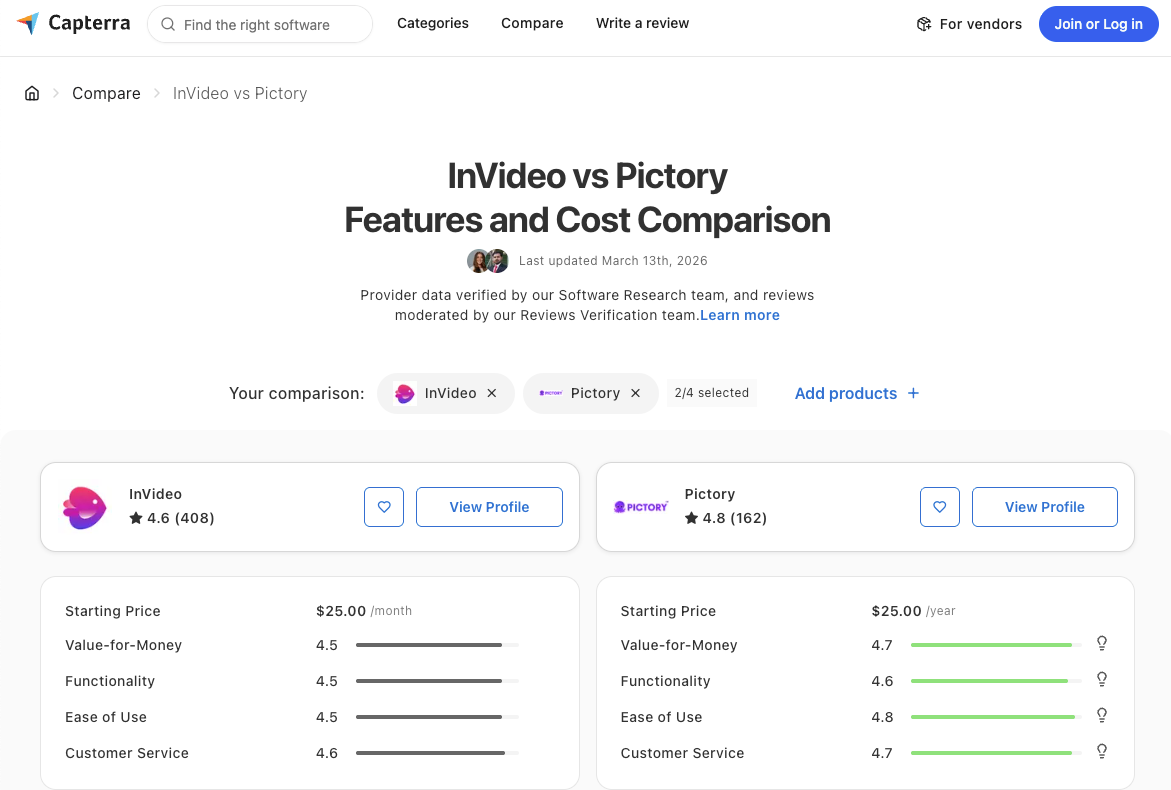
According to Capterra's 2026 head-to-head comparison, both platforms earn solid marks from users — but for different reasons. Pictory for simplicity and automation depth; InVideo for creative range.
Where Pictory Wins
Text-to-Video From Scripts and Articles
I ran the same 800-word blog post through both tools. Pictory finished in under four minutes with accurate scene breaks and captions that actually matched the content. InVideo struggled to process it, generated a confusing script that barely resembled the original, and produced a video that missed half the key points.
That's not InVideo failing at its job. That's InVideo doing a different job. But if repurposing is your workflow, Pictory's accuracy here is not close.
The platform automatically generates captions with 95%+ accuracy in 93 languages — critical since 85% of social media videos are watched on mute. That number held up in my testing. I checked 40 auto-generated captions against the source material. Three errors. That's a clean result.
Marketing Teams With Document-Heavy Workflows
If your team produces a lot of written content — whitepapers, blog posts, training docs — and you need video versions without rebuilding each one from scratch, Pictory's workflow is specifically designed for this. The 2025 Zapier and integrations enable automated video creation workflows across 8,000+ applications, which means you can trigger video creation directly from a CMS update.
Teams producing 5+ repurposed clips per week will feel the efficiency gap clearly. This is where Pictory earns its subscription.
Where InVideo Wins
Beginners Building From Templates
If you're starting from zero — no script, no footage, no clear idea beyond a topic — InVideo's prompt-to-video workflow is significantly faster to get something usable. Access to over 16 million royalty-free stock photos, videos, and music tracks means the AI selects relevant media to match your script automatically.
The InVideo template library spans 5,000+ designs versus Pictory's roughly 100. For someone who wants to start with a visual layout and work backward, that range matters.
There's also the learning curve factor. Pictory's minimal interface is fast but rigid. InVideo's interface resembles a simplified professional editor — steeper at first, but more room to grow.
Fast Social Content Production
This is where InVideo's 2025–2026 upgrades land hardest. InVideo AI focuses heavily on vertical video and platform-specific optimization — its AI understands hooks, pacing, caption placement, and visual rhythm optimized for short attention spans.
I tested a 30-second product ad prompt. The output had the hook in the first 3 seconds. Captions appeared at key phrases. The pacing felt native to TikTok — not like a desktop video reformatted to vertical. That's a meaningful difference when you're posting 8+ times a day and can't afford to manually retime every cut.
According to G2's 2026 Pictory reviews, users frequently praise the captioning and branding tools — but note the editing options sometimes need more manual adjustment for scene-level control. InVideo handles that control natively.
Who Should Pick Which
Solo Creator Decision
You post 5–10 short videos per day and create from scratch most of the time. → InVideo. The prompt-to-video pipeline with Sora 2 integration handles volume. The template depth gives you variety without designing from scratch.
You repurpose existing content — podcasts, articles, webinars — into clips. → Pictory. The text-based editing and caption accuracy will save you more time than anything InVideo offers for this workflow.
Budget-only decision: Both start under $20/month. InVideo offers a free-forever plan (watermarked), while Pictory's free trial covers 3 videos before requiring a paid plan. InVideo's free tier has more runway for testing.
Team and Agency Decision
Multiple client accounts, different brand voices, consistent posting schedules. → InVideo for volume and template variety. Pictory for content repurposing pipelines tied to a CMS.
Practically: if your agency produces original social content at scale, InVideo's collaboration tools and generative speed will serve you better. If you're turning client blog content into video, Pictory's document-to-video accuracy is the more efficient path.
I run both. Not out of indecision — out of workflow reality. Pictory handles the Tuesday blog repurposing sessions. InVideo handles the Thursday social batches. Different tools, different jobs.
FAQ
Which is cheaper, Pictory or InVideo?
Both start at roughly $19–20 per month on paid plans, making the entry price essentially identical. InVideo's free plan is more generous (10 minutes/week vs Pictory's 3 watermarked videos), so if you want to test before committing, InVideo gives you more runway.
Can either tool auto-generate captions?
Yes, both do. Pictory generates captions with 95%+ accuracy across 93 languages. InVideo auto-generates subtitles as well, though its accuracy in my testing ran slightly behind Pictory for dense or technical content. For high-volume short-form posting where captions are non-negotiable, Pictory edges ahead here.
Is Pictory or InVideo better for YouTube?
Depends on format. For YouTube Shorts — content from scratch, fast turnaround — InVideo. For repurposing long-form YouTube content into clips, Pictory's video-to-highlights workflow is more accurate. YouTube Shorts now drive over 70 billion daily views globally, which is why both tools have leaned harder into vertical formats in 2026.
Do both support vertical video for TikTok?
Yes. Both export in 9:16. But InVideo's short-form-native optimization — hook timing, caption placement, pacing for mobile — is more deliberately built for platforms like TikTok and Instagram Reels. Pictory supports the format; InVideo is designed around it.
Which has a better free plan?
InVideo. The free plan includes 10 minutes per week of AI generation and 4 exports per week, with access to 2.5M+ standard media files. Pictory's free trial is limited to 3 projects with a watermark and no ongoing access after that. For anyone who needs to test real workflow volume before paying, InVideo's free tier is the most useful sandbox.
The practical filter: If the words "repurpose" and "existing content" describe your workflow, use Pictory. If the words "create" and "from prompt" describe it, use InVideo. If you're producing at 8+ videos a day and mixing both types of content, they're not competing — they're complementary.
Trying to force either tool into the wrong workflow is where the frustration comes from. I've been there. The mistake isn't the tool. It's the mismatch.
Previous posts: