

Runway Alternatives for AI Video Creators
Hey, I'm Dora. Okay, real talk. Six months ago, I was convinced Runway was the only serious option for AI video. I'd built my whole workflow around it. Then my credits ran out mid-batch on a Tuesday — I had eight product clips to deliver by end of day — and I had a full-on panic spiral.
That forced me to actually try the alternatives. I ended up testing a broader list of AI video generators worth testing beyond just Runway. Not just poke around for 20 minutes and write it off, but really use them. Weeks of testing. Dozens of clips. Real deadlines.
Here's what I found — including the stuff the tool companies definitely don't want you to know.
Why People Search for Runway Alternatives
Style Preferences, Speed, and Cost
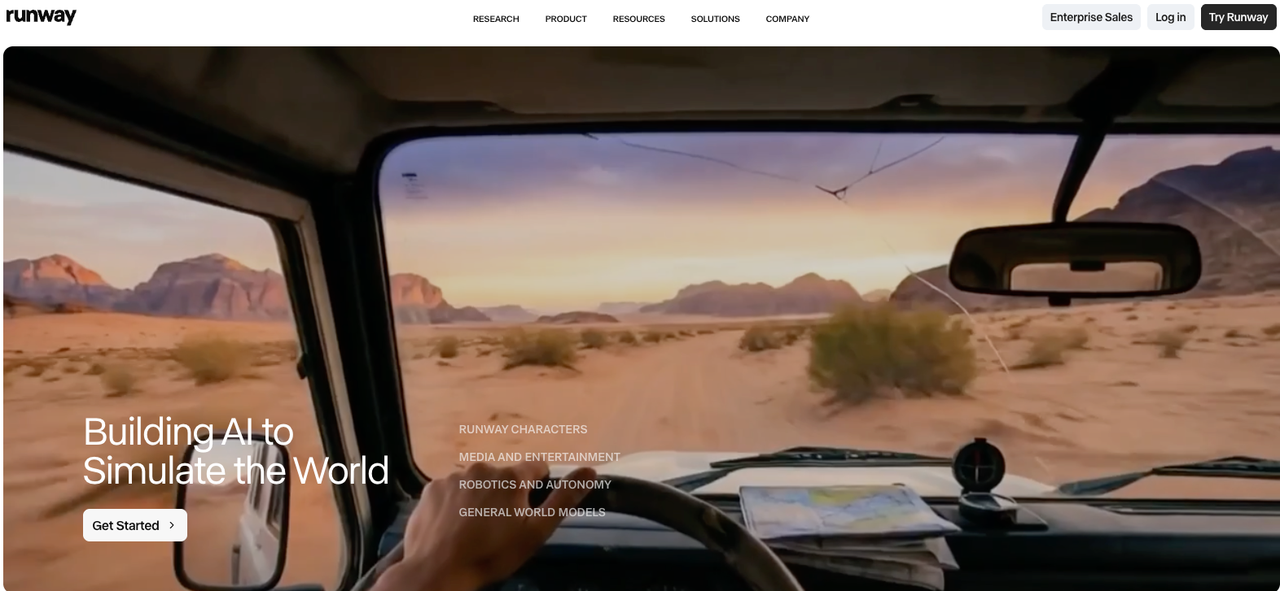
Let me be blunt: Runway is good. The cinematic motion quality in Gen-4 is genuinely impressive, and if you're doing narrative film work or high-end ad production, it's hard to argue with the results. Runway's Gen-4 model outputs at 720p or 1080p with character consistency across shots — something a lot of cheaper tools still can't reliably do.
But here's the thing — most of us aren't making mini-films. We're making TikToks. Product demos. Quick explainers. And for that use case, Runway's credit model starts feeling punishing fast. A 10-second clip in standard mode burns credits like you're lighting money on fire, and the turnaround time on non-turbo mode can stretch longer than I'd like when I'm trying to batch 10 videos before noon.
Speed matters when you're posting daily. A tool that produces "pretty good" in 45 seconds beats a tool that produces "stunning" in 8 minutes — especially if you're iterating through 15 versions to find the one that feels right.
When Runway May Feel Limiting
Three situations where I kept hitting a wall with Runway:
Batch production. I need volume. This is where many creators start exploring how to automate video production beyond single tools. When I'm repurposing a product video into 6 different formats for different platforms, I don't want to babysit each clip through a credit-by-credit process.
Social-first formats. Runway's strongest outputs tend to skew cinematic and wide. Getting that same quality in a 9:16 vertical with snappy, social-native pacing takes more prompt engineering than I want to spend.
Cost at scale. Once you're producing 5-10 videos daily, the math on Runway's pricing stops making sense unless you're running a proper studio budget.
Best Runway Alternatives
Best for Cinematic Results: Kling AI
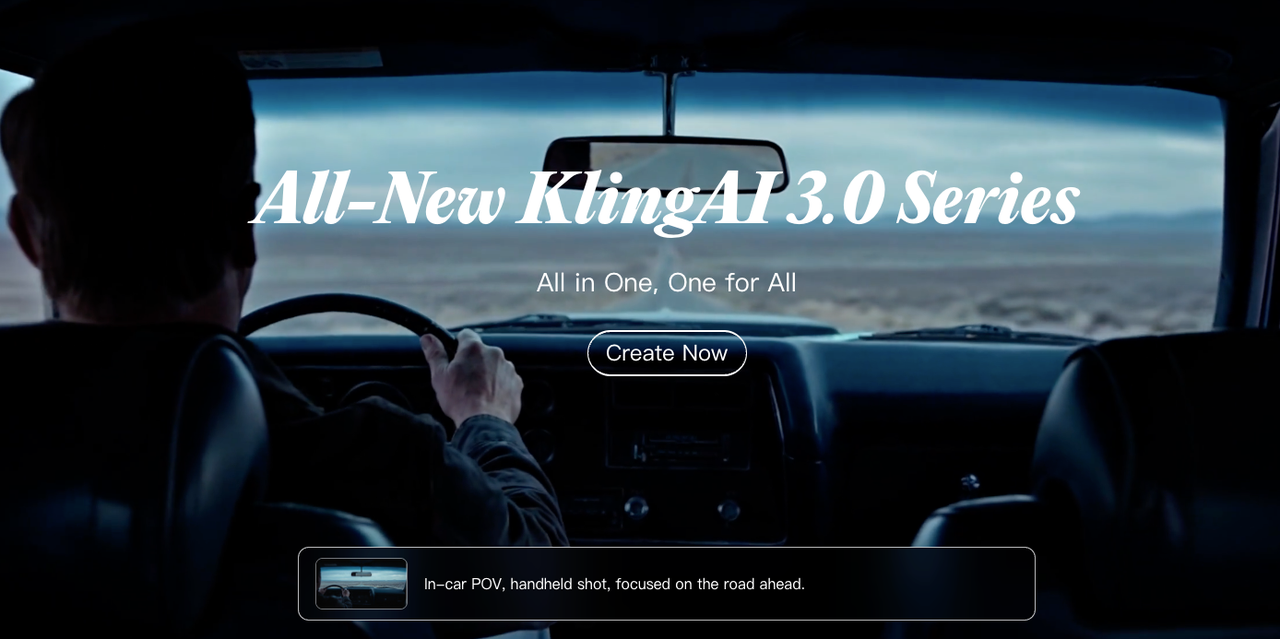
This one surprised me. I went in skeptical — Kling AI is developed by Kuaishou, the Chinese short-video platform, and I had low expectations based on some early versions I'd tested in 2024.
Kling 2.1 is a completely different story. The motion physics are legitimately good. I ran it through the same prompts I use for Runway benchmarks — a woman walking down a rain-slicked street at night, a product rotating on a pedestal, a crowd scene with multiple moving elements — and the results were competitive. Not identical, but competitive.
What actually won me over: the pricing. Kling runs on a credit system where you get 166 free credits daily on the basic plan. That's enough to generate several clips per day without touching your wallet. And the paid tiers are meaningfully cheaper per generation than Runway when you do the math.
Kling AI's platform supports up to 2-minute video generation at 1080p, 30fps — and that longer duration is genuinely useful when you're making explainer content or product walkthroughs that don't fit neatly into a 10-second window.
One real limitation I hit: the UI has a small learning curve, and the first few sessions I spent fighting the interface more than creating. Give it three or four sessions before you judge it.
Best for Social-First Output: Pika
Pika is the tool I keep coming back to when I need fast, punchy social content. It's not trying to be Runway. It knows exactly what it is — an idea-to-video platform built for quick iteration — and it executes that well.
What I actually tested: I took the same batch of 10 product clips I'd been making in Runway and ran them through Pika instead. Total time dropped from around 4 hours to about 90 minutes. Quality wasn't as cinematic, but for TikTok and Reels? Honestly, it didn't matter. The engagement on those clips was indistinguishable from my Runway-produced content.
Pika's Pikaffects — the motion effects library — are legitimately fun. Exploding, melting, squishing. Sounds gimmicky, but for certain product categories (food, cosmetics, anything with satisfying textures), these effects drive real watch time. I've seen creators use these to create looping content that gets replayed dozens of times per view.
The interface is clean enough that I handed it to a freelance assistant with zero video editing background, and she was producing usable clips within an hour. That's a real workflow win.
Best for Beginner Workflows: Luma AI Dream Machine
If you're newer to AI video tools, or if you want something that feels approachable without sacrificing actual quality, Luma AI's Dream Machine is worth your time.
The Ray3 model — their current generation — handles smooth motion really well. I'm talking about those subtle handheld camera feels, natural character movement, the kind of physics that don't make you wince when you watch them back. It's where Luma genuinely stands out.
What I tested specifically: I used Dream Machine to create a series of lifestyle clips for a skincare client — people in natural light, hands touching products, outdoor settings. The outputs were consistently polished without requiring much prompt gymnastics. That repeatability is worth a lot when you're on deadline.
Free tier gives you 30 generations per month, which is enough to evaluate whether it fits your workflow before committing to a paid plan. I'd suggest using those 30 on a real project, not test prompts, so you get an honest read on how it performs under actual conditions.
How to Compare AI Video Tools Fairly
This is the part nobody talks about honestly. And it matters more now — AI video tools moving from prototype to production means the gap between tools is closing fast, but the right tool for your workflow still depends on what you're actually making.
Motion Quality
Motion quality isn't one thing — it's at least three things that often trade off against each other:
Consistency. Does the subject look the same at second 1 and second 9? Character drift — where a face gradually stops looking like itself — is one of the most common failure modes across AI video tools, including Runway. Test this by generating the same character twice with the same prompt and comparing.
Physical accuracy. Do things move the way they should move? Water, hair, fabric, hands — these are where most AI video tools reveal their limits. Run the same "hair blowing in wind" prompt through 3 tools and the difference becomes immediately obvious.
Temporal smoothness. Does the motion feel fluid or does it stutter? Lower-quality outputs often have a slightly "video game cutscene" feeling where motion is technically correct but not natural.
Prompt Control and Consistency
Here's something I figured out the hard way: a tool's headline quality doesn't tell you much about how it performs on your specific prompts, this also depends on how to write better prompts and scripts for AI video.
Runway is excellent at following complex cinematic prompts. But if your prompts are more practical — "show the product from three angles" or "person walks into frame and holds up item" — Kling and Luma handle these just as well, often faster.
Test with your actual use cases. Don't benchmark AI video tools on someone else's demo prompts.
Best Picks by Creator Goal
Your Goal | Tool I'd Recommend | Why |
Cinematic storytelling | Runway | Motion quality, character consistency |
High-volume social content | Pika | Speed, simple workflow, social formats |
Lifestyle / product video | Luma Dream Machine | Natural motion, approachable |
Budget-conscious daily use | Kling AI | Credit value, 2-min video length |
First tool, no experience | Pika | Fastest learning curve in my testing |
FAQ
Q: Are any of these Runway alternatives actually free?
All four tools offer free tiers with real usage limits. Kling gives you daily free credits. Luma gives you 30 monthly generations. Pika has a free plan. None of them are infinitely free, but you can run real tests before paying anything.
Q: Which tool is best for TikTok-style vertical video?
Pika handles the 9:16 format most naturally in my experience. Kling and Luma both support vertical output, but Pika's content tends to feel more native to short-form platforms out of the box.
Q: Can these tools match Runway's quality for professional client work?
For standard commercial work — product videos, social ads, explainer content — Kling and Luma are competitive. For high-end cinematic projects where you need fine-grained control and maximum motion quality, Runway still holds an edge. But if you're a solo creator or small team doing volume work, you're probably paying for more Runway than you actually need.
Q: How long does it take to switch workflows from Runway?
Based on my experience: plan for about a week of parallel testing where you run both tools on the same projects. You'll identify where your new tool falls short before you depend on it.
Q: Do these tools have commercial usage rights?
Most paid plans include commercial rights — always verify in the specific tool's terms before using generated content in client work. Free tiers sometimes have restrictions here. This is one area where I'd always read fine print rather than assume.
Bottom Line
I'm not going to tell you to ditch Runway. It's a serious tool and if you're already in a workflow that's working, don't blow it up for no reason.
But if you're feeling the credit squeeze, or you're producing volume content and the math isn't making sense, there are real alternatives worth testing now — not someday. Kling has closed the quality gap more than I expected. Pika is genuinely fast for social content. Luma has gotten quietly impressive over the last two releases.
Am I keeping Runway in my toolkit? Yeah, for specific projects. But it's no longer the default. My current setup rotates based on what I'm making and how fast I need it — which honestly feels like how it should have been all along.
Worth trying if you're in the same boat I was six months ago.