

Seedance 2.0 for Product Videos That Convert
E-commerce brands are facing a conversion crisis.
Static product images aren't cutting it anymore. Shoppers scroll past. Ad performance tanks. Cart abandonment stays high.
The solution isn't hiring a video production team. It's AI-generated product video that turns still images into dynamic, conversion-optimized assets in minutes.
Seedance 2.0 product video generation is changing e-commerce creative workflows—enabling brands to create packshot spins, lifestyle clips, and feature highlights at scale without cameras, studios, or editors.
This isn't about replacing professional shoots for hero campaigns. This is about making video the default for every SKU, every variant, every platform.
If you're running e-commerce, ads, or product marketing, this guide shows you exactly how to use Seedance 2.0 to create product videos that actually convert—from source image requirements to platform-specific export specs.
Let's break down what works, what doesn't, and how platforms like NemoVideo eliminate the production friction entirely.
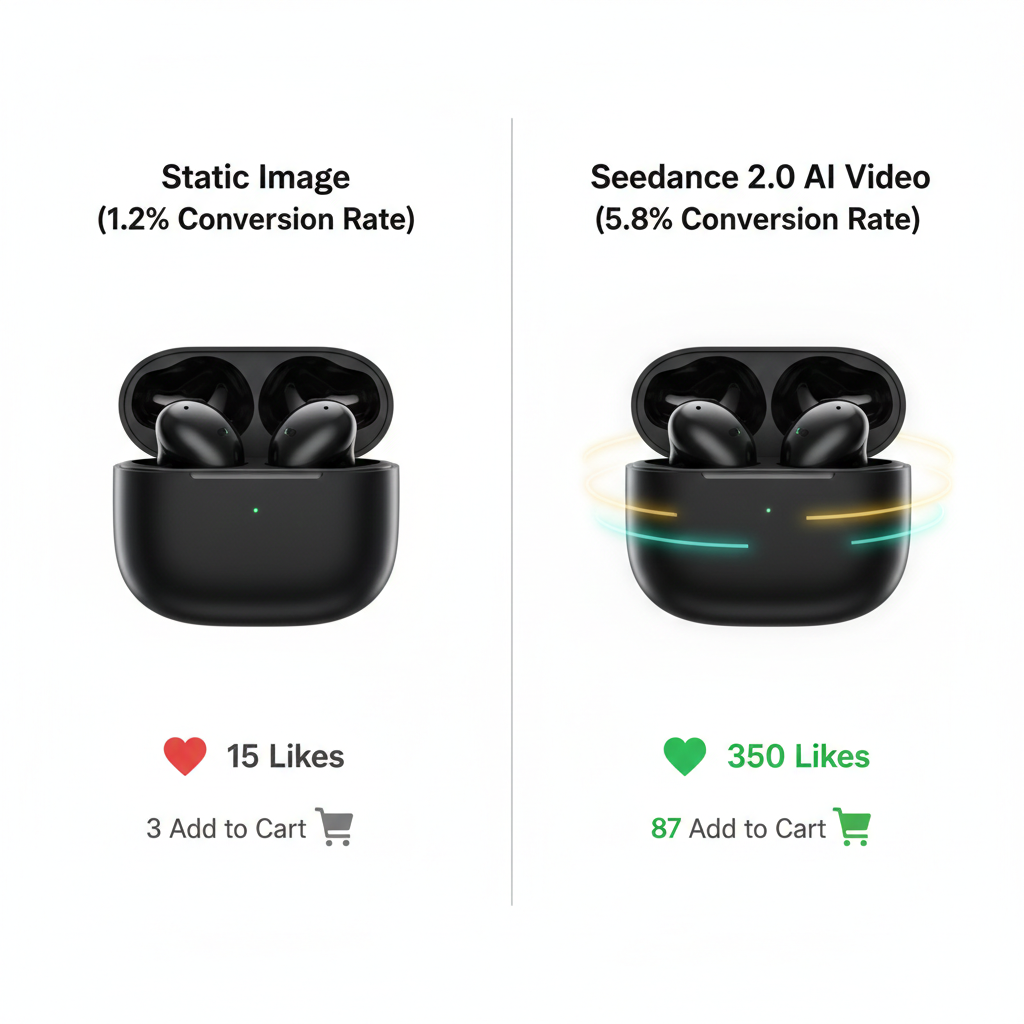
Why AI Product Video Is Replacing Static Images
Product video outperforms static images across every metric that matters:
Conversion rates: 80–144% increase when product pages include video
Time on page: 88% longer average session duration
Ad CTR: 2–3x higher click-through on video ads vs. static
Return rates: 25–35% reduction when shoppers see product in motion
The problem: Traditional product video production costs $200–$2,000 per SKU. For brands with 50+ products, that's $10,000–$100,000+ per catalog refresh.
The shift: Seedance 2.0 product video generation costs $0.10–$0.30 per video and takes 2–5 minutes instead of 2–5 days.
What's changed: AI can now generate professional-quality product motion from a single static image—no 3D modeling, no photogrammetry, no studio time.
Where Product Video Actually Converts
Not every placement needs video. Focus generation budget where motion drives measurable lift:
High-impact placements:
Product detail pages (primary image carousel)
Facebook/Instagram feed ads
Amazon A+ Content modules
Email marketing hero sections
Landing page above-the-fold
Low-impact placements:
Category browse grids (thumbnails too small)
Search result listings (autoplay disabled)
Checkout confirmation pages (decision already made)
Production strategy: Generate video for top 20% of SKUs (by revenue or traffic), then expand based on performance data.
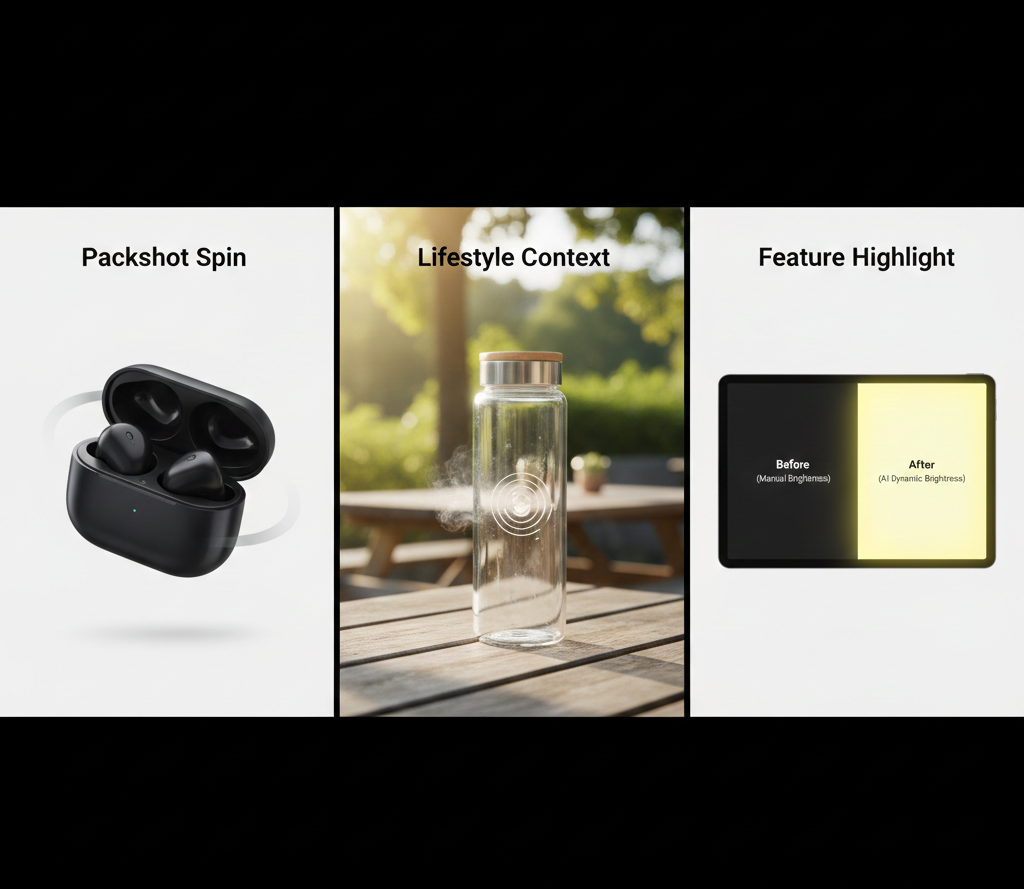
3 Product Video Types Seedance 2.0 Handles Well
Not all product videos are equal. Seedance 2.0 excels at three specific formats that drive e-commerce results.
Packshot Spin / Reveal (Clean Background)
What it is: Product rotating on neutral background, 360-degree spin or slow reveal motion.
Why it converts: Shoppers get complete visual understanding—reduces "what does the back look like?" uncertainty that causes cart abandonment.
Ideal for:
Electronics (phones, headphones, cameras)
Beauty products (bottles, compacts, packaging)
Accessories (watches, jewelry, bags)
Apparel (shoes, hats, sunglasses)
Generation approach:
Start with clean product cutout on white/neutral background
Prompt for slow 360-degree rotation
5–7 seconds duration (full rotation visible)
Maintain sharp focus throughout
Example prompt: "Wireless earbuds case on white background, slow 360-degree rotation, studio lighting with soft shadows, sharp product photography focus"
Quality expectation: 85–90% first-generation success rate for simple products with clean source images.
For detailed techniques on animating product stills, see the Seedance 2.0 image-to-video workflow guide.
Lifestyle Context (Product in Scene)
What it is: Product shown in use environment—kitchen countertop, desk setup, outdoor scene.
Why it converts: Contextualizes scale, demonstrates use case, triggers aspirational purchase intent.
Ideal for:
Home goods (appliances, decor, furniture)
Tech accessories (keyboards, monitors, chargers)
Outdoor gear (backpacks, water bottles, apparel)
Fitness products (yoga mats, weights, equipment)
Generation approach:
Composite product into lifestyle scene or generate scene around product
Add environmental motion (camera dolly, parallax)
Include subtle product interaction hints
7–10 seconds with scene establishment
Example prompt: "Stainless steel water bottle on rustic wooden table with morning sunlight, slow push-in camera move, natural lifestyle photography, warm color grading"
Quality expectation: 70–80% success rate. Lifestyle scenes add complexity—expect more regenerations.
Advanced technique: Use reference video motion control to replicate successful camera movements across product lines.
Before-After / Feature Highlight
What it is: Visual demonstration of product benefit—transformation, size comparison, feature activation.
Why it converts: Shows value proposition instantly. "See the difference" beats "read the specs."
Ideal for:
Skincare (before/after results visualization)
Cleaning products (dirty to clean surface)
Tech features (screen brightness comparison)
Size/scale demonstrations (product next to familiar object)
Generation approach:
Two-state composition (before → after transition)
Clear visual contrast between states
Quick transition or side-by-side reveal
Text overlay placeholder for feature callout
Example prompt: "Side-by-side comparison of laptop screen, left side dim, right side bright and vibrant, slow transition reveal, clean tech product photography"
Quality expectation: 60–75% success rate. Complex transitions challenge temporal coherence.
Production note: These work best as part of multi-clip sequences. Generate comparison shots, then assemble with text overlays in post.
Source Image Rules for Product Shots
Generation quality depends entirely on source image quality. Follow these rules for consistent results.
What Works: Clean Cutout, Good Lighting
Optimal source images:
Background:
Pure white (#FFFFFF) or single solid color
Clean alpha channel cutout (no edge artifacts)
No shadows unless intentional product photography style
Product:
Sharp focus across entire product
Even lighting without harsh highlights
Minimum 1500x1500px resolution
Product fills 70–80% of frame
Lighting:
Studio lighting or bright, diffused natural light
Consistent illumination across product surfaces
Minimal specular highlights on reflective surfaces
Color accuracy (properly white-balanced)
File format:
PNG with transparency (preferred)
JPEG with clean background (acceptable)
Avoid: compressed images with JPEG artifacts
Why this matters: Seedance 2.0 analyzes source image to understand product geometry, materials, and lighting. Clean inputs = predictable motion.
What Breaks: Busy Backgrounds, Small Products
Avoid these source image issues:
Background problems:
Busy patterns or textures
Multiple products in frame
Environmental distractions
Inconsistent focus depth
Product problems:
Low resolution (<800px)
Product too small in frame (<50% of image area)
Extreme angles or perspective distortion
Motion blur or soft focus
Lighting problems:
Mixed color temperatures
Harsh shadows with hard edges
Overexposed highlights (clipping)
Underexposed shadows (no detail)
Composition problems:
Product partially cut off at edges
Multiple viewing angles in one image
Text or graphics overlays
Watermarks or branding
What happens: Generation fails, motion artifacts appear, product morphs unnaturally, or output quality is unusable.
The fix: Re-shoot or edit source images before generating. 30 minutes of prep prevents hours of regeneration.
Prompt Structure for Product Motion
Effective product video prompts follow a specific structure optimized for e-commerce needs.
The 4-Component Product Prompt
Product Description (What)
Specific product type and key visual details
Materials and finishes
Color and distinctive features
Background/Context (Where)
White background, lifestyle scene, or environmental context
Supporting elements if applicable
Spatial relationships
Motion Type (How)
Camera movement or product motion
Speed and direction
Reveal or transition style
Visual Style (Feel)
Lighting quality
Photography style reference
Color grading intent
Product Motion Prompt Templates
Template 1: Clean Packshot Spin "[Product type] on [background color] background, [rotation type] rotation, [lighting style], [focus/detail level]"
Example: "Silver smartphone on white background, smooth 360-degree rotation, studio lighting with subtle shadows, sharp product photography focus"
Template 2: Lifestyle Placement "[Product type] on/in [scene context], [camera movement], [time of day/lighting], [photography style]"
Example: "Ceramic coffee mug on wooden kitchen counter with morning light, slow dolly-in camera move, warm natural lighting, lifestyle product photography"
Template 3: Feature Highlight "[Product state A] transitioning to [product state B], [transition type], [visual emphasis], [photography style]"
Example: "Laptop screen brightness from dim to vibrant, smooth crossfade transition, side-by-side comparison, clean tech product photography"
Motion Speed Recommendations
Product type determines optimal motion speed:
Product Category | Motion Speed | Duration | Why |
Small items (jewelry, accessories) | Slow | 7–10 sec | Details need visibility time |
Medium products (electronics, beauty) | Moderate | 5–7 sec | Balance detail and engagement |
Large items (furniture, appliances) | Slow | 8–12 sec | Establish scale and context |
Feature demos | Quick | 3–5 sec | Show transformation impact |
Rule: Slower motion = better detail visibility but lower retention. Test based on platform (Instagram = faster, product pages = slower).
For platform-specific optimization, reference the Seedance 2.0 vertical video guide for TikTok and Reels formatting.
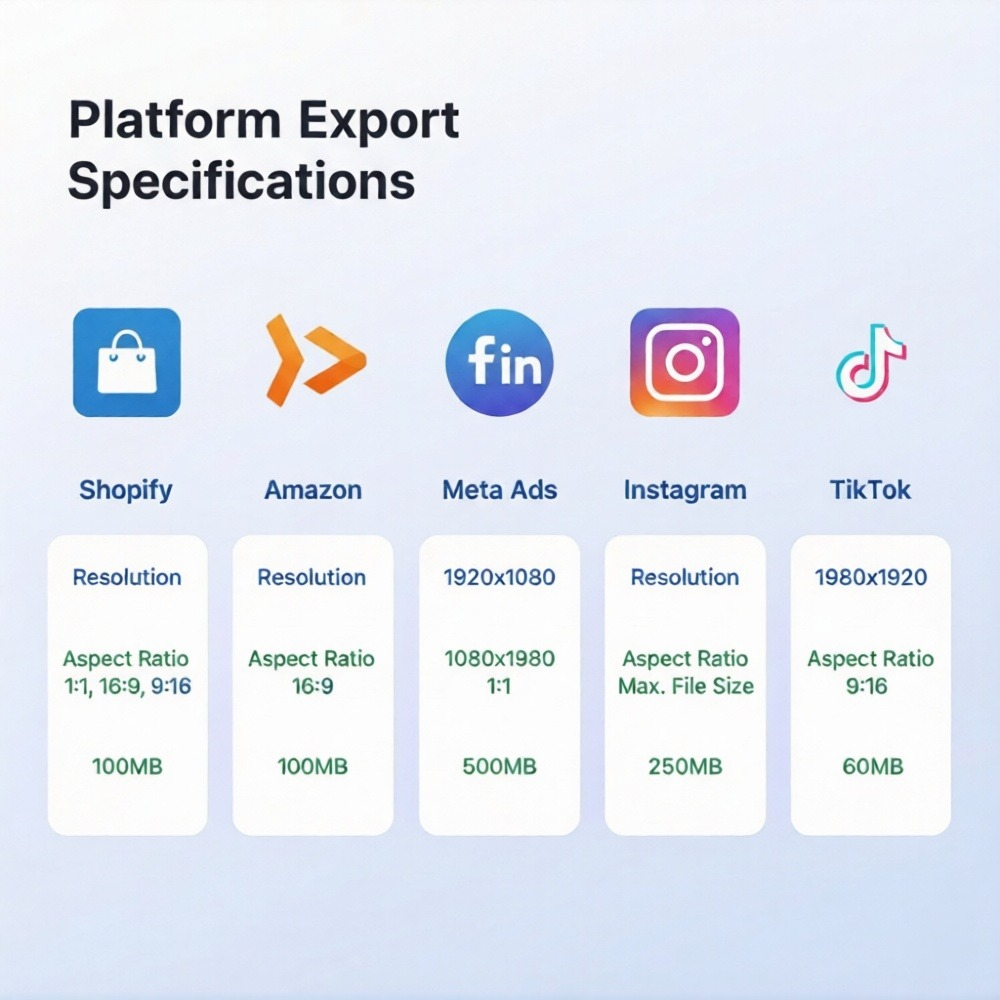
Export Specs for Shopify, Amazon, Meta Ads
Each platform has specific technical requirements. Export wrong, and your videos won't display or will lose quality.
Shopify Product Videos
Technical specs:
Format: MP4 (H.264 codec)
Resolution: 1920x1080 (Full HD) or 1280x720 (HD)
Aspect ratio: 16:9 or 1:1 (square)
File size: <1GB (recommended <20MB for fast loading)
Duration: 5–30 seconds recommended
Best practices:
First frame should be visually compelling (used as thumbnail)
Silent autoplay optimized (assume no audio)
Compress for web delivery (balance quality vs. load speed)
Upload location: Products → [Product name] → Media → Add media
Amazon Product Videos
Technical specs:
Format: MP4 or MOV
Resolution: Minimum 1280x720, recommended 1920x1080
Aspect ratio: 16:9 (1:1 accepted in some categories)
File size: <5GB
Duration: 15 seconds minimum, 10 minutes maximum (optimal: 30–60 sec)
Amazon-specific rules:
No promotional text or pricing in video
No customer testimonials or reviews
No competitor comparisons
Product must be primary focus
Upload location: Manage Videos section in Seller Central or via A+ Content
Meta Ads (Facebook/Instagram)
Technical specs:
Format: MP4 or MOV
Resolution: Minimum 1080x1080 (square) or 1080x1920 (stories/reels)
Aspect ratios: 1:1 (feed), 9:16 (stories/reels), 4:5 (feed optimized)
File size: <4GB
Duration: 1 second–241 minutes (optimal: 6–15 sec for feed, 5–9 sec for stories)
Best practices:
Captions required (85% watch without sound)
First 3 seconds must capture attention
Vertical or square for mobile optimization
Clear product visibility in first frame
Pro tip: Generate multiple aspect ratios from same source. Platforms like NemoVideo automate multi-format exports—single generation, platform-optimized outputs.
Export Workflow Comparison
Platform | Optimal Ratio | Max File Size | Optimal Duration |
Shopify | 1:1 or 16:9 | 20MB | 10–15 sec |
Amazon | 16:9 | 50MB | 30–45 sec |
Meta Feed | 1:1 or 4:5 | 4GB | 6–15 sec |
Meta Stories/Reels | 9:16 | 4GB | 5–9 sec |
Google Ads | 16:9, 9:16, 1:1 | 1GB | 6–15 sec |
The problem: Manually resizing and reformatting for 5+ platforms takes hours per product.
The solution: Automated repurposing. Generate once, export everywhere.
Repurpose with NemoVideo — Add Captions + CTAs
Raw Seedance 2.0 output is just the beginning. Converting product videos require optimization layers.
What Raw Generation Lacks
Generated product videos need:
Platform-specific text overlays (price, features, CTAs)
Captions for sound-off viewing
Brand consistency (fonts, colors, logos)
Multiple aspect ratio versions
Performance optimization (compression, formatting)
Manual workflow:
Generate video in Seedance 2.0
Import to video editor
Add text overlays manually
Export and resize for each platform
Upload and test
Time cost: 15–30 minutes per product, per platform = 2+ hours for 5-platform deployment.
How NemoVideo Automates Product Video Finishing
NemoVideo transforms raw AI generation into conversion-ready assets:
Automatic enhancements:
Smart Caption adds trending subtitle styles automatically
Brand template application (fonts, colors, logo placement)
Platform-specific CTA overlays ("Shop Now," "Learn More," pricing)
Multi-format export (16:9, 9:16, 1:1, 4:5 simultaneously)
Compression optimization for fast loading
The workflow difference:
DIY Approach:
Generate in Seedance 2.0: 5 minutes
Download and import to editor: 2 minutes
Add captions manually: 8 minutes
Create text overlays: 10 minutes