

Seedance 2.0 vs Kling 2.1: Which Is Better for Creators?
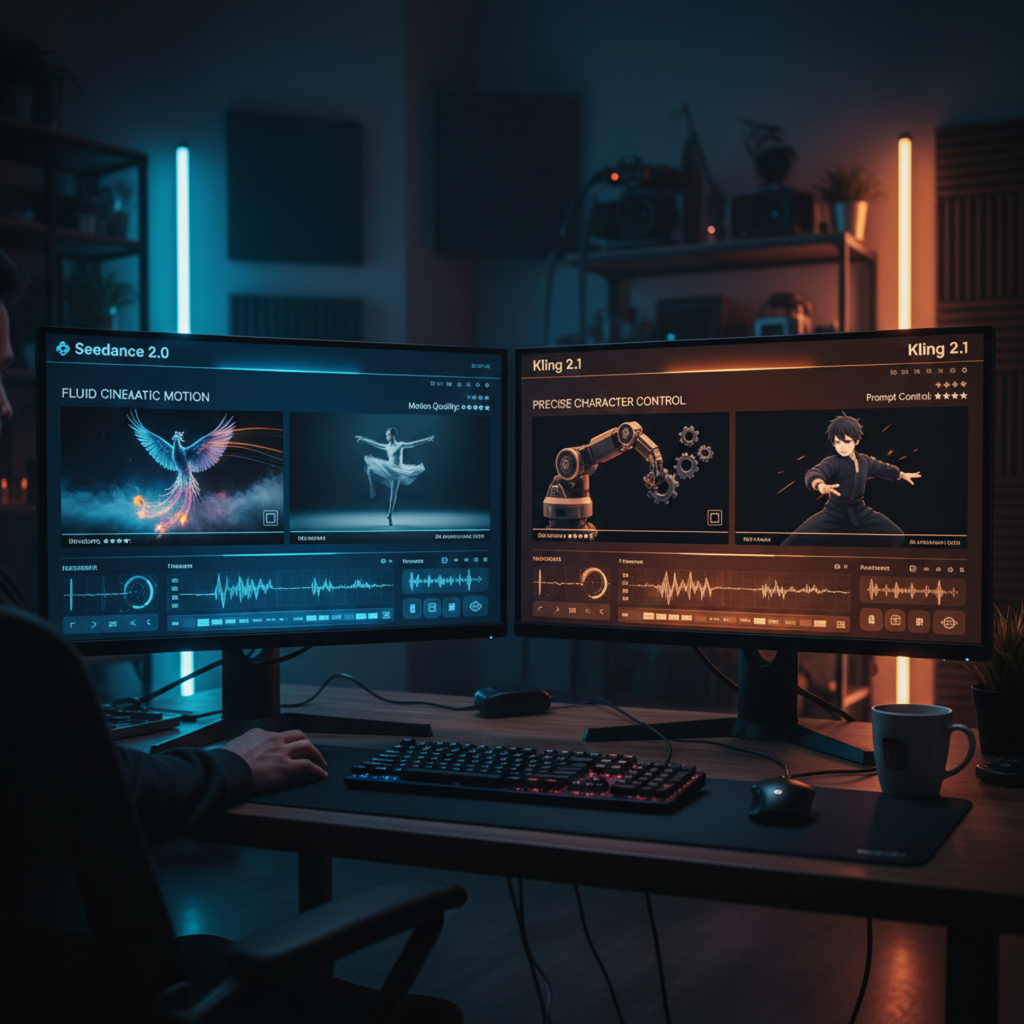
If you've been watching the AI video space this year, two names keep coming up in the same breath: Seedance 2.0 and Kling 2.1.
Both are capable. Both generate impressive footage. And both are competing for the same budget line in your workflow.
But the seedance 2.0 vs kling debate isn't really about which one looks better in a demo reel. It's about which one actually serves your production pipeline — for the content type you make, the iteration speed you need, and the output quality your audience expects.
This comparison cuts through the noise. No cherry-picked demos. Just a direct breakdown of what matters to working creators.
Already using Seedance 2.0? NemoVideo is the official integration partner — access it free here.
What to Actually Compare (Not Just "Quality")
Most Seedance vs Kling comparisons stop at surface-level quality. Side-by-side clips, resolution charts, vague impressions. That's not useful when you're making production decisions.
Here's the framework that actually matters:
Prompt adherence — Does the model do what you tell it to do?
Motion realism — How natural does movement look across different subject types?
Character consistency — Can you maintain a face, outfit, or environment across multiple shots?
Speed and cost — What does iteration actually cost in time and money?
Use case fit — Which tool is optimized for the content category you're building?
These are the dimensions that determine whether a model earns a permanent slot in your workflow — or becomes a demo you run once and never open again.
For a full technical breakdown of Seedance 2.0's capabilities, see the Seedance 2.0 complete guide on NemoVideo. For Kling-specific motion controls, the Kling motion control guide is worth reading alongside this comparison.
Prompt Adherence and Motion Realism
Seedance 2.0 was built with a strong emphasis on compositional instruction-following. Feed it a structured prompt — camera angle, movement direction, subject behavior, lighting condition — and it tends to execute with high fidelity. Complex multi-element scenes hold together better than most models at this tier.
Its motion physics are particularly strong for environmental and atmospheric motion: flowing fabric, water, crowd movement, vehicle dynamics. These feel grounded. They don't have the "swimming" artifact problem that plagued earlier diffusion video models.
Kling 2.1 leans into character-driven motion realism. Human body mechanics — walking, gestures, facial microexpressions — are where Kling consistently outperforms. If your content features a person on camera doing anything physical, Kling's motion is harder to distinguish from real footage.
The tradeoff is prompt precision. Kling 2.1 can drift from detailed compositional instructions, particularly when you're trying to control multiple simultaneous elements. It interprets rather than executes. That's great for creative exploration, less ideal when you need exact outputs.
Bottom line: For prompt-exact generation where the brief is specific and repeatable, Seedance 2.0 is more reliable. For human performance and naturalistic character motion, Kling 2.1 has the edge.
Learn how Seedance 2.0 handles reference video input to lock down motion style: Seedance 2.0 reference video and motion guide.
Character Consistency Across Shots
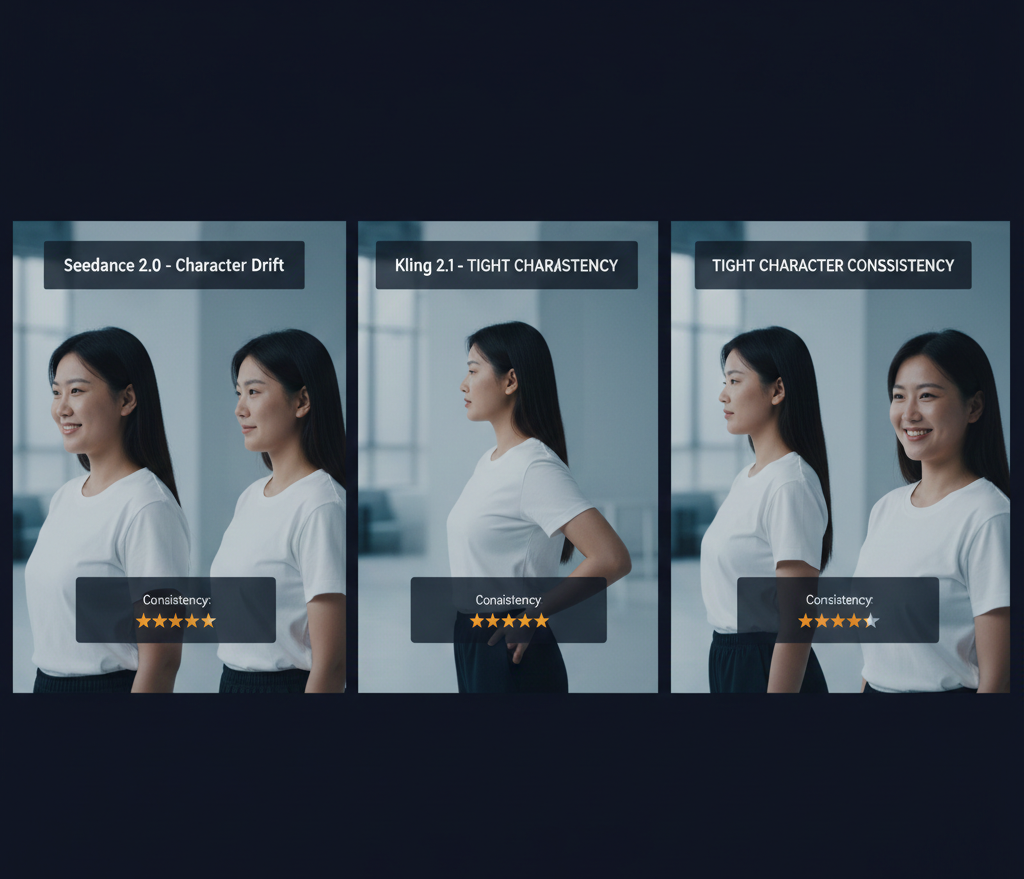
This is where most AI video workflows break down — and it's the question neither tool fully solves yet.
Kling 2.1 has made meaningful progress on character consistency through its reference image input system. Give it a strong reference and it'll maintain face structure, skin tone, and general appearance across a sequence. It's not perfect, but it's usable for short-form content where occasional drift is acceptable.
Seedance 2.0 takes a different approach. Rather than locking a character via reference, it focuses on scene-level consistency — maintaining environmental coherence, color grading, and stylistic continuity across shots. For brand-world building and product environments, this is more valuable than character lock.
For narrative content requiring the same character across many shots, neither tool is fully reliable without additional tooling. This is where a production layer — like NemoVideo's workflow — becomes essential for managing consistency at scale.
Speed, Cost, and Iteration Friction
Speed and cost are often glossed over in AI video comparisons. They shouldn't be — they directly determine how much you can actually iterate.
Seedance 2.0 | Kling 2.1 | |
Generation speed | Fast (seconds to low minutes per clip) | Moderate (varies by mode/resolution) |
Cost per clip | Competitive token-based pricing | Credit system; cost scales with quality tier |
Iteration ceiling | High — fast enough for rapid A/B testing | Moderate — higher quality modes slow iteration |
API availability | Yes | Yes |
Batch processing | Strong | Available |
Free tier | Limited (via integrations like NemoVideo) | Limited |
Seedance 2.0's speed advantage is real. For creators who need to test 10 variations of a hook before choosing one, the iteration velocity matters. Slower generation means you try fewer options, which means lower quality decisions.
Kling 2.1's higher-quality modes produce stunning output — but if you're in a production sprint, the time cost adds up fast.
If you want free access to Seedance 2.0 with managed iteration built in, NemoVideo's workspace is the fastest path to production-ready output without credits friction.
Best Tool by Use Case
Social Content → Seedance 2.0
For short-form social — TikTok, Reels, Shorts — Seedance 2.0's combination of speed, prompt adherence, and strong vertical video output makes it the default choice.
It handles the high-volume, fast-iteration demands of social production better. You can generate multiple hook variations in the time Kling's high-quality mode produces one.
NemoVideo's Seedance 2.0 vertical video workflow for TikTok and Reels is worth bookmarking for this use case. Pair it with the Inspiration Center to generate hooks before you even open the generator.
Product Video → Seedance 2.0
Product video lives and dies on environmental consistency, accurate product rendering, and controlled camera motion. Seedance 2.0's precise prompt execution makes it stronger here.
Kling's tendency to "interpret" prompts is a liability when you need the product to look exactly like the brief. For ecommerce and D2C brands, Seedance 2.0 gives you more control over the final frame.
Read more: Seedance 2.0 for product video and ecommerce.
Story / Narrative → Kling 2.1
When the work is character-driven — emotional beats, performance nuance, dialogue scenes — Kling 2.1's human motion quality earns its spot.
Narrative content tolerates slower iteration because the number of shots is defined by the script, not by a/b testing. Kling's character realism pays dividends in these longer-form projects.
That said, for short-video storytelling (the hook-driven narrative format that dominates social), Seedance 2.0's pacing and structural advantages often win. See the Seedance 2.0 short video workflow for that specific use case.
Can You Use Both? (Hybrid Workflow)
Yes — and for serious production, you probably should.
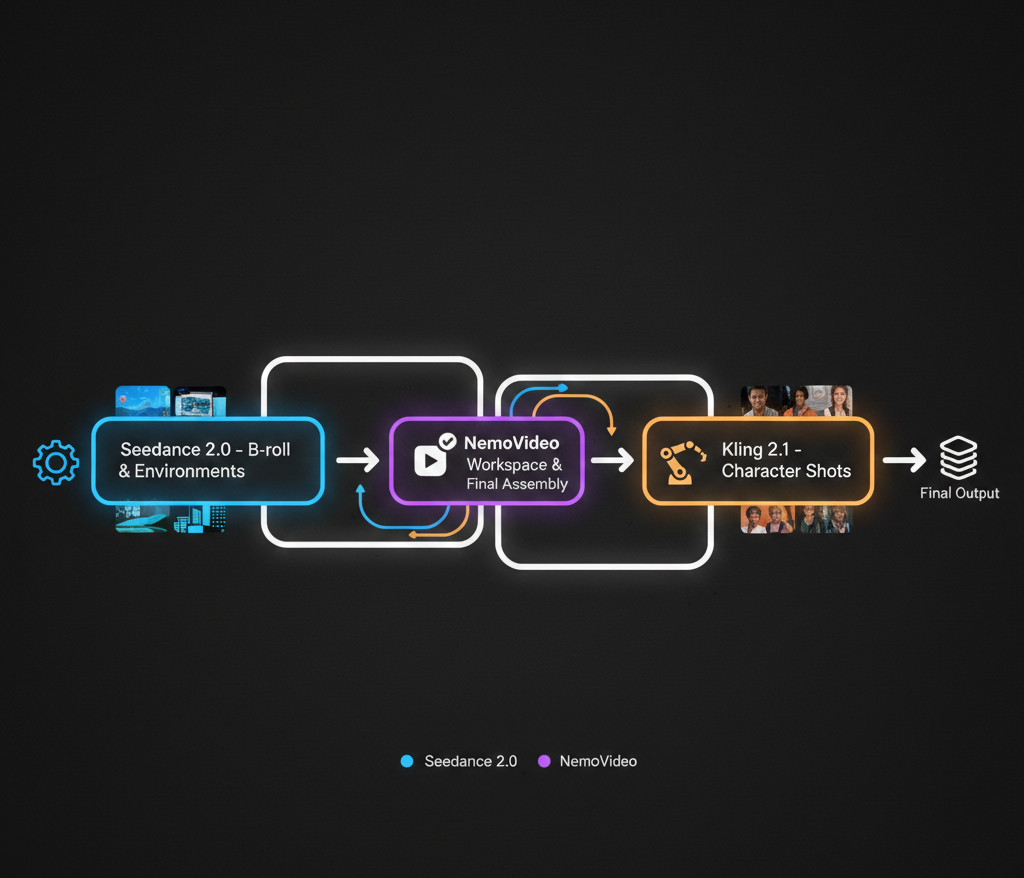
The most efficient hybrid workflow looks like this:
Seedance 2.0 for environmental shots, B-roll, product renders, atmospheric sequences, and anything where prompt precision matters
Kling 2.1 for hero character shots, performance-forward scenes, and close-up human content
NemoVideo as the assembly and optimization layer — handling rough cuts, caption styling, hook testing, and platform adaptation
This isn't theoretical. NemoVideo integrates both models alongside Grok, Gemini, OpenAI, and Whisper into a single production environment. See how it all connects: NemoVideo's full AI integration overview.
The NemoVideo Viral+ Studio is particularly useful after generation — it reverse-engineers high-performing content patterns and helps you adapt generated footage to structures that actually retain viewers.
For trimming, cleanup, and B-roll sync once your clips are generated, Smart Pick (AI Rough Cut) removes the manual assembly grind entirely.
NemoVideo x Seedance 2.0: Official Integration, Free Access
NemoVideo is the official integration partner for Seedance 2.0 — which means you get direct access without API friction, credit walls, or platform juggling.
Inside the NemoVideo workspace, Seedance 2.0 is embedded into a full production environment:
Script → Generate → Edit → Publish in one flow
Hook optimization built into the generation process
Smart Caption for platform-native subtitles without extra steps
Talking-Head Editor for cleaning up any on-camera content alongside generated footage
Multi-platform output adaptation from a single project
This isn't a wrapper. NemoVideo thinks about video strategy before generating — prompts are structured based on retention data, hook patterns, and platform behavior, not just what you typed.
Get free access to Seedance 2.0 via NemoVideo →
For a full overview: What is Seedance 2.0 | How to use Seedance 2.0 | Seedance 2.0 overview
FAQ — Resolution, Export, Platform Limits
Q: What resolution does Seedance 2.0 output compared to Kling 2.1?
A: Seedance 2.0 supports up to 1080p output with strong 720p performance optimized for speed. Kling 2.1 offers higher resolution ceiling options including 4K in premium modes, but at significantly higher generation cost and time. For social content, Seedance 2.0's resolution is more than sufficient.
Q: Can Seedance 2.0 generate vertical video for TikTok and Reels?
A: Yes. Seedance 2.0 natively supports 9:16 vertical format with strong composition handling for mobile-first framing. NemoVideo's integration further optimizes vertical output for platform-specific engagement patterns. See the full vertical video workflow guide.
Q: Does Kling 2.1 have better audio sync than Seedance 2.0?
A: Kling 2.1 has built-in lip sync capabilities that are strong for dialogue scenes. Seedance 2.0 handles audio-visual sync differently — NemoVideo's integration adds music and audio sync capabilities on top of Seedance generation. Full breakdown: Seedance 2.0 audio and music sync.
Q: What export formats do Seedance 2.0 and Kling 2.1 support?
A: Both export MP4 as standard. Kling 2.1 offers additional export options in its pro tier. NemoVideo's workspace handles format conversion and platform-specific optimization as part of the output process, removing the need to manage formats manually.
Q: Is Seedance 2.0 free to use?
A: Seedance 2.0 has usage limits on its native platform. Through NemoVideo's official integration, you can access Seedance 2.0 with free entry-level access. See NemoVideo pricing tiers here.
Q: What happens if Seedance 2.0 isn't working as expected?
A: Most issues stem from prompt structure, clip length settings, or generation queue loads. The Seedance 2.0 troubleshooting guide covers the most common fixes. NemoVideo's managed environment also reduces technical friction by handling generation infrastructure for you.
The Verdict on Seedance 2.0 vs Kling
Seedance 2.0 wins on prompt precision, iteration speed, social content production, and product video. It's the right default for high-volume creators who need reliable, fast, structured output.
Kling 2.1 wins on human motion realism and character performance. It earns its place in narrative-forward content where people are the primary subject and quality outweighs iteration speed.
Neither is a complete solution on its own. The creators getting the best results are using both strategically — and routing everything through a production layer that handles the strategy, optimization, and distribution side of the workflow.
That's exactly what NemoVideo was built for.
Access Seedance 2.0 free inside NemoVideo →
Explore: Seedance 2.0 FAQ | How to use Seedance 2.0 | Compare Seedance 2.0 vs traditional editing
NemoVideo is proud to support Seedance 2.0 as an integration partner, with free access currently available through the NemoVideo workspace.