

Top UGC Video Creation Apps with Free Tiers 2026
Hey, it’s Dora here!
I've been in content creation long enough to know that "free" is almost never truly free. I've gotten burned by watermarks baked into client deliverables, export caps that hit right before a deadline, and tools that quietly locked features I was relying on. So I went back and tested every major UGC video creation app with a free tier in 2026 — and I'm going to tell you exactly what you can and can't do without paying a cent.
This guide is for video creators, TikTok sellers, and small business owners who need to batch-produce content without bleeding cash on subscriptions. Let's get into it.
What You Can Actually Do on Free Plans
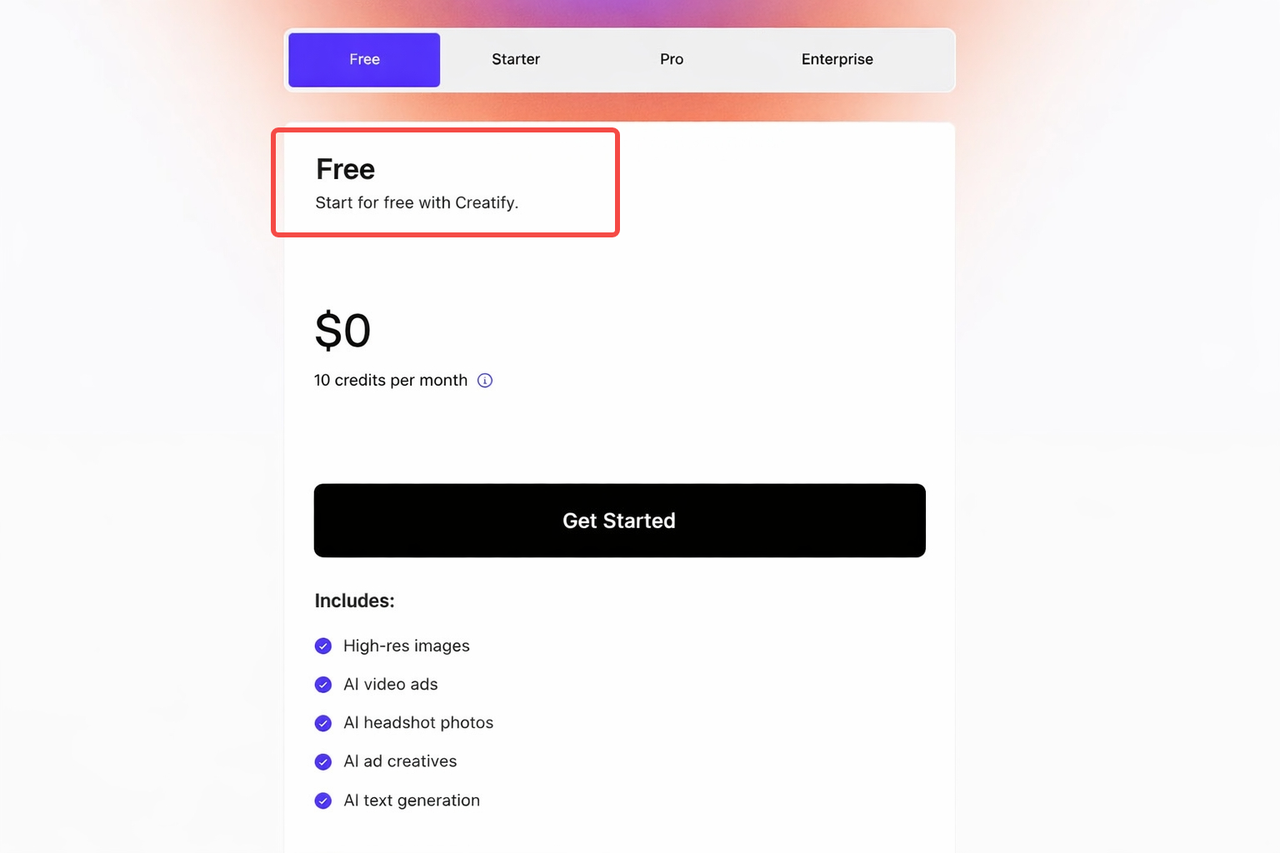
Export limits. Most free plans cap at 1080p. For TikTok and Reels that's fine — platforms compress everything anyway. AI avatar tools are tighter. Synthesia's free plan is basically a demo. HeyGen caps you at 3 videos per month. Creatify's free plan gives you about 2 videos with watermarks — useful for testing but not production.
Watermark policies. Not all watermarks work the same way. CapCut adds an end card you can delete before exporting — but if you use Pro templates or certain effects, watermarks get baked into your video permanently and can't be removed without upgrading.
Feature restrictions. The sneakiest limits aren't watermarks — they're friction. Background removal capped at three daily uses. Auto-reframe that cuts off in 5 minutes. These are designed to nudge you toward paid plans, not block you outright.
7 UGC Apps with Free Tiers Compared
App | Free Export | Watermark | Commercial Use | Best For |
NemoVideo | Standard quality | None stated | Yes | UGC editing + automation |
CapCut | 1080p | On Pro templates | Limited | Short-form social editing |
Vidnoz | 720p | Yes | No | AI avatar videos |
InVideo AI | Watermarked | Yes | No | Text-to-video |
Canva Video | Standard | No | Yes (basic) | Teams in Canva ecosystem |
Lumen5 | Branded | Yes | No | Blog-to-video repurposing |
Creatify | ~2 videos | Yes | No | E-commerce product ads |
NemoVideo Free
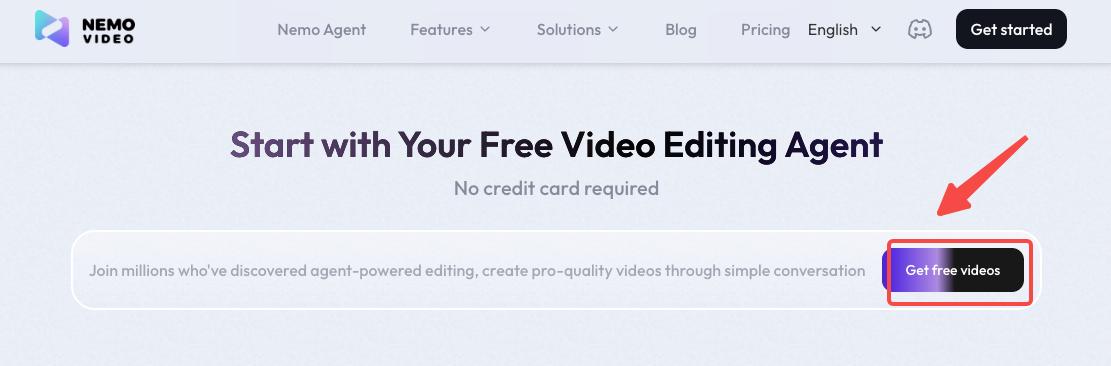
NemoVideo is the tool I keep coming back to for UGC-specific workflows. What makes it different from general editors is that it's purpose-built for creators who are working with raw footage and need help turning it into something polished fast.
NemoVideo's AI watches every second of footage and intelligently identifies the most valuable moments — genuine smiles, positive facial expressions, clear shots of your product being used, stable well-lit clips, and moments of excitement like unboxing reactions. It then assembles these into a compelling narrative draft.
CapCut Free
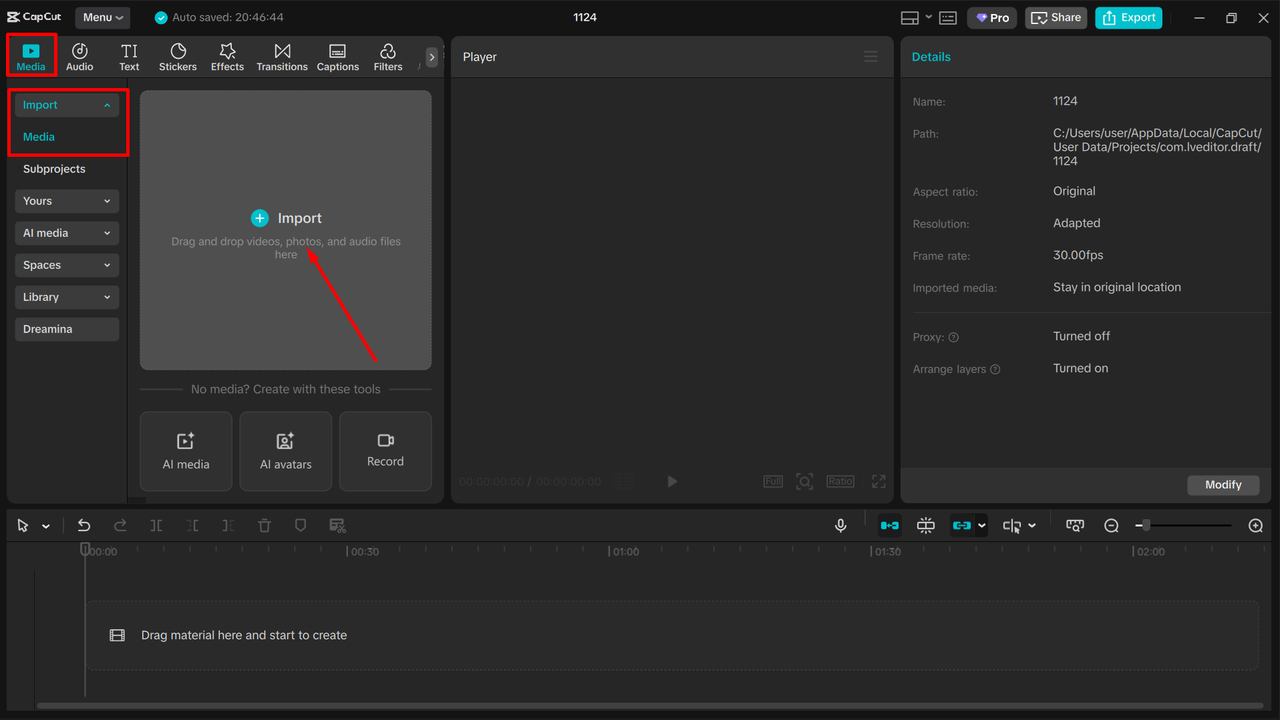
Still the most capable free editor for short-form UGC. Cut, split, multi-track timeline, chroma key, auto-captions in 130+ languages, and 1080p export — all free. The catch: AI voice cloning requires CapCut Pro on desktop. Auto-reframe works freely only for videos under 5 minutes. Background removal on desktop is limited to three uses per day unless subscribed. For a full breakdown of exactly where the free tier ends, this CapCut 2026 pricing guide is the clearest I've found: CapCut Pricing 2026: Free, Standard & Pro Breakdown.
Vidnoz Free
The most generous free avatar plan in the market right now. Vidnoz AI offers access to more than 1,900 avatars, video generation up to 5 minutes per video, no credit card required, and the free plan is permanent — not a time-limited trial. The hard limits: 720p only, mandatory watermark, and no commercial use rights. Good for validating your avatar workflow before committing.
InVideo AI Free
InVideo AI generates complete UGC-style videos from a text prompt — script, voiceover, stock footage, all of it. The free tier gives you access to the generation workflow, but exports are watermarked and video minutes are capped. Lumen5 and InVideo's music library includes commercial licenses, so you don't need to worry about copyright issues when running paid campaigns Cometly — but that applies to paid plans, not free.
Best for: Content marketers who want to test the text-to-video format cheaply.
Canva Video Free
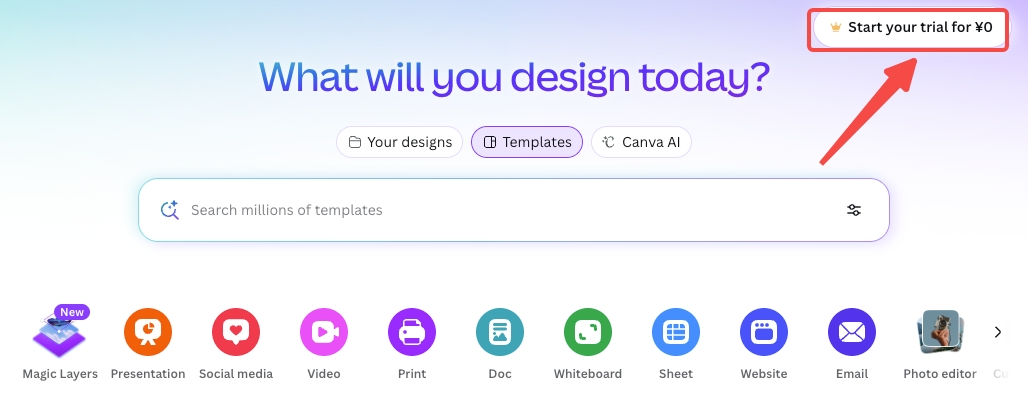
If your team already lives in Canva, the video tools are a legitimate free option. Canva AI Video brings accessible AI video tools into the Canva ecosystem, perfect for teams who want UGC-style videos without learning new platforms. The free tier includes basic AI video features. The advantage here is zero learning curve for existing Canva users. The limitation is creative flexibility — you're constrained by Canva's template structures.
Lumen5 Free
Lumen5 specializes in turning blog posts and written content into video. The free plan works but adds Lumen5 branding to your exports. Paid plans start at $29/month for clean branded output. Worth testing if you have an existing content library you want to repurpose.
Creatify Free
Creatify is built for e-commerce and gives free users roughly 10 credits (about 2 videos) with watermarks. It's genuinely only useful for evaluating whether the URL-to-video workflow fits your product catalog. If you're running actual campaigns, factor in paid plan costs from day one.
Free vs Paid: When to Upgrade
Stay free if you're testing workflow fit, creating personal content, or validating output quality before scaling.
Upgrade when:
You have client deliverables — no client wants to see a tool's logo on a branded video
You need commercial usage rights — most tools allow commercial use on paid plans, but free tiers typically restrict this and include watermarks Creatify
You're posting daily — monthly credit caps will block your workflow at the worst moment
You need cross-device sync or 4K — no free tier gives you both
Tips for Maximizing Free Tiers
Stick to native templates, not Pro ones. Most CapCut watermark issues come from Pro-tagged templates. Build edits from scratch and many exports stay clean.
Use free tiers for drafts and approvals. Export a watermarked draft for client review. Once approved, upgrade for one month, export everything, then cancel.
Use CapCut mobile for features paywalled on desktop. Background removal and auto-captions are fully free on mobile. Do AI-heavy work on your phone.
Combine tools. Use NemoVideo to pull your best clips automatically, then bring them into CapCut for final polishing. You're not locked into one tool per video.
Hidden Costs to Watch Out For
The downgrade trap. If you cancel a Pro subscription, you lose access to premium assets used in existing projects. Your project files remain, but they may show watermarks or missing assets when you try to export. Previously exported videos are not affected. BigVu Always export final versions before downgrading.
Credits don't roll over. On platforms like Vidnoz, unused monthly credits expire. If you're not producing consistently, you're paying for credits you'll never use.
Commercial rights aren't automatic on paid plans either. Some tools require a higher tier specifically for ad use. Always verify before running paid social campaigns with your exports.
FAQ
Q1: Can I use free versions for commercial content?
In most cases, no. Free tiers on AI tools like Vidnoz, Creatify, and InVideo explicitly restrict commercial use. AI UGC platforms generate new content on demand, and in most cases brands receive full commercial rights — but that applies to paid plans. Royal Digital Agency Always check the terms before running ads with free-tier exports.
Q2: How do I remove watermarks without paying?
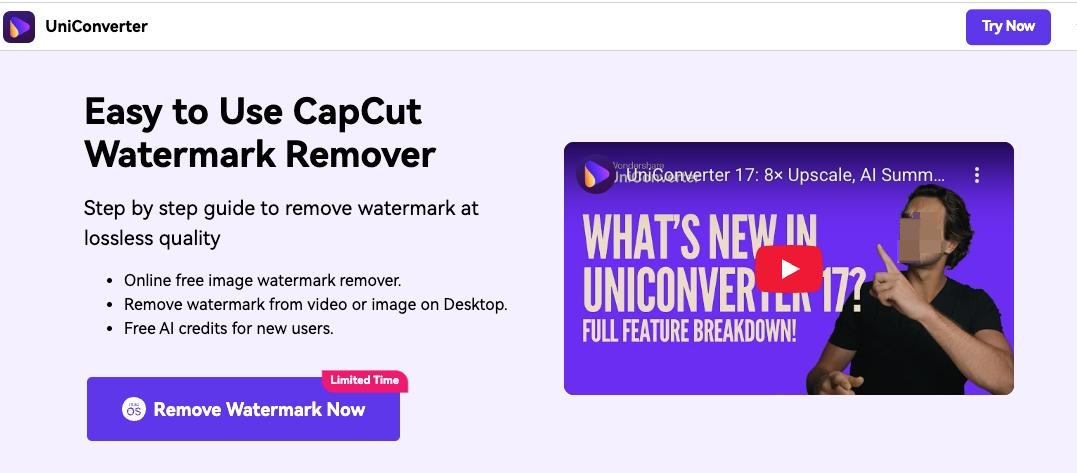
Mostly you can't clean. Free online watermark removal sites often have major privacy concerns, strict file size limits, and may add their own watermark, which defeats the purpose. The practical options: rebuild without Pro templates, crop if the watermark is in a corner, or upgrade for one month and export everything you need.
Q3: What happens if I downgrade from paid to free?
Previously exported files are safe on your device. But re-exporting projects that used premium assets will produce watermarked or broken output. Export everything before you cancel.
Q4: Are there student discounts?
Canva has a verified free education program for students and teachers. CapCut has no formal student discount, but its free tier covers most student needs. AI avatar tools rarely advertise student pricing — worth asking for support directly. For a broader look at budget-friendly UGC tools across the full workflow, this affordable UGC video marketing tool guide covers options at every price point.
Q5: What's the best free UGC tool if I'm starting from zero?
Start with CapCut for editing raw footage. If you want to test AI avatar content without a credit card, Vidnoz's permanent free plan is the most generous entry point available. Once you're producing content that earns money, upgrade one tool rather than juggling multiple free tiers. For a side-by-side comparison of AI UGC generators across use cases, this free AI UGC video generator breakdown is the most thorough independent comparison I've come across.
Conclusion
Seven tools, zero fluff — here's what actually matters.CapCut is still the best free mobile editor for short-form social content. Vidnoz is the most generous free avatar tool to test the format. NemoVideo is the right call if you're working with real footage and want the heavy lifting automated.
One rule I follow now: don't build a commercial workflow on a free tier. When client money or ad spend is involved, upgrade one tool and do it right. The watermark conversation with a client costs more than a monthly subscription.
Previous posts: