

Top UGC Video Software for Product Demos 2026
Hello, I’m Dora, nice to meet you!
I used to waste entire afternoons on a single product demo. Bad lighting, three retakes, an hour of editing — and the video still felt stiff. Then I switched to UGC-style demos made with AI tools, and my output went from 2 videos a day to 8.
This guide breaks down the best ugc video software for product demos in 2026, which formats work, and exactly how to build a demo workflow that scales.
Why UGC-Style Product Demos Outperform Studio Videos
Let me be blunt: the polished studio video era is over for most product categories. I was skeptical about this for a long time — like, really skeptical. Then I ran the same product through both a $2,000 studio shoot and a UGC-style demo made with ugc video software for product demos. The UGC version got 3x more watch time. I couldn't argue with that.
Here's why this shift is happening — and the numbers are genuinely wild.
The Trust Factor
People don't trust brands talking about themselves. Full stop. As of 2025, 60% of consumers felt that UGC was more authentic than any other form of marketing, finding it 9.8 times more effective than influencer content. Whop thinks about that for a second. Not 9.8% more effective. 9.8 times.
The Conversion Data
Okay, here's the part that made me do a complete 180 on my entire content strategy. E-commerce product pages featuring user-generated content can increase conversion rates by as much as 161% compared to pages without customer content. Archive And ads with UGC get 4× higher click-through rates and 50% lower cost per click compared to non-UGC ads.
For ecommerce sellers and small business owners juggling 5–10 uploads a day, that math changes everything. You're not just saving production time — you're actively making more money per video. The right product demo video tools can be the difference between a scroll and a sale.
Top 6 Tools for Product Demo Videos
I've tested these personally. Some surprised me. One confused me for two weeks straight. Here's the honest breakdown.
NemoVideo
NemoVideo is the tool I keep coming back to for ugc video software for product demos — specifically because it's built around the creator workflow, not the enterprise workflow. The difference matters more than you'd think.
What actually works: The AI video editing agent operates through chat, which sounds gimmicky until you realize you're describing your edit and it executes. No timeline scrubbing. No keyframe panic. For creators producing product showcases across TikTok, Reels, and Shorts, the batch processing alone saves 2–3 hours per day.
The trend-hunting feature is legitimately useful for demo video makers — you can identify what product demo formats are performing before you shoot anything. That's not something most demo video makers offer.
Limitation? It's optimized for short-form. If you need a 10-minute SaaS walkthrough, look elsewhere.
HeyGen
HeyGen is the go-to for product showcase software when you need a human face without hiring anyone. Over 100,000 businesses use the platform to create AI avatar videos without any camera or crew, and it supports 175+ languages with natural lip-syncing.
Best for: SaaS teams, global product launches, anything where you need the same demo localized across markets fast. The video translation feature is genuinely impressive — one English demo becomes 20 language versions without reshooting.
Creatify
Purpose-built for ecommerce demo tools. You paste a product URL, and it generates a short-form UGC-style ad. That's the whole pitch, and it works.
Best for: DTC brands with large catalogs who need to test multiple creative angles fast. The volume throughput is unmatched in this category.
Predis.ai
Best for: Image-led product demos. If your product photography is already strong, Predis pulls images directly from your product URL and builds a structured visual demo. No filming required. Plans start around $19/month, which is genuinely hard to argue with for ecommerce demo tools at this price point.
Synthesia
Enterprise-grade, but accessible. Synthesia features 160+ diverse avatars with natural expressions and supports 120+ languages for accurate lip-sync and pronunciation. The brand kit integration means every demo looks consistently — important when you're scaling a product line.
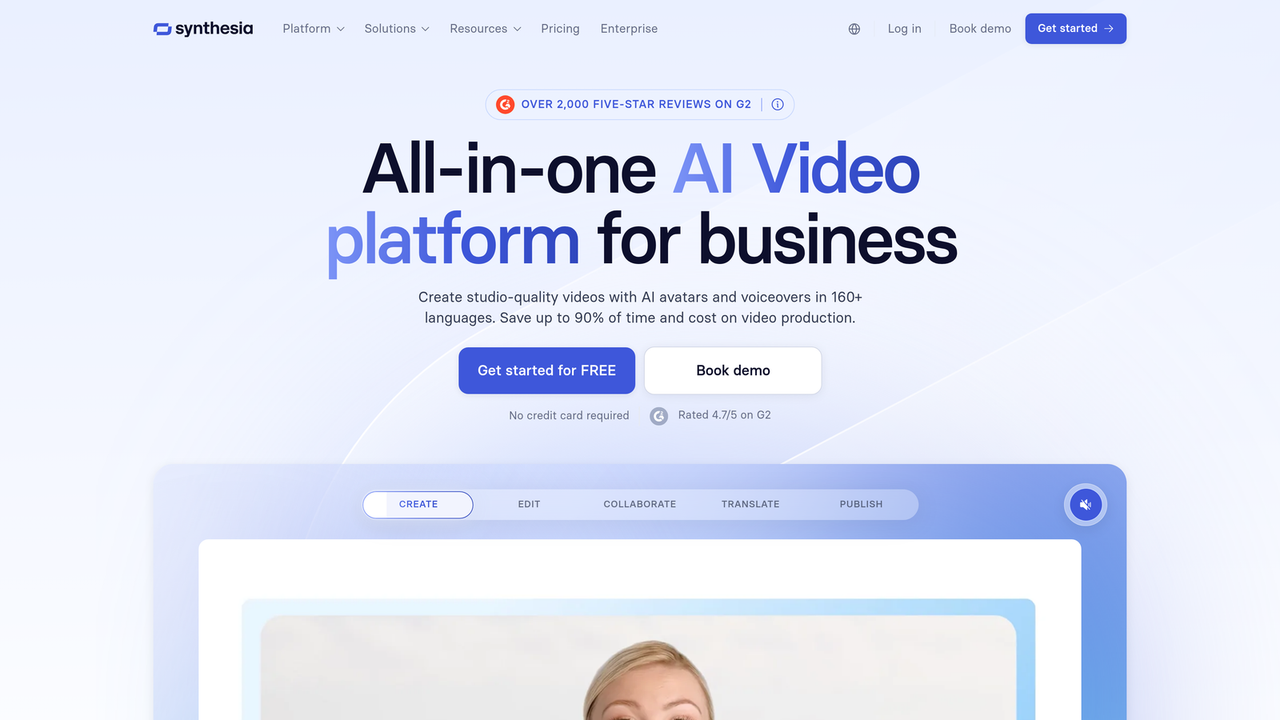
Limitation: Pricing reflects the enterprise positioning. Not the right fit if you're a solo creator or small shop.
Pictory
The dark horse on the list. Best for teams that already have written content — blogs, case studies, product descriptions. Pictory converts text into video automatically, which makes it weirdly powerful for SaaS product demos where you have documentation but no video budget.
Essential Features for Product Demos
Not every ugc video software for product demos is built equally. Here's what actually matters when you're evaluating tools — and what most comparison articles forget to mention.
Screen Recording (for SaaS)
If you're demoing software, screen recording with annotation tools isn't optional. It's the whole product. Look for tools that let you zoom into specific UI elements and highlight click paths. The best AI video tools for product demos in 2026 handle this natively rather than requiring a separate Loom export.
Product Zoom/Focus Effects
Physical products need close-up moments. A demo for a skincare product that never gets closer than 3 feet is a wasted opportunity. Auto-zoom and focus-pull effects are the feature that separates purpose-built product showcase software from general video editors.
Text Overlay for Callouts
This is where most creators underinvest. Strategic text callouts — ingredient names, price comparisons, spec callouts — are what turn a demo into a decision driver. Dynamic text overlays that sync to the audio save 20–30 minutes per video in post.
Background Music Library
Sounds minor. Isn't. The right track increases video completion rates measurably. Look for royalty-free libraries with mood filtering, not just genre filtering.
Demo Video Formats That Work
I've analyzed what's actually converting in 2026 across TikTok, Reels, and YouTube Shorts. The formats that keep performing fall into four buckets.
Unboxing Style — Still the highest trust-builder. The act of opening something on camera triggers anticipation. Works best for physical products with distinctive packaging. Keep it under 60 seconds.
Before/After — Underused by most brands, which means less competition for attention. Show the problem state clearly first — spend more time there than feels comfortable. The contrast is the selling. 82% of consumers are more likely to purchase from a brand using UGC in their marketing, and before/after is the format that feels most like genuine UGC.
Tutorial Style — The most shareable format because it delivers standalone value. People save tutorial demos to their bookmarks. If your product solves a specific problem, walk through solving that problem. Don't save the reveal for the end — show the result in the first 3 seconds.
Comparison Style — High intent, high conversion. Buyers who are comparing options are close to a decision. Side-by-side comparisons with clear criteria (price, features, ease of use) work especially well for SaaS and tech products. Just keep it honest — viewers can smell a rigged comparison from three frames away.
Step-by-Step: Creating a Product Demo in NemoVideo
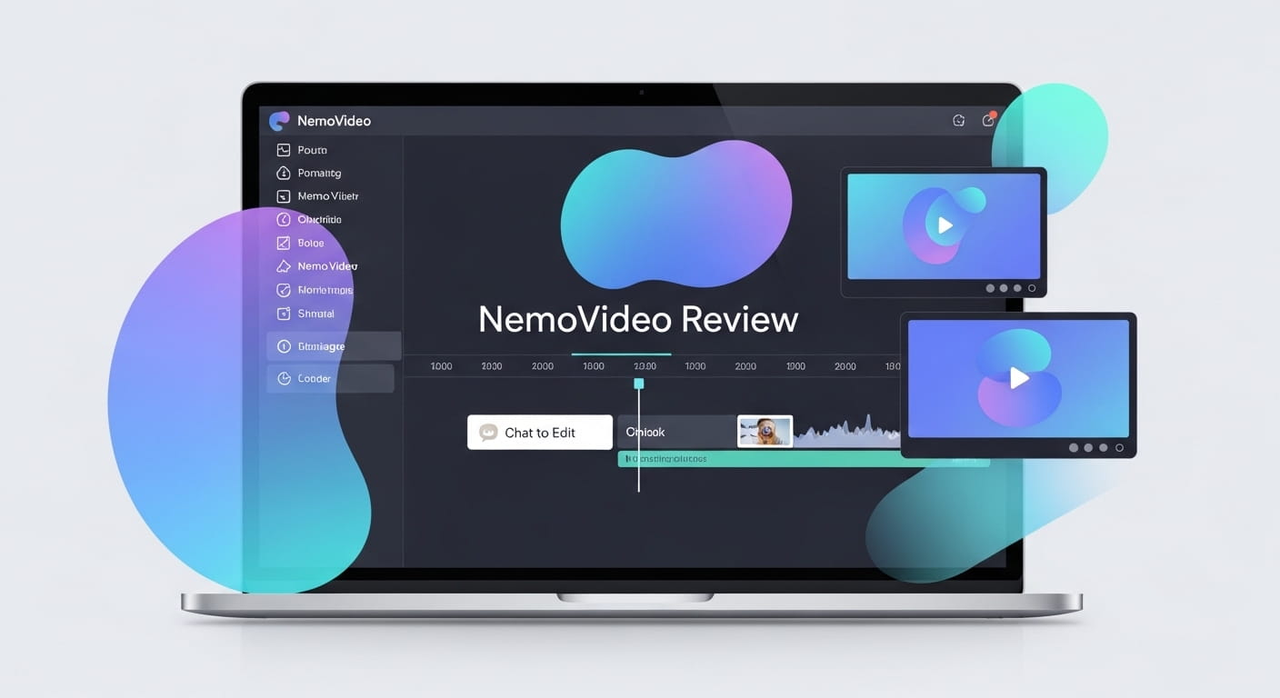
I walked through this exact workflow last week for a skincare client. Five demos, one afternoon, zero reshoots. Here's the process:
Step 1 — Drop Your Raw Footage or Product URL NemoVideo accepts raw clips, product images, or a URL. For physical products, 3–4 short clips from your phone camera are enough. Don't overthink the shoot.
Step 2 — Describe Your Demo Style in Chat This is the part that felt weird at first and now feels completely normal. Type something like: "Create a 30-second unboxing demo with close-up product focus, upbeat background music, and text callouts for key ingredients." The AI handles the edit.
Step 3 — Review Trend Alignment Before finalizing, use the trend-hunting feature to check whether your chosen format is currently performing in your niche. Takes 2 minutes. Has saved me from dead-format demos more than once.
Step 4 — Add Text Overlays and CTA Layer in your product callouts, pricing (if you're going direct), and a simple call to action. NemoVideo's text overlay templates are built for social-native ratios — vertical by default.
Step 5 — Export and Batch Export in platform-native specs. If you're batching, duplicate and adjust — different hook, same core demo structure. Ten variants in under an hour is realistic once you have the workflow dialed in.
FAQ
Q1: How long should a product demo video be?
It depends on the platform and format, but the honest answer is: shorter than you think. For TikTok and Reels, 15–45 seconds is the sweet spot for product demos — long enough to demonstrate value, short enough to hold attention. Tutorial-style demos on YouTube can run 2–5 minutes if they're solving a specific problem. The rule I use: if you can make the same point in half the time, cut it.
Q2: Can I add clickable product links to videos?
Yes — most modern ugc video software for product demos supports platform-native shoppable links. TikTok Shop integration, Instagram product tagging, and YouTube cards are the main options. NemoVideo supports export formats optimized for each platform. The caveat: clickable links within the video file itself (not the caption) are platform-dependent and change frequently, so always verify with current platform docs.
Q3: What's the best way to show product details in a demo video?
Close-up shots paired with synchronized text callouts. The close-up builds physical credibility — viewers trust what they can see clearly. The text callout gives them something to screenshot and reference later. For SaaS or digital products, screen recording with annotated zoom-ins on key features works the same way. Don't just tell viewers what's good — show them where to look.
Q4: Do I need professional lighting for product demo videos?
No — and this might be the most liberating thing I can tell you. UGC-style demos intentionally look less produced. Natural window light is often better than studio lighting for building authenticity. The one non-negotiable: your product needs to be clearly visible and in focus. Everything else is secondary. I've seen demos shot on iPhone 14s in kitchen lights outperform $3,000 studio productions at click-through rate. The data on UGC conversion rates consistently shows that authenticity beats polish.
Q5: Which ugc video software for product demos works best for ecommerce?
For pure ecommerce volume, Creatify and Predis.ai win on speed and catalog scale. If you need creator-style output with trend intelligence, NemoVideo is the stronger fit. HeyGen is the call if you're running multilingual campaigns across markets. The honest answer is that the best tool depends on whether you're optimizing for volume, authenticity, or localization — those aren't the same problem. Check the current AI UGC tool rankings to see how they're being scored this year before committing to a plan.
Conclusion
Here's what I keep coming back to: the brands winning on social right now aren't the ones with the biggest production budgets. They're the ones who figured out how to make ugc video software for product demos work for their workflow instead of adding to it.
The numbers back this up. Brands using UGC see approximately 29% more web conversions than those without, and UGC in email marketing increases click-through rates by 78%. Marketing LTB These aren't marginal gains. They compound.
If you're still manually shooting and editing every product demo from scratch in 2026, the gap between you and competitors using these tools is growing every week. Start with one format — unboxing or before/after — and one tool. Get the workflow right before you scale it. That's the move.
The tools exist. The formats are proven. The only thing left is to start.
Previous posts: