

Reviews of UGC Video Tools for Corporate Training 2026
Hey, it’s Dora here!
I used to dread our quarterly compliance refreshers. Not because the content was bad — honestly our L&D team does solid work — but because the videos looked like they were filmed in 2009 in someone's basement. Nobody watched them. Completion rates hovered around 40%.
Then I started testing UGC-style video tools, and things shifted. We're sitting at 78% completion now. Here's what actually works in 2026.
Why UGC-Style Videos Work for Corporate Training
More Relatable Than Studio Videos
There's a reason TikTok creators outsell polished brand ads. People trust people. When a manager records a two-minute walkthrough on their laptop — slightly imperfect, clearly unrehearsed — employees actually believe it. Studio-quality training content, paradoxically, signals "this is a thing HR made us watch" rather than "this matters to your job."
According to research on employee learning engagement patterns, nformal and more authentic video formats tend to drive higher engagement and practical knowledge application compared to highly produced content — although results vary significantly by organization and context.
Lower Cost
A proper studio training video runs anywhere from $3,000 to $15,000 per finished minute once you factor in scripting, production, and post. UGC-style tools bring that number down to the cost of a SaaS subscription. For teams needing 50+ training modules a year, that's not a small thing.
Faster Turnaround
This is where it really clicked for me. A department head can record, caption, and publish a software tutorial in under an hour. No waiting for a production queue. No back-and-forth with a video vendor. When a process changes on Tuesday, the updated training video is live by Wednesday.
Top 5 Tools Reviewed
NemoVideo
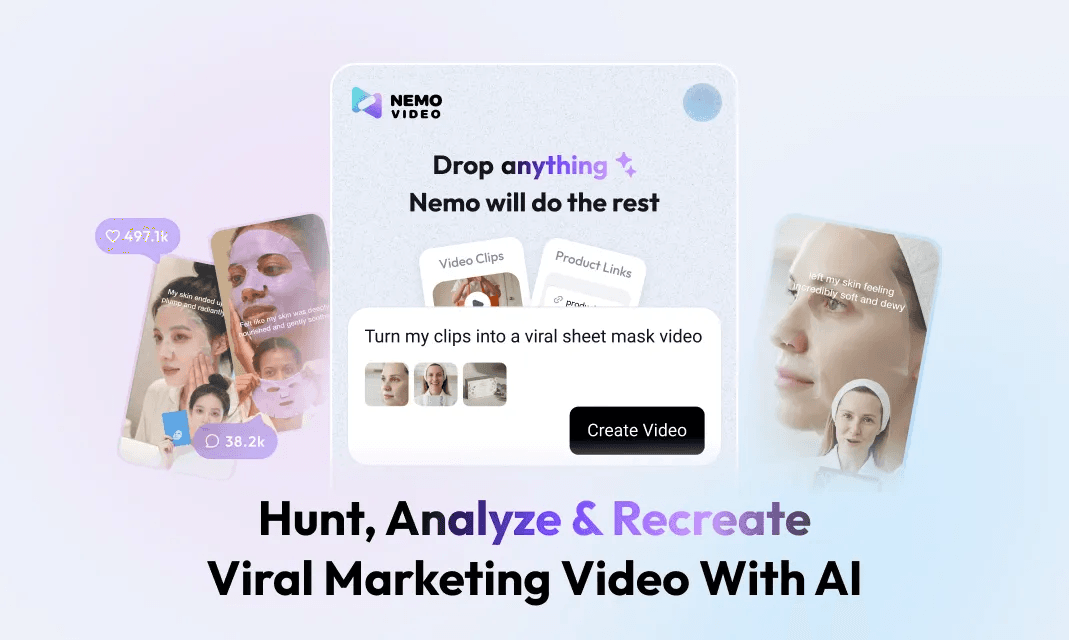
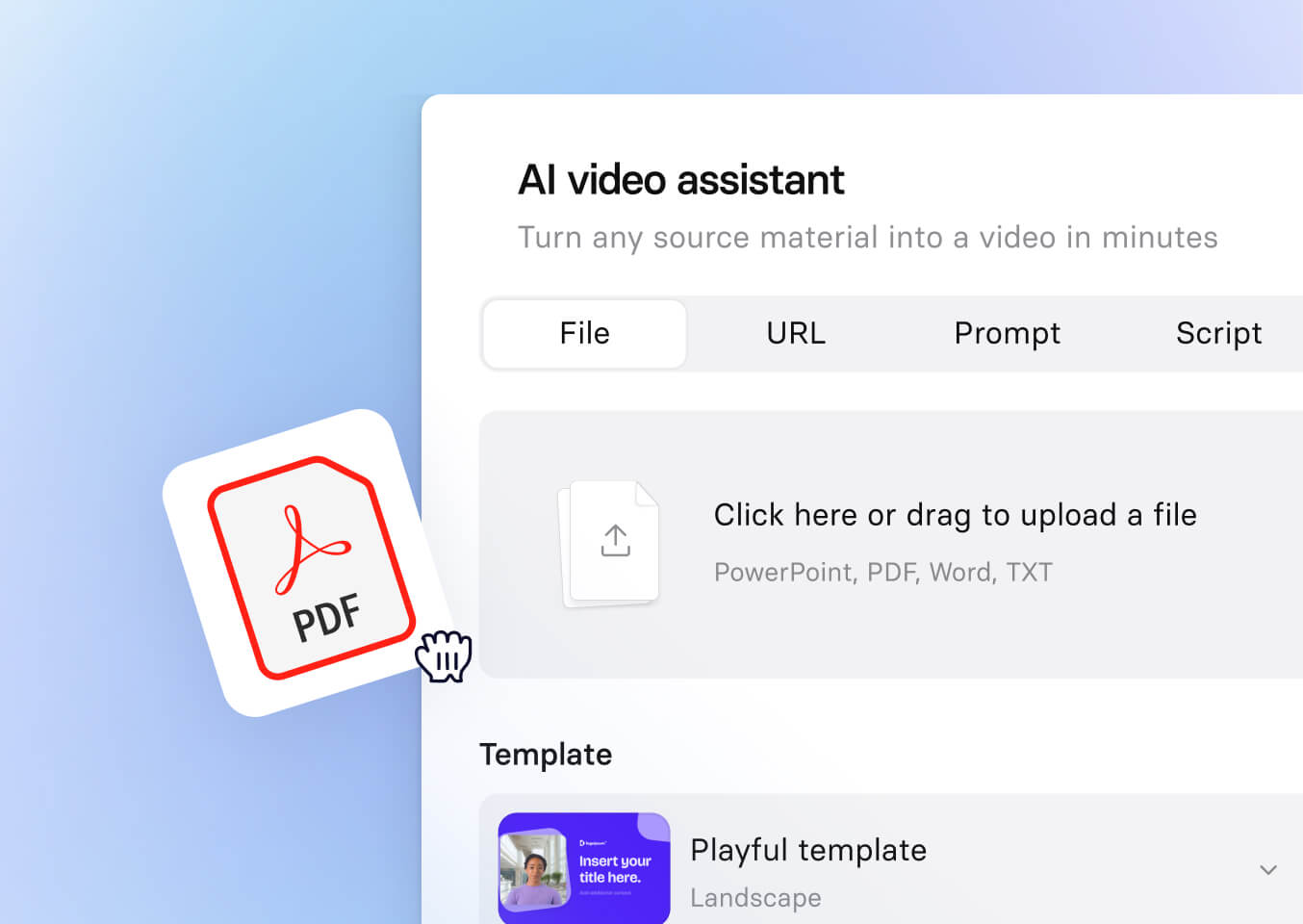
Pros: NemoVideo is an AI-driven conversational video editing agent rather than a traditional training video platform. Its biggest strength is speed: you can describe what you want in plain language (“turn this into a 30-second product demo” or “cut this into a tutorial-style clip”), and the system generates edited video outputs quickly. It also includes viral video analysis and short-form content optimization features, which are especially useful for marketing teams or creators producing high volumes of content.
Cons: It’s not designed as a structured corporate training tool. There are no built-in learning paths, assessment layers, or LMS-ready exports like SCORM. The workflow is optimized for short-form content and rapid iteration rather than formal training modules. For compliance training or internal certification programs, it will feel incomplete.
Best for: Marketing teams, creators, and companies that need to quickly produce short-form videos (e.g., product demos, lightweight tutorials, internal updates). It can support training use cases only when the goal is fast, informal content rather than structured learning.
Pricing: As of early 2026, NemoVideo offers a free plan with credit-based usage. Paid plans typically start around $12.99/month (Starter) and $39.99/month (Pro) depending on usage and features. Pricing may change, so check the official site for the latest details.
Loom (Business)
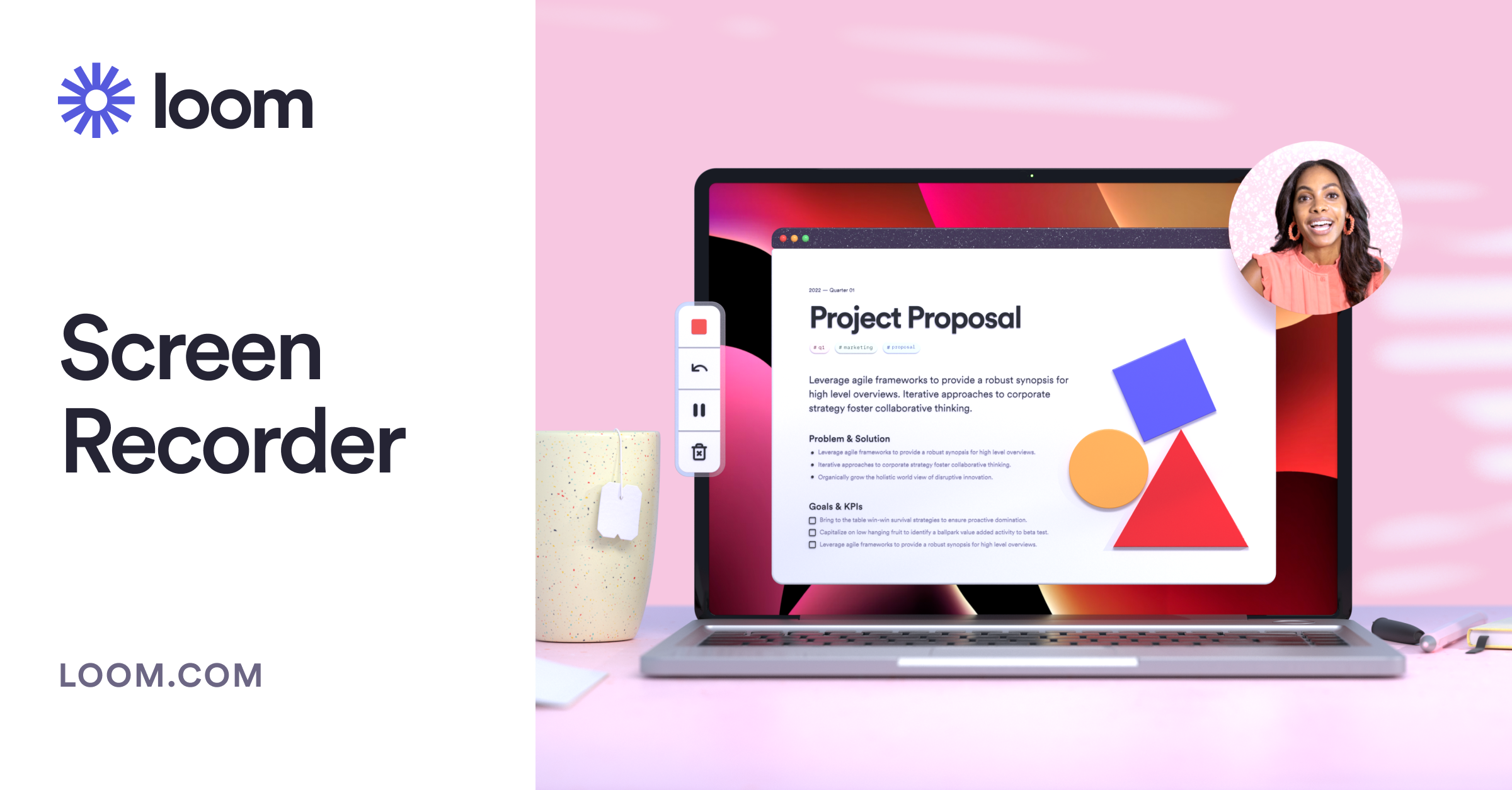
Pros: Loom remains the easiest async video tool in this category. The screen + camera recording is seamless, sharing links work everywhere, and the viewer engagement data (where people rewatched, where they dropped off) is actually useful for L&D optimization. The Loom for Business documentation shows solid LMS integration options via SCORM packages.
Cons: It's more "async communication tool" than "training video platform." No structured learning paths, no progress tracking beyond basic view data, and the AI features feel bolted on compared to purpose-built tools. Not the right pick if you need compliance sign-offs or quiz gates.
Best for: Onboarding walkthroughs, manager-to-team explainers, software tutorials where the goal is quick knowledge transfer rather than formal certification.
Pricing: Business plans typically range around $15–18/user/month (billed annually), with AI-enhanced plans (Business + AI) around $20–24/user/month. Pricing may vary, so check Loom’s official site for the latest details.
Synthesia
Pros: If your training content is script-heavy and you want to avoid anyone being on camera, Synthesia is genuinely impressive. AI avatars have gotten less creepy since 2024 — I'd say they now pass a basic "is this unsettling?" test for most content types. Multi-language output is the strongest in this group; you can generate the same video in 15 languages from one script. Strong compliance training video templates built into the platform.
Cons: It's expensive at scale. The avatar approach also has a ceiling — anything requiring authentic personal experience or real workflow demonstration still needs a human on screen. Customization within templates is more limited than it appears in demos.
Best for: Compliance training, policy updates, multi-language global rollouts where a consistent, on-brand presenter matters more than authenticity.
Pricing: Starts at $29/month (personal) but corporate training use cases typically land on the $89+/month plans.
Camtasia
Pros: The most capable editor in this group for screen recording and software tutorial production. If your training involves walking employees through complex software interfaces, Camtasia's annotation tools, zoom-and-pan effects, and callout features are hard to beat. TechSmith's Camtasia learning resources are thorough — the learning curve is manageable.
Cons: It's a desktop app, which means no quick mobile captures. Collaboration is clunky compared to cloud-native tools. For teams that need a non-technical employee to record a quick training clip, the interface is too much.
Best for: IT training, software onboarding, technical tutorials where precision and post-production polish matter.
Pricing: Camtasia now primarily uses an annual subscription model. Plans typically start around $180/year (Essentials) and go up to $249/year (Create) or higher tiers depending on features. Check TechSmith’s official pricing for the latest options.
Vimeo (Business)
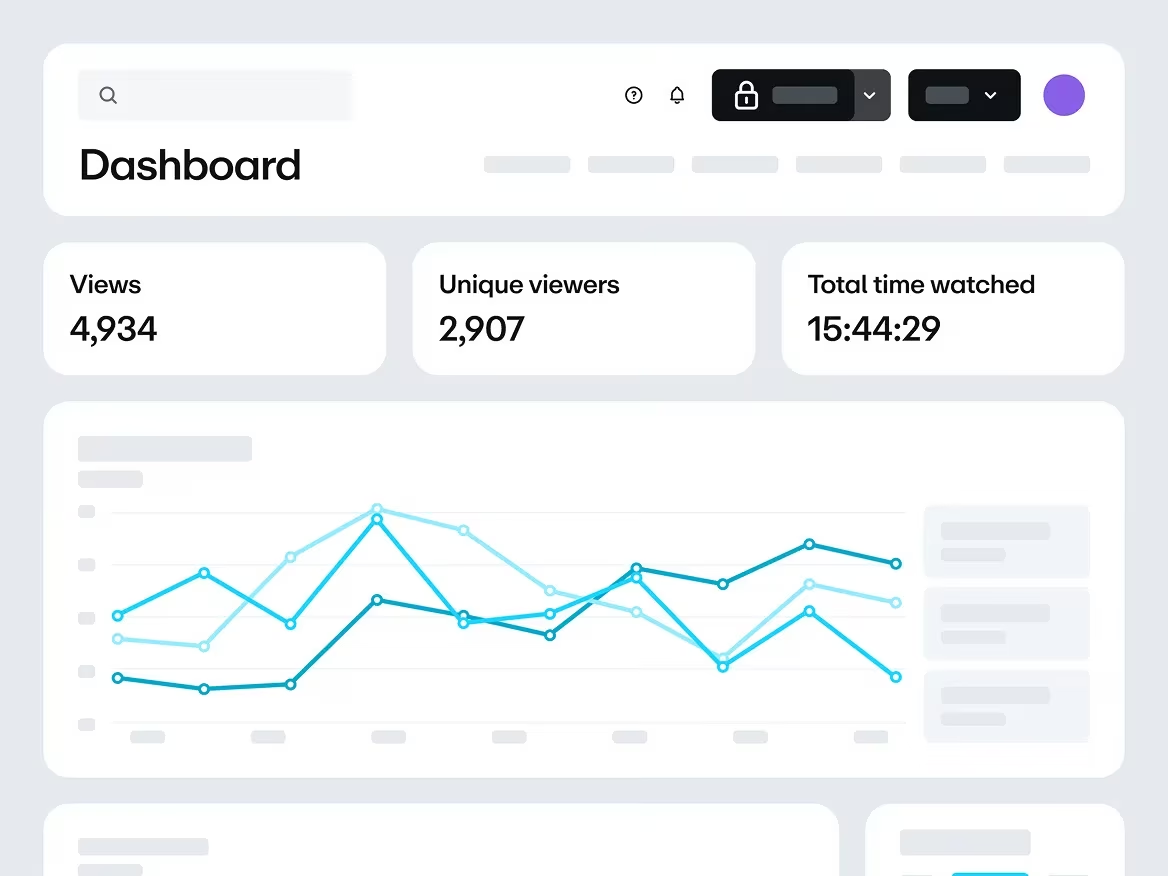
Pros: One of the most reliable platforms for hosting and distributing training videos, with strong privacy controls, analytics, and LMS-friendly embedding.
Cons: It’s not a creation tool — you’ll still need separate software for recording and editing.
Best for: Organizations that already produce training content and need a scalable hosting and analytics layer.
Pricing: Vimeo now offers plans such as Starter, Standard, and Advanced. Standard plans start around $25/month, while Advanced and enterprise plans scale higher depending on features. The older “Business” plan is no longer available to new users.
Key Features for Training Videos
Multi-language caption support is non-negotiable for any company with international employees. NemoVideo and Synthesia handle this best natively; Loom and Camtasia require third-party caption services for anything beyond English.
Screen recording integration matters more than most tools admit in their marketing. If your L&D team is documenting software processes, you need a tool that can capture screen + face simultaneously without a complicated setup. Loom and Camtasia lead here; NemoVideo is catching up.
Progress tracking is the feature most people discover they need after they've already committed to a tool. None of the dedicated UGC tools offer robust completion tracking on their own — that lives in your LMS. The key question is whether your tool exports SCORM or xAPI packages. Synthesia and Camtasia do; Loom and NemoVideo require workarounds. You can read more about SCORM vs xAPI for corporate training to figure out which standard your LMS requires.
Use Cases We Tested
Onboarding videos: Loom and NemoVideo were fastest to deploy here. A department head could record a "here's how we work" intro in 20 minutes, and new hires reported feeling more connected to the team culture compared to our old slide decks.
Compliance training: Synthesia won this category clearly. Consistent presentation, easy script updates when regulations change, and the multi-language output meant we didn't have to produce 4 separate videos for our APAC team.
Software tutorials: Camtasia was the right tool when precision mattered — annotated callouts, frame-level control, zoom effects. For quick "here's the new dashboard" updates, Loom was faster and good enough.
Manager training: This surprised me. NemoVideo performed best here because managers could record in their own voice and environment, adding the authenticity that makes leadership content credible. A polished AI avatar explaining "how to have difficult conversations" felt off. A real manager, slightly nervous, speaking directly to camera? That landed.
Budget Breakdown
The per-seat vs. per-video pricing question is one I wish someone had explained to me before I started budgeting.
Model | Best for | Watch out for |
Per-seat (monthly/annual) | Teams with ongoing, high-volume content needs | Seat costs balloon for large orgs |
Per-video | Occasional production, one-off projects | Gets expensive fast if volume grows |
Platform license | Enterprise-wide rollouts | Often requires annual commit + negotiation |
For most mid-size L&D teams producing 20–50 videos per quarter, a per-seat model in the $30–$60/user/month range is more cost-effective than per-video models once you cross about 10 videos/month. Run the numbers for your actual production volume before committing.
FAQ
Can these tools add quizzes to videos?
Not natively — at least not in the way an LMS would. Synthesia has a basic interactive element feature in development, but for real assessment functionality (graded quizzes, pass/fail gates, completion certificates), you'll need to host your video content inside a proper LMS. The video tool handles creation; the LMS handles assessment. If you're evaluating LMS platforms alongside these tools, this LMS comparison from eLearning Industry is a useful starting point.
Do they integrate with LMS platforms?
It depends on the tool and your LMS. Camtasia exports SCORM 1.2 and SCORM 2004 packages that drop into virtually any LMS. Synthesia offers similar export options on enterprise plans. Loom and NemoVideo are better suited to LMS platforms that support iframe embeds or external video links — check your specific LMS documentation before assuming compatibility.
How do I add multilingual captions?
Synthesia generates multilingual audio and captions from a single script — easiest workflow here by far. NemoVideo and Loom both offer auto-captioning for the primary language, with manual or third-party translation for additional languages. For teams needing 5+ languages, Synthesia's approach saves significant time. For 1–2 languages, any tool with a caption editor and a translation service gets the job done.
Can employees upload their own videos?
Yes, with caveats. Loom and Vimeo Business both support user-generated uploads with admin controls. NemoVideo allows team members to record and submit content for review before publishing. This is actually the heart of a real UGC training program — enabling subject matter experts across the org to contribute content. Just make sure your chosen platform has approval workflows, otherwise your training library fills up with unreviewed content fast.
What's the best option for a small team with under 50 employees?
Loom Business covers most needs under 50 people — it's affordable, easy, and handles async training communication well. If compliance training is a major requirement, add a Synthesia subscription for those specific modules. That combination stays under $150/month total and covers 90% of small-team training needs without overbuilding.
Conclusion
There’s no single winner here — the right tool depends on your production volume, team technical comfort, language requirements, and LMS setup.
That said, for teams just getting started with UGC-style training:
Loom is the most practical starting point for day-to-day, human-centered training content
Synthesia is the strongest addition for compliance and multi-language modules
If your needs lean more toward AI-assisted video generation or short-form content production, tools like NemoVideo can be a useful complement — but they’re not a replacement for structured training platforms.
What’s clear is this: teams still relying on polished-but-unwatched training videos are losing ground to those producing content that is faster, more human, and good enough to engage.
Previous posts: